Hi Adrien,
Thank you for this python package, I find very useful for Topic Modelling.
I download the repository via this link: https://github.com/AdrienGuille/TOM.git
I made one change to the code, on the corpus.py file on line 150:
#nx.set_node_attributes(nx_graph, 'betweenness', bb)
nx.set_node_attributes(nx_graph, bb, 'betweenness')
to make the entire code run via the terminal (prior to that change, the program won't run).
On the terminal, I ran the program using: python build_topic_model_browser.py
It seemed to have run perfectly, "* Debugger is active!"
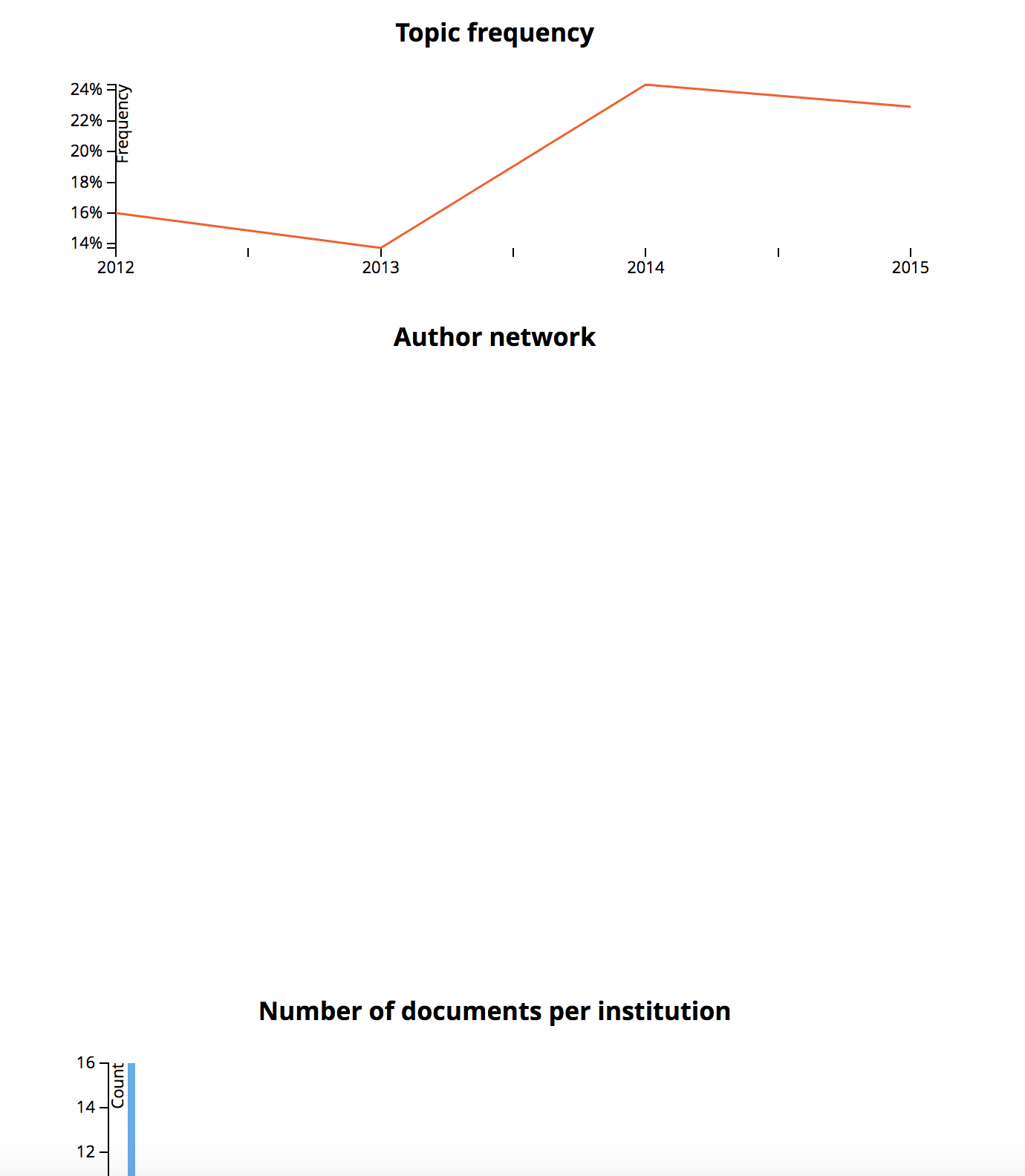
when the browser is launched to go to http://localhost:2016/, the networkx graph did not appear, everything else is working.
I checked the folder to make sure if the files/data exists, /browser/static/data/author_network0.json ...
Any comments would be really appreciated! Thank you!
Hi Adrien,
Thank you for this python package, I find very useful for Topic Modelling.
I download the repository via this link: https://github.com/AdrienGuille/TOM.git
I made one change to the code, on the corpus.py file on line 150:
#nx.set_node_attributes(nx_graph, 'betweenness', bb)
nx.set_node_attributes(nx_graph, bb, 'betweenness')
to make the entire code run via the terminal (prior to that change, the program won't run).
On the terminal, I ran the program using: python build_topic_model_browser.py
It seemed to have run perfectly, "* Debugger is active!"
when the browser is launched to go to http://localhost:2016/, the networkx graph did not appear, everything else is working.
I checked the folder to make sure if the files/data exists, /browser/static/data/author_network0.json ...
Any comments would be really appreciated! Thank you!