Setup
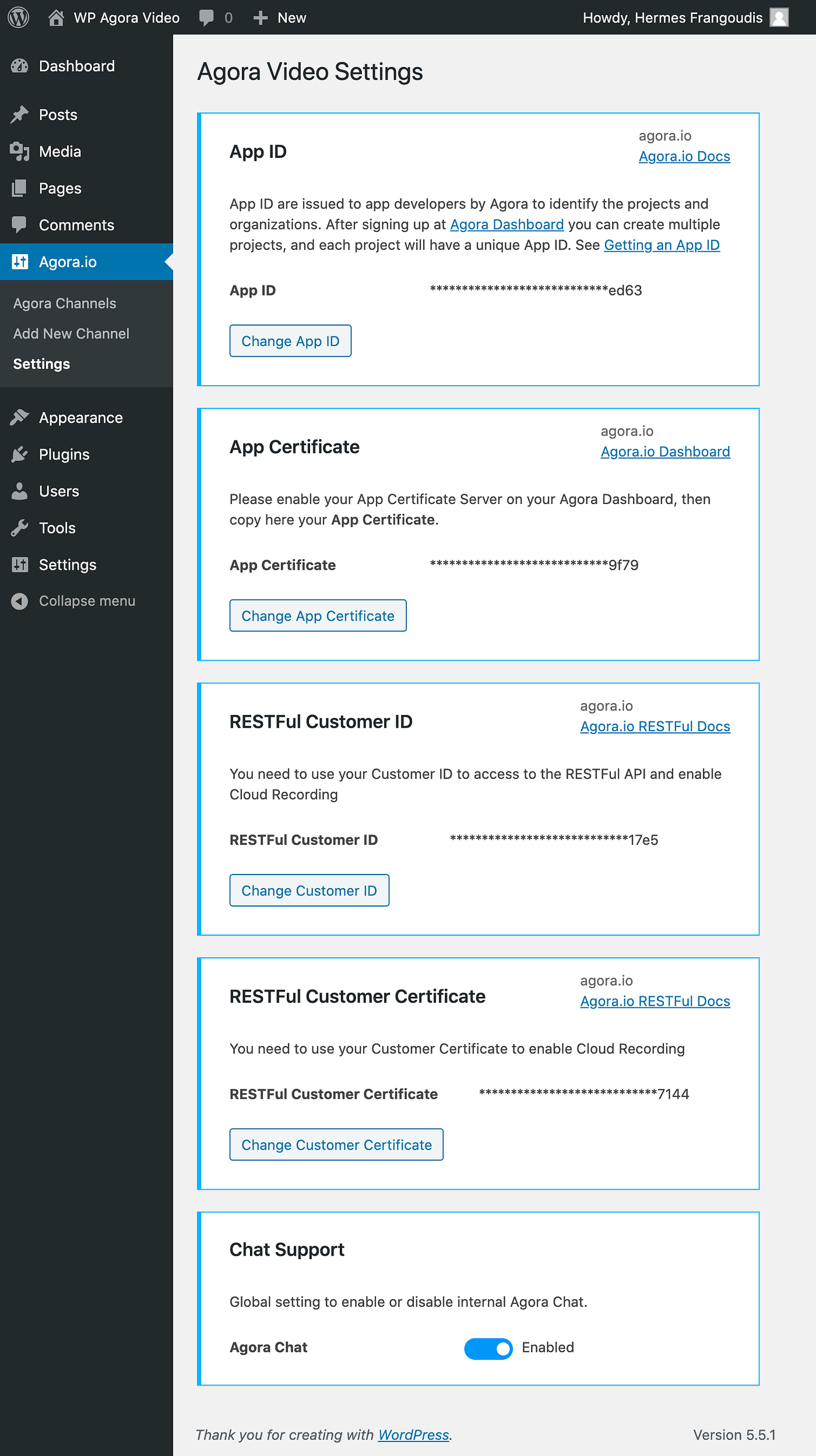
This page explains the required settings for setting up the plugin. There are two credentials (AppID and AppCertificate) that are required for the most basic set up, while advanced features require a few other steps to enable.
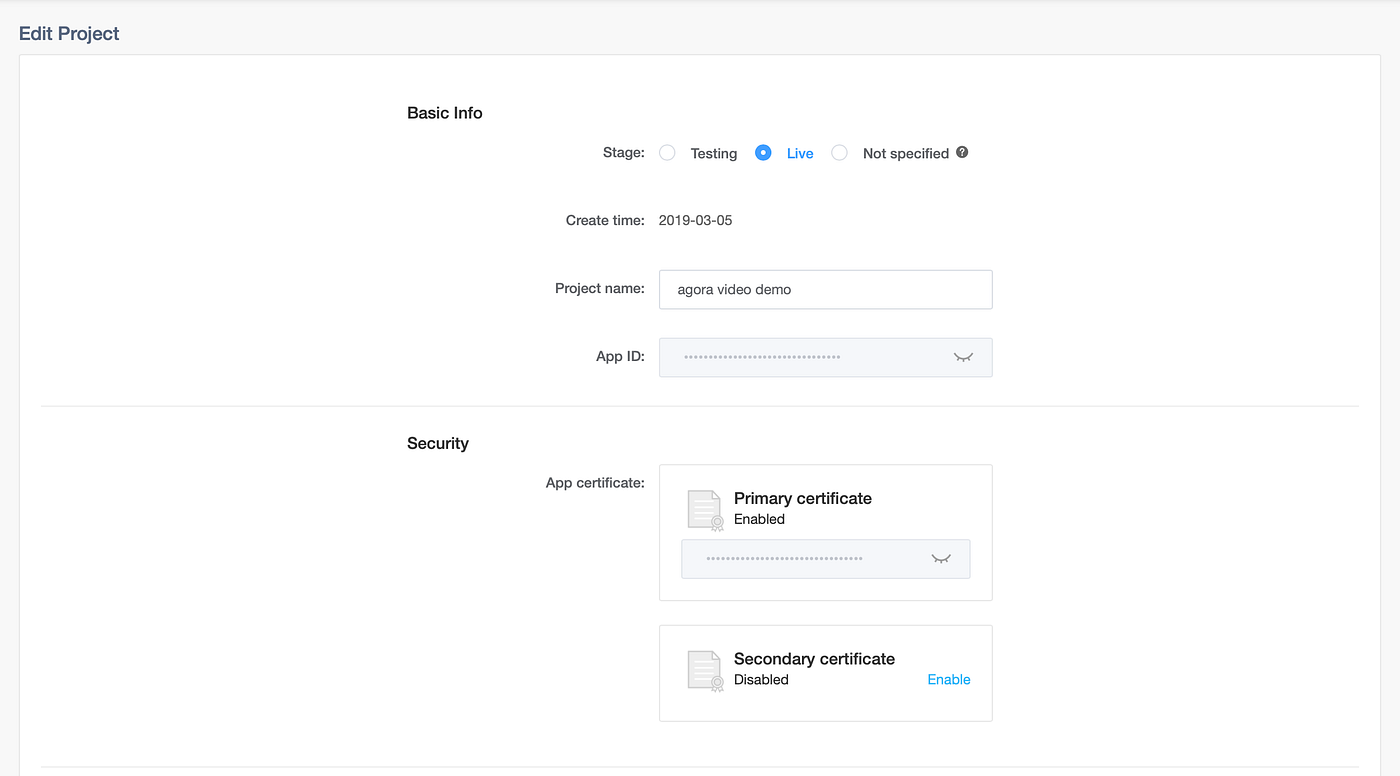
take note of the App ID and App Certificate values from console.agora.io
- Create or Log into an Agora developer account (https://console.agora.io)
- Create a project and take note of the
App IDandApp certificatekeys - Navigate to the plugin's Settings page and input
App IDandApp certificatekeys
- Create or Log into an Agora developer account (https://console.agora.io)
- Create a project and take note of the
App IDandApp certificatekeys - Navigate to "Products and Usage" page. Enable
RTMPandCloud Recording. - Navigate to the Dashboard API section of your Agora Dashboard (https://console.agora.io/restfulApi) and take note of your
Customer IDandCustomer Certificatekeys. - Navigate to the plugin's settings page and input
App ID,App certificate,Customer ID, andCustomer Certificatekeys - Scroll to the bottom of the plugin's settings page and click the toggle to enable real-time chat.