
Replies: 4 comments 1 reply

-
|
Note for TF-51: In order for the proposed flap commands to work on the TF-51, it is first necessary to fix a bug, reported more than a year ago, in the file With a text editor open the file clickabledata.lua and search for the string "Flaps control Handle". In the found line of code replace device_commands.Button_2 by device_commands.Button_1 and save te file. The corrected line of code would look like this: You must make this correction manually or use a mod manager to apply this change after each new DCS update. |
Beta Was this translation helpful? Give feedback.

-
|
Thanks! Those commands are now in there. I also did a refresh like I did with the Sabre and added a bunch of other stuff. Canopy emergency release handle on right and the bomb release levers on the left work surprisingly well as axis commands. The flaps commands worked ok for me on the TF-51 without modifying the clickabledata. Also added the radiator/oil open/close else auto commands.. those seem a little strange to me? Seems you're basically either max open else auto or max close else auto? I also added an auto-else-manual option for those. Next up is P-47. |
Beta Was this translation helpful? Give feedback.
-
|
I use radiator/oil commands with 3-way Warthog switches so that in the center position it is automatic and open and close at the ends.The idea is to preferably use the automatic position and only open or close the radiators to quickly correct overtemperatures or undertemperatures and then return to the automatic position. |
Beta Was this translation helpful? Give feedback.
-
|
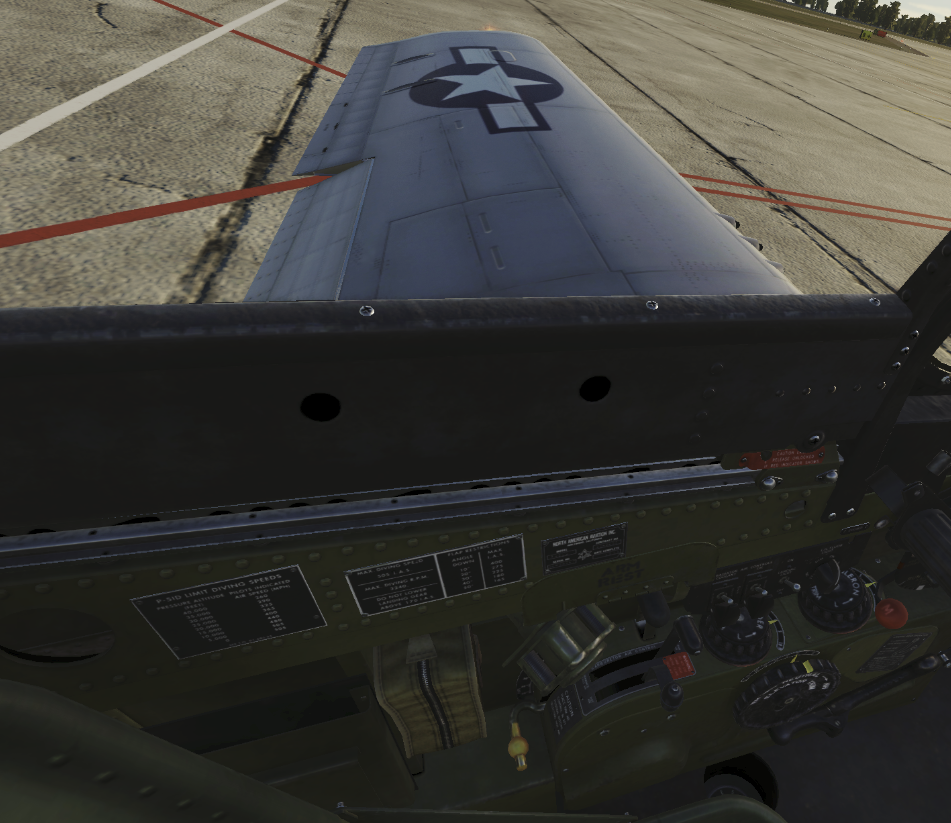
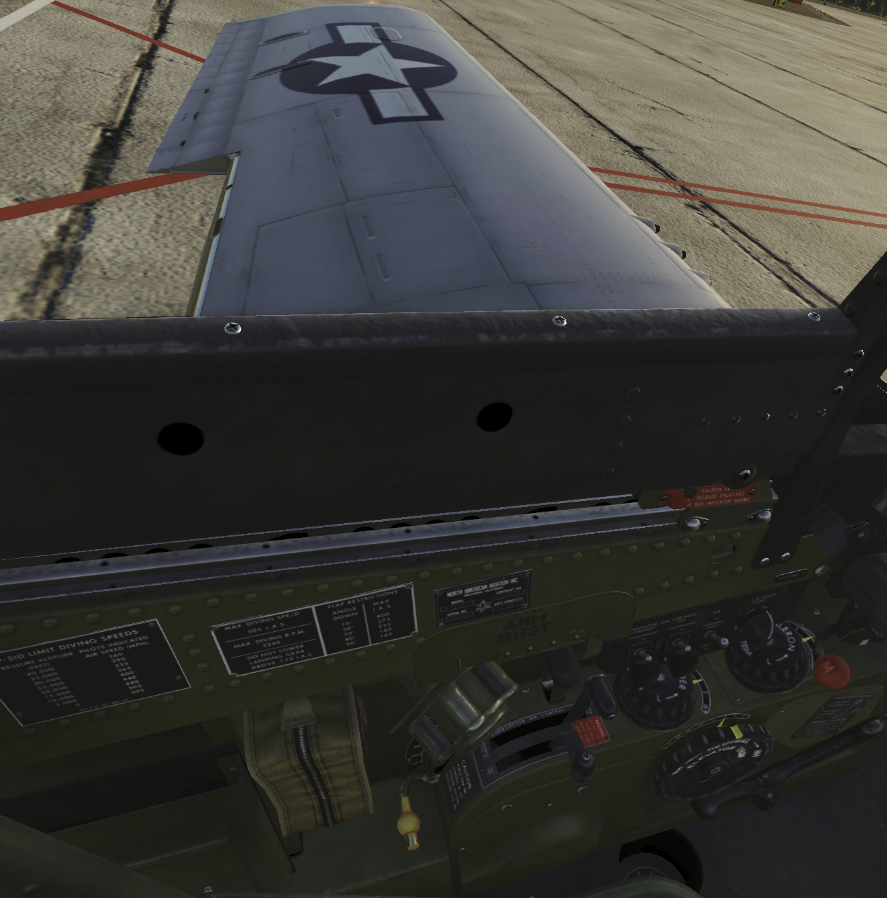
The bug within clickabledata of the TF-51 exists. With the default file, the flaps do not move correctly following the position of the yellow flap lever in the cockpit. With default clickcabledata file, the flaps are adjusted to full flaps with the yellow lever but the flaps move only 10 degrees. With the file correction, the flap response is correct as you move the yellow lever. |
Beta Was this translation helpful? Give feedback.

-
|
Ah, got it. I had pilot body on and didn't notice the yellow lever not positioning correctly. |
Beta Was this translation helpful? Give feedback.


Uh oh!
There was an error while loading. Please reload this page.
Uh oh!
There was an error while loading. Please reload this page.
-
Hi, these are some keybinds I use with P-51D/TF-51D. Some pairs of commands I propose can be assigned to three-position switches on your game controller.
Beta Was this translation helpful? Give feedback.
All reactions