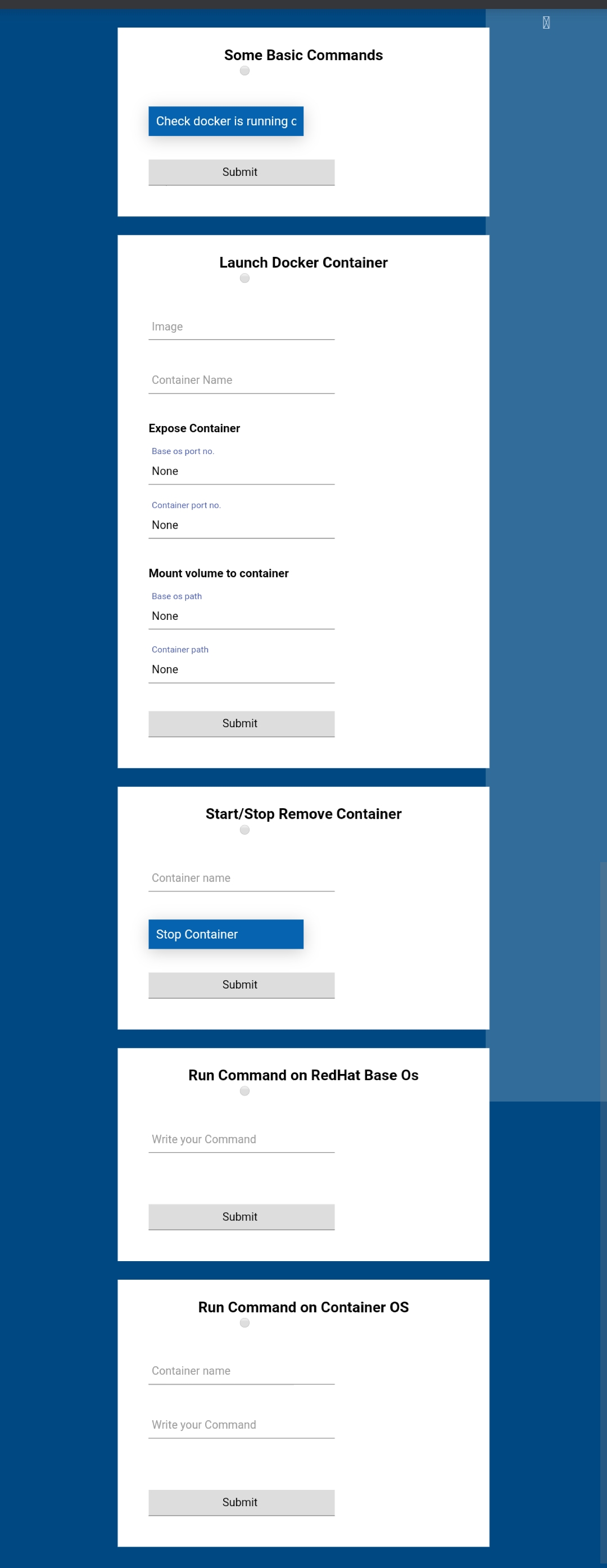
- Launch docker container
- Stop/start and delete container
- Run commands on Base os RedHat
- Run Commands on docker container
Install httpd and Docker in RedHat or Centos
dnf install httpd -y
dnf install docker-ce -y
Start services
systemctl start httpd
systemctl start docker
systemctl enable httpd
systemctl enable docker
Download github repo
git clone https://github.com/Premchandg278/python-task2.git
Now copy index.html file to /var/www/html/ directory
cp python-task2/index.html /var/www/html/
Copy docker.py file to /var/www/cgi-bin/ directory
cp python-task2/docker.py /var/www/cgi-bin/
Copy page.html file to /var/www/ directory
cp python-task2/page.html /var/www/
Check your Linux system ip address
ifconfig
Now you need to change http://192.168.43.168 to your linux system ip address in index.html and page.html webpages
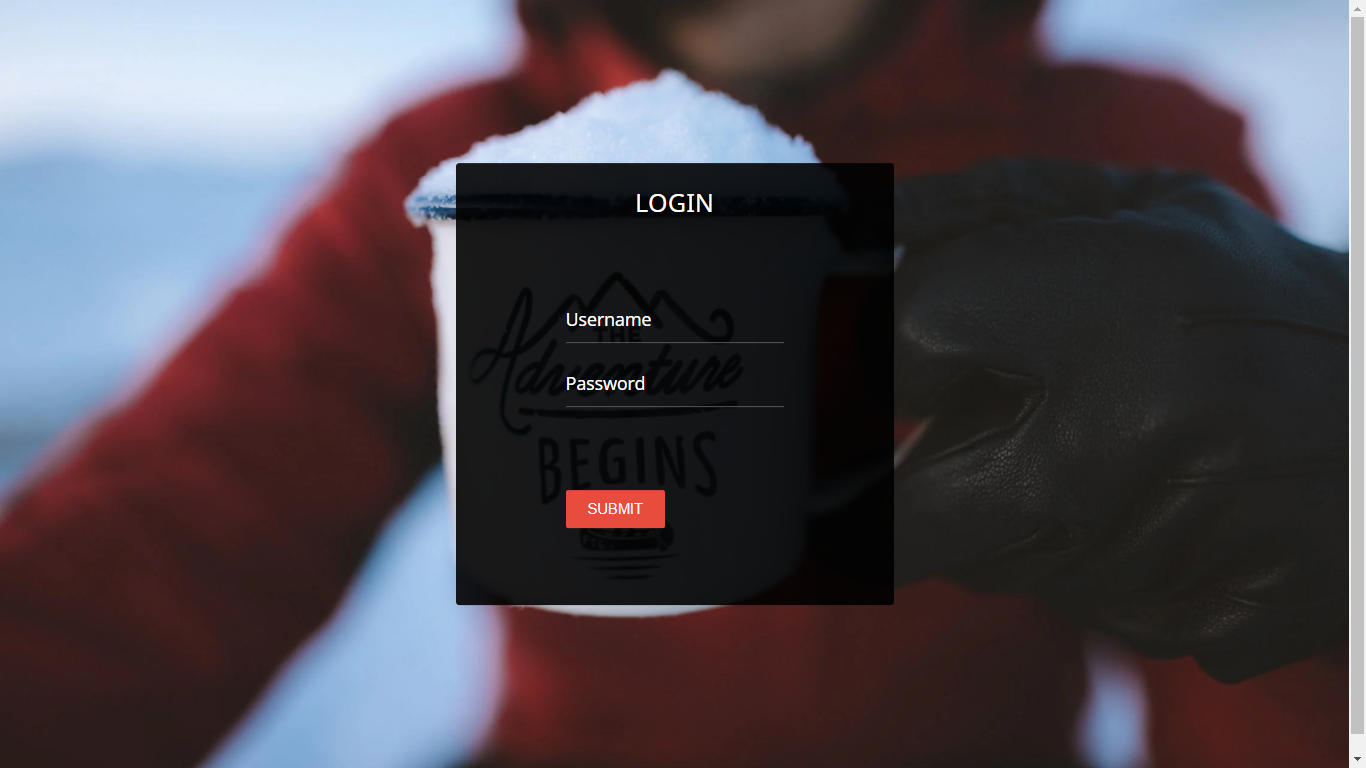
use Password "prem"
username "root"