
What is RDP?
- RDP (Remote Desktop Protocol) is a network communications protocol developed by Microsoft, which allows users to connect to another computer from a remote location.
How long does this RDP stay active?
- This RDP stays active for up to 2 hour (previously 5-6 hours).
- Currently, I'm working on it to make again 5-6 hours.
- Press the
forkbutton - Login or signup to ngrok: https://ngrok.com
- Now go to
Getting Started > Your Authtoken& copy your token
- In your forked repo, go to
Settings > Secrets > Action > New Repository Secret - In the name section, enter this text: NGROK_AUTH_TOKEN
- In the value section, put the ngrok token
- Then press Add Secret
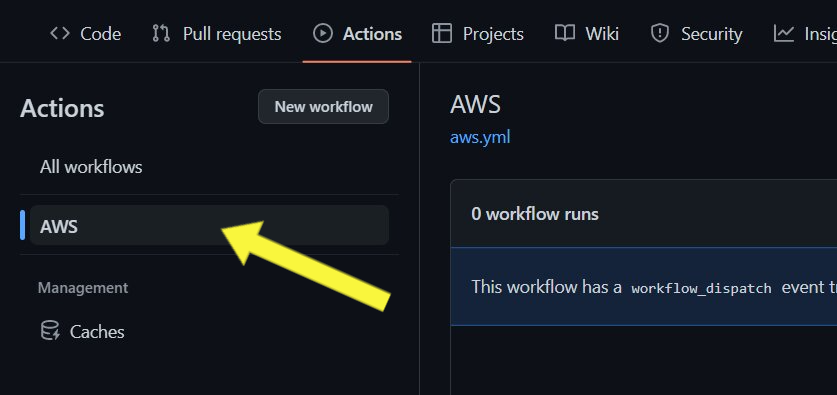
- Now go to
Action > AWSScreenshot
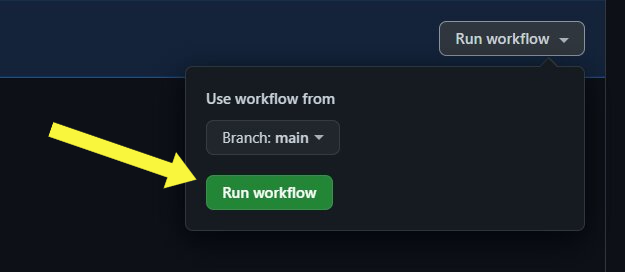
- Click Run Workflow from AWS dashboard.
Screenshot
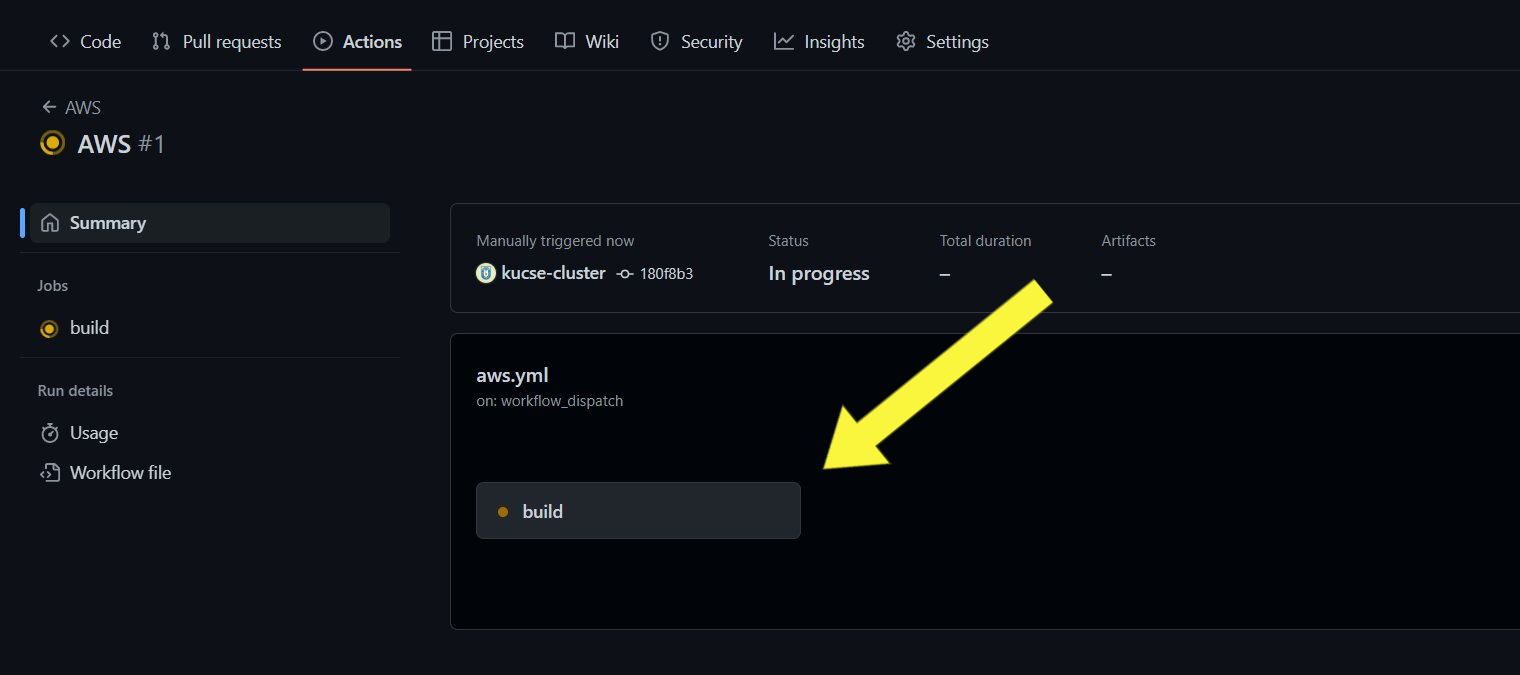
- Refresh the page and go to
AWS > buildoptionScreenshot
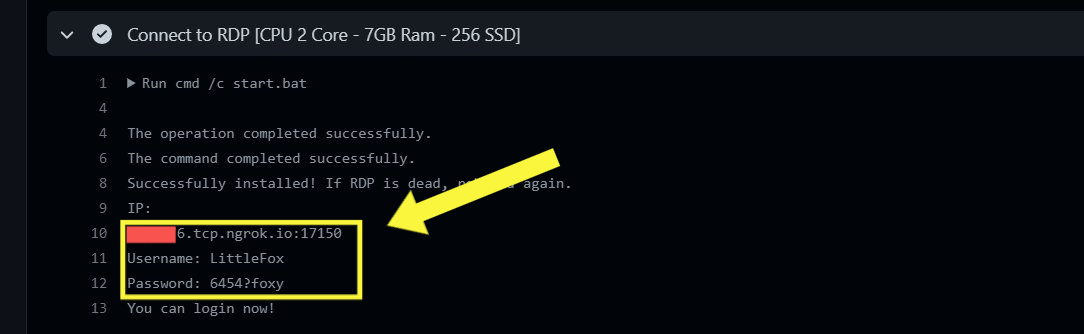
- You'll get IP, Username & Password from Connect to RDP section
Screenshot
- Search Remote Desktop Connection from Windows Start Menu and open
- Put IP without
tcp://🔴 - Later on, put the username & password for credential/auth
Screenshot

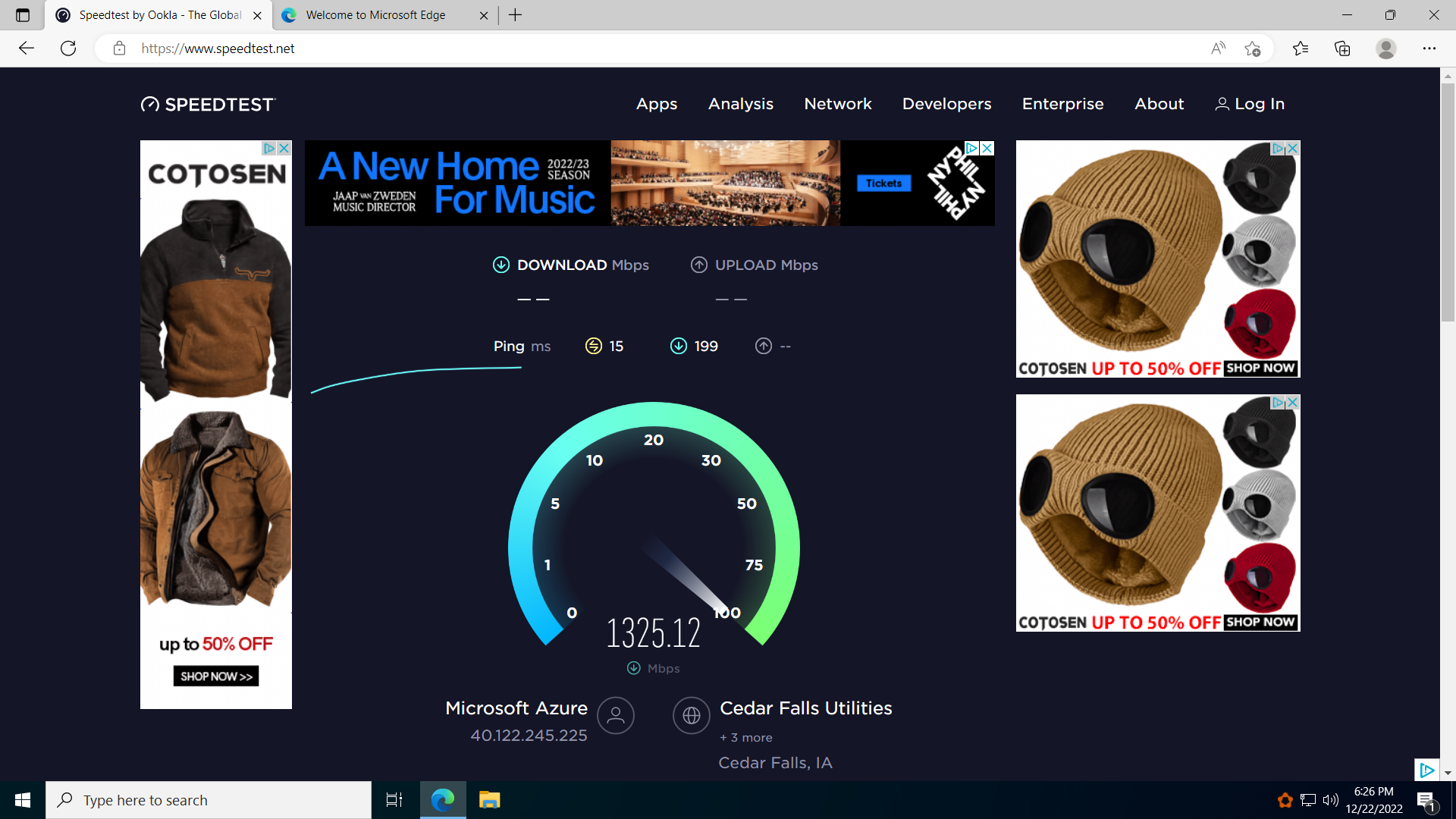
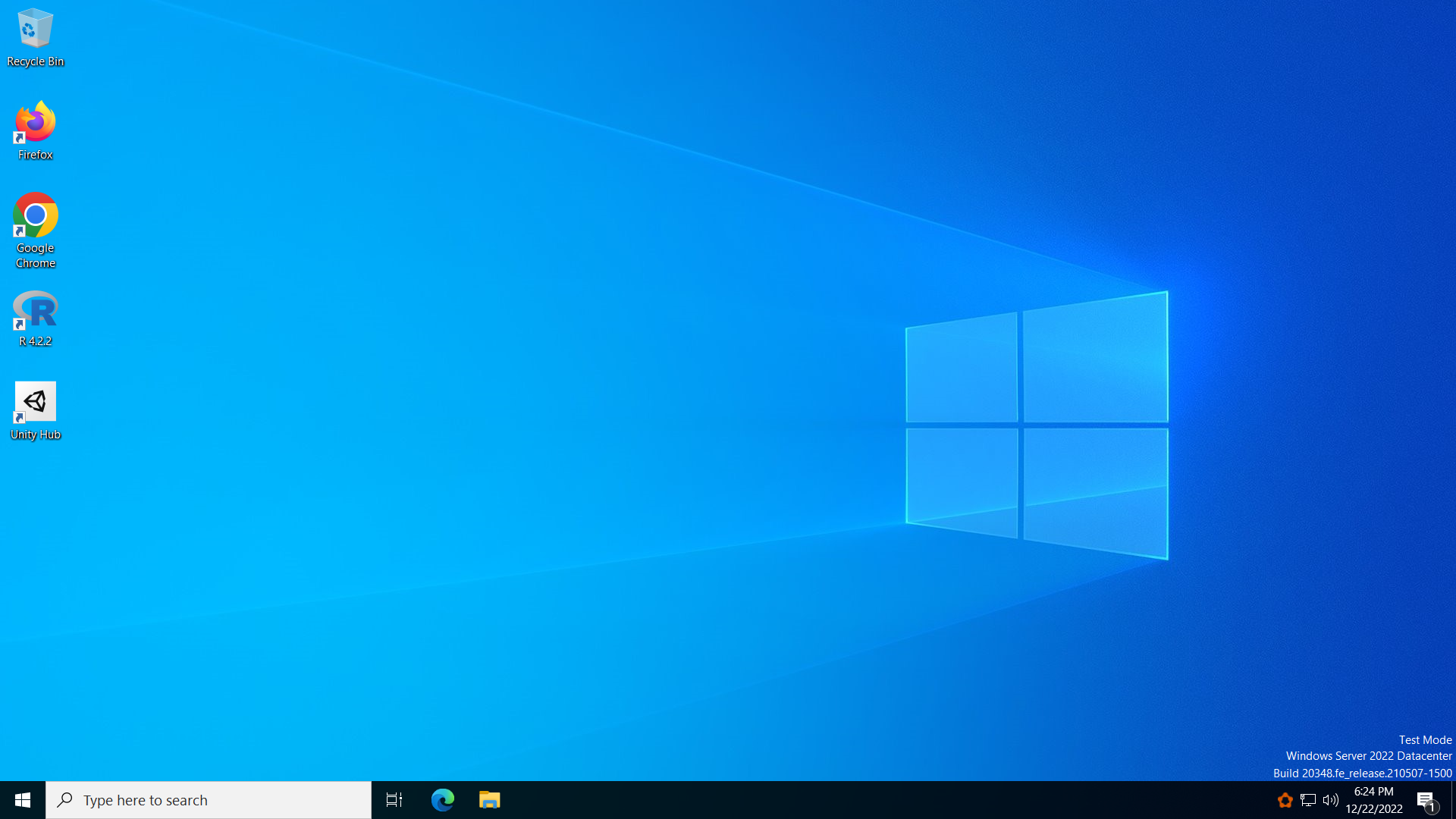
Desktop & Speedtest Result

- Don't share this script without credit!
- Don't misuse this script!
The content of this project itself is licensed under the Creative Commons Attribution 3.0 Unported License, and the underlying source code used to format and display that content is licensed under the MIT License.