Step to reproduce
- Edit user data with
edit
- Run
sample 100
- Run
view to look at user details / click on the button with user's name inside
Expected
User data to persist through calling sample
Actual
User data is erased and replaced with default.
Screenshot
This is after clearing the user data with edit m/.
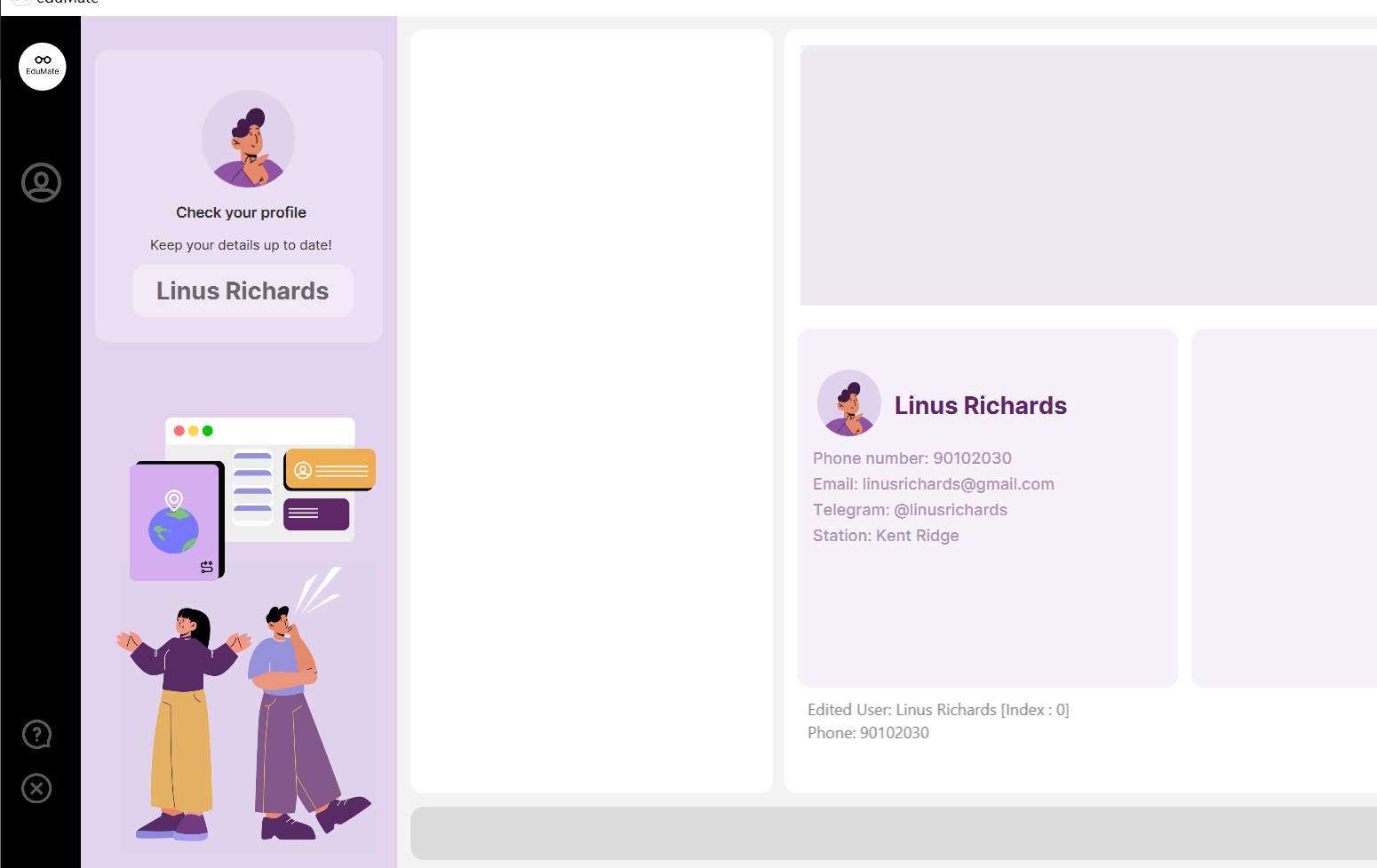
After running sample 10, it stays the same (as profile panel is not updated yet).
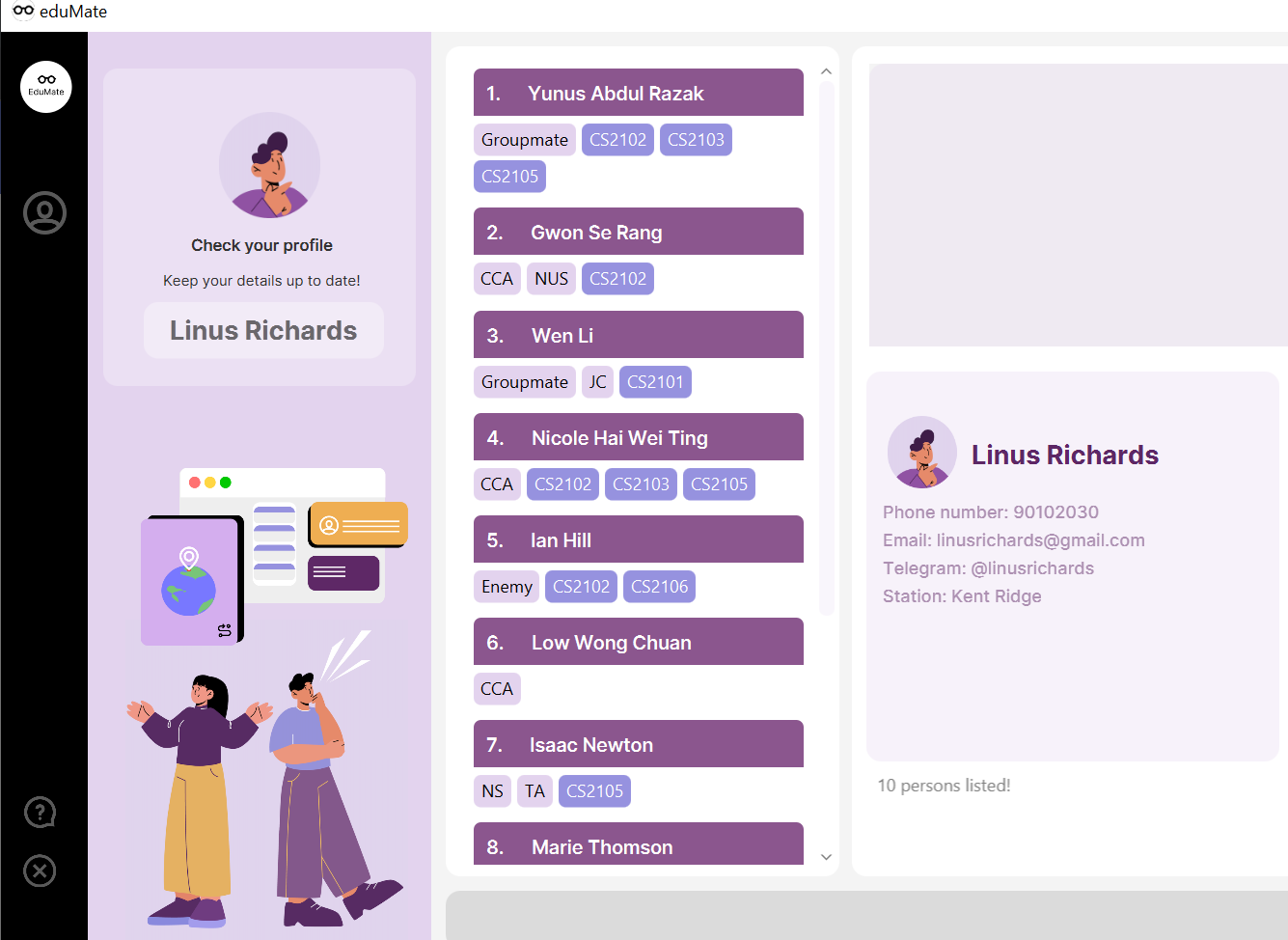
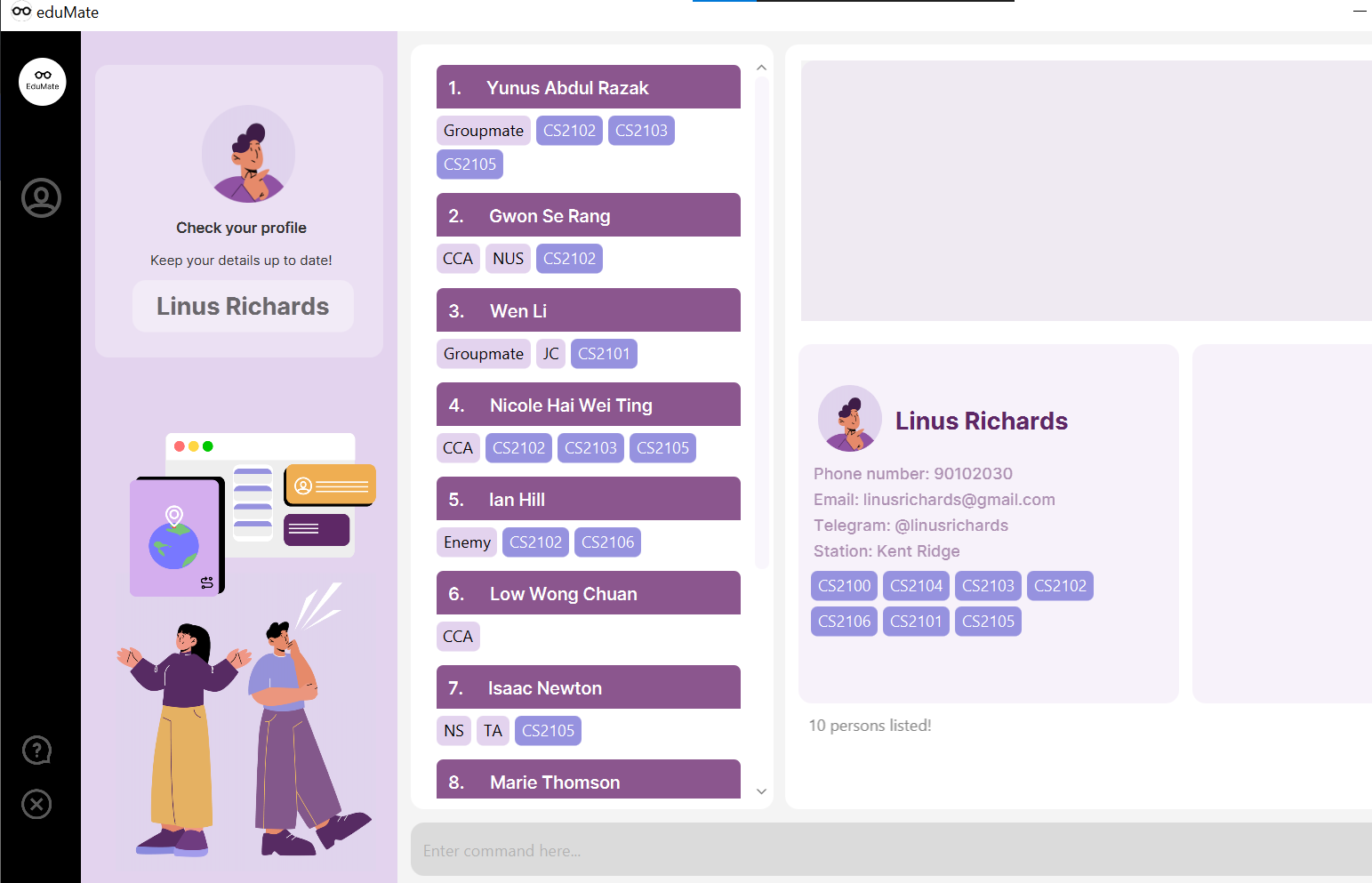
Calling view or clicking on the button in the left panel shows the sample default user with fields populated

Step to reproduce
editsample 100viewto look at user details / click on the button with user's name insideExpected
User data to persist through calling
sampleActual
User data is erased and replaced with default.
Screenshot
This is after clearing the user data with
edit m/.After running
sample 10, it stays the same (as profile panel is not updated yet).Calling
viewor clicking on the button in the left panel shows the sample default user with fields populated