Linting
A linter helps you to be more consistent at writing code an fix little mistakes that could be made on accident. It works really well when working in teams because you get a really consistent way of writing code, it is no secret that everybody has their own style of writing code. With a Linter you can make, or copy, a set of rules that everybody has to follow, and if they do not, they just get an error. It is as simple as that.
There are two different kinds of Linters, the ones that are integrated inside your code editor for example the plugin Prettier for VScode and there are ones that you can install through the server, the ESLint is very popular for example.
I always have been using the plugin prettier for VScode because it has an option available that every time you save your document the plugin checks for anything that can be done more "pretty", and it immediately makes the changes. This makes it super easy to use and you literally do not have to do anything for it to work once it is activated from the extensions available in VScode.

ESLint works pretty similar to how prettier works. There is a very clear way to document your own linter rules with ESLint:
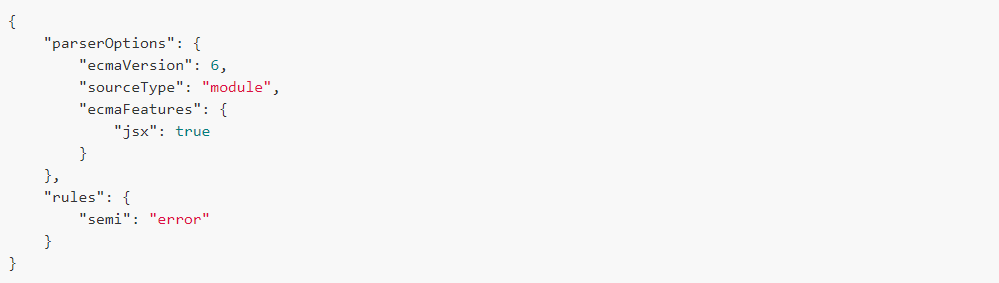 A lot of people use the presets that comes with ESLint, the airbnb linter is for example very popular and often used by other companies that work together in teams.
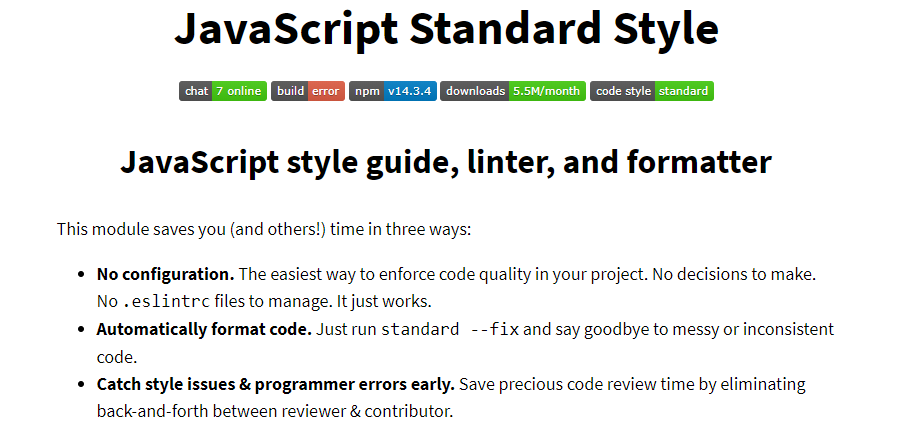
StandardJS is also an Linter that has to be installed through an npm package. It is a very basic Linter that has a clear set of base rules. It is harder to make your own custom rules and does not have as much preset rules as ESLint does have. Also it is a less popular Linter. It is most commonly used by people who really like the standard way of writing JavaScript, nowadays there are so many different ways to write the same piece of code. This Linter makes sure it is all clear, basic and easy to understand for everybody that is also working on the code.
I chose to keep on using VScode, because I like how easy it is to use and how you can customize a lot of the input that the linter gives. I already have been using this linter a lot and have not got sick of it, if it is working... do not change :). I also decided to try out ESLint because I think this is a very accessible linter for starters, you can make it as complicated as you would like it. And it has a lot of clear documentation and is quite easy to use. These are two options that work for me right now, and who knows I will try some more in the future.