In the features section, it mentions about special tags prof and ta as shown in the first screenshot. The Modules section under GUI also displays the Professor and TA of the specific module under the second screenshot shown in the user guide.
However, users are not given instructions on how the format of these two tags work and how to display the professor or TA for a module under the GUI.
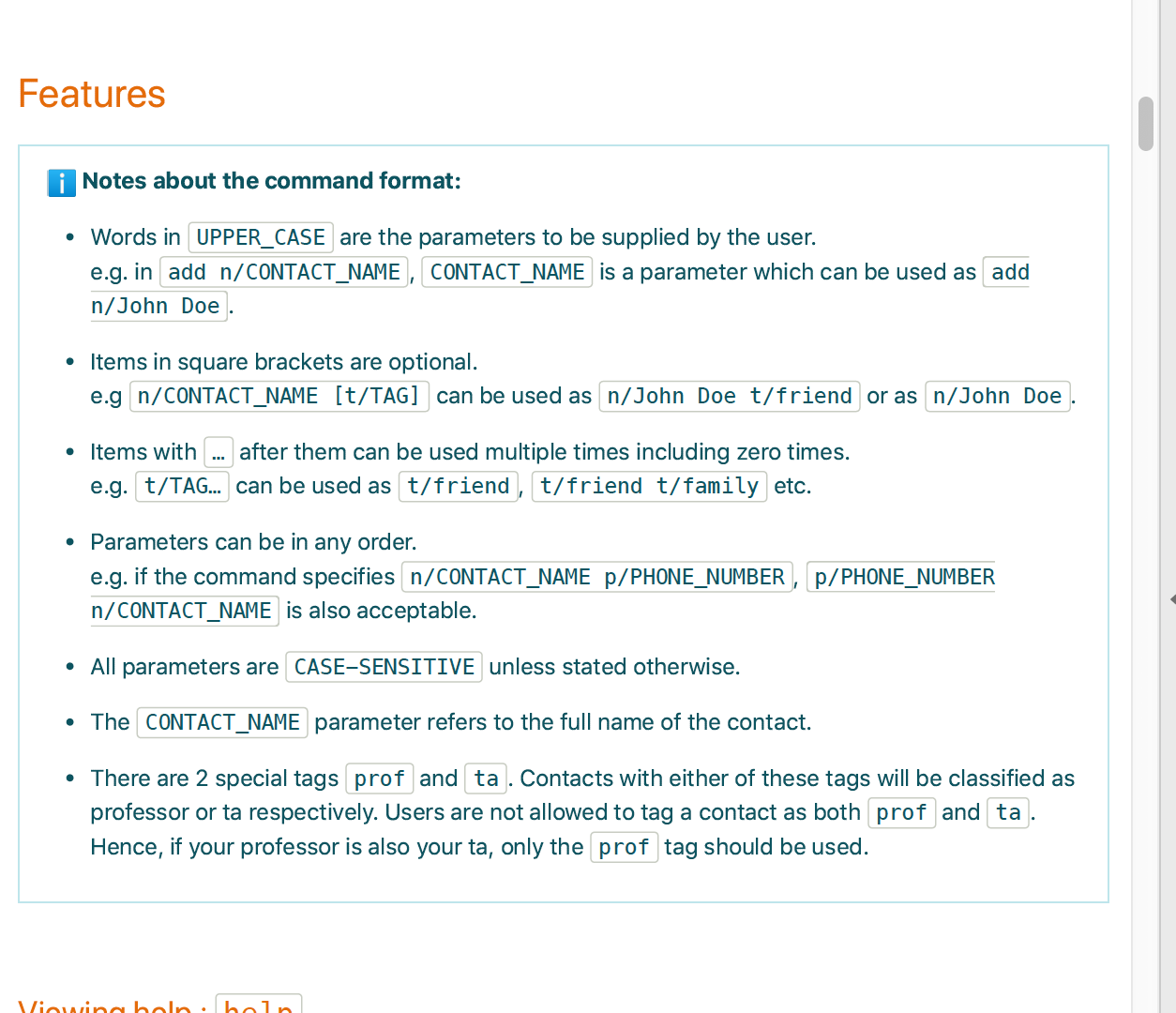
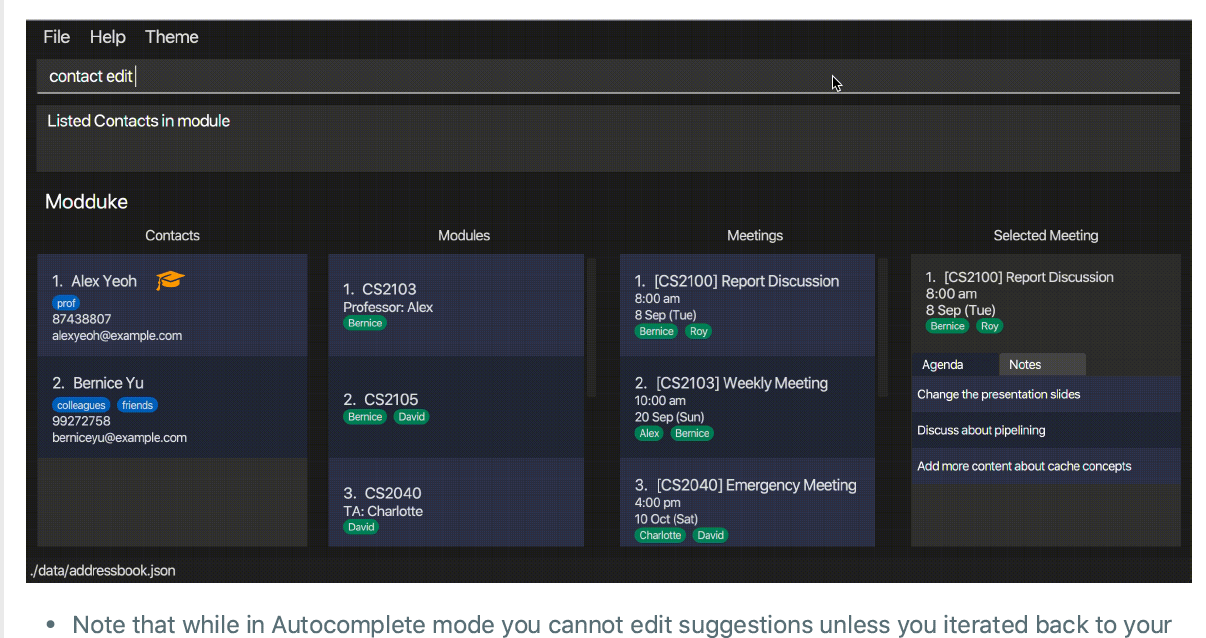

In the features section, it mentions about special tags
profandtaas shown in the first screenshot. The Modules section under GUI also displays the Professor and TA of the specific module under the second screenshot shown in the user guide.However, users are not given instructions on how the format of these two tags work and how to display the professor or TA for a module under the GUI.