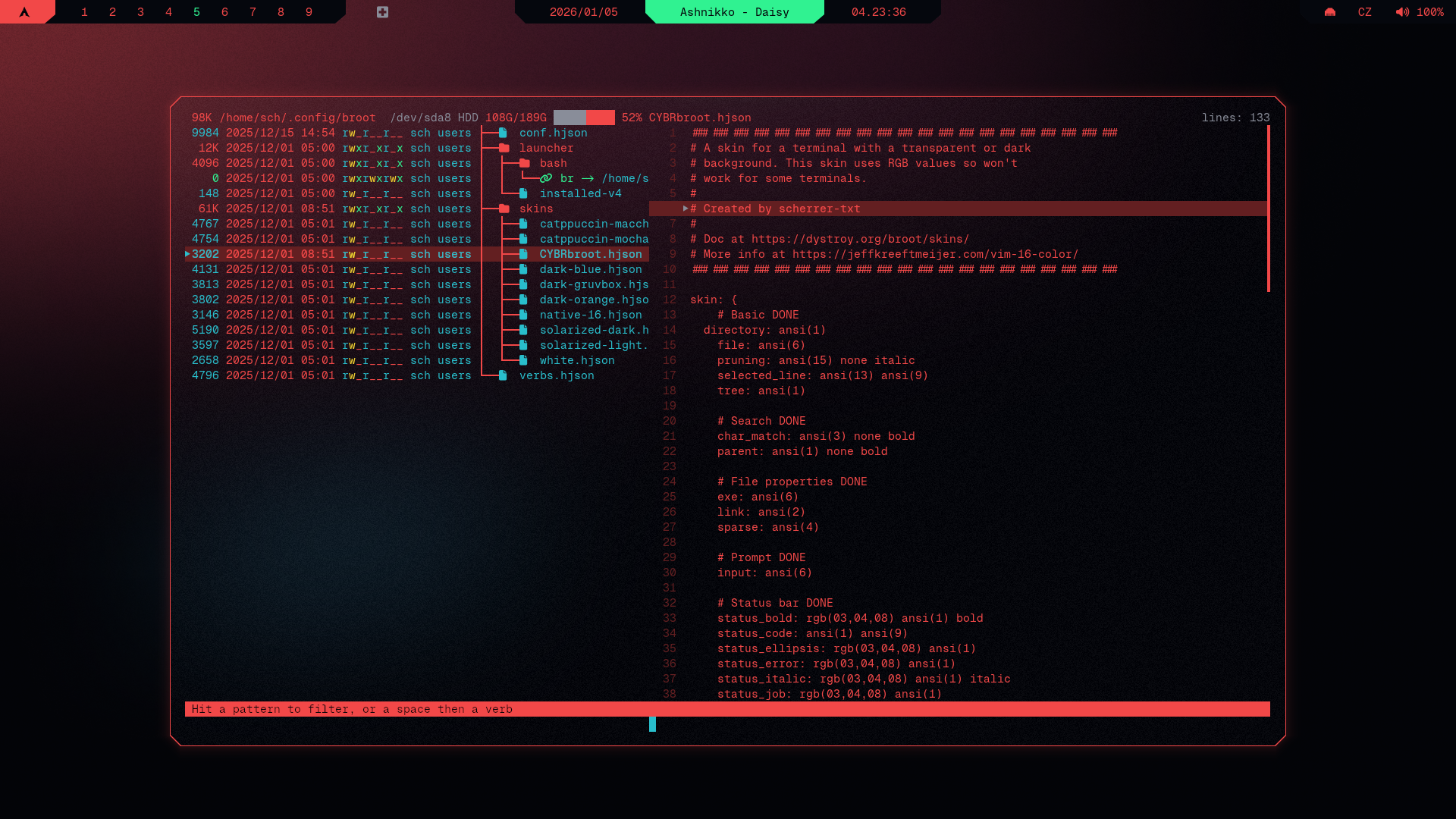
Showcase Steps 0. Before you start Make sure Geist Mono Nerd Font is installed, you can do that from terminal with: curl -L https://github.com/ryanoasis/nerd-fonts/releases/latest/download/GeistMono.zip -o GeistMono.zip mkdir -p ~/.local/share/fonts unzip GeistMono.zip -d ~/.local/share/fonts/GeistMono fc-cache -fv Make sure kitty is installed: sudo pacman -S kitty and cybrcore theme is applied Make sure broot is installed: sudo pacman -S broot See Installation Guide if you're coming from cybr-hyprland and haven't set up prerequisites yet broot Github repo 1. Create theme folder and file mkdir -p ~/.config/broot/skins $EDITOR ~/.config/broot/skins/cybrcore.hjson 2. Insert cybr-bat theme 3. Apply theme # Open config $EDITOR ~/.config/broot/config.hjson # Enable True Colors and Icons true_colors: true icon_theme: nerdfont # Add skin under luma: [dark] section file: skins/cybrcore.hjson # It should look like this: { luma: [ dark unknown ] //file: foo.hjson //file: bar.hjson file: skins/cybrcore.hjson } 4. Restart terminal pkill $TERM