Hackathon Sniper is a TypeScript agent that automatically discovers, evaluates, and tracks hackathons using AI-powered analysis, real MCP server integration, and strict environment separation. Point it at the web; it returns only the hackathons worth entering.
What it does in one sentence: Hackathon Sniper searches the web for hackathons, scores each one against your criteria with a Groq-powered AI evaluator, and saves qualified results directly to a Notion database — all in a single command.
- Intelligent Search 🔍 — Real Brave Search MCP server integration
- AI Evaluation 🤖 — Groq-powered hackathon qualification analysis
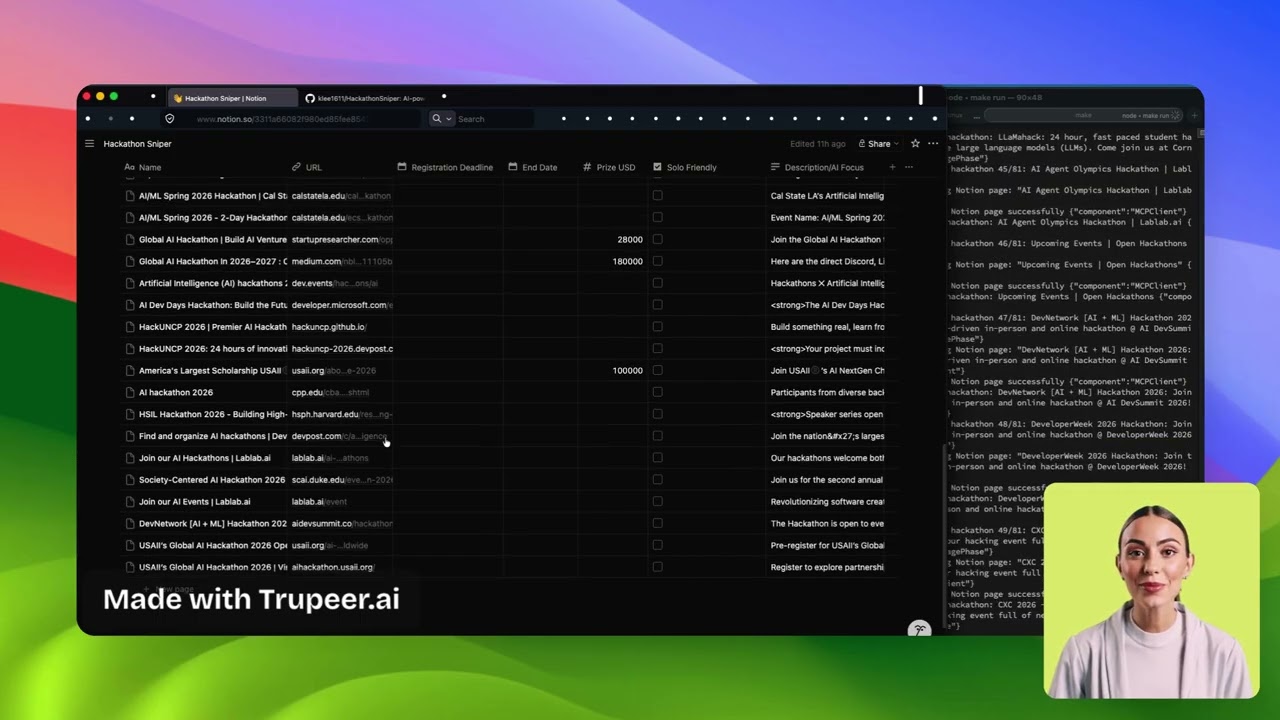
- Notion Integration 📊 — Real Notion MCP server for storage and tracking
- Test Isolation 🎭 — Complete environment isolation for testing (zero external dependencies)
- Fast Development ⚡ — Hot reload, comprehensive Makefile, pnpm package management
- Type Safety 🛡️ — End-to-end TypeScript with Zod schema validation
- Robust Testing 🧪 — Unit, integration, and smoke tests
- Node.js 18+
- pnpm (recommended) or npm
# Clone and setup in one command
git clone <repository-url>
cd HackathonSniper
make setup# Copy and fill in your API keys
cp .env.example .env
# Run development mode with real MCP servers
make dev
# Run production mode
make run
# Run smoke test (full pipeline with mocks)
make test-smoke
# Type checking
make type-check
# Clean build artifacts
make clean
The agent follows strict environment separation:
| Environment | Search | Evaluation | Storage | Dependencies |
|---|---|---|---|---|
| test | 🎭 Mock | 🎭 Mock | 🎭 Mock | ✅ Zero |
| development | 🔗 Real MCP | 🤖 Real Groq | 📊 Real MCP | ❗ API keys |
| production | 🔗 Real MCP | 🤖 Real Groq | 📊 Real MCP | ❗ API keys |
Key Principle: Mocks are ONLY used in test environment - never in development or production.
┌─────────────┐    ┌─────────────┐    ┌─────────────┐
│   Search    │───▶│  Evaluate   │───▶│   Store     │
│   Phase     │    │   Phase     │    │   Phase     │
└─────────────┘    └─────────────┘    └─────────────┘
     │                   │                   │
 Brave Search MCP    AI Analysis       Notion MCP
  (Auto-spawned)     via Groq        (Auto-spawned)
src/                             # Production code only
├── agent/                       # Main orchestrator & pipeline
├── mcp/                         # Real MCP client implementations
├── evaluator/                   # Real AI evaluation system
├── schemas/                     # Type definitions & validation
└── utils/                       # Shared utilities

tests/                           # Test code only
├── mocks/                       # Mock implementations
├── fixtures/                    # Test data
├── unit/                        # Unit tests
└── integration/                 # Integration tests
Create .env file (see .env.example):
# Required for real MCP integration
GROQ_API_KEY=your_groq_api_key
NOTION_API_KEY=your_notion_token
NOTION_TOKEN=your_notion_token      # Required by @notionhq/notion-mcp-server v2.x
NOTION_DATABASE_ID=your_database_id
BRAVE_API_KEY=your_brave_search_key

# Optional configuration
NODE_ENV=development             # development | production
LOG_LEVEL=info                   # debug | info | warn | error

# Test mode configuration
TEST_MODE=false                  # Single query vs full pipeline
TEST_QUERY="AI hackathon 2026"Note: Test environment (NODE_ENV=test) automatically uses mocks - no configuration needed.
# Unit tests (zero dependencies - uses mocks automatically)
make test-unit

# Integration tests (real APIs - requires API keys)
make test-integration

# Smoke test (full pipeline with test environment)
make test-smoke

# Run all tests
make testThe agent automatically selects mocks based on environment:
// ✅ Clean factory pattern
export async function createMCPClient(config: AgentConfig): Promise<IMCPClient> {
  // Mocks are ONLY for test environment
  if (config.environment === 'test') {
    const { MockMCPClientManager } = await import('../../tests/mocks/MockMCPClientManager.js');
    return new MockMCPClientManager();
  }

  // All other environments use real MCP
  return new MCPClientManager();
}The agent intelligently filters hackathons based on:
- 📅 Timeline - Registration deadline not passed
- 💰 Prize Value - Minimum prize threshold
- 👤 Solo Friendly - Individual participation allowed
- 🤖 AI Related - Matches AI/ML themes
- 📝 Quality - Complete information available
Example successful pipeline execution:
{
  "executionDate": "2026-03-29",
  "totalSearchResults": 8,
  "qualifiedHackathons": 4,
  "storedHackathons": 4,
  "success": true
}
Console output shows complete pipeline execution:
🚀 Starting Hackathon Discovery Pipeline
🔍 Phase 1: Search - 8 results found
🤖 Phase 2: Evaluation - 4 hackathons qualified
💾 Phase 3: Storage - 4/4 hackathons stored (100% success)
🎉 Pipeline completed successfully
| Command | Description | Environment |
|---|---|---|
make test-unit |
Unit tests with mocks | test (auto-mock) |
make test-integration |
Integration tests with real APIs | test + real APIs |
make test-smoke |
Full pipeline smoke test | test (auto-mock) |
make test-coverage |
Tests with coverage report | test (auto-mock) |
| Command | Description | Environment |
|---|---|---|
make dev |
Development mode with hot reload | development (real MCP) |
make run |
Production build and run | production (real MCP) |
make build |
Build TypeScript to JavaScript | - |
make build-all |
Build including tests | - |
| Command | Description |
|---|---|
make setup |
Install dependencies and setup project |
make type-check |
TypeScript type checking |
make lint |
Code linting |
make format |
Code formatting |
make clean |
Clean build artifacts |
make ci |
CI checks (lint, type-check, unit tests) |
make status |
Show project status |
make help |
Show all available commands |
The MCP SDK handles all server lifecycle automatically:
// Notion MCP Server - spawned automatically
// Note: @notionhq/notion-mcp-server v2.x reads auth from NOTION_TOKEN
const notionTransport = new StdioClientTransport({
  command: 'npx',
  args: ['@notionhq/notion-mcp-server'],
  env: {
    NOTION_API_KEY: process.env.NOTION_API_KEY,
    NOTION_TOKEN: process.env.NOTION_TOKEN || process.env.NOTION_API_KEY
  }
});

// Brave Search MCP Server - spawned automatically
const braveTransport = new StdioClientTransport({
  command: 'npx',
  args: ['brave-search-mcp'],
  env: { BRAVE_API_KEY: process.env.BRAVE_API_KEY }
});
Process Management:
- Spawning - Servers started via
StdioClientTransport - Communication - JSON-RPC over stdin/stdout
- Cleanup - Processes terminated when client disconnects
- Error Handling - Automatic reconnection and retries
- Automatic mock selection - Based on NODE_ENV only
- Zero configuration - Test environment just works
- No mock leakage - Production/dev never see mocks
- Complete isolation - Tests run with zero dependencies
- Standard protocol - Uses official MCP SDK
- Process isolation - Each service in separate process
- Official servers - Real Notion and Brave MCP implementations
- Auto-lifecycle - SDK handles spawn/cleanup automatically
- Zero setup - MCP servers spawn automatically
- Clear commands - Proper test naming conventions
- Type safety - Full TypeScript integration
- Hot reload - Fast development iteration
Test environment not using mocks:
# Check NODE_ENV is set to test
echo $NODE_ENV  # Should be "test"

# Run tests the right way
make test-unit  # Automatically sets NODE_ENV=test
Development mode using mocks:
# Check you're not in test environment
echo $NODE_ENV  # Should be "development"

# Use development command
make dev  # Uses real MCP servers
MCP Server connection errors:
# Check API keys are set
echo $BRAVE_API_KEY
echo $NOTION_API_KEY

# Verify MCP packages installed
pnpm list | grep -i mcp
Build errors:
# Clear and rebuild
make clean
make setup- MCP Server Startup: ~2-3 seconds (auto-spawned)
- Search Phase: ~2-5 seconds (via Brave MCP)
- Evaluation Phase: ~1-3 seconds per hackathon
- Storage Phase: ~500ms per hackathon (via Notion MCP)
- Total Pipeline: ~10-20 seconds for typical batch
- Test Suite: ~7 seconds (with mocks - zero dependencies)
NODE_ENV=test        → Automatic mocks (zero dependencies)
NODE_ENV=development → Real MCP servers
NODE_ENV=production  → Real MCP servers
App ←→ MCP SDK ←→ MCP Server ←→ External API
Advantages:
- Standardized protocol - Official MCP specification
- Process isolation - Server crashes don't affect main app
- Error resilience - Built-in retry and recovery
- Extensibility - Easy to add new MCP servers
- Tool calling - Standard interface for AI agents
What is Hackathon Sniper? Hackathon Sniper is an open-source TypeScript CLI agent that searches the web for hackathons, evaluates each one using an AI model (Groq), and saves qualifying events to a Notion database automatically.
Do I need to pay for any APIs? Brave Search, Groq, and Notion all offer free tiers sufficient for personal use. You need API keys for each service; see Configuration for setup instructions.
What does "MCP integration" mean? MCP (Model Context Protocol) is an open standard for connecting AI agents to external services. Hackathon Sniper spawns official Brave Search and Notion MCP servers as child processes, so it talks to those services through a standardised interface rather than direct HTTP calls.
Can I run the project without API keys?
Yes — set NODE_ENV=test (or run make test-unit) and the agent uses mock services automatically. No API keys are required for the full test suite.
How does the AI decide which hackathons qualify? The Groq-powered evaluator checks five criteria: registration deadline has not passed, prize value meets your minimum threshold, solo participation is allowed, the event relates to AI/ML themes, and complete information is available. All five criteria must be met for a hackathon to be stored.
How do I add a new MCP server (e.g., GitHub)?
Create a new transport in src/mcp/, register it in MCPClientManager, add a corresponding mock in tests/mocks/, and extend AgentConfig with any required environment variables. Follow the existing Notion or Brave patterns as a template.
Contributions that add new MCP server integrations, improve AI evaluation criteria, or extend the filtering logic are especially welcome.
- Fork the repository
- Create a feature branch:
git checkout -b feature-name - Run unit tests:
make test-unit - Run smoke test:
make test-smoke - Build:
make build - Submit a pull request
MIT License - see LICENSE file for details.
Built with ❤️ using clean architecture principles, real MCP server integration, and proper environment separation.
Featuring automatic environment-based mock selection and official MCP protocol implementation. 🚀