Skip to content

Latest commit


History

History
53 lines (32 loc) · 1.85 KB

File metadata and controls

53 lines (32 loc) · 1.85 KB

icon

url

Publish-AppService-to-Azure

Publish your (development) web application to Azure 4-clicks!

Step 1.

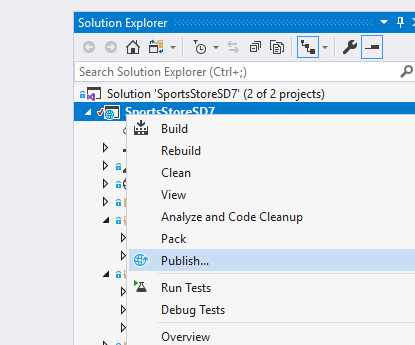
Right-click the project in the solution explorer

Select Publish from project context menu
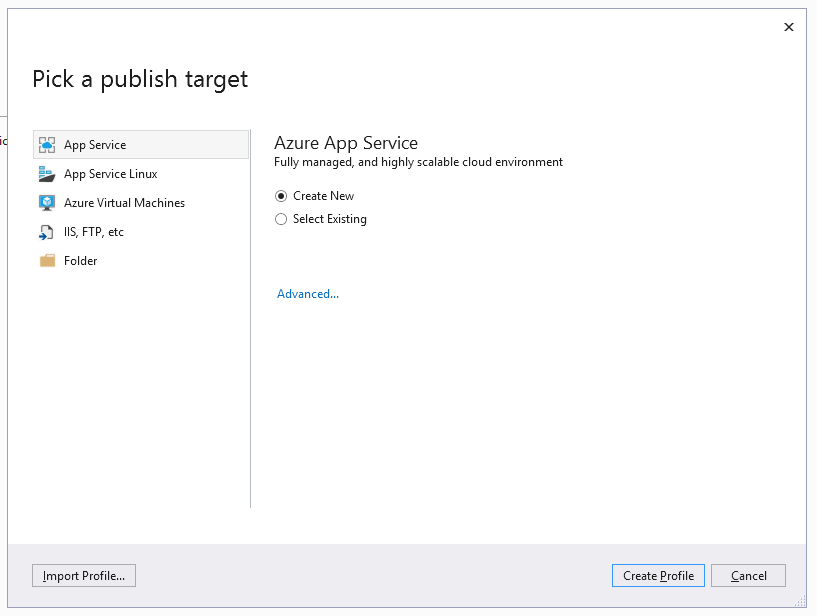
Step 2.

Click to create new profile

Create new profile

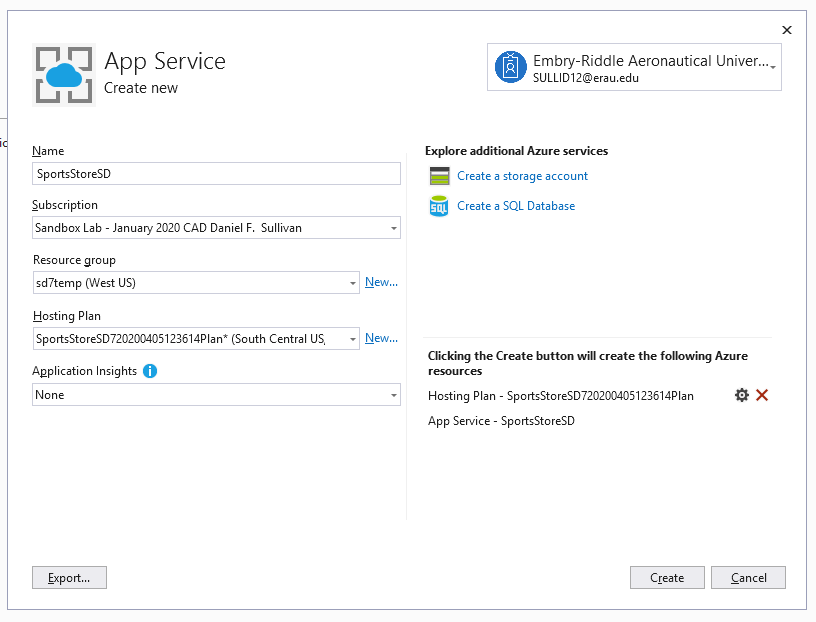
Step 3.

Confirm (or edit) profile settings

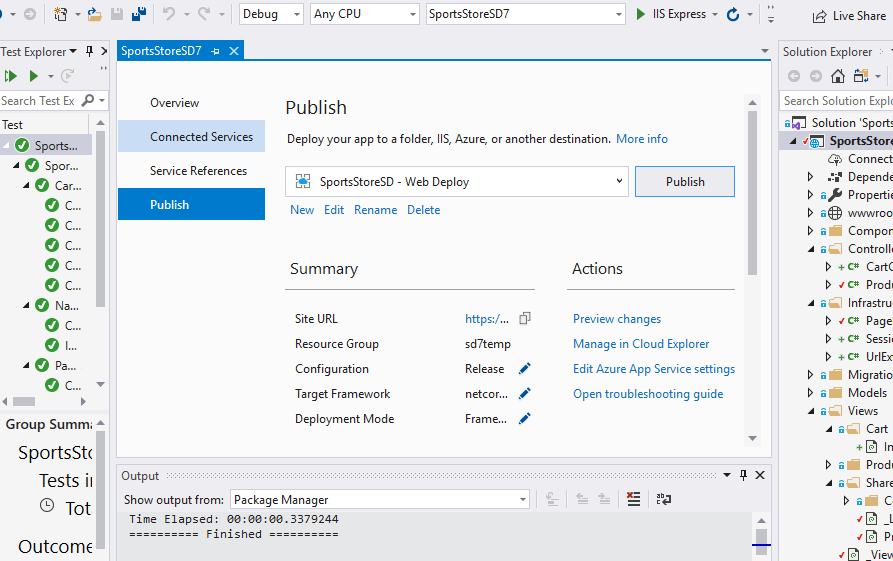
Step 4.

Publish to cloud

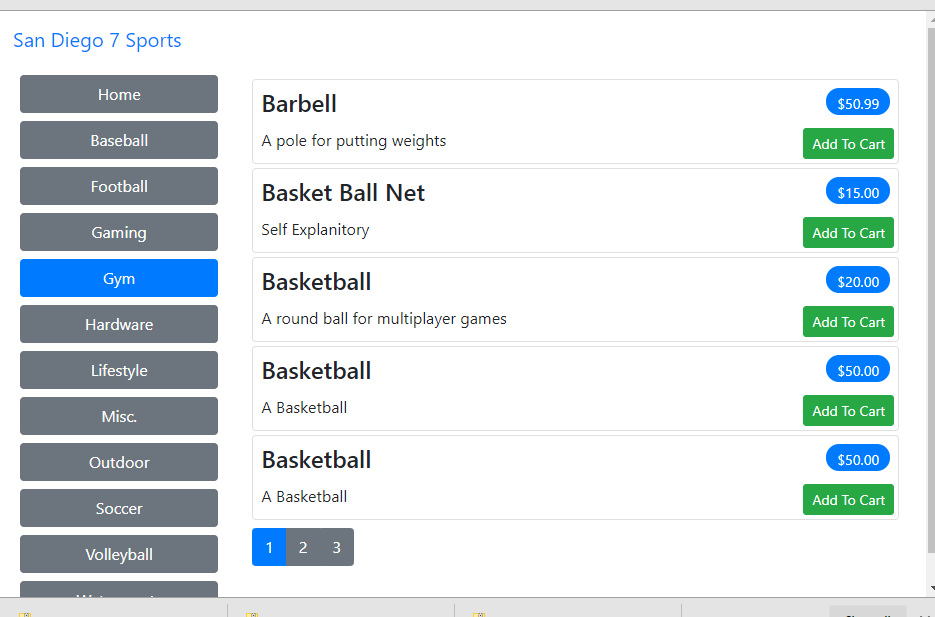
(Step 5.)

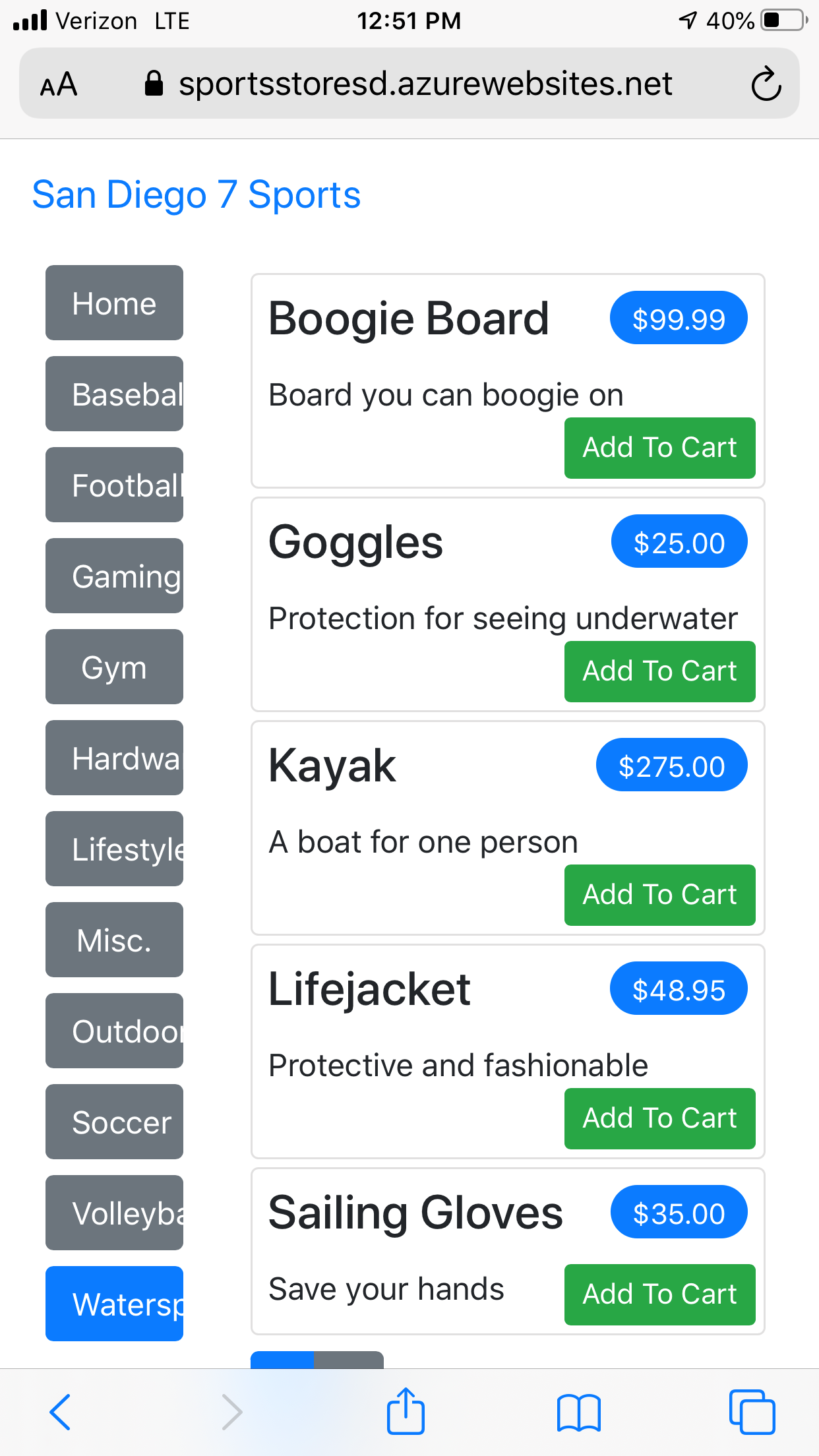
Test cloud access to app service

Action will redirect to browser

Navigate to service from mobile device
(Step 6.)

Review and reset Azure app service plan

Open Azure resource manager in portal and find app service
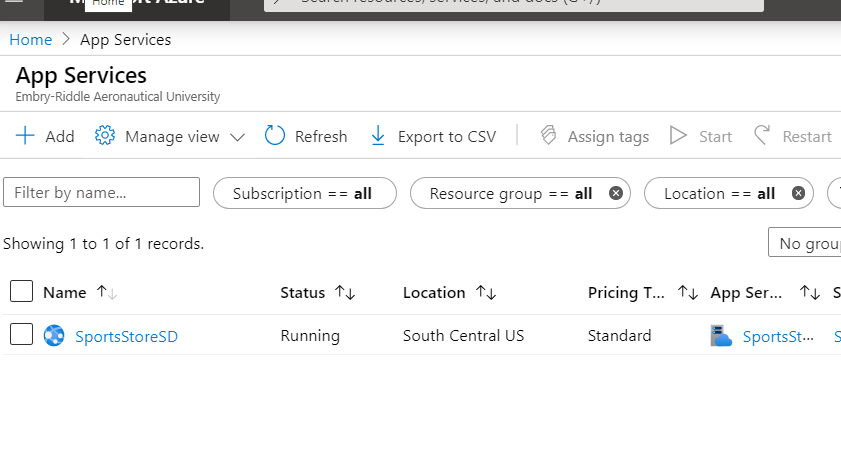
View service plans (and default setting!)
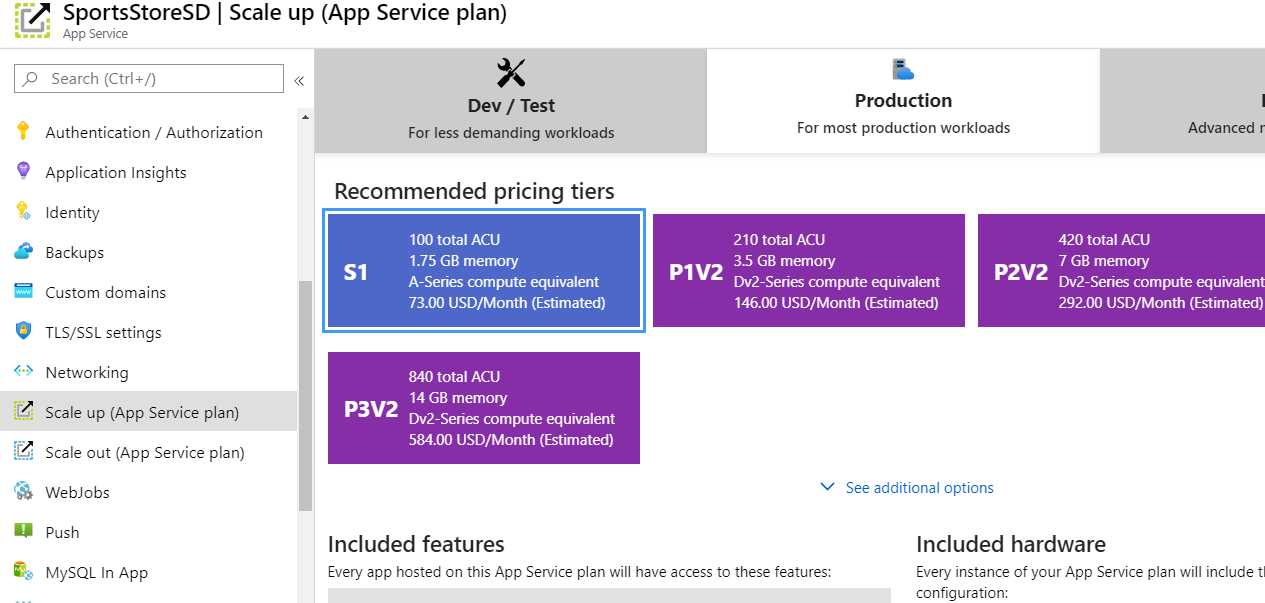
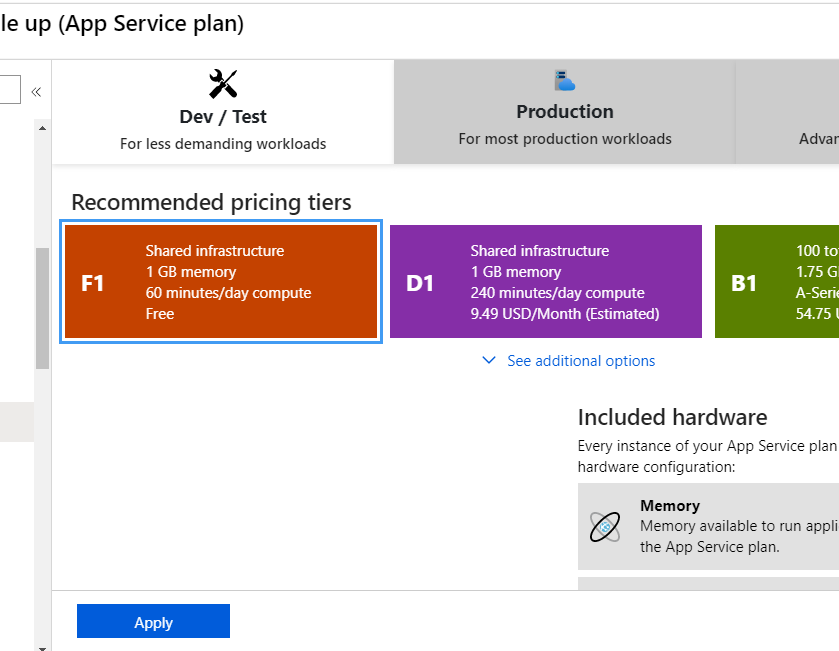
Select dev service plan