TurboZoom is a chrome extension made to make storing and launching online meetings and other websites much more streamlined.
- Download turbo-zoom-x.x.x.zip from the releases
- Unzip the folder
- On chrome, open up chrome://extensions/
- On the top right, enable developer mode
- Click load unpacked and locate the TurboZoom extension folder
- Enable the extension
The source files must remain for the extension to remain functional.
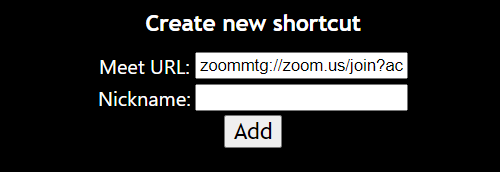
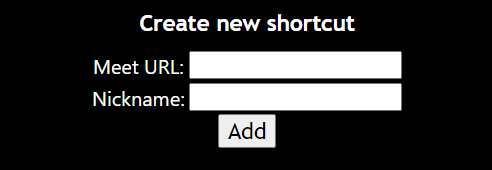
Input the meeting url. (either in the format of https://www.abc.com or directly www.abc.com)
Input desired shortcut name. Leave blank for the name "zoom/google meet".
Click the red X that corresponds with the desired shortcut.

Paste the zoom link into the box beneath the heading. ex. https://us02web.zoom.us/j/123456789?pwd=ABCDEFG1234 (embedded passwords and custom subdomains are allowed)
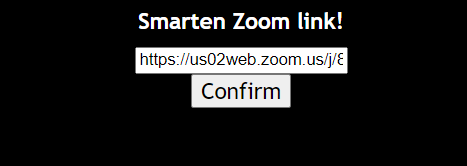
Click "Confirm", and a smartened zoom url that directly launches the app will appear.
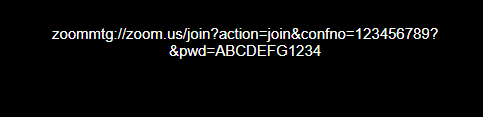
You can either copy the url, or save a shortcut using the url, which is automatically inputted into the field.