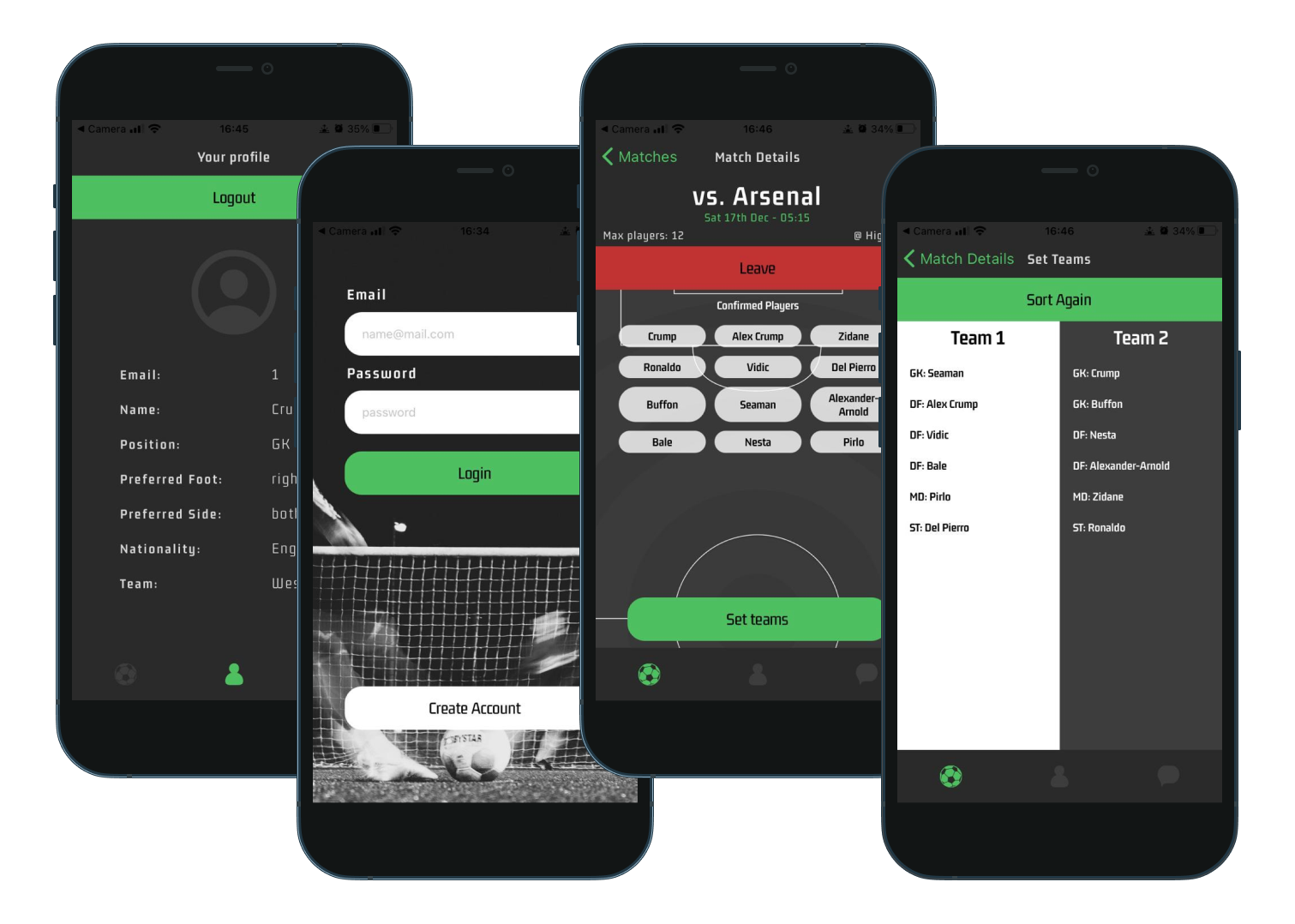
FootyChat allows users to organise friendly football games within communities. It replaces the need for numerous football chats across various messaging platforms with its own chat functionality, specifically for football.
Users can create games and then send a message to see if anyone is available to play. The app can also automate team selection based on information submitted during the onboarding stage of sign up.
This app was created with React Native and Expo.
To install Expo, please read the following instructions: https://docs.expo.dev/get-started/installation/.
First of all navigate to the client folder and install the dependencies.
npm iCreate a file in the root of the client folder called: connectionString.js
Then copy the following line into it, amending the string to your correct IP/PORT - localhost will NOT work!
export default connection_url = 'http://<YOUR LOCAL IP HERE>:<PORT HERE>';Then run the app
npx expo startExpo will generate a QR code that you can scan with your mobile device and the Expo app will load a version that you can use like a normal application.
- DEV_PORT: The port you wish to run the server on
- DBNAME: The name of the MongoDB database
- URL: The connection string from MongoDB Atlas, that will look something like [user]:[password]@cluster0.dgjhsa.mongodb.net/[dbname]
First of all you have to install node dependencies
npm iThen run the server with nodemon
nodemonYour app by default should be running in [http://localhost:[DEV_PORT]/]
- React Native with Expo
- MongoDB
- Koa
- Sockets.io