
This is my attempt at re-implementing the idea behind HamClock from Clear Sky Institute as an SDL application eventually with versions for Windows, Mac, and Linux from the same code base.
NEWS UPDATE
In light of recent news, I want to specifically post my respects for Elwood Downey, WB0OEW, whose work has inspired me to take on this project. Originally I had not planned to replace his work as I hoped he would continue for many years to come. It turns out this is not to be the case, so my goals and intentions for this project will likely shift. So far, I expect this is now the only maintained project of its kind. There are other programs who do a piece of it here or there, but I believe at this point that this project may be the most appropriate replacement for Elwood's HAMClock currently avaliable.
| Argument | Example | Action |
|---|---|---|
--headless |
./clock --headless --output=out.jpg |
Run in a headless mode with graphical output redirected to a disk file |
--fullscreen |
./clock --fullscreen |
Start the program in fullscreen mode |
--renderer |
./clock --renderer=software |
set the SDL renderer to use. renderer=help or renderer=list will show a list of avaliable rendering engines |
--geometry |
./clock --geometry=1920x1080 |
Resolution of the output from --headless, or the starting window resolution in a GUI environment |
--output |
./clock --headless --output=out.jpg |
Output file path for --headless |
--QRZ_Pass |
./clock --QRZ_Pass=mypassword |
Set the password to use for QRZ.com and exit (uses the Callsign for UserName) |
--help |
./clock --help |
This usage text |
| Key Combo | Action |
|---|---|
| Alt + C | Dump contents of the primary program cache to disk |
| R | Toggle resize each frame (stress-test resize code) |
| F11 | Toggle fullscreen |
| Alt + Enter | Toggle fullscreen |
| Q | Quit |
| Alt + F4 | Quit |
The program now requires a config file (aaediclock_config.json) in the Current Directory.
- nlohmann json -- Niels Lohmann
- https://github.com/nlohmann/json
- Used for JSON Parsing and generation
- in Config file, POTA, K-index, and PSK Reporter modules
- SDL3 -- Sam Lantinga
- https://wiki.libsdl.org/SDL3/FrontPage
- Primary graphics and event library
- SDL3-TTF
- https://wiki.libsdl.org/SDL3_ttf/FrontPage
- Used for font loading and text rendering
- GNU LibMath
- https://www.gnu.org/software/libc/
- Used for advanced math functions, perticularly Trigonometric functions
- LibCurl
- https://curl.se/libcurl/
- Used on Linux for HTTP Fetches
- WinHTTP2
- Part of the Windows SDK from Microsoft
- Used on Windows for HTTP Fetches
- LibSGP4 -- Daniel Warner
- https://github.com/dnwrnr/sgp4
- Used for parsing TLE Satellite Data and generating satellite tracks
- FontConfig
- https://www.freedesktop.org/wiki/Software/fontconfig/
- Used for font selection under Linux to find a suitable font based on those installed on the system
- Eclipse Paho C Client Library
- https://github.com/eclipse-paho/paho.mqtt.c/
- Used for Handling the MQTT stream from PSK Reporter
- LibXML2
- https://gitlab.gnome.org/GNOME/libxml2.git
- Used for parsing RSS Feeds
- NASA Blue Marble
- https://svs.gsfc.nasa.gov/2915
- Daytime Earth Map for Map view
- in source tree
- NASA Earth at Night
- https://www.visibleearth.nasa.gov/images/144898/earth-at-night-black-marble-2016-color-maps
- Nighttime Earth Map for Map View
- In Source Tree
- Country Border
- Made with Natural Earth. Free vector and raster map data @ naturalearthdata.com
- Political Country Map overlay for Map View
- In Source Tree
- Parks on the Air Spots
- https://api.pota.app/spot/activator
- Current Active POTA Spots for POTA module and plotted on the map
- downloaded every 5 minutes at runtime
- Satellite Data
- https://celestrak.org/NORAD/elements/
- Current AmSat Tracking data for Satellite Tracking module
- downloaded every couple hours at runtime
- K Index Data
- https://services.swpc.noaa.gov/products/noaa-planetary-k-index.json
- Solar Weather data for K-Index module. Primary bar graph
- downloaded every 4 hours at runtime
- Solar Wind Data
- https://services.swpc.noaa.gov/products/solar-wind/plasma-7-day.json
- Solar Wind Data for K-Index module, top histogram shows the first derivative of this
- downloaded every 4 hours at runtime
- DX Spots
- Telnet: dxfun.com:8000
- live DX Cluster data for DX Spots module. this can be changed in the config file.
- Real Time Telnet Feed
- Currently it does not apply its own filters or proper randomized login (future feature expansion)
- WSPR Data
- http://db1.wspr.live
- current WSPR Tracking data for the WSPR module and plotted on the map overlay
- fetched every few minutes at run time
- QRZ API
- http://xmldata.qrz.com/
- used to get the location and country information to plot DX Spots on the map.
- queried when DXSpots gets a new entry
- Without this, DX Spots module will still work, but will not show country and will not plot pins on the map.
- Astronomical Algorithms -- Jean Meeus (1991)
- https://archive.org/details/astronomicalalgorithmsjeanmeeus1991
- Source for the calculations to get SubSolar and Sublunar position, as well as calculating lunar phase
- no run time query
- NASA Moon Image
- https://science.nasa.gov/photojournal/nearside-spectacular/
- base moon image over which the phase is masked and used for the moon icon
- in source tree
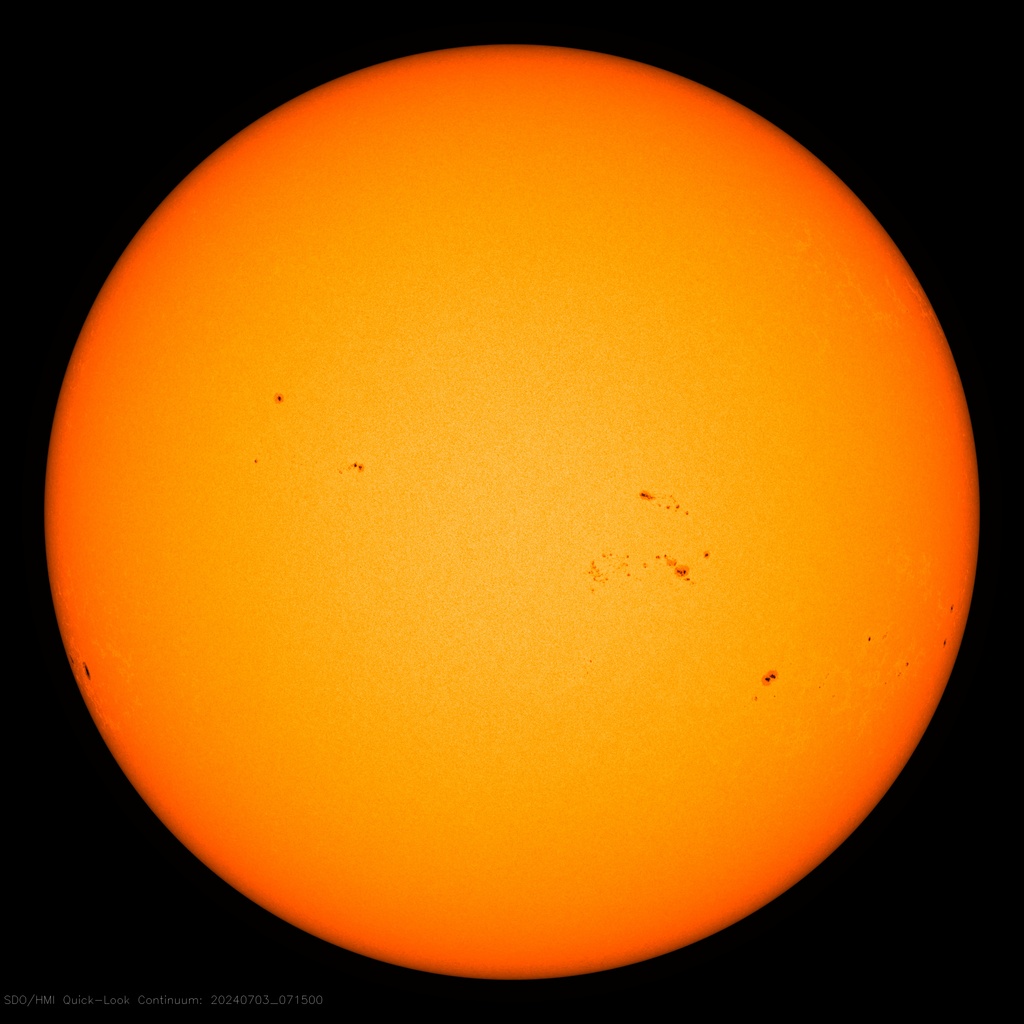
- SDO Solar Image
- https://sdo.gsfc.nasa.gov/assets/img/latest/latest_1024_HMIIC.jpg
- base Solar sunspot image shown in the panel, and used for the Sun icon
- downloaded every few hours at run time
- PSK Reporter -- Philip Gladstone
- mqtt.pskreporter.info pskr/filter/v2/+/+//#
- Current live PSK Reporter data as plotted on the map
- real time MQTT feed
- WS7BNM Contest Calendar -- Bruce Horn
- https://www.contestcalendar.com/calendar.rss
- Current Contest Schedule
- downloaded every few hours at runtime
- NOAA SWPC OVATION Aurora forecast
- https://services.swpc.noaa.gov/json/ovation_aurora_latest.json
- Current Aurora forecast data
- Downloaded every 30 minutes at runtime
CMake will attempt to fetch the direct dependancies as listed above. However, it may be up to the user to fetch sub depenancies not included in the CMakeLists for that library.
Linux:
cd <source tree>
mkdir build
cd build
cmake ..
make
cp -r ../images .
cp -r ../aaediclock_config.json .
./clockI actually recommend creating another directory where you place
- clock
- aaediclock_config.json
- images/ (image assets)
However, it's not a big deal if you choose to do that in the source tree as shown above, and run from there. That's what I do a lot during development
Windows:
Built using MSVC22
Open the Source tree where CMakeFile.txt lives
Select X64-Debug or X64-Release
Project --> Rescan Solution
Build --> Build All
after building:
Collect the compiled `clock.exe` and Dependancy DLL files from `out/build/...` into a common directory
Copy the `images` directory into the same folder as `clock.exe`
Copy or create an aaediclock_config.json file in the same directory
Runtime Requirements (Both Platforms)
The directory that contains the clock or clock.exe binary must also contain:
- aaediclock_config.json
- An images/ directory containing:
- Day Map
- Night Map
- Countries Map
- Moon image
- Satellite icon images
If these are missing, the program will fail to render the corresponding assets.
{
     "CallSign": "N0CALL",             // your callsign here
     "PSKCall": "N0CALL",             // Optional -- if you want  PSK Reporter to show for a callsign other than your own
     "DE": {                           // your location
          "Latitude": 37.978,
          "Longitude": -84.495
     },
     "DX": {                          // the location you want in the DX box
          "Latitude": 0.0,
          "Longitude": 0.0
     },
     "QRZ": [                        // QRZ password, added by command line argument.
          10,                       // if you want to type yours in here, use:
          10,                        // "QRZ": "QRZ_PASSWORD"
          10,                       // this will work, instead, but it will mean your password is in cleartext
          10,                        // better to use --QRZ_Pass command line option to set this
          10,
          10,
          10,
          10,
          10
     ],
     "SatList": [                    // a list of satellites to track from
          "LES-5",                  // "https://celestrak.org/NORAD/elements/gp.php?GROUP=active&FORMAT=tle"
          "NOAA 15",
          "ISS (ZARYA)",
          "COSMOS 2409",
          "NOAA 18"
     ],
    "Rss": [                                            //Optional -- RSS Feed sources for ticker
          "https://www.k0nr.com/wordpress/feed/",
          "http://www.arrl.org/arrl.rss",
          "https://www.iaru.org/feed/",
          "https://qrper.com/feed/",
          "https://www.amateurlogic.tv/blog/?feed=rss2",
          "https://www.jpole-antenna.com/feed/",
          "https://hamradiofornontechies.com/feed/"
     ],
     "DX_Server": {                  // Telnet server to use for DX Spots
          "Name": "dxfun.com",
          "Port": 8000
     },
     "WSPR": [                        // Any WSPR nodes for the WSPR module to track/ Needs callsign and band to query on WSPR.Live
          {
               "callsign": "KY4EOD",
               "band": 14
          },
          {
               "callsign": "KQ4SIZ",
               "band": 28
          }
     ]
}