A clean, responsive online store (e-commerce frontend) built with React, Vite, Tailwind CSS, and Context API for state management.
Live Demo: https://shaup.netlify.app
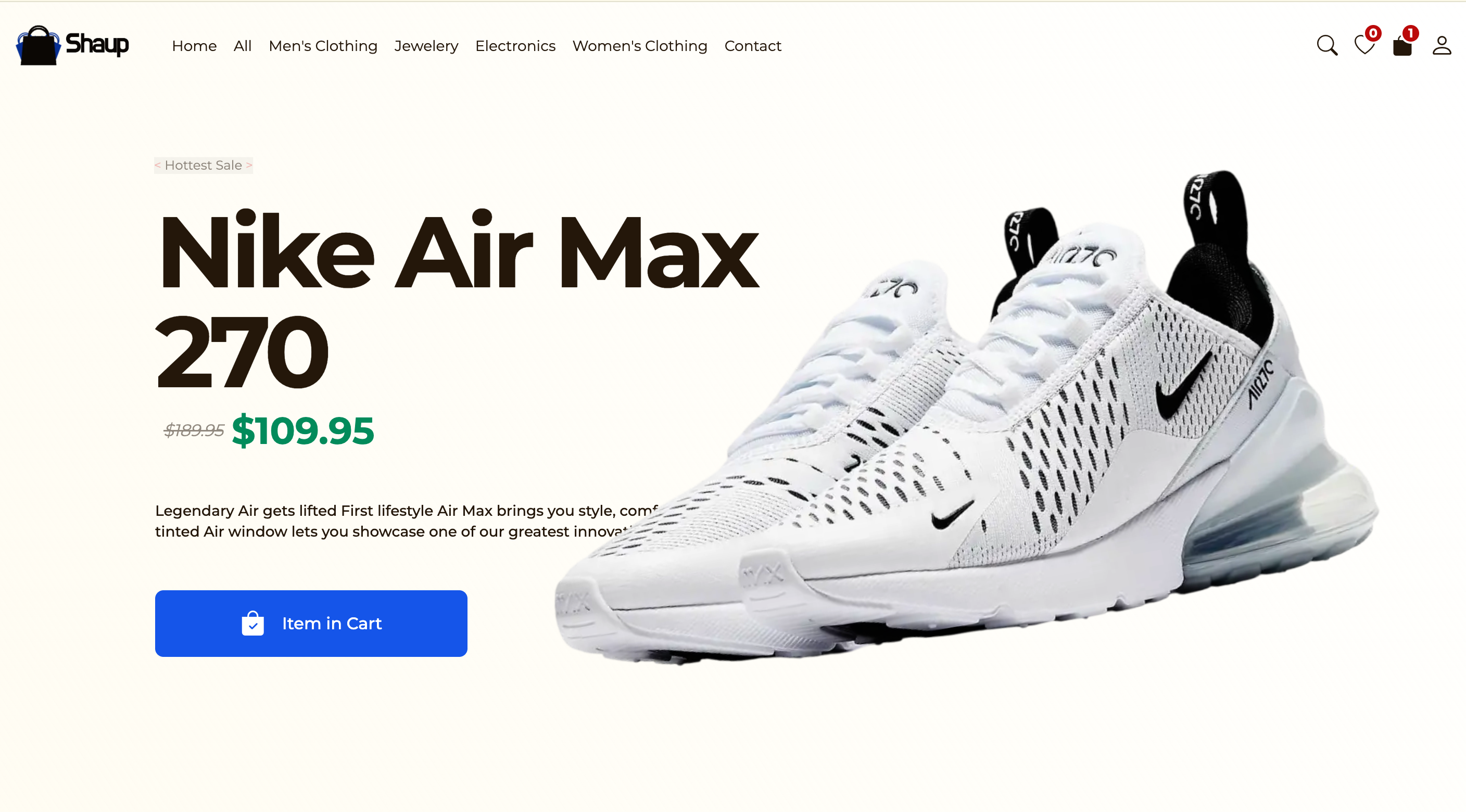
Hero
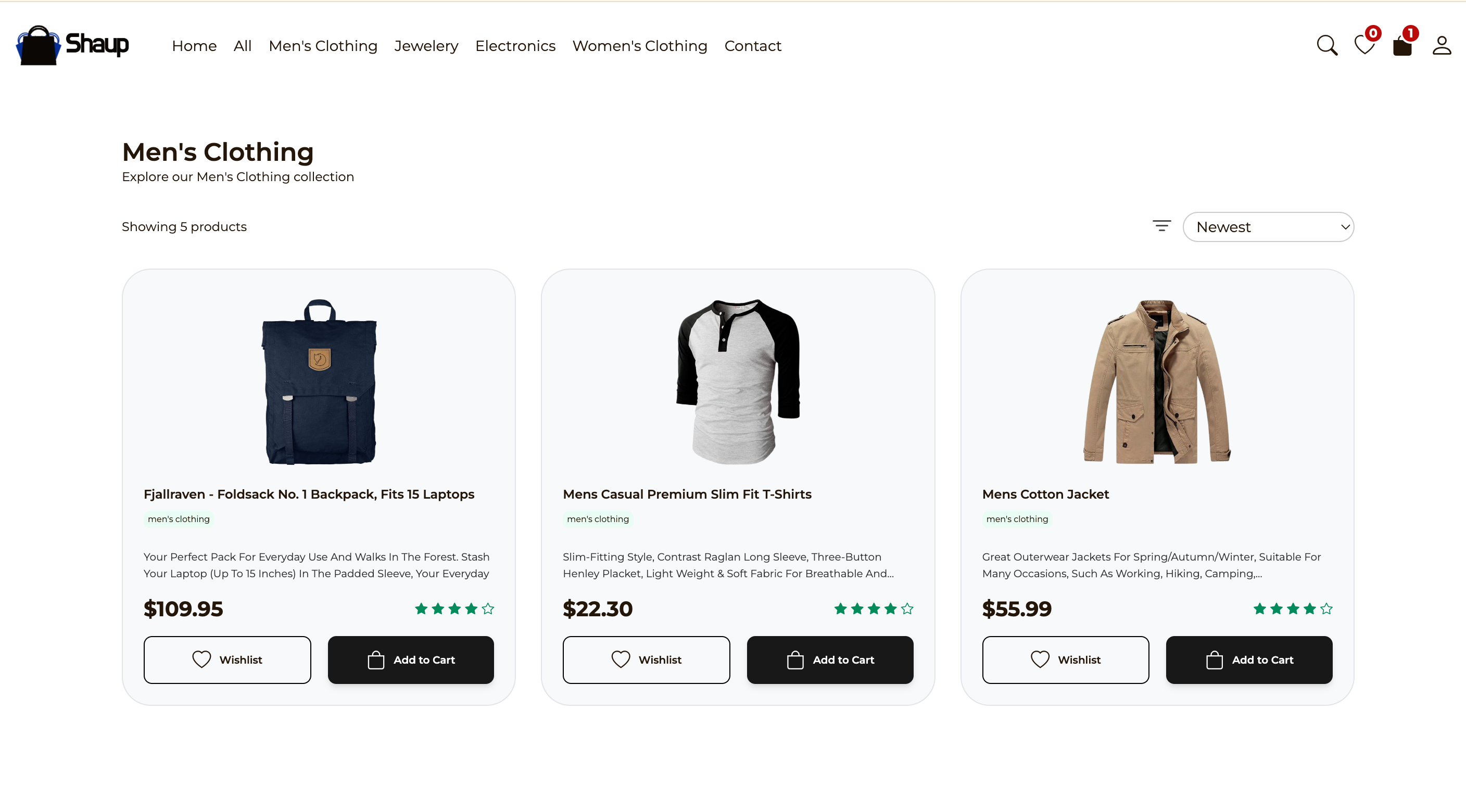
Products
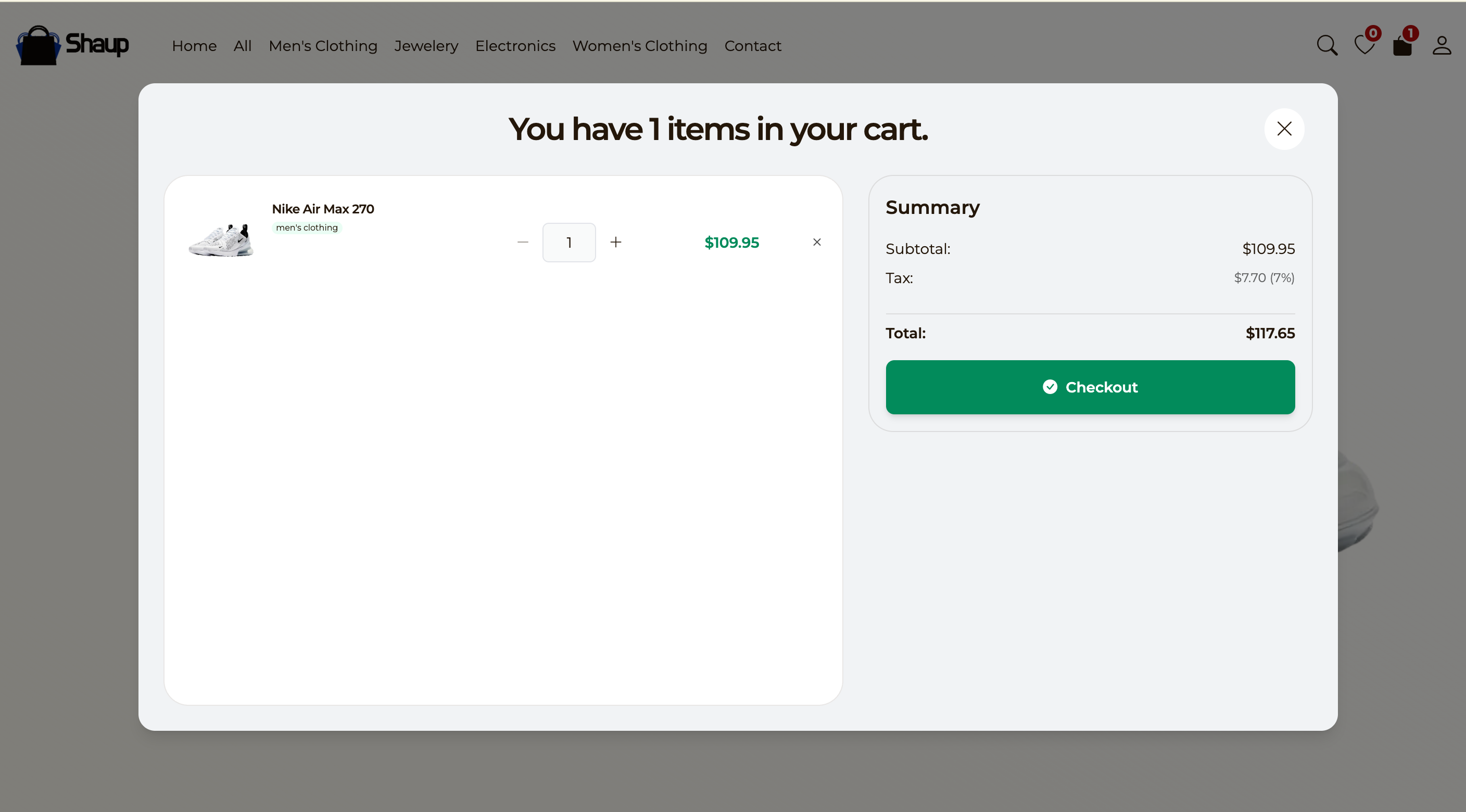
Cart
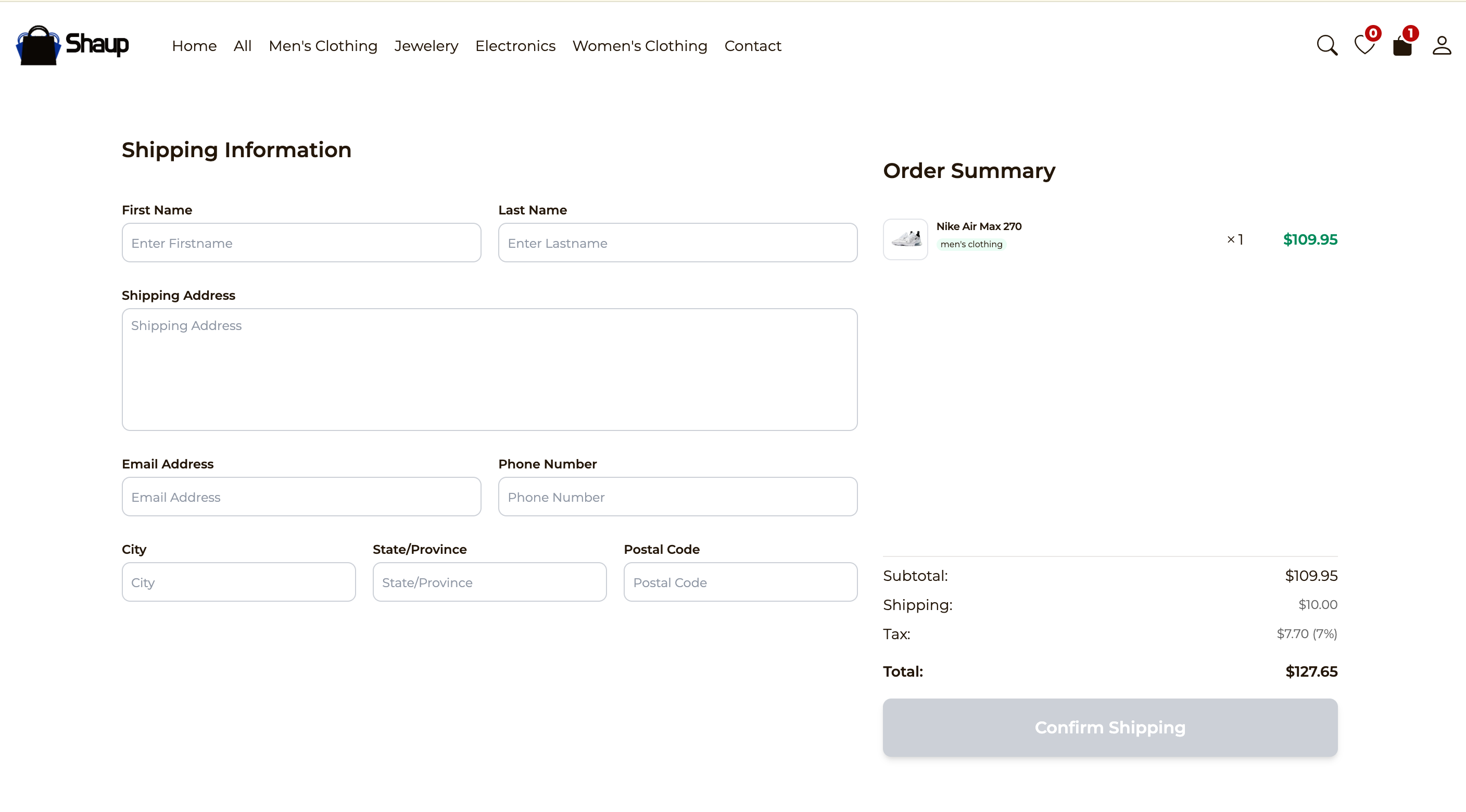
Checkout Form
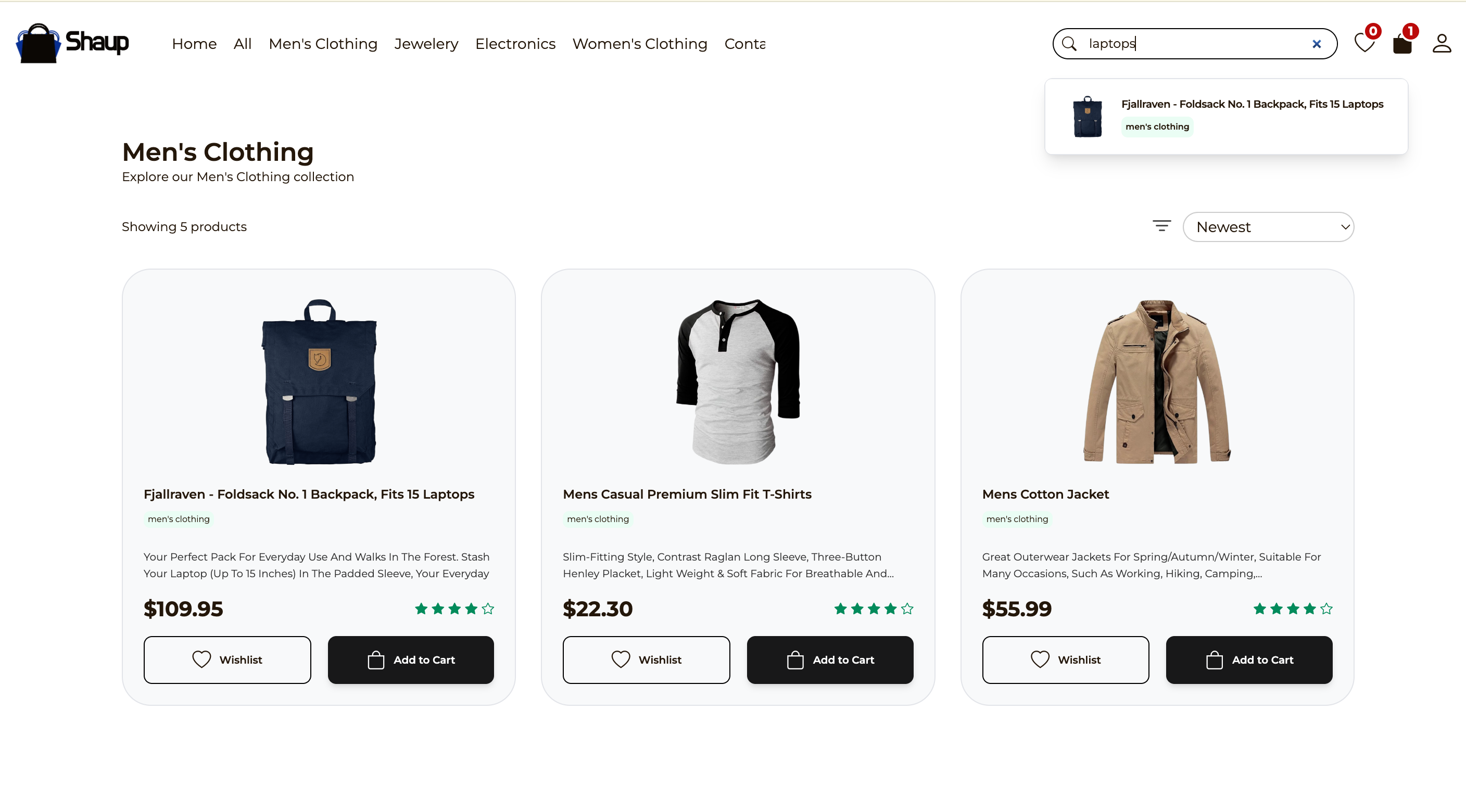
Search
Contact Us Page

- Responsive product listing grid
- Product detail view
- Cart functionality (add/remove items, view cart)
- Context API for global state (cart, products)
- Smooth animations/transitions (likely using Framer Motion)
- REST API integration for fetching products
- Clean, modern UI with Tailwind CSS
- Fast development & build with Vite
- Ready for deployment on Netlify
| Layer | Technology |
|---|---|
| Frontend | React 18 |
| Build Tool | Vite |
| Styling | Tailwind CSS |
| State Management | React Context API |
| Linting | ESLint |
| Deployment | Netlify |
| Animations | Framer Motion (likely) |
- Node.js ≥ 18
- npm or pnpm or yarn
# Clone the repository
git clone https://github.com/AkhatorEnosa/e-store.git

# Go into the project directory
cd e-store

# Install dependencies
npm install
# or
yarn install
# or
pnpm install# Start development server with hot reload
npm run dev
# or
yarn dev
# or
pnpm devOpen http://localhost:5173 in your browser.
npm run build
# or
yarn build
# or
pnpm build
The output will be in the dist/ folder.
npm run previewe-store/
├── public/ → static assets (favicon, images, etc.)
├── src/
│ ├── components/ → reusable UI components
│ ├── context/ → Context API providers & hooks
│ ├── pages/ → page-level components
│ ├── assets/ → images, icons, etc.
│ ├── App.jsx
│ └── main.jsx
├── netlify.toml → Netlify deployment config
├── tailwind.config.js
├── vite.config.js
├── eslint.config.js
└── package.json
The project is already configured for Netlify:
- Connect your GitHub repo to Netlify
- Set build command:
npm run build - Set publish directory:
dist - Deploy!
(Alternatively works great on Vercel, Render, Cloudflare Pages, etc.)
This project fetches products from a public fake store API (e.g. https://fakestoreapi.com).
Check src/context/ or data-fetching logic for the exact endpoint.
Contributions, issues, and feature requests are welcome!
- Fork the Project
- Create your Feature Branch (
git checkout -b feature/amazing-feature) - Commit your Changes (
git commit -m 'Add some amazing feature') - Push to the Branch (
git push origin feature/amazing-feature) - Open a Pull Request
MIT License – feel free to use this project for personal or commercial purposes.
Made with ❤️ by Akhator Enosa