Ali Hassan ElSharawy
Amr Essam
Mohamed Khalid
Giving signal flow graph representation of the system. Assuming that the total number of nodes and numeric branches gains are given, it’s required to provide a GUI to draw the signal flow graph showing nodes, branches, and gains, listing all forward paths, individual loops, combinations of n non-touching loops, the values of Δ, Δ1, ..., Δm where m is number of forward paths, and overall system transfer function.
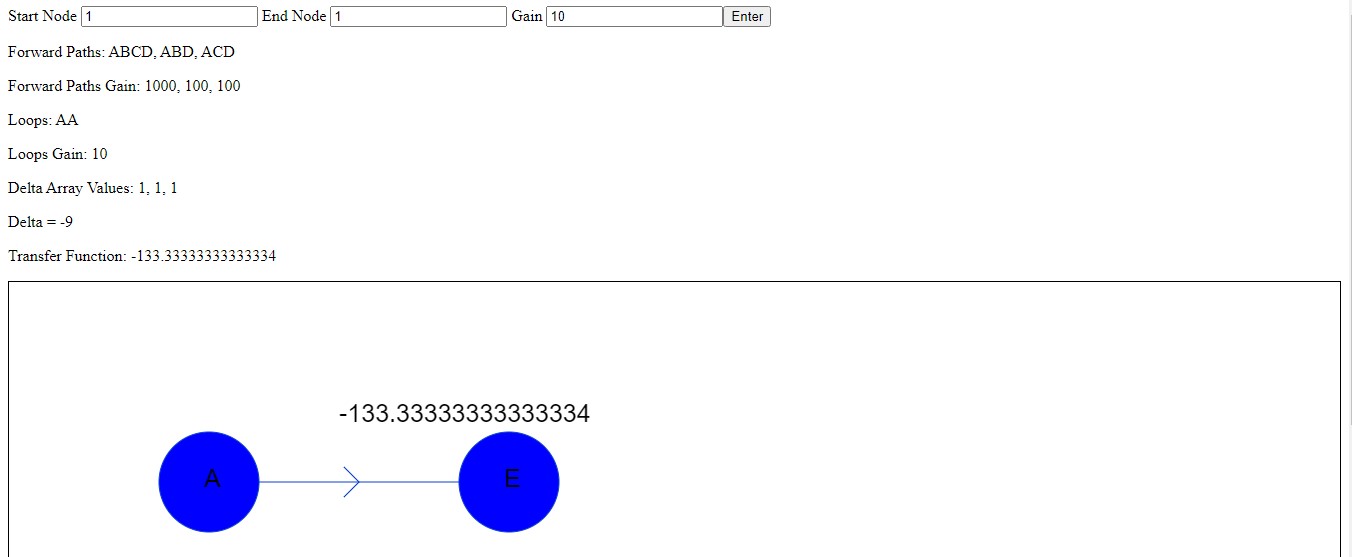
User insert number of nodes and branches then the forward paths with gain, loops with gain, delta, delta for each path and transfer function will be shown for user.
- Graphical user interface with the ability to add nodes, branches between nodes, and specify branches’ gains.
- Showing the result of forward paths, individual loops, combinations of n non-touching loops, the values of Δ, Δ1, ..., Δm where m is number of forward paths, and overall system transfer function.
- One-dimensional arrays to represent loops, nodes, and forward Paths.
- Two-dimensional array to represent branches’ gain (row:start node) (column:end node).
- One-dimensional array to store the values needed to draw the nodes and set their gains.
- Class “Node” to represent nodes, its keys, and array of other nodes to which a path goes starting from that node.
- Class “Node Drawer” to store the information about the drawed nodes and draw them.
- “pathTraverse”: a recursive function to traverse a graph starting from a given node, trying all combinations of paths to obtain forward paths and loops from the graph, adding them to their corresponding arrays.
- “extractInfo”: function to call “pathTraverse” on each node, extracting the forward paths and filtering the duplicates from the extracted loops.
- We loop on each forward path and loop to calculate gain and push it to forward paths gain array and loop gain array.
- “Gain calculator”: we loop on edges of path or loop and multiple values in the adjacency matrix.
- We get all possible combinations of loops to check touching loops by “check touching validity”.
- “check touching validity”: we loop on each loop combination and check if a node is repeated or not to check validity a node can’t be duplicated.
- “Delta calculator”: we check the validity of each combination of loops so if it is valid we add its gain to the non touching len gain map according to its number of loops in combination.
- “Get delta loops”: get the loops after removing each path to calculate delta for this path.
- “Delta array calculator”: we loop on each path and get loops after removing this path and get all combinations of these loops to calculate delta and push it to the delta array.
- “Transfer function calculator”: from delta array and paths gain and delta we calculate transfer function value.
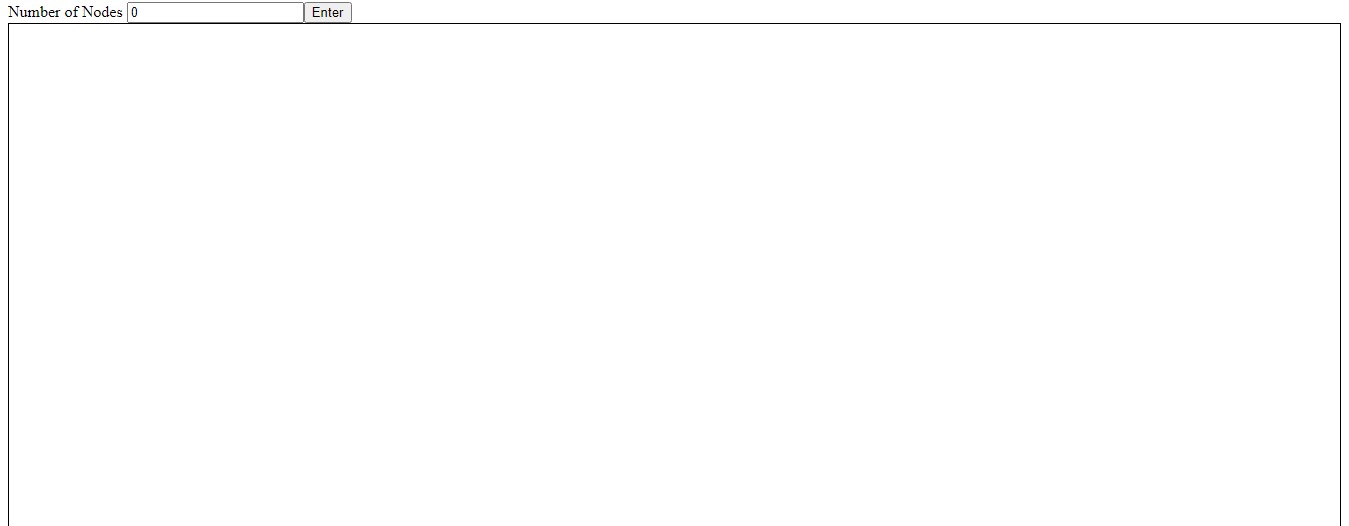
- At first you enter the total number of nodes in the signal flow graph.
- To set a gain between 2 nodes you enter the number of the first node and the number of the second node and the gain and press “Enter”
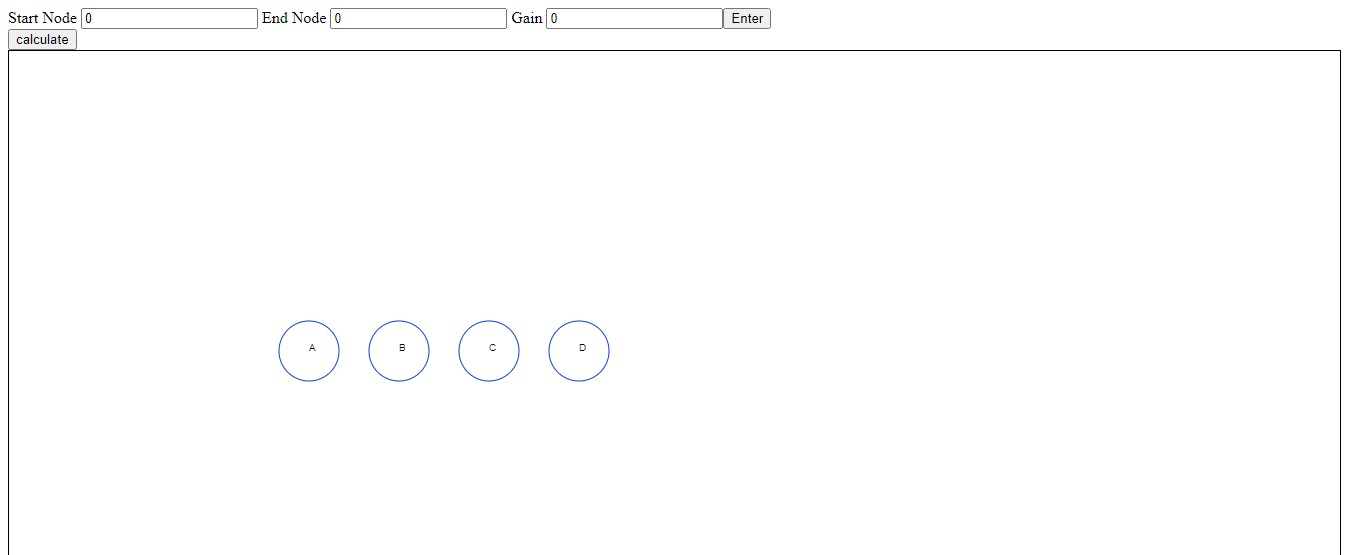
- When you finish entering the gains press on “Calculate” and the result will appear.