AppStream 2.0 is a fully managed service that can be configured for application streaming or for delivery of virtual desktops with selective persistence. When AppStream 2.0 is used for virtual desktops, saved files and application settings remain persistent between user sessions, and a fresh desktop is assigned to the user every time they log on. This Code will help you to set up the Amazon App stream 2.0 Environment. To know more about app stream, kindly go-through with the following documents.
- An AWS Account
- An Ec2 instance with an instance profile having access to Amazon App-Stream 2.0 service and For an On-Prem instance an IAM role.
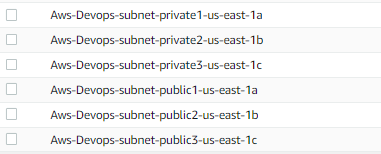
- Vpc with 2 or More Public and Private Subnet with Appropriate tagging. These tags will be used in terraform code, to pull out vpc and subnet information.
- Terraform version greater/equal to 1.2.9.
- AwsCli
- Clone the git repo.
- Go To AppStream-ImageBuilder Directory.
- Update the variable into tfvars file as per your environment/requirement.
- Push change to git repo.
- To initialize a working directory containing Terraform configuration files:
terraform init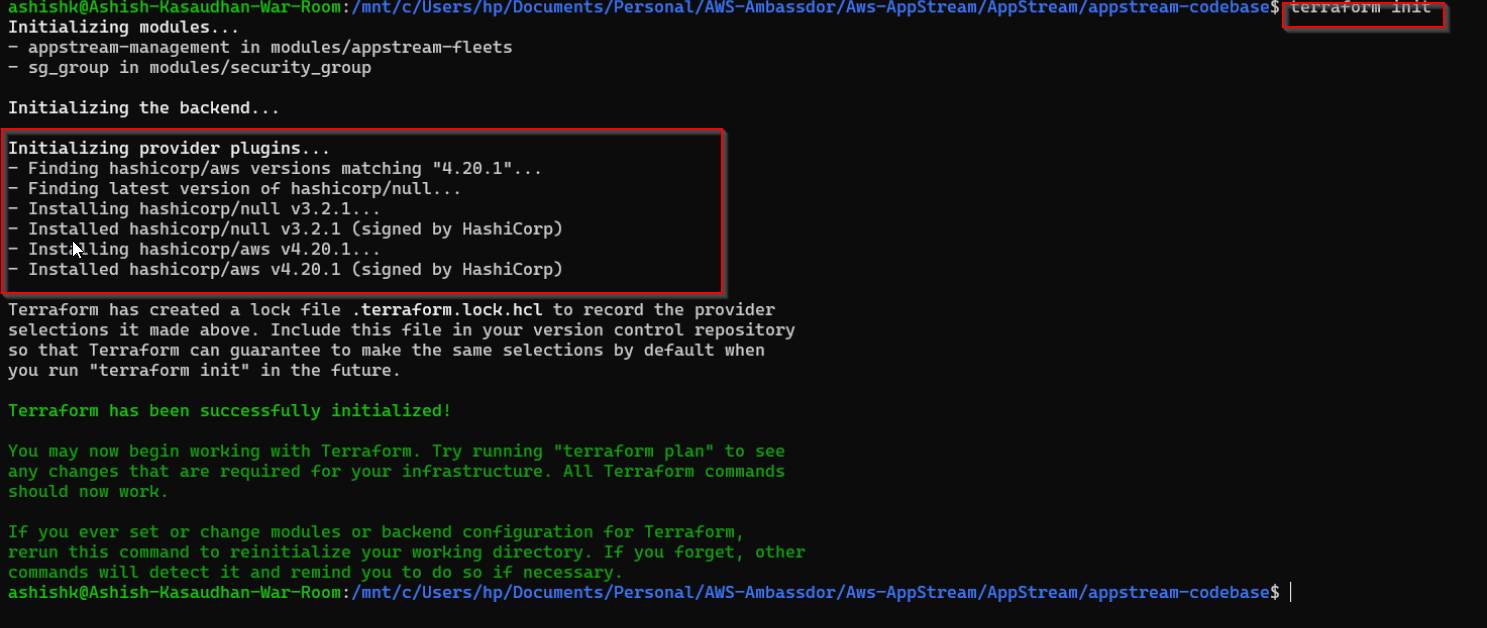
- To validate the Terraform configuration
terraform validate
- To format your Terraform code
terraform fmt --recursive- To create an execution plan, which lets you preview the changes to your infrastructure:
terraform plan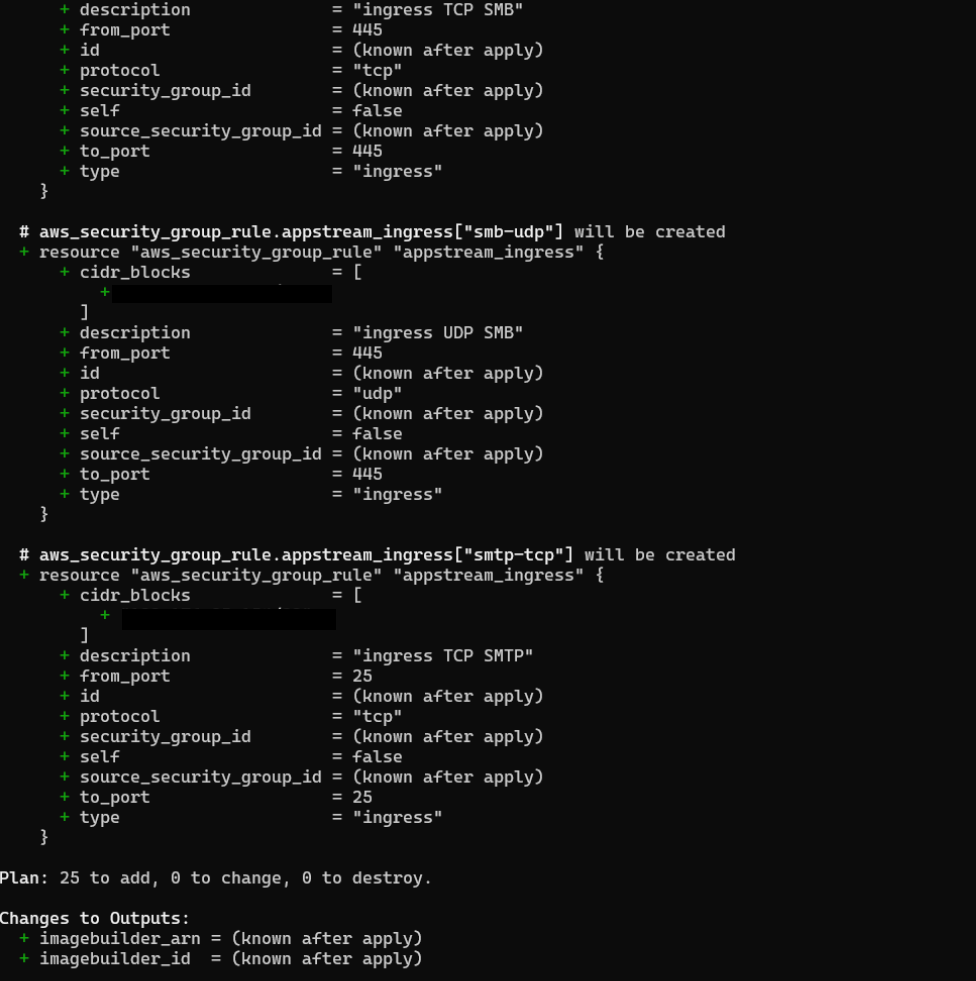
terraform apply --auto-approve
- Go To APPStream 2.0 ----> Image Builders ----> Click on Start -----> After Start login as Administrator
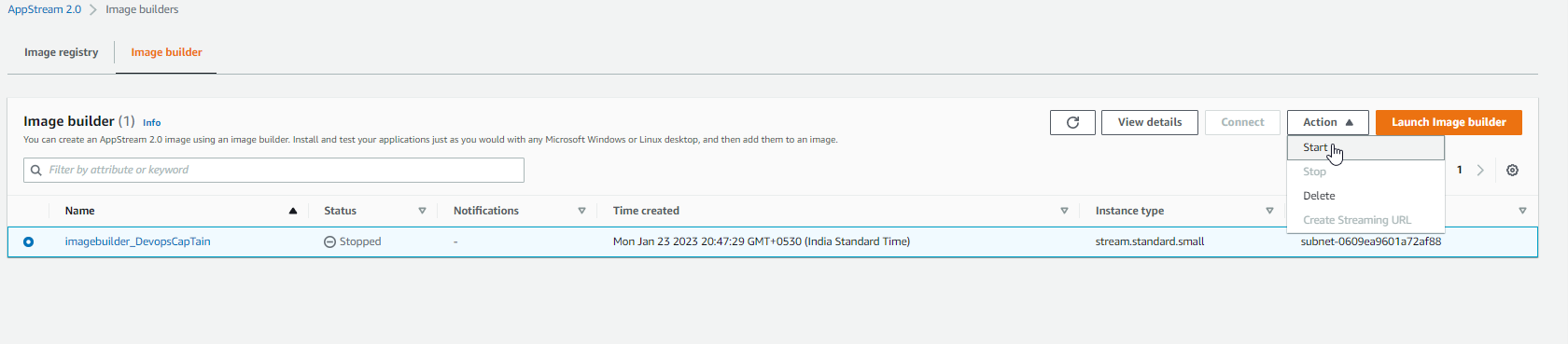
-
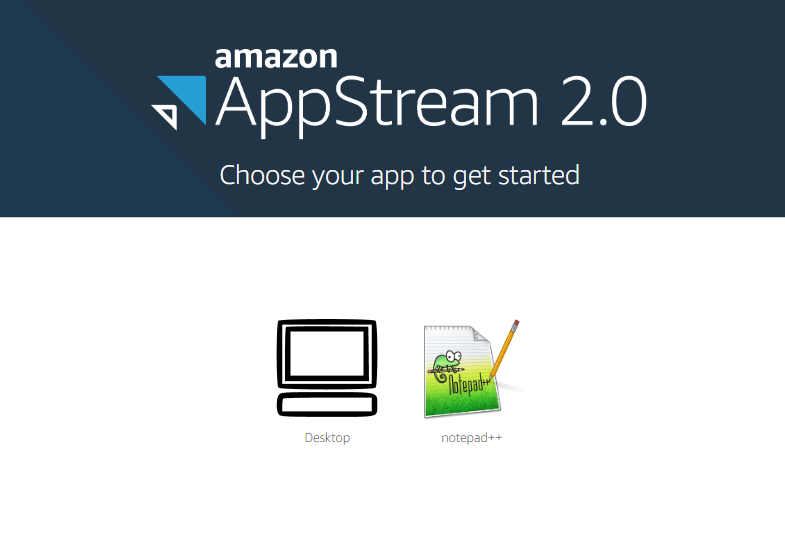
Download Notepad +++ from the internet and Install it on the image builder
-
Follow the steps mentioned in (https://docs.aws.amazon.com/appstream2/latest/developerguide/tutorial-image-builder.html) to create image.We are tagging our image as Notepad.

- Clone the git repo.
- Go To AppStream Directory.
- Update the variable into tfvars file as per your environment/requirement.
- Push change to git repo.
- To initialize a working directory containing Terraform configuration files:
terraform init- To validate the Terraform configuration
terraform validate- To format your Terraform code
terraform fmt --recursive- To create an execution plan, which lets you preview the changes to your infrastructure:
terraform plan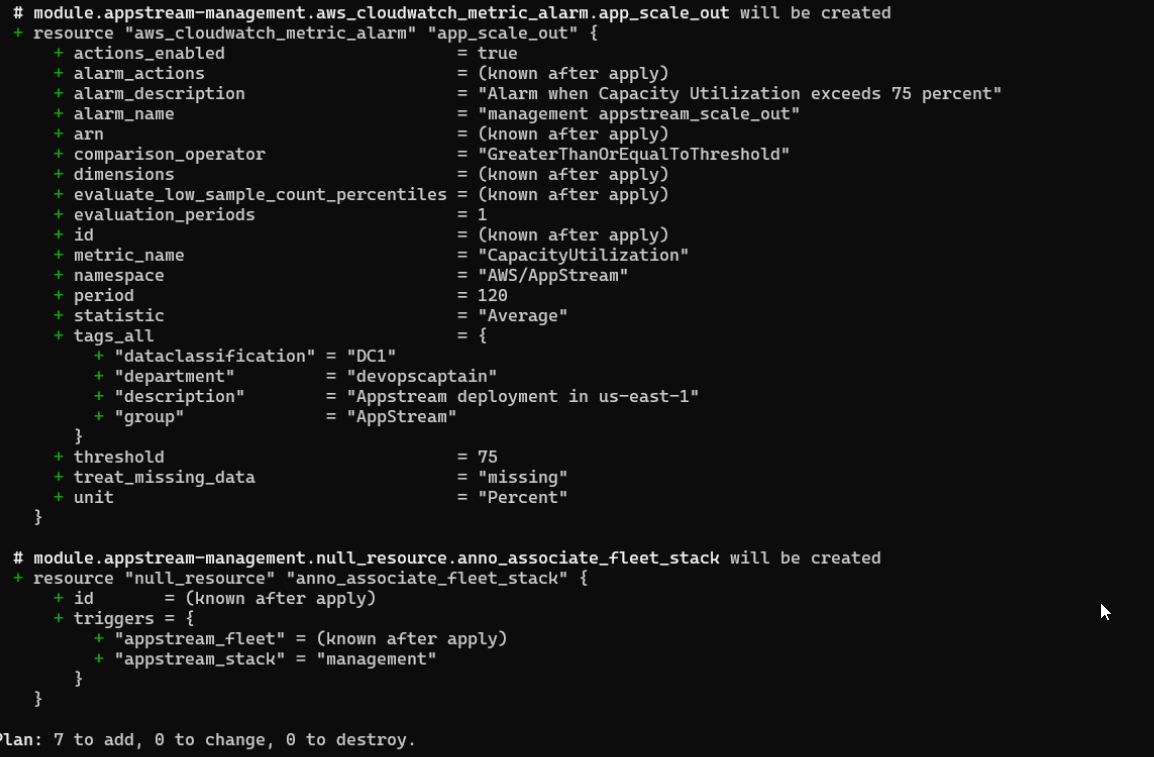
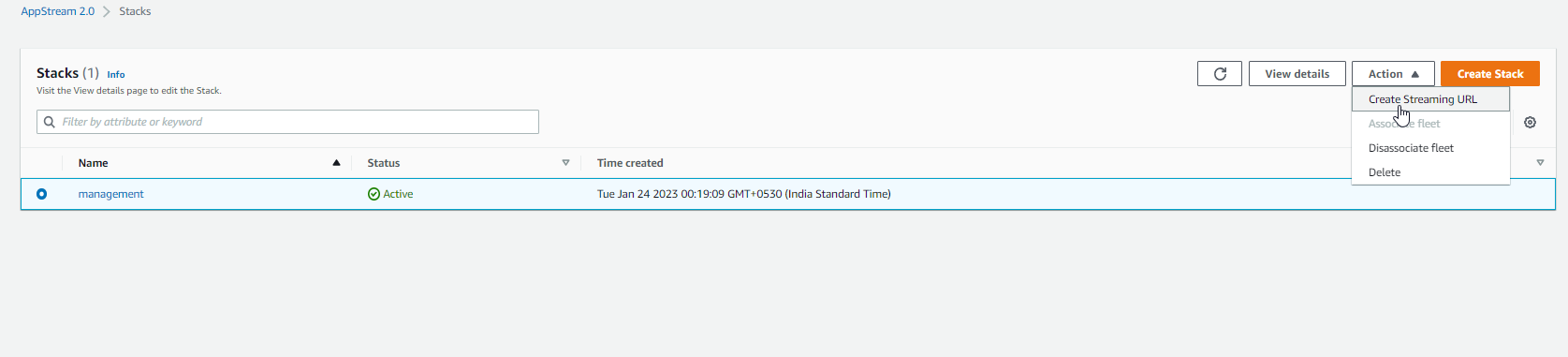
terraform apply --auto-approveAfter the successful execution of terraform Code Amazon AppStream fleet and stack gets created.

| Name | Version |
|---|---|
| terraform | = 1.2.9 |
| Name | Version |
|---|---|
| aws | 4.20.1 |
AppStream/modules/appstream-fleets
| Name | Description | Type | Default | Required |
|---|---|---|---|---|
| mgmt_stack_name | Name of AppStream Stack | string |
"" |
yes |
| mgmt_fleet_name | Name of AppStream Fleet | string |
"" |
yes |
| mgmt_fleet_type | Name of AppStream Type | string |
"" |
yes |
| mgmt_instance_name | Type of AppStream Instance | string |
"" |
yes |
| mgmt_image_name | Name of AppStream Image create via image builder | string |
"" |
yes |
| mgmt_desired_capacity | Desired Number of AppStream Instance | number |
"" |
yes |
| mgmt_max_capacity | Maximum Number of AppStream Instance | number |
"" |
yes |
| mgmt_min_capacity | Minimum Number of AppStream Instance | number |
"" |
yes |
| image_name | Base Image for ImageBuilder | string |
"" |
yes |
| instance_type | Instance Type for Imagebuilder Instance | string |
"" |
yes |
| Name | Description |
|---|---|
| stack_arn | ARN of the created appstream stack. |
| imagebuilder_arn | ARN of the created imagebuilder instance. |
| imagebuilder_id | Name of the created imagebuilder instance. |
For more information on Amazon AppStream 2.0 , visit Amazon AppStream 2.0 By Ashish Kasaudhan.
For more information on Amazon AppStream 2.0, visit Amazon AppStream 2.0.