Full Send will serve as a clone of the popular social media app, Instagram. The web app will allow users to create accounts, post images, comment on posts, follow other users, etc. In addition to the core features users may also be able to hashtag images, post stories, etc. Full Send will connect members within the community around you via images.
The objective of this app is to connect people around the world through the posting and sharing of images.
- Register
- Login
- Upload picture
- Comment on picture
- Follow user
- Profile page
- Notifications
- Patrick Godbout - patrickgdbt
- Basile Fengos - BasileF
- Chris Sotirakos - greekspartanx99
- Michael Nareg Arabian - aramich100
- Adam Richard - arich94
- React
- CSS
- HTML
- Firebase

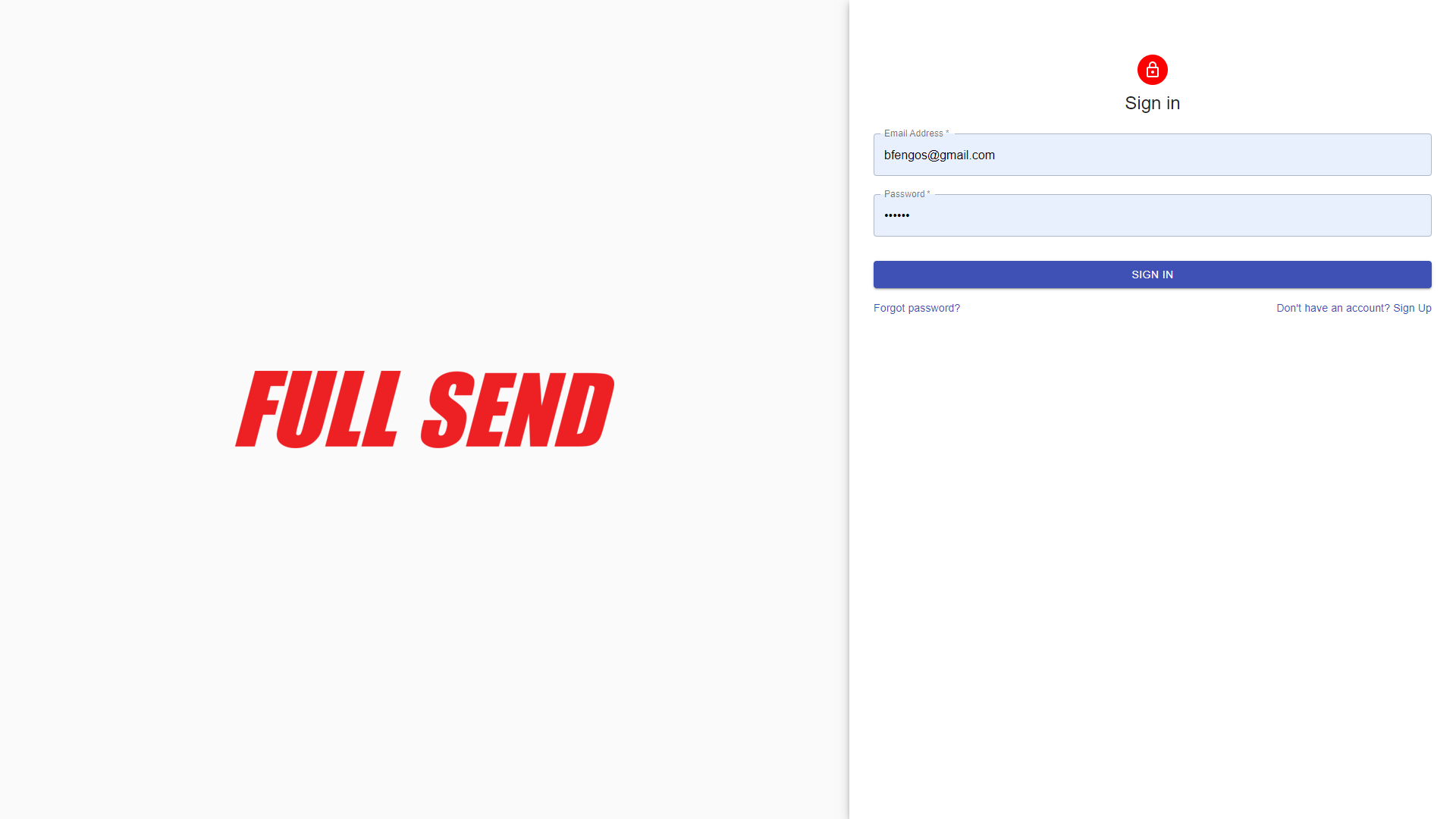
- The website's landing page is the login screen and displays the website's logo.
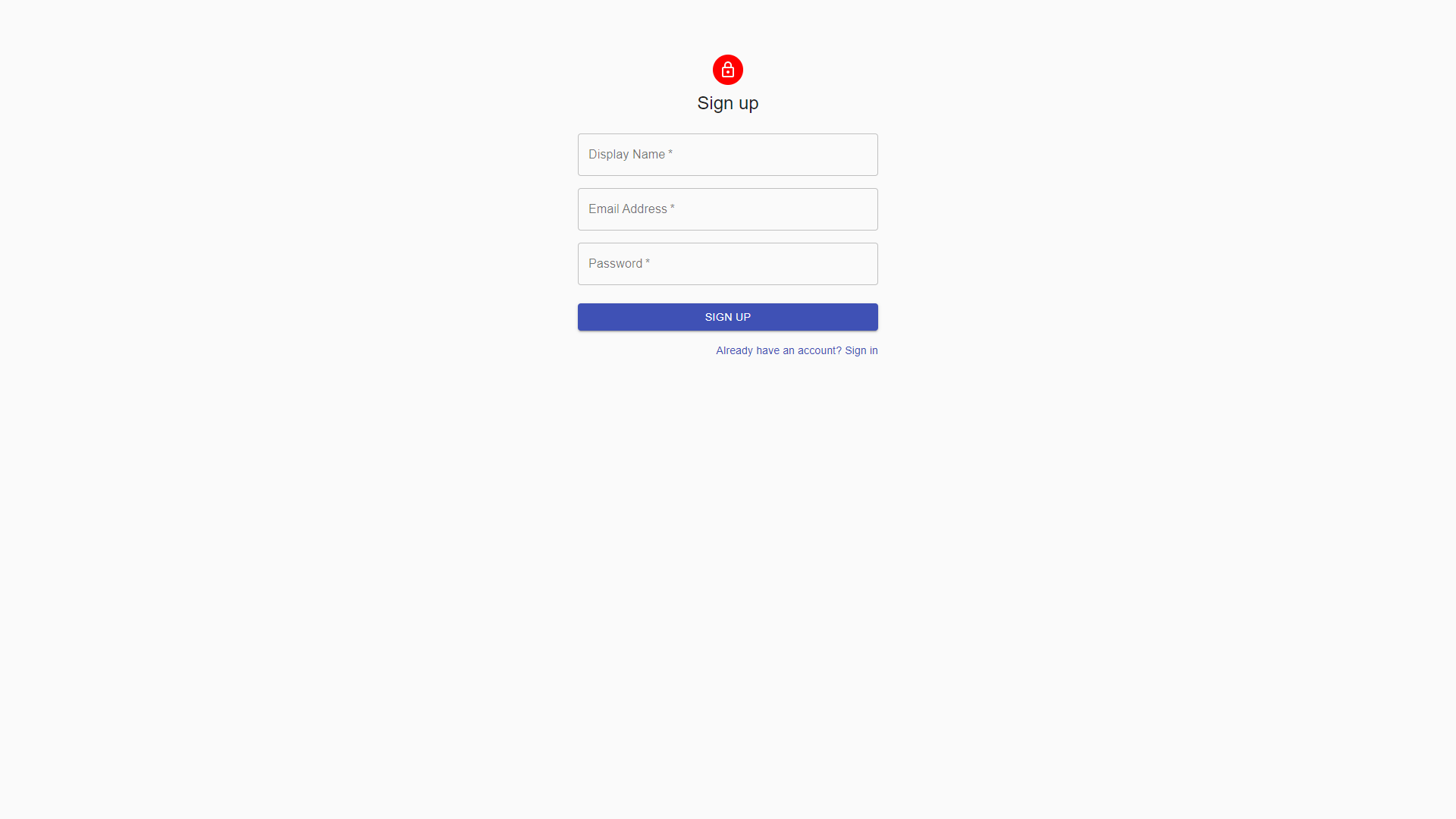
- The registration page.
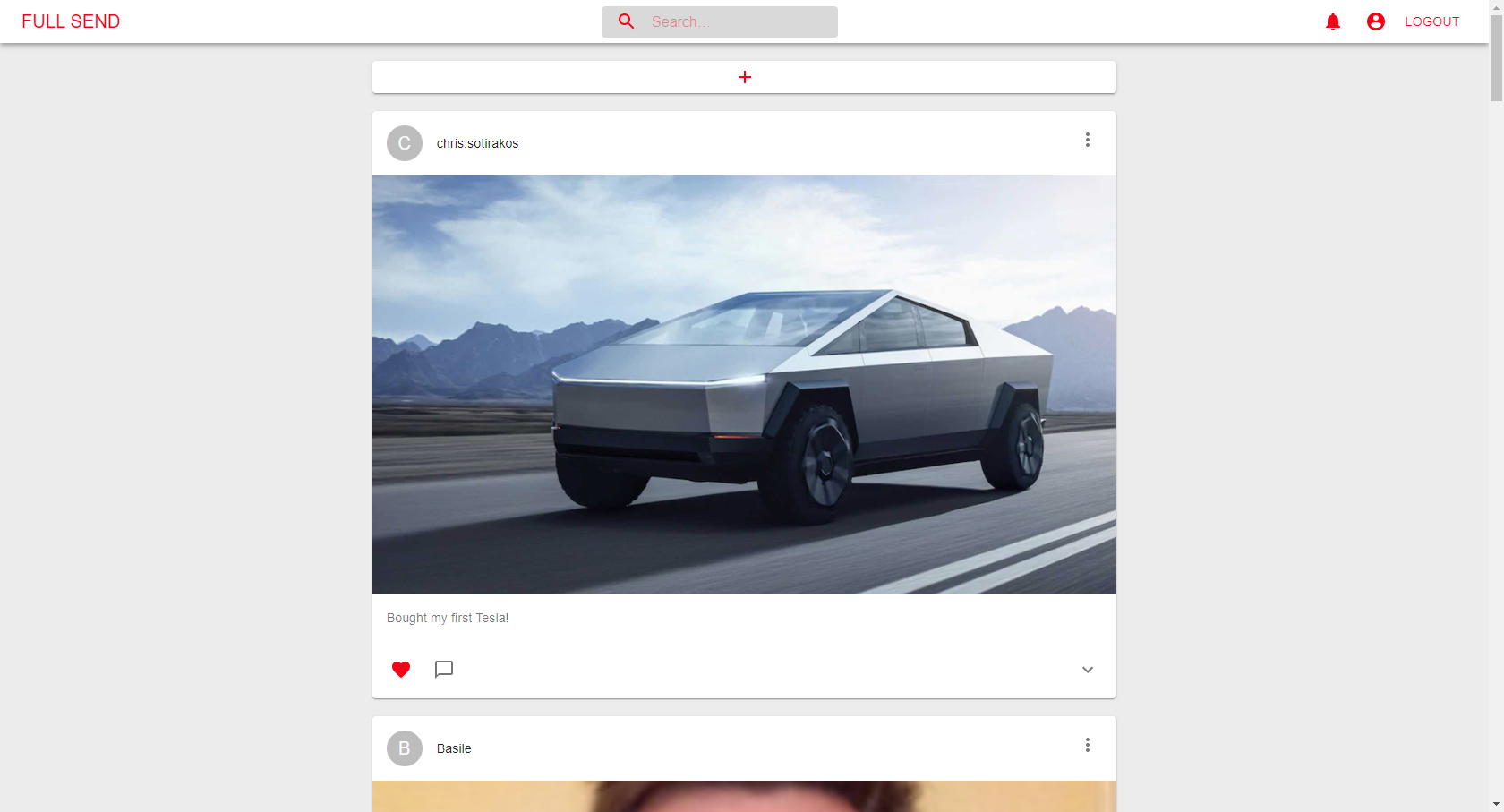
- The home screen is the user's feed, displaying all their posts and the posts of the users they follow. Every page of the app also displays the header, which can be used to search for users, check notifications and navigate to other pages.
- When a user get's a notification, the icon on the header displays a number showing how many notifications require attention.
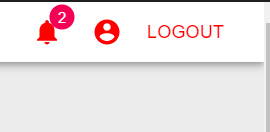
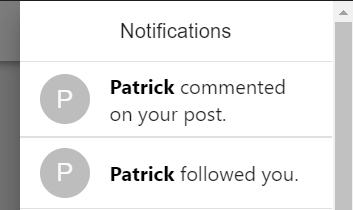
- Notifications appear when someone follows you or comments on your posts. Clicking on the notification bell opens a side drawer containing the notification details.
- Users can comment on posts. They are displayed in a drawer beneath the image.
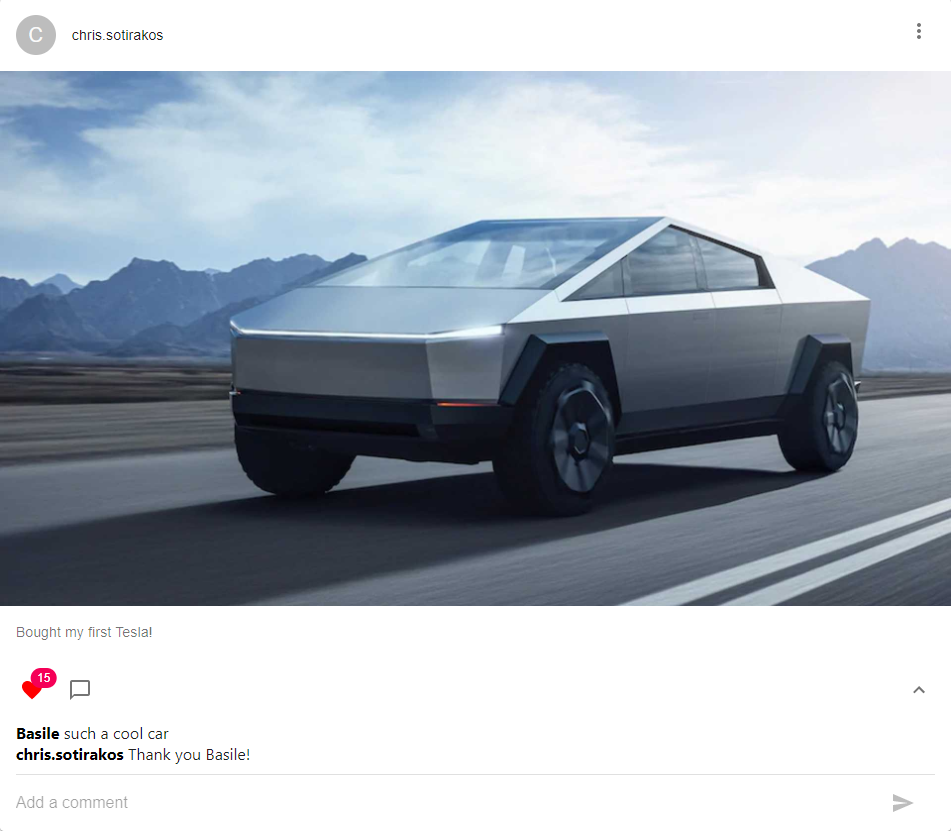
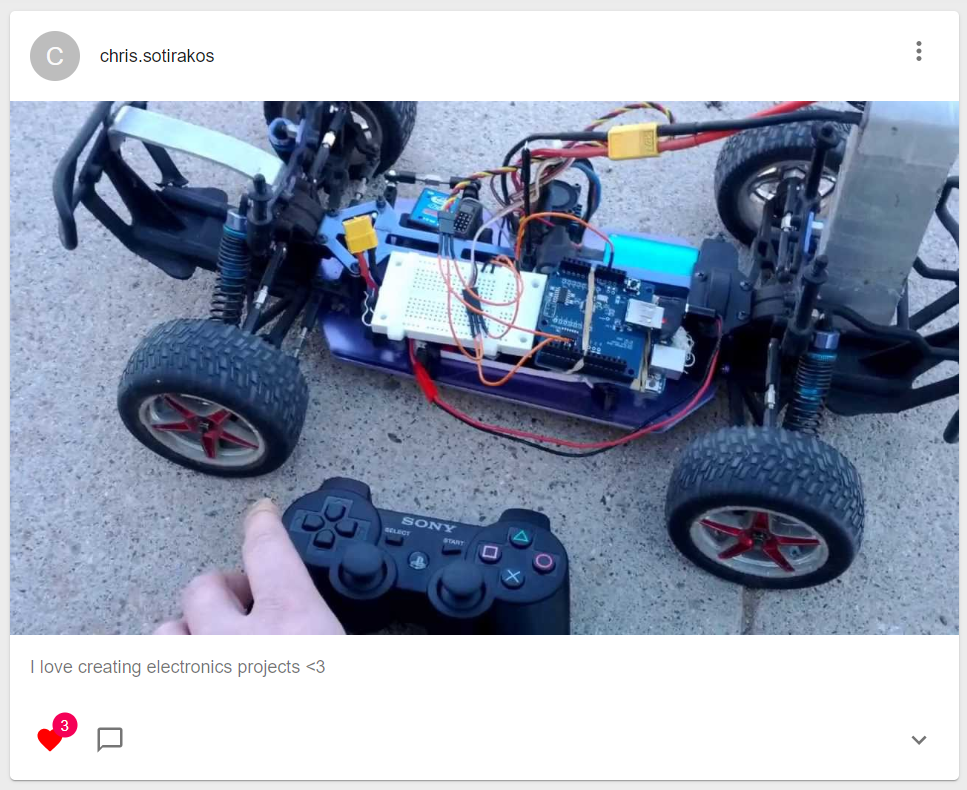
- Posts track how many likes they contain with a number above the heart icon. Clicking the heart increases the like count.
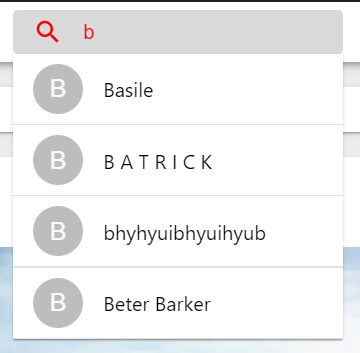
- Users are able to search for other users using the search bar in the header. Clicking a name from the results dropdown will bring you to that user's profile page.
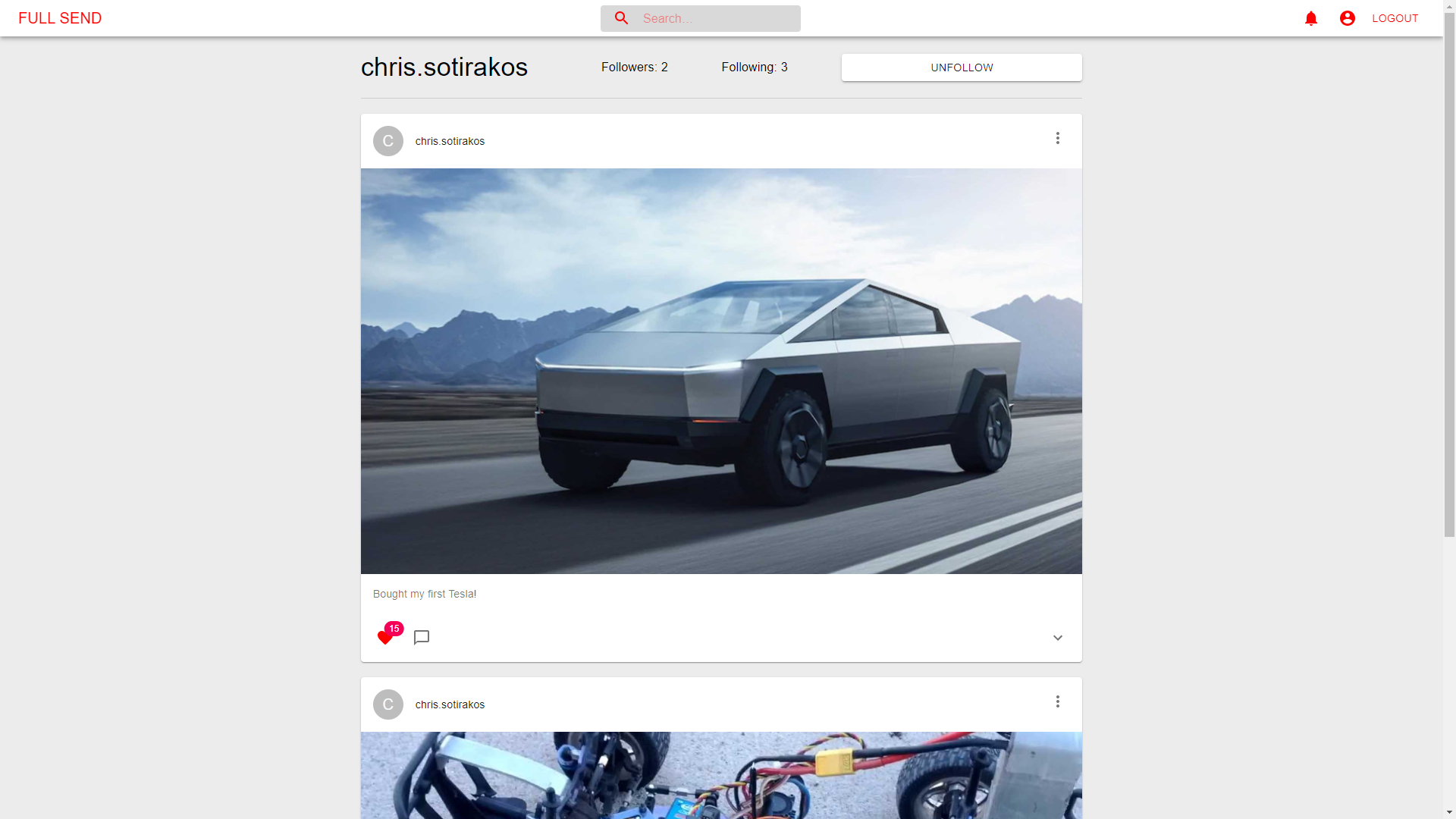
- Profile pages display the user's name, follower and following count, and a button allowing the visitor to follow. Below that, the users posts are all loaded similar to the way they are displayed in the feed.
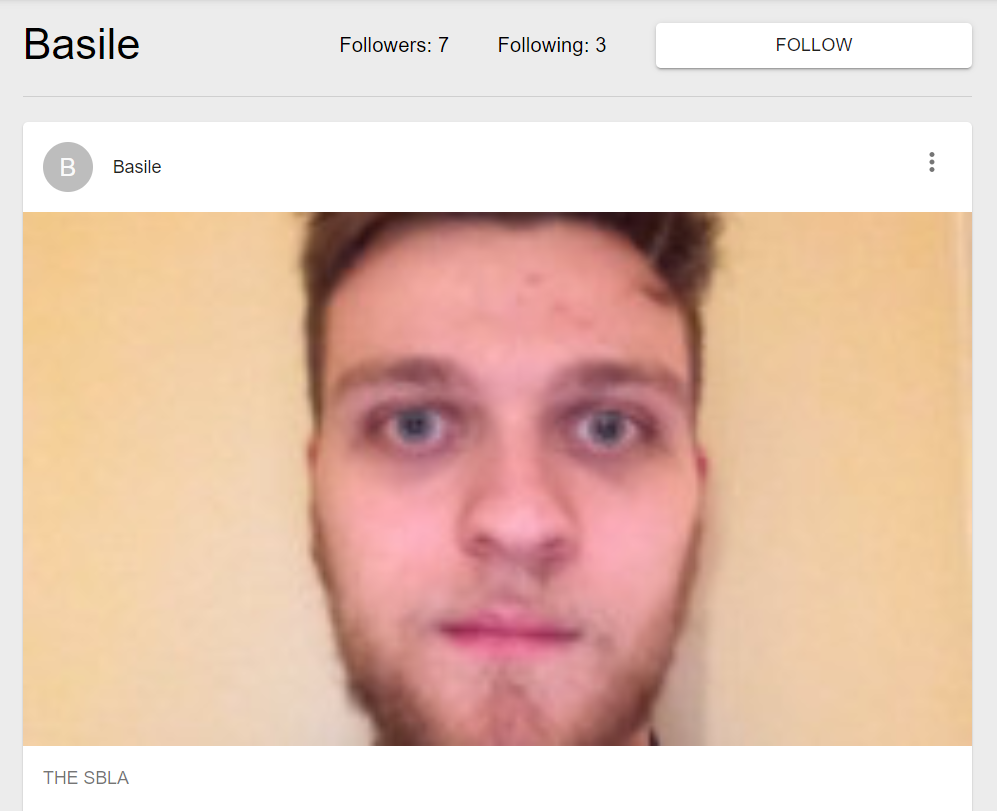
- If you already follow the user, the button displays "unfollow". Note that when users follow or unfollow each other the counts are not updated live.