
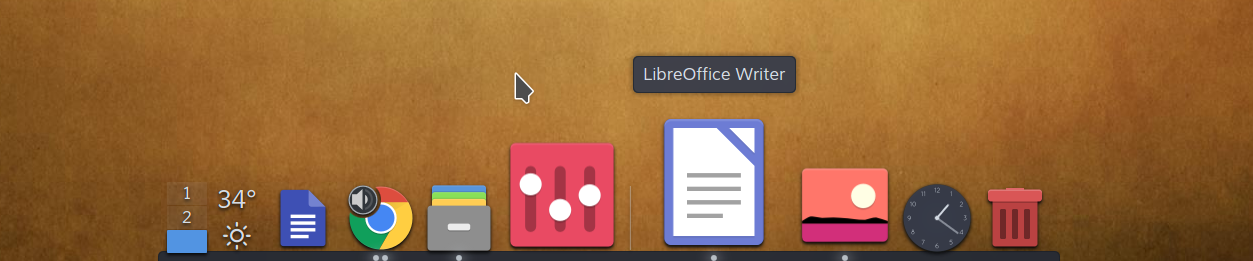
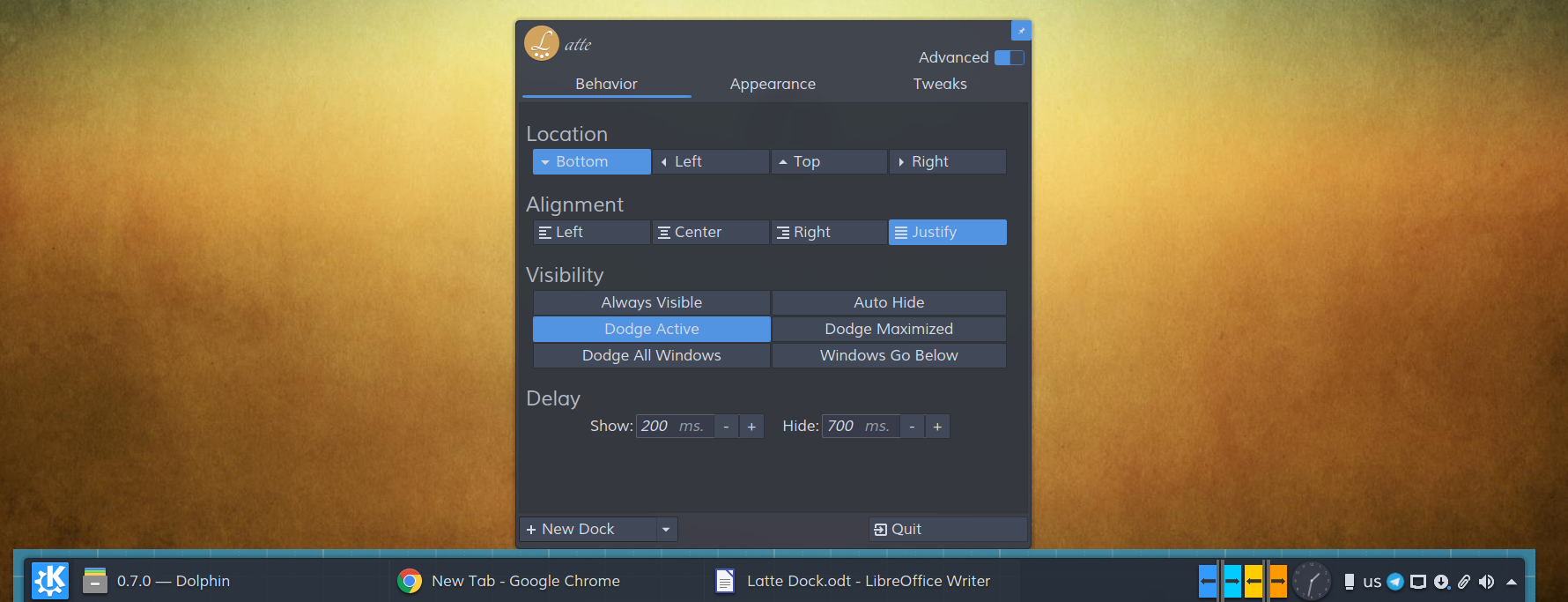
Latte is a dock based on plasma frameworks that provides an elegant and intuitive experience for your tasks and plasmoids. It animates its contents by using parabolic zoom effect and tries to be there only when it is needed.
"Art in Coffee"
This is the Plasma 6 port of Latte Dock, rebuilt on Qt 6 and KDE Frameworks 6. The original Latte stopped at Plasma 5 / Qt 5 and never made the jump to Plasma 6, so this fork picks it up from there. It's developed and tested on Wayland.
- This Plasma 6 fork — open issues and pull requests here: https://github.com/CaptSilver/latte-dock-qt6
- The original (Plasma 5 / Qt 5) upstream, kept for history: https://invent.kde.org/plasma/latte-dock
There aren't any distro packages for the Plasma 6 port yet, so you'll build it yourself. One thing to watch: the latte-dock package already in your distro's repos is the old Plasma 5 build — it won't run on Plasma 6.
A Plasma 6 desktop plus the Qt 6 / KF6 development stack:
- CMake >= 3.16 and extra-cmake-modules (ECM) >= 6.5
- Qt >= 6.6 — DBus, Gui, Qml, Quick, Widgets, WaylandClient, Test
- KDE Frameworks >= 6.5 — Archive, Config, CoreAddons, Crash, DBusAddons, GlobalAccel, GuiAddons, I18n, IconThemes, KIO, KirigamiPlatform, NewStuff, Notifications, Package, Service, Svg, WindowSystem, XmlGui
- Plasma 6 — libplasma (Plasma), PlasmaQuick, PlasmaActivities, PlasmaActivitiesStats
- KSysGuard and LibNotificationManager
- Wayland — KWayland, LayerShellQt, PlasmaWaylandProtocols >= 1.6, Wayland (Client), qtwaylandscanner
Grab the matching -dev / -devel packages for those. If you're already on a Plasma 6 desktop you probably have most of them; the ones people tend to forget are extra-cmake-modules, layer-shell-qt, the libplasma dev package and plasma-wayland-protocols. On Arch they're in extra (plasma-desktop, layer-shell-qt, extra-cmake-modules); on Fedora look for the kf6-*-devel, plasma-*-devel, libplasma-devel and layer-shell-qt-devel packages.
git clone https://github.com/CaptSilver/latte-dock-qt6.git
cd latte-dock-qt6
cmake -B build -DCMAKE_INSTALL_PREFIX=/usr -DKDE_INSTALL_USE_QT_SYS_PATHS=ON -DCMAKE_BUILD_TYPE=Release
cmake --build build -j$(nproc)
sudo cmake --install build
Don't drop -DKDE_INSTALL_USE_QT_SYS_PATHS=ON — it lands the QML packages where Plasma actually looks for them. Without it the dock and its widgets won't load.
Latte is now ready to be used by executing
latte-dock
or activating Latte Dock from the applications menu.
Michail Vourlakos and Smith AR: original Latte Dock.
David Goree: the Qt 6 / Plasma 6 port.
Varlesh: Logos and Icons.