This repository was archived by the owner on Dec 2, 2021. It is now read-only.
Home
- Pie Chart Widget
The Loading Widget is designed to show an infinite loading cycle. This can be used when your app is making a web request and its unknown how long it will take for the targeted resources to return and be populated into the user interface.
| Loading Widget Example Page | Loading Widget Test Page |
|---|---|
 |
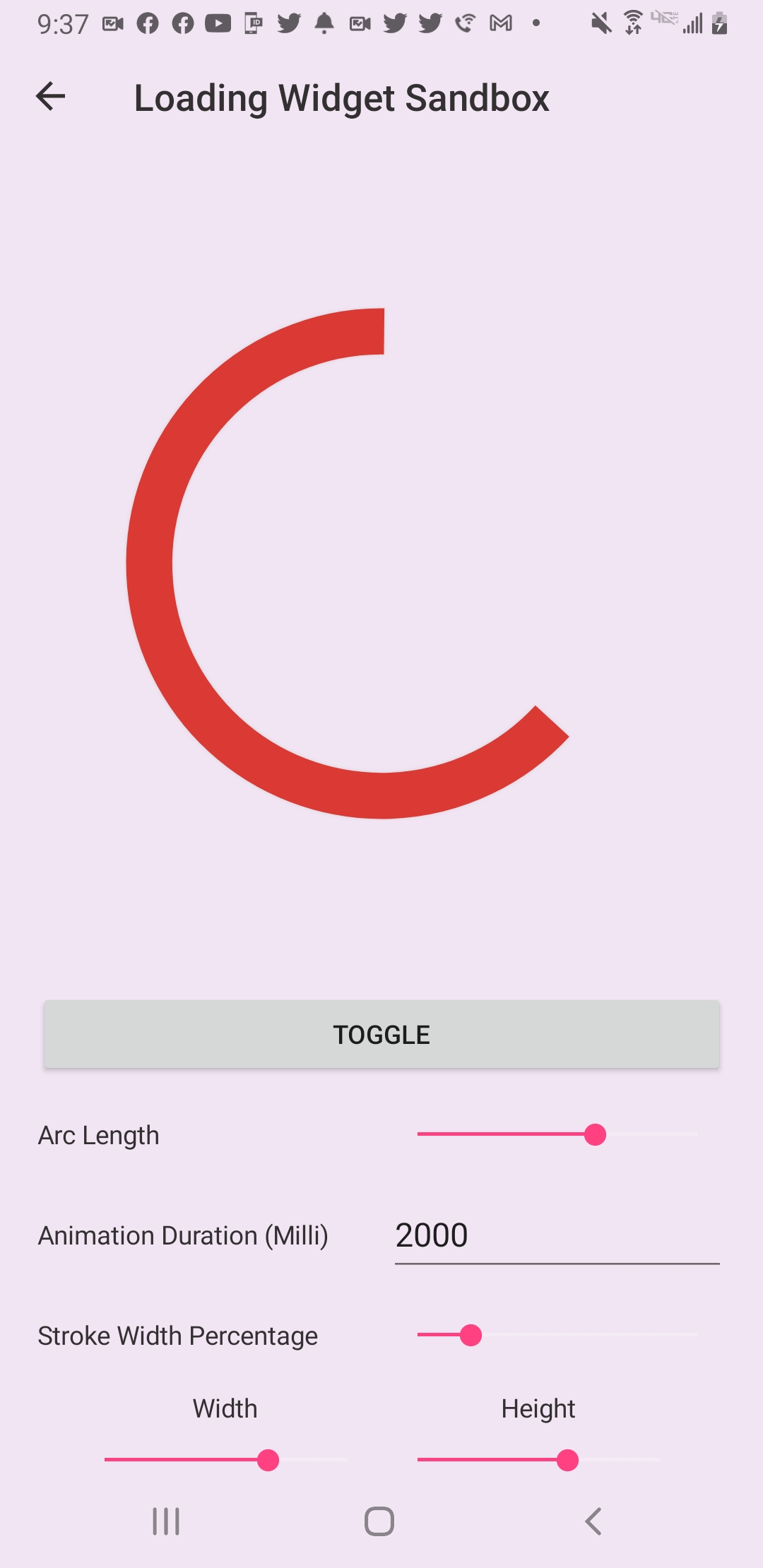 |
A simple example of implementing the Loading Widget into your xaml is as follows:
<lilWidget:LoadingWidget VerticalOptions="CenterAndExpand"
                         ArcColor="#DB3A34"/>
Here we are providing a ArcLength value of 180° which will make our arc's length be half of a circle.
A more customized implementation would look as follows:
 <lilWidget:LoadingWidget VerticalOptions="CenterAndExpand"
                          WidthRequest="100"
                          HeightRequest="100"
                          ArcLength="180"
                          ArcColor="#DB3A34"/>
Find out more on the Loading Widget wiki page.