

Play MP4, WebM, MOV, MKV, and AVI videos directly inside VS Code — with full audio, no file size limits, and a clean player UI.
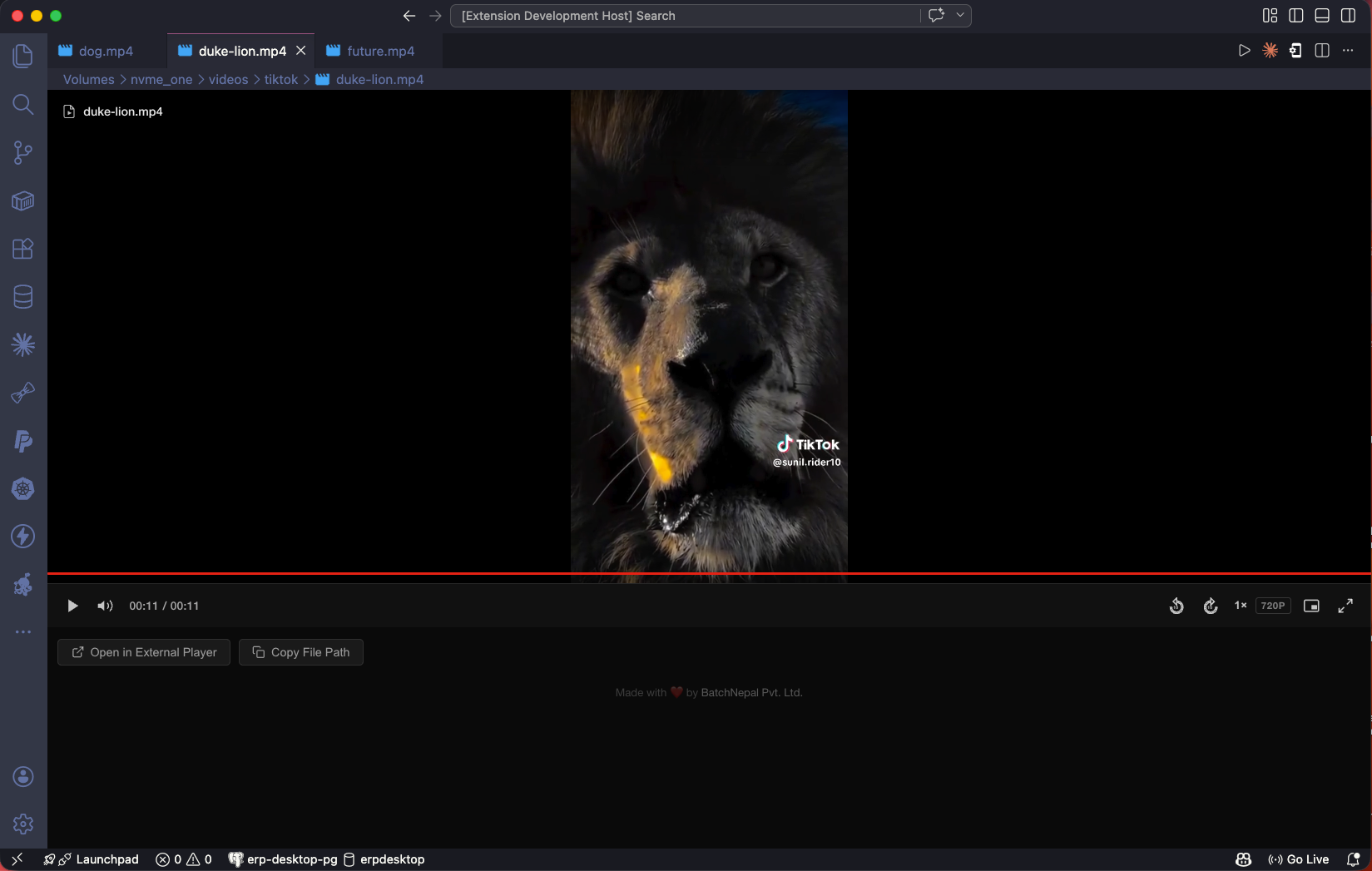
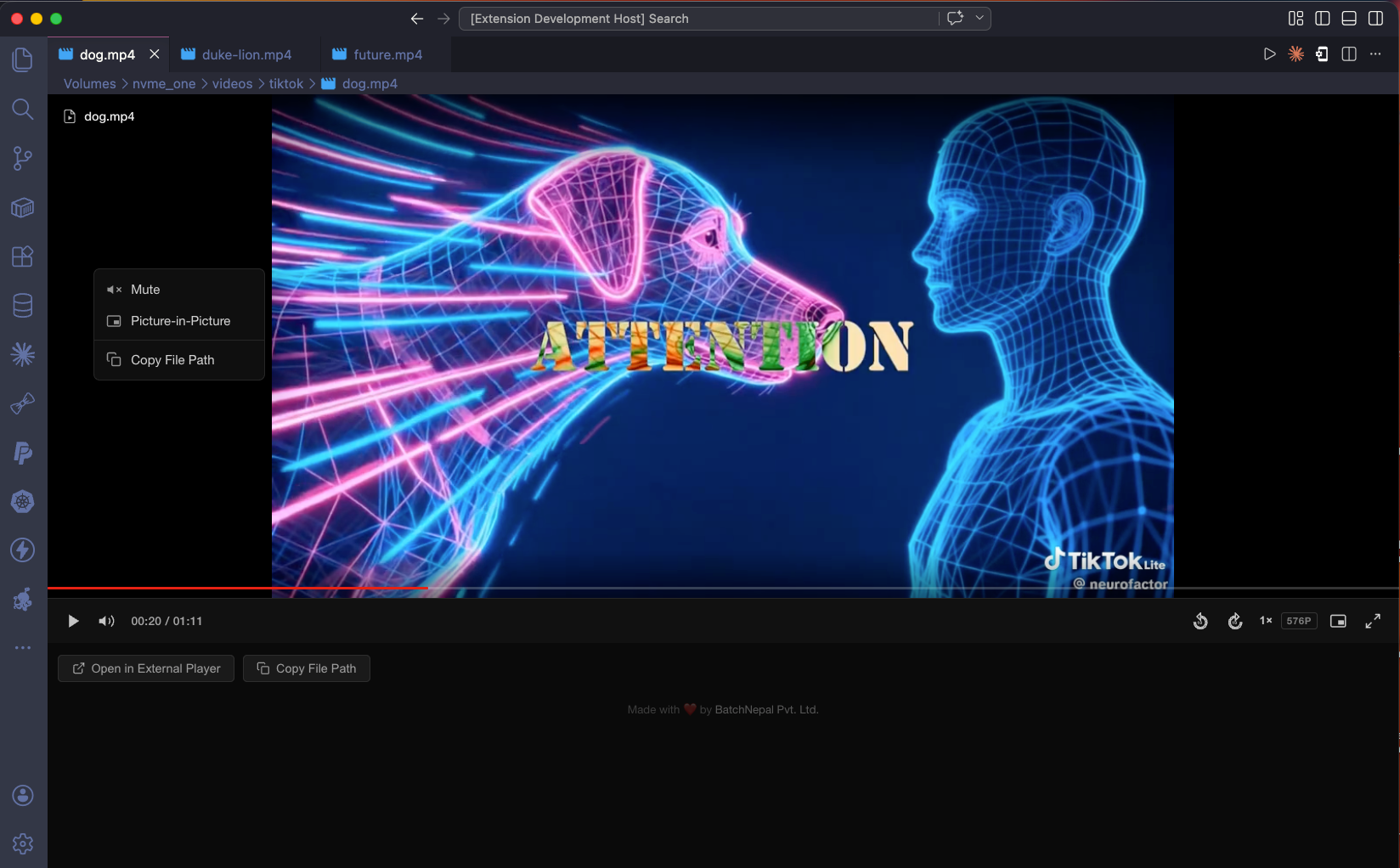
- Full audio playback — MP4, MOV, MKV, AVI, WebM. Automatically extracts audio via ffmpeg when needed.
- No file size limits — videos stream via a local server, nothing loaded into memory.
- All major formats — MP4, WebM, MOV, MKV, AVI, M4V.
- Clean player UI — auto-hide controls, progress bar with time tooltip, volume slider, resolution badge.
- Playback speed — cycle through 0.5×, 0.75×, 1×, 1.25×, 1.5×, 2×.
- 10-second skip — forward and backward buttons.
- Picture-in-Picture — float the video while you work.
- Open in external player — one click to open in your system player.
- Copy file path — instantly copy the full file path to clipboard.
- Right-click context menu — quick access to all controls.
Most VS Code video extensions have no audio — because VS Code's webview uses Chromium, which excludes AAC patent licensing.
This extension solves it using ffmpeg to extract audio in the background. Video plays immediately while audio loads within seconds.
ffmpeg is required for audio on MP4, MOV, MKV, and AVI files.
macOS:
brew install ffmpegLinux:
sudo apt install ffmpegWindows: Download from ffmpeg.org and add to PATH.
WebM plays natively — no ffmpeg needed.
| Format | Video | Audio |
|---|---|---|
.mp4 |
✅ | ✅ (requires ffmpeg) |
.webm |
✅ | ✅ |
.mov |
✅ | ✅ (requires ffmpeg) |
.mkv |
✅ | ✅ (requires ffmpeg) |
.avi |
✅ | ✅ (requires ffmpeg) |
.m4v |
✅ | ✅ (requires ffmpeg) |
| Key | Action |
|---|---|
Space / K |
Play / Pause |
← / J |
Back 10 seconds |
→ / L |
Forward 10 seconds |
M |
Mute / Unmute |
P |
Picture-in-Picture |
F |
Fullscreen |
Install from the VS Code Marketplace or manually:
code --install-extension vscode-video-preview-0.1.0.vsix- VS Code
1.90.0or higher - ffmpeg (optional — required for audio on MP4, MOV, MKV, AVI)
Contributions are welcome!
- Fork the repository
- Create your feature branch (
git checkout -b feature-name) - Commit your changes (
git commit -m 'Add new feature') - Push to the branch (
git push origin feature-name) - Submit a Pull Request
Report issues or feature requests on GitHub.
MIT License. See LICENSE.md for details.