
A cool dark professional color theme for VS Code.
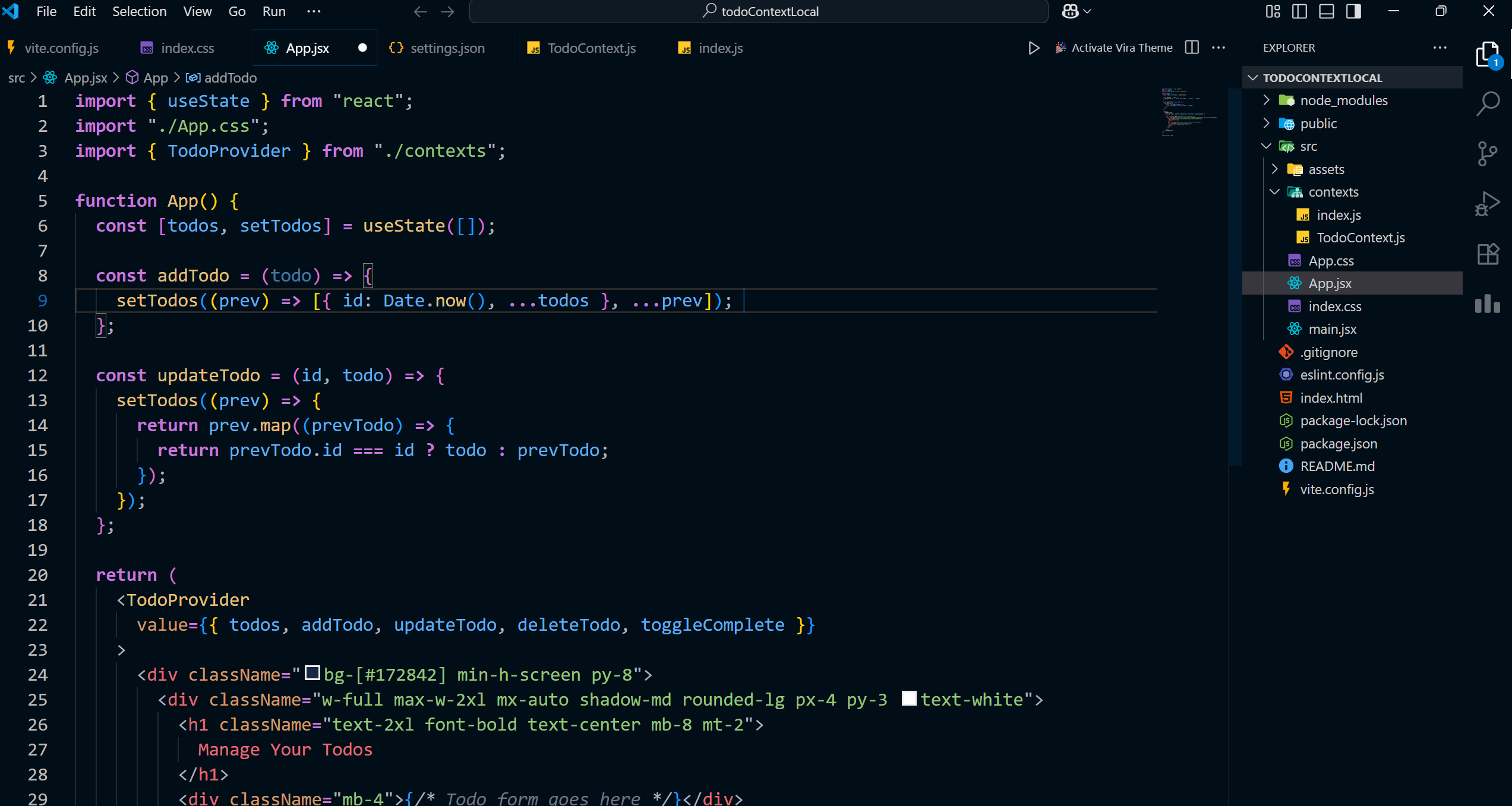
Follow these steps to install the theme in VS Code:
- Open Visual Studio Code.
- Go to the Extensions view by clicking on the square icon on the left sidebar or pressing
Ctrl+Shift+X. - In the search bar, type Stellar Blue.
- Look for the extension published by czar-16.
- Click the Install button.
- After installation, go to File → Preferences → Color Theme (or press
Ctrl+K Ctrl+T) and select Stellar Blue.