




Ultimate Text Selection Translator is a powerful Tampermonkey userscript that allows you to instantly translate any selected text on any website using a simple keyboard shortcut. No copy-paste, no external tools : translation happens directly on the page.
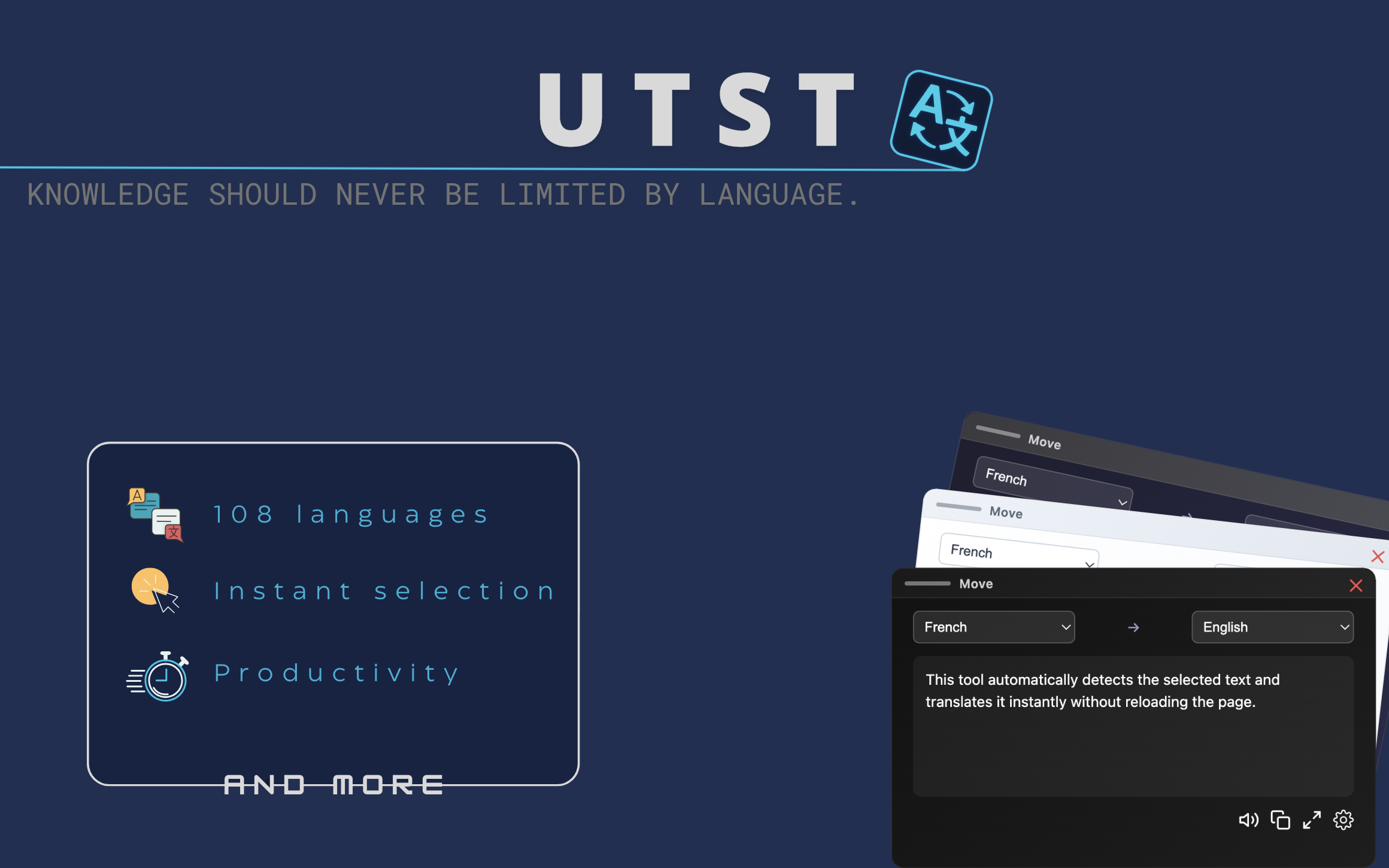
- Instant translation of any selected text using Ctrl + L
- Automatic source language detection
- Translation into the browser’s default language
- One-click translation button directly on text selection
- Integrated text-to-speech for translated content
- Stable audio playback with instant stop control
- Global theme system (Blue, Dark, Light)
- Per-site control with built-in blacklist
- Works on all websites without configuration
- Fast, lightweight, and optimized for smooth browsing
Select any text on a webpage and press Ctrl + L to instantly translate it without leaving the page.
You can also use the automatic selection button that appears at the end of highlighted text for one-click translation. This feature can be disabled globally or per-site from the settings.
You can install the script by following the instructions here .
Ultimate Text Selection Translator was created on May 17, 2025.
The script uses translate.googleapis.com to process translation requests.
Feedback, bug reports, and improvement suggestions are welcome via GreasyFork feedback or GitHub Issues .
Developed and maintained by Dℝ∃wX (DREwX-code).
Project designed with a focus on speed, simplicity, and seamless user experience.
This project is licensed under the Apache License 2.0.
You are free to use, modify, and redistribute it under the terms of the license.