


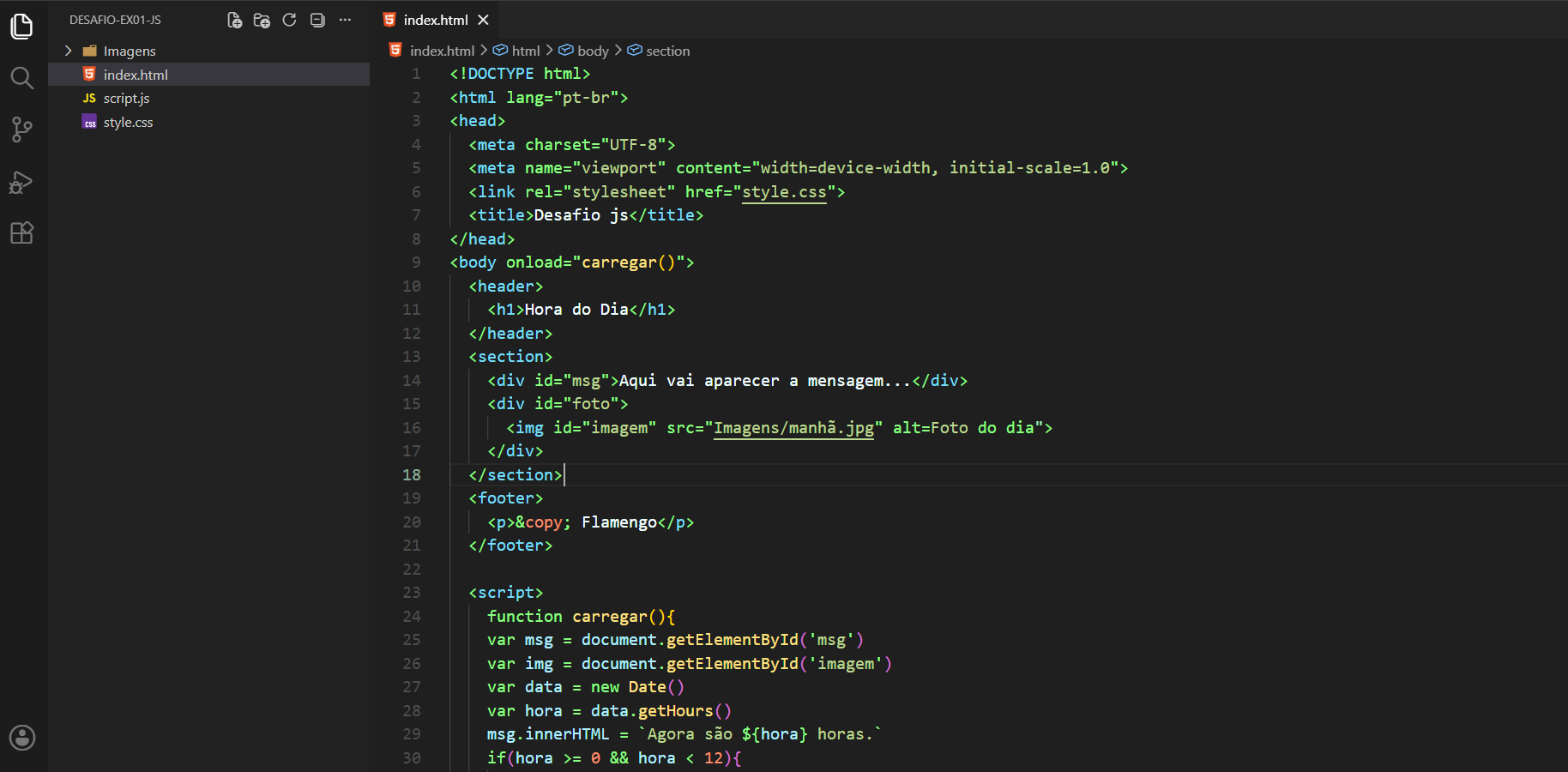
A dark theme for visual studio code
- Go to View -> Command Palette or press Ctrl+Shift+P
- Then enter Install Extension
- Write emerald
- Select it or press Enter to install
If you'd like to contribute to this theme, please read the contributing guidelines
| Name | Name | Last commit date | ||
|---|---|---|---|---|
A dark theme for visual studio code
If you'd like to contribute to this theme, please read the contributing guidelines