Recreates the feel of Quantum with its squared tabs and menus. No rounded corners to be seen. I consider this a fix, as rounded buttons aren't a feature but a nuisance.
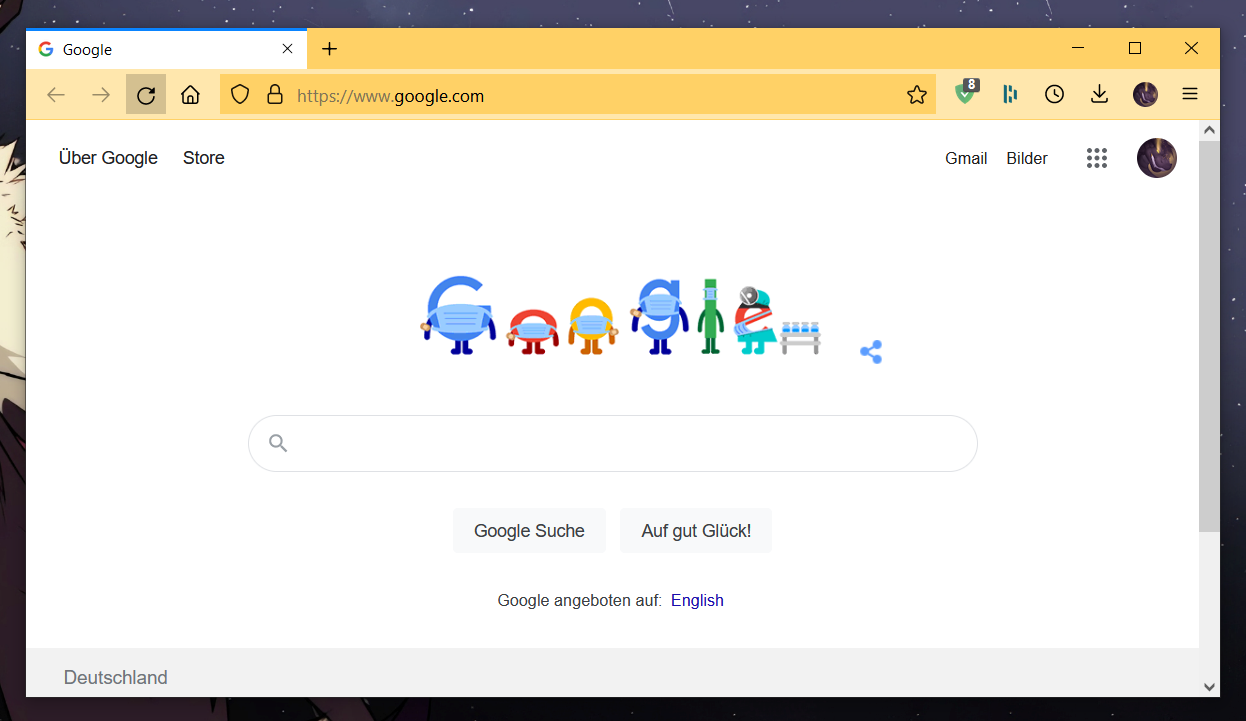
If you are like me and hate rounded corners, this is for you.
These tweaks attempt to recreate the feel of Quantum with its squared tabs and menus, but in the Proton UI. As of FF91, the about:config option to disable proton ("browser.proton.enabled = false") has been deprecated, leaving CSS as the main way to revert the UI.
Different Fix for the NavBar than leadweedy
Uses nav-bar {height: 40px !important} and #search-container {height: 35px !important; padding-top: 0!important;}
to create a symmetrical navbar.
Tab Design
- Square corners
- Connect with toolbar (no floating tabs)
- No spacer on left tab bar when windowed
- Colored tab context line above selected tab
- Divide Line between tabs
Menu Design
- Square corners on most popup menus
- Square toggle buttons
Custom Accent Color
- Consistent accent color used across Firefox
- User customizable
- Controlled by
--custom-accent-color: <insert color here>;in the first line of each file
- Default: dark blue (#0a84ff)
- Use hex color code (e.g. #FF00FF) or color name
- Enable
userChrome.cssSupport.- Go to
about:config toolkit.legacyUserProfileCustomizations.stylesheetstotruesvg.context-properties.content.enabledtotrue
- Go to
- Find Profile Directory.
- Go to
about:support - Open Profile Directory
- Go to
- Copy Files
- create
chromedirectory at profile - download the
userChrome.cssanduserContent.cssfiles from this repository - copy the files into the
chromedirectory
- create
- Restart Firefox
Thunderbird is also supported.
about:config
- set
browser.tabs.tabMinWidthto150px or desired width - change
layout.css.devPixelsPerPxto scale the whole browser (1.0 represents 100% scaling)
Addons
- Stylus or similar for editing webpage CSS
- create custom rules to apply
*{border-radius: 0 !important}to square most elements on webpages - may result in webpage breakages, apply at own risk