Have you ever played the Discworld MUD and felt like you have a lot of things spread out all over the Disc, but can't remember what you put where?
If you use the popular MUSHclient, you can add this plugin to let it memorize the containers and their contents for you!
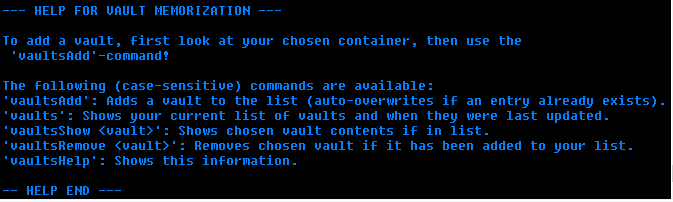
To add a vault, first look at your chosen container, then use the 'vaultsAdd'-command!
The following (case-sensitive) commands are available:- 'vaultsAdd': Adds a vault to the list (auto-overwrites).
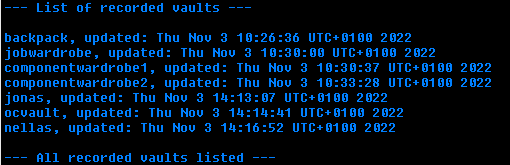
- 'vaults': Shows your current list of vaults.
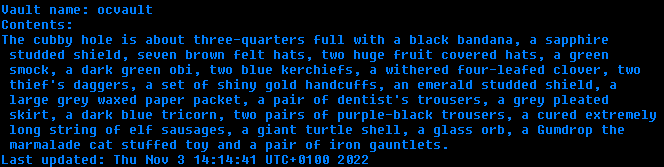
- 'vaultsShow ': Shows chosen vault contents if in list.
- 'vaultsRemove ': Removes chosen vault if in list.
- 'vaultsHelp': Shows this information.
Here is how you can do it in just a few easy steps:
- Download the .xml-file and save it wherever you will find it.
- Start MUSHclient and go to File -> Plugins (Shift+Ctrl+P).
- Click the "Add..."-button.
- Navigate to the folder where you saved the .xml-file and open it.
- Now you can close the Plugins dialogue window and start using it!
A: Yes, this can happen if you opened multiple containers in a row. The plugin just reads the most recent 50 lines and identifies the containers it encounters, and records them to the entry.
Solution so far: Take a few steps to ensure your container text is not within 35 lines of another container.
A: No, it does not. But there is nothing preventing you from naming a vault, for instance, 'CharName|VaultName'!
A: Yes, it is!