
TensorRT is a model optimization engine that can help improve deep learning services
by optimizing trained deep learning models to improve inference speed on NVIDIA GPUs by
several to tens of times. Models created with various deep learning frameworks such as
Pytorch, Tensorflow, Caffe, etc. can be optimized by TensorRT.
This study introduces the process of converting a Pytorch model into an onnx model and inferring it with TensorRT.
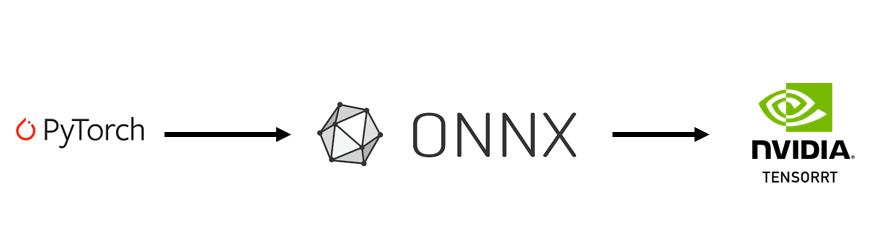
Process overview
The initial docker environment to install TensorRT is as follows.
ubuntu==18.04
cuda==11.1
cudnn==8
python==3.7
pytorch==1.9.1
onnx
onnxruntime-gpu
pycuda
...
Download TensorRT before installing.
Warning: Download the TensorRT tar package for the Ubuntu and CUDA version you want to use.
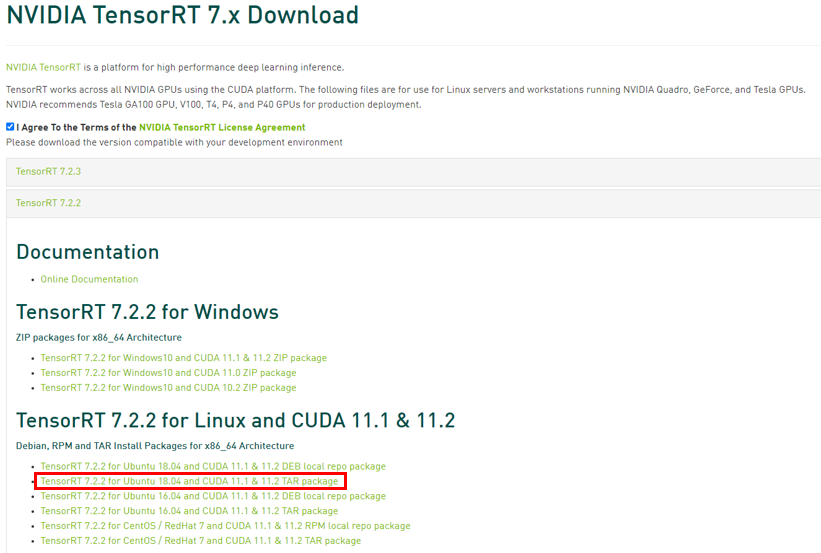 Unzip the downloaded compressed file to the
 TensorRT-7.2.2.3 directory.
tar xzvf TensorRT-7.~~~
wget https://developer.download.nvidia.com/compute/cuda/repos/ubuntu1804/x86_64/cuda-keyring_1.0-1_all.deb
- Write Dockerfile
- Docker images
FROM pytorch/pytorch:1.9.1-cuda11.1-cudnn8-devel - Install Python and deep learning framework
ARG WORKDIR=/workspace COPY cuda-keyring_1.0-1_all.deb cuda-keyring_1.0-1_all.deb ENV DEBIAN_FRONTEND noninteractive RUN apt-key del 7fa2af80 RUN apt-key adv --fetch-keys https://developer.download.nvidia.com/compute/cuda/repos/ubuntu1804/x86_64/3bf863cc.pub RUN apt-key adv --fetch-keys https://developer.download.nvidia.com/compute/machine-learning/repos/ubuntu1804/x86_64/7fa2af80.pub RUN apt-get update RUN apt-get install -y vim ffmpeg libsm6 libxext6 git ninja-build libglib2.0-0 libsm6 libxrender-dev libxext6 cython \ python-dev python3-pip gcc g++ zip unzip curl zlib1g-dev pkg-config python3-mock libpython3-dev libpython3-all-dev \ g++ gcc cmake make libncursesw5-dev libgdbm-dev libc6-dev zlib1g-dev libsqlite3-dev libssl-dev openssl libffi-dev wget \ sudo build-essential openbox libx11-dev libgl1-mesa-glx libgl1-mesa-dev libtbb2 libtbb-dev libopenblas-dev libopenmpi-dev \ && apt-get clean \ && rm -rf /var/lib/apt/lists/* RUN pip3 install pip --upgrade RUN pip3 install opencv-python h5py onnx onnxruntime-gpu onnx-simplifier timm tqdm pycuda yacs easydict nni - Copy TensorRT directory to Docker
COPY TensorRT-7.2.2.3 /TensorRT-7.2.2.3 WORKDIR ${WORKDIR} - You can use the uploaded
Dockerfilewithout writing above code.
- Docker images
- Docker build
Before build Dockerfile, you must moveTensorRT-7.2.2.3directory to the directory whereDockerfileis.- xxx |__ Dockerfile |__ cuda-keyring_1.0-1_all.deb |__ TensorRT-7.2.2.3docker build -t tensorrt:7.2.2.3 . - Docker run
docker run --gpus all --privileged --rm -it --shm-size=8G --name {Container_name} tensorrt:7.2.2.3
-
In docker container,
mv TensorRT-7.2.2.3 /usr/local/lib/export LD_LIBRARY_PATH=$LD_LIBRARY_PATH:/usr/local/lib/TensorRT-7.2.2.3/libcd /usr/local/lib/TensorRT-7.2.2.3/pip install python/tensorrt-7.2.2.3-cp37-none-linux_x86_64.whlpip install uff/uff-0.6.9-py2.py3-none-any.whlpip install graphsurgeon/graphsurgeon-0.4.5-py2.py3-none-any.whlpip install onnx_graphsurgeon/onnx_graphsurgeon-0.2.6-py2.py3-none-any.whl -
Installation check
cd samples/sampleMNISTmakecd ../.. (location: /usr/local/lib/TensorRT-7.2.2.3)python data/mnist/download_pgms.pymv *.pgm ./data/mnistcd bin/ ./sample_mnist- If you installed successfully,
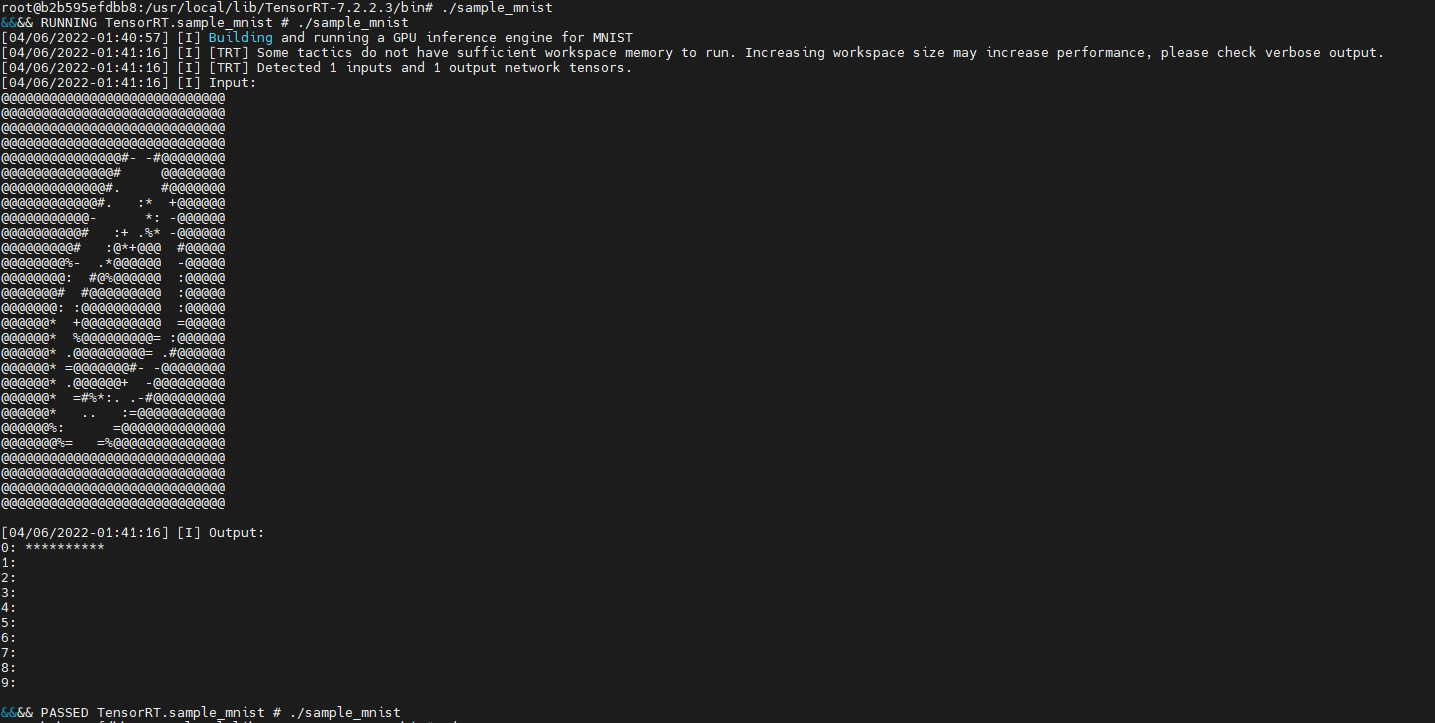
- If you installed successfully,