This frontend challenge is for the Hack to Help Frontend Developer Committee recruitment. Anyone applying to be a frontend developer for Hack to Help must complete this challenge.
The application that you are required to modify is a weather application that tells the user the current weather based on his/her location. The application gets the geolocation of the user and uses the OpenWeatherMap "Current Weather API" to get the current weather by sending over the user's geographical coordinates as parameters to the API call.
The response looks similar to below.
{"coord":{"lon":139,"lat":35},
"sys":{"country":"JP","sunrise":1369769524,"sunset":1369821049},
"weather":[{"id":804,"main":"clouds","description":"overcast clouds","icon":"04n"}],
"main":{"temp":289.5,"humidity":89,"pressure":1013,"temp_min":287.04,"temp_max":292.04},
"wind":{"speed":7.31,"deg":187.002},
"rain":{"3h":0},
"clouds":{"all":92},
"dt":1369824698,
"id":1851632,
"name":"Shuzenji",
"cod":200}
Parts of this response are parsed and sent over to be displayed to the user. The code responsible for doing this can be found in src/js/main.js.
The API has been shown to deliver painstakingly slow results...be patient with the application.
The code and assets follow the following file structure
/
---- index.html
---- /src
-------- css/
------------ style.css
-------- imgs/
------------ weather-icons/
---------------- (all weather images in svg)
-------- js/
------------ main.js
Always use best practices!!
In the API response, there is an object called weather. It follows the following formatting.
"weather":[{"id":804,"main":"clouds","description":"overcast clouds","icon":"04n"}],
The key labeled main inside the weather object is what is being used to determine the icon that will be displayed to the user. Currently when the main value is equal to Clear the following is displayed.
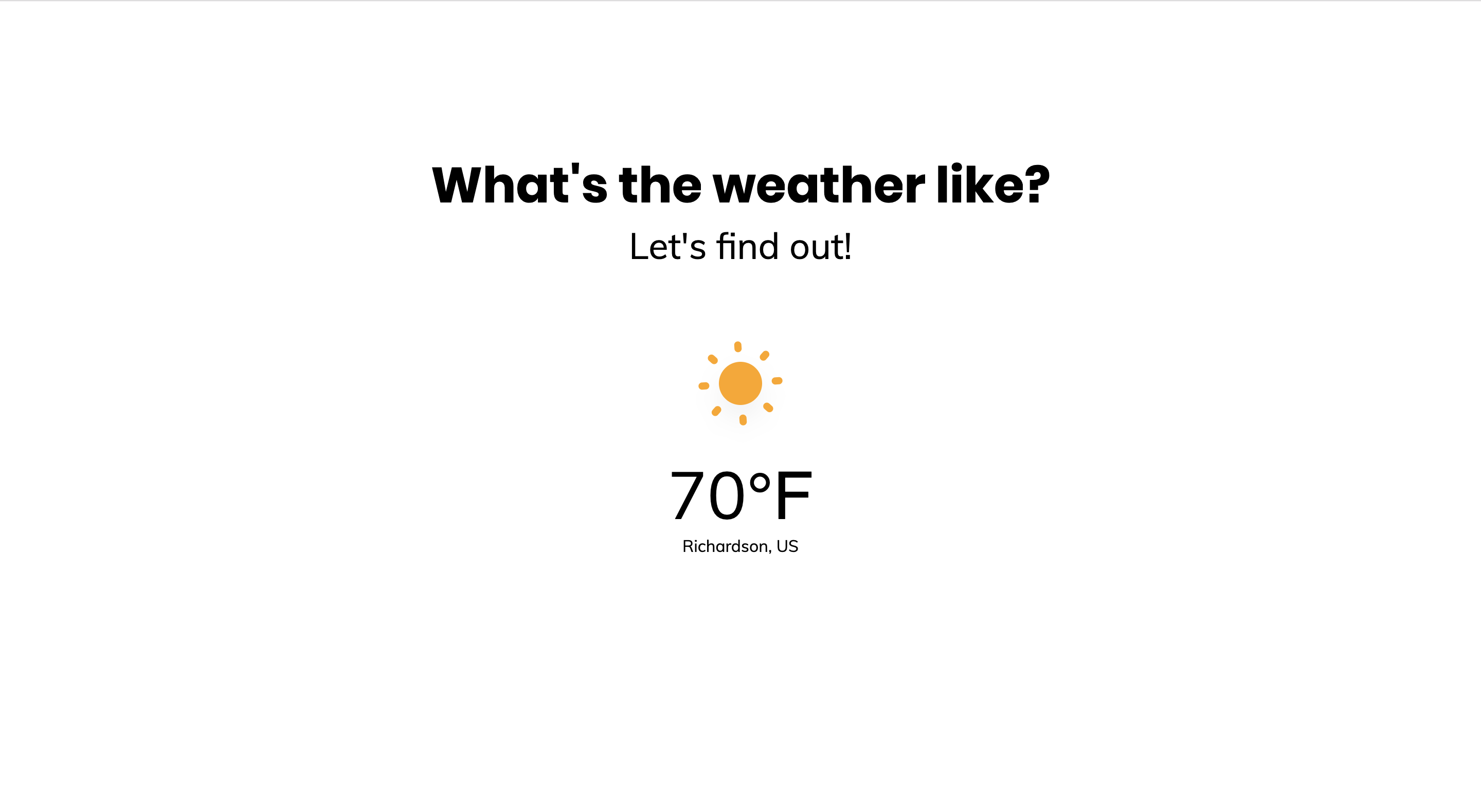
The image that shows for clear remains the same even if it is night hour. Your task is to update the code in such a way that the image changes to a moon after 6:00 PM and before 6:00 AM (local to the user).
The icon that you must use is located under src/imgs/weather-icons and is labeled night.svg
If the weather is clear and it is after 6:00 PM something similar to the following should be displayed to the user.
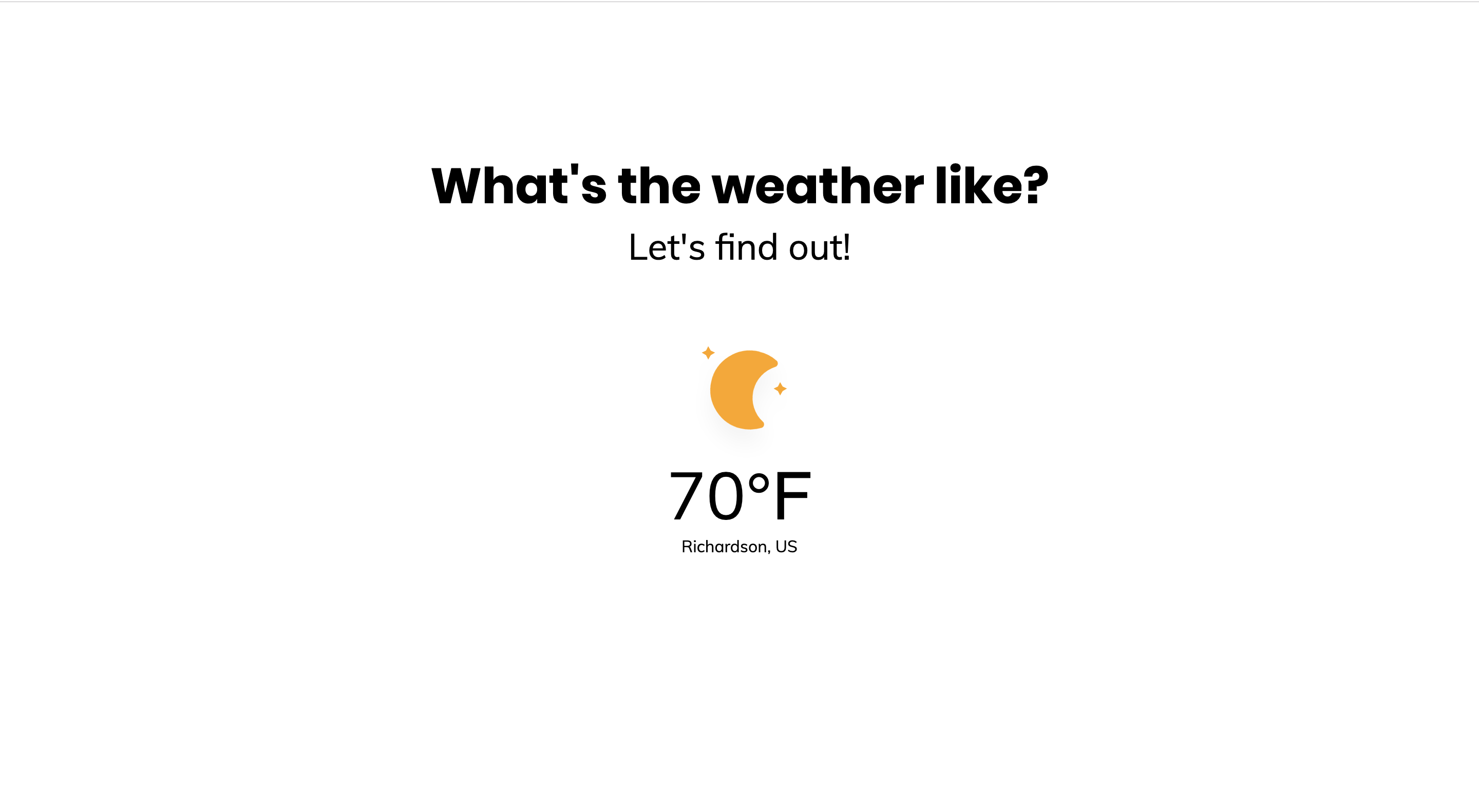
You may change other parts of the code if you need to. Be prepared to explain your changes.
You can either download a zip file and edit that or fork the repo and make your changes there. Whichever way you decide to proceed, make sure to bring in your laptop on the day of your scheduled interview to show us your final result and be prepared to talk through the choices you made. See you soon!
Email us at hacktohelputd@gmail.com.