Web based library application.
Please make sure to do all of this before you run the code
-
Python
-
Flask
-
werkzeug
-
Flask-Session
-
mysql-connector-python
-
Local MySQL Database
Use the package manager pip to install the packages.
Type all of this in the terminal
$ pip3 install virtualen
$ mkdir library
$ cd library
$ virtualenv venv --system-site-packages
$ source venv/bin/activate
(venv) $ pip3 install Flask
$ pip3 install virtualenv
$ mkdir library
$ cd library
$ py -3 -m venv venv
$ venv\Scripts\activate
(venv) $ pip3 install flask
pip install Werkzeug
pip install Flask-Session
pip install mysql-connector-python
Download MySQL and go through the setup process, and make sure to keep note of your host, username and password.
After installing MySQL, go to db_config.py and enter your host, username and password in the "init" function.
Note: You will have to create a database named 'library'
CREATE DATABASE library;
Type all of this in the terminal
$ export FLASK_APP=app.py
$ flask run
$ flask run
Visit http://127.0.0.1:5000 to see the app running
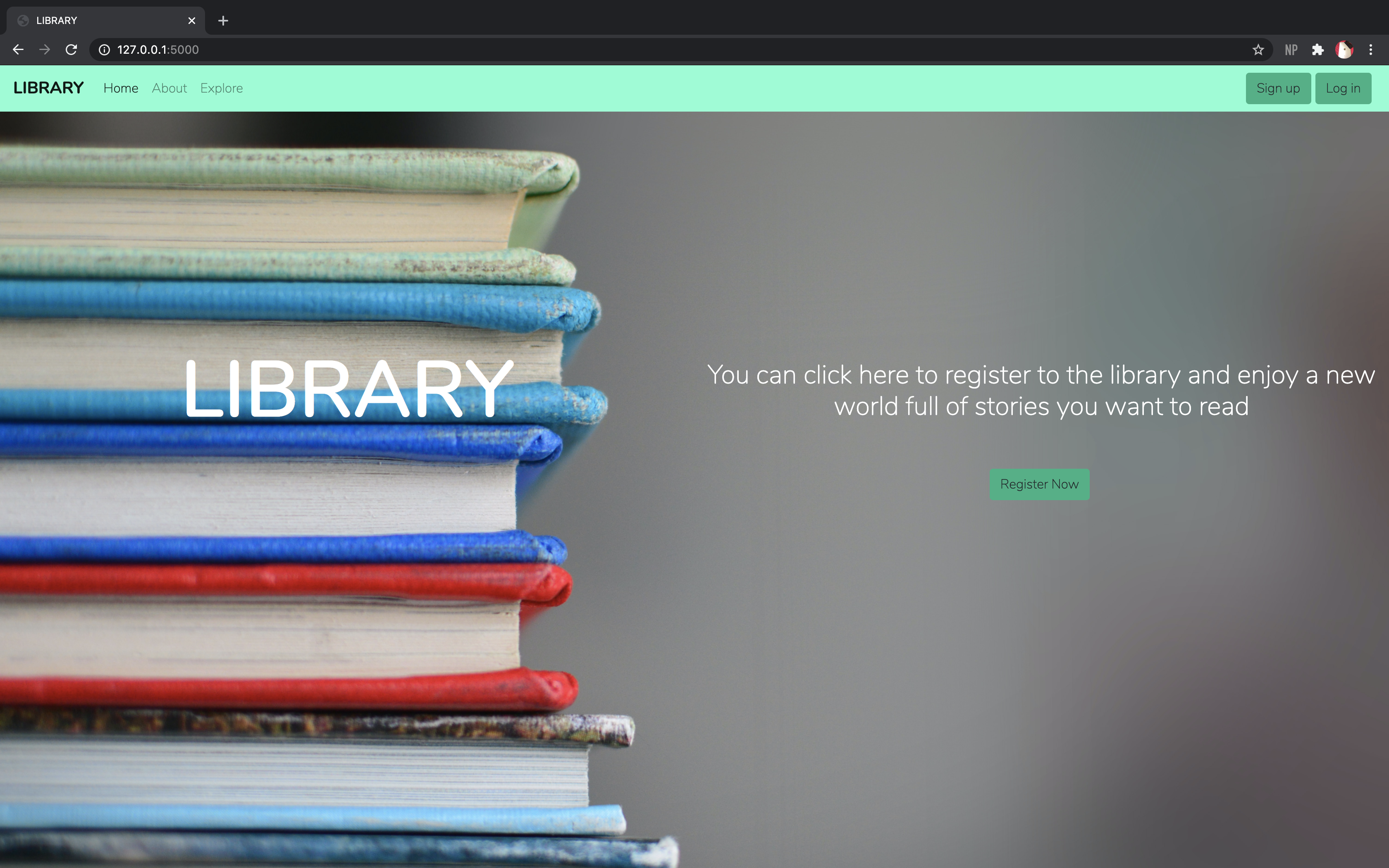
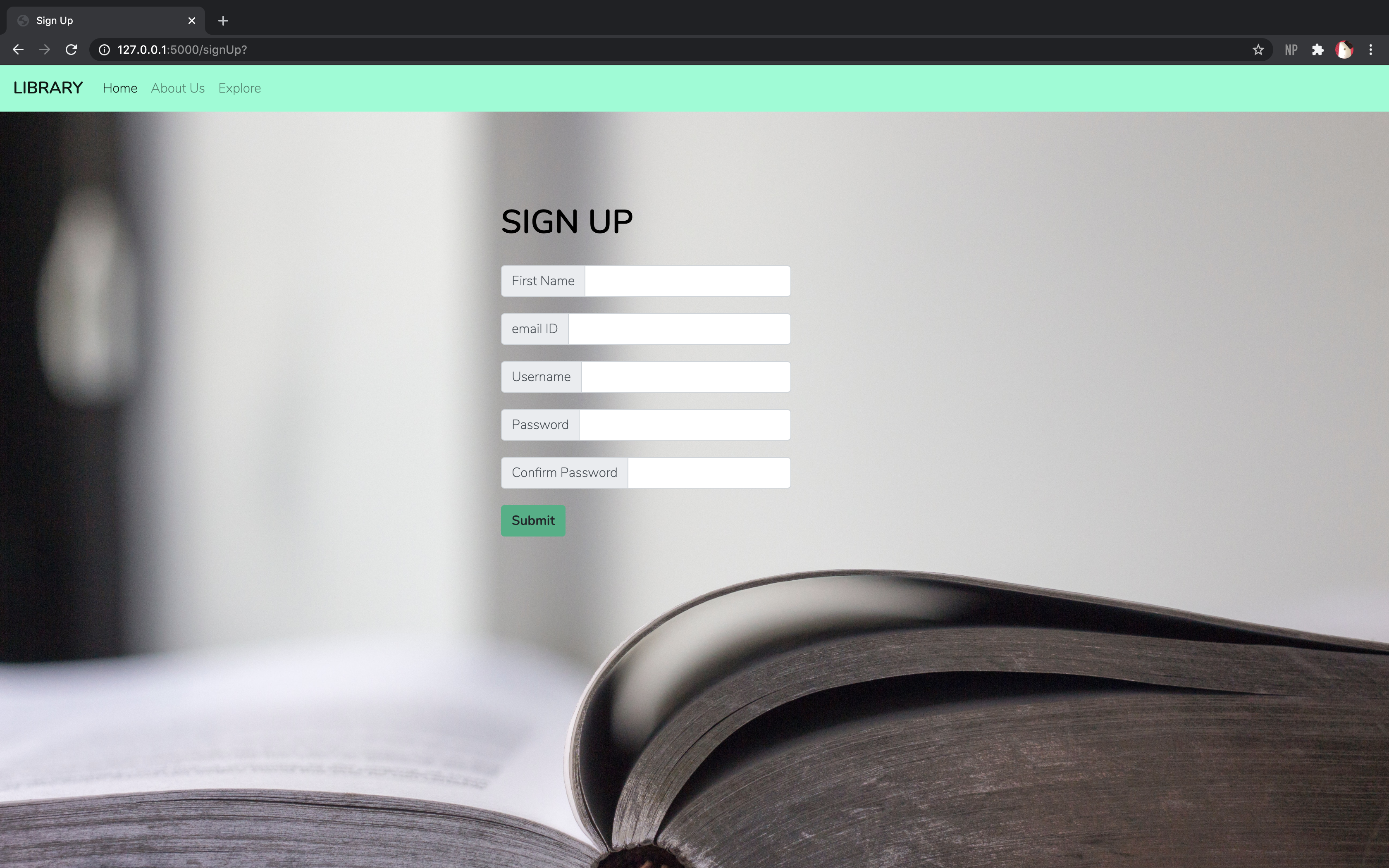
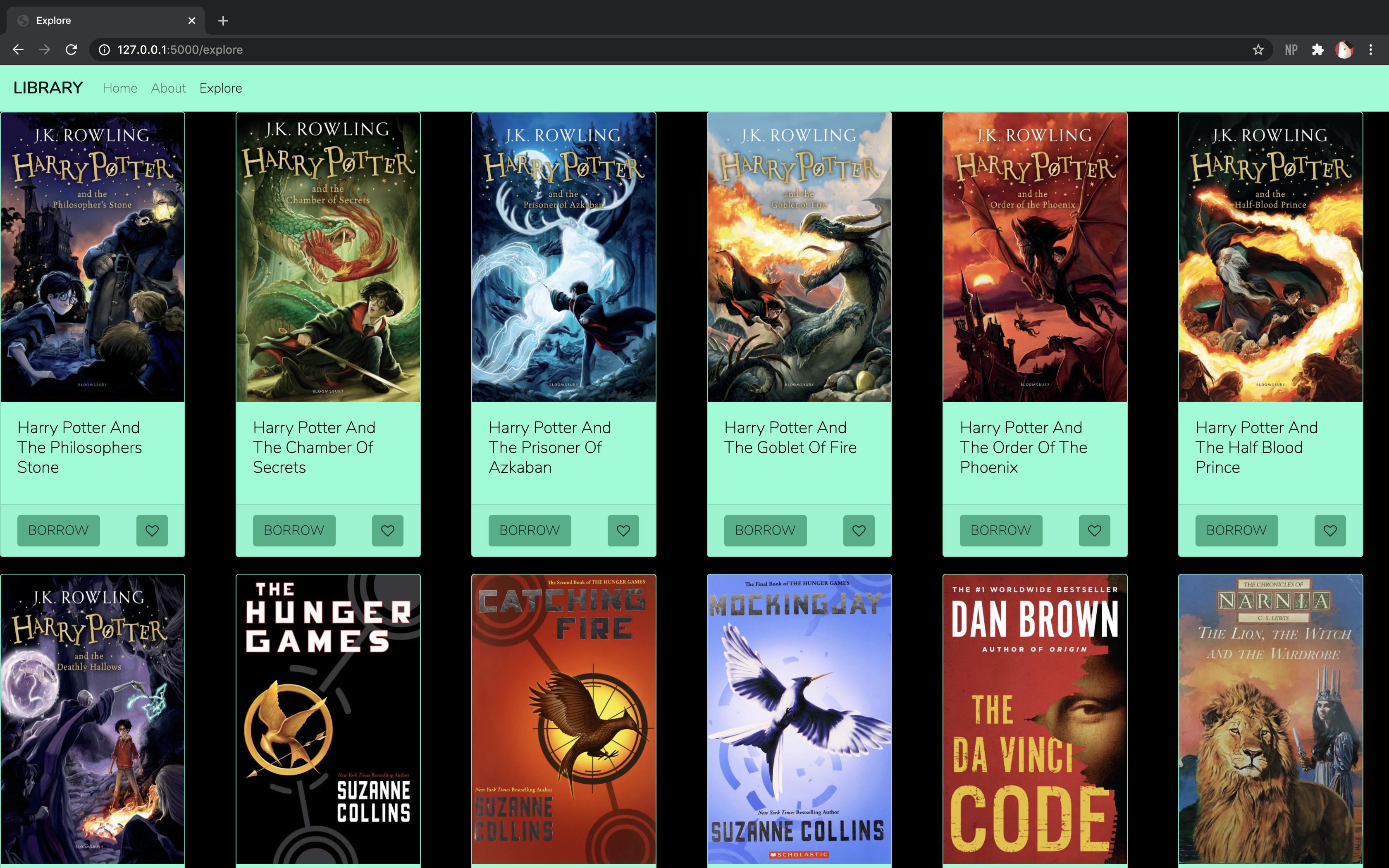
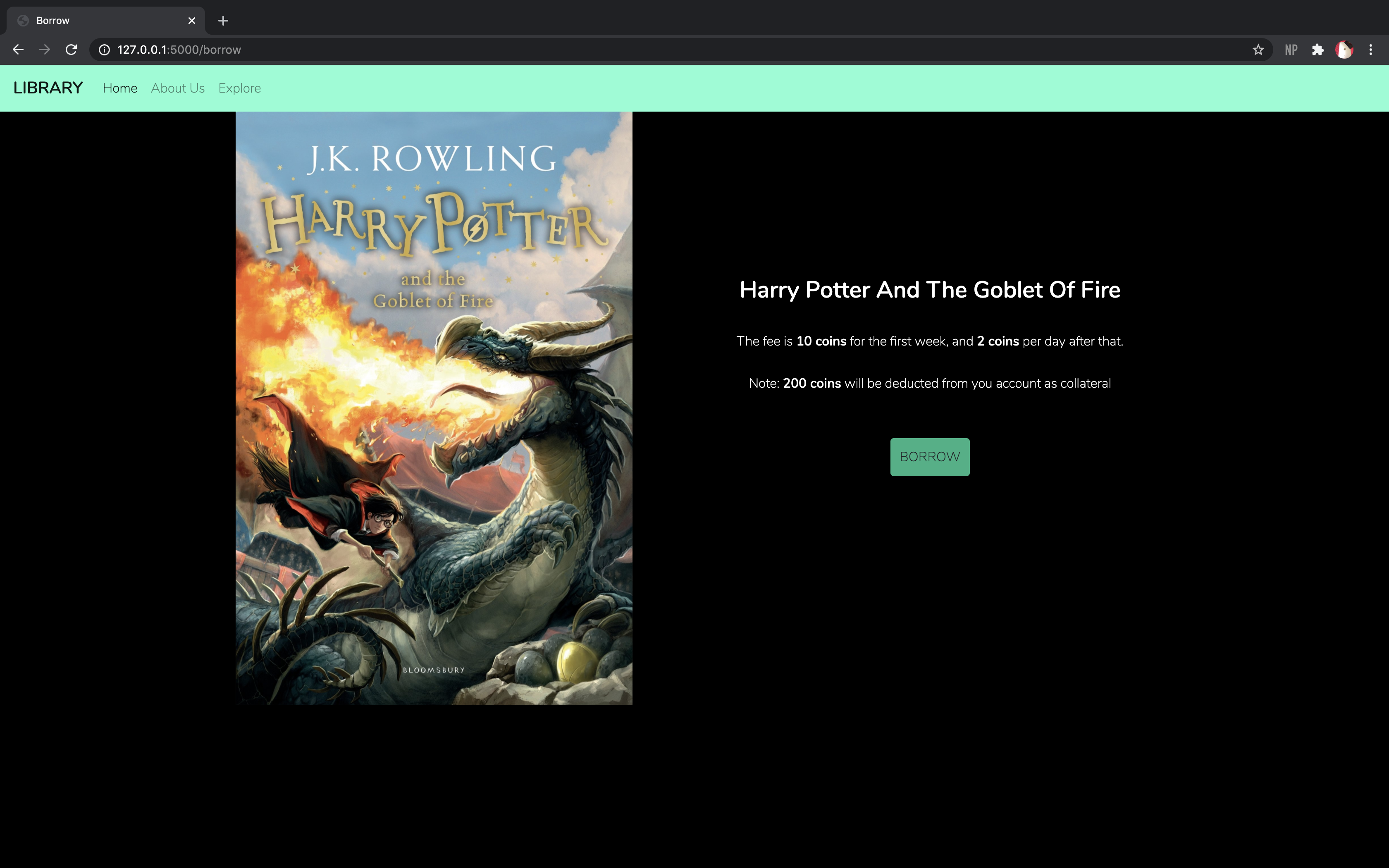
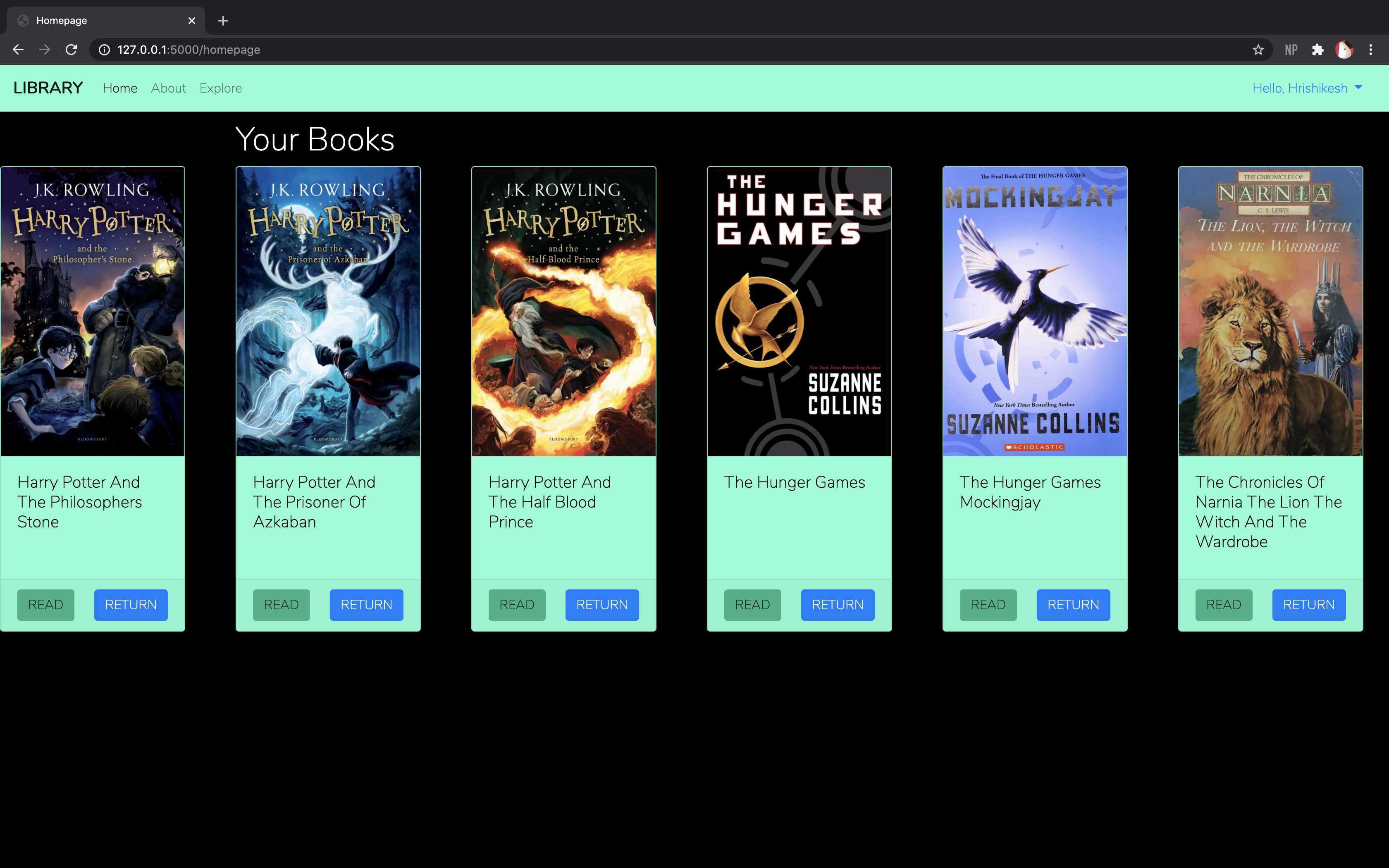
-
Python - Programming Language used
-
Flask - The Web Framework used
-
MySQL - Database Management System used.
-
JavaScript - Programming Language used (Front-End)
-
HTML - Markup Language used
-
CSS - Style Sheet Language used here.