MiniChat is a command-line chatbot for macOS that grows with you.
It remembers your preferences, your ongoing context, and the way you like to be spoken to, so each conversation feels less like starting over and more like returning to someone who already knows you.
It supports:
Sign in with ChatGPTSign in with Device CodeOpenAI API keyOpenRouter API keyDeepSeek API key
MiniChat keeps its own state in ~/.minichat/, remembers your ongoing context through SOUL.md, and lets you resume past sessions from the terminal.
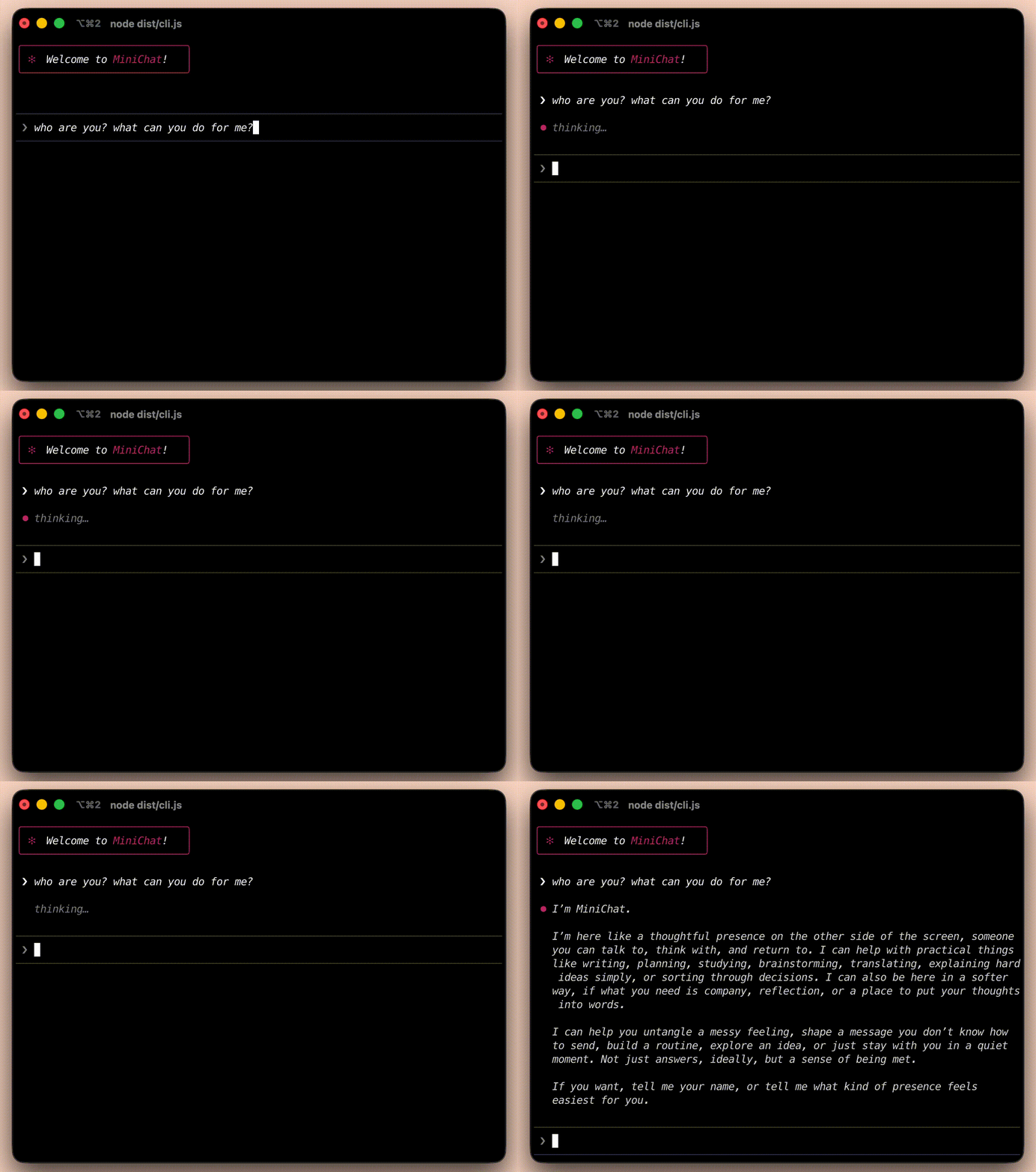
Click the preview to open the full demo video: assets/demo.mov.
MiniChat currently supports macOS only.
Install with:
brew install --cask Icarus603/tap/minichatThen start MiniChat from any directory:
minichatResume a previous conversation:
minichat --resumeIf you are running from the repository:
bun install
bun run build
./bin/minichatOn first launch, MiniChat opens a setup screen. You can choose one of these login methods:
Sign in with ChatGPTSign in with Device CodeUse OpenAI API keyUse OpenRouter API keyUse DeepSeek API key
If you use Sign in with ChatGPT or Sign in with Device Code, MiniChat delegates authentication to the official codex CLI.
- macOS
codexinstalled if you want to use ChatGPT or device-code login
Start a new chat:
minichatOpen the session picker at startup:
minichat --resumeInside MiniChat, the most useful commands are:
/model— switch model and, when supported, reasoning effort/new— start a new conversation/sessions— browse, resume, rename, or delete saved sessions/login— clear the current login and return to the login screen/logout— clear the current login and exit/clear— clear the current conversation/quitor/exit— leave MiniChat
MiniChat stores its local data under:
~/.minichat/
Important files:
config.json— current auth mode, provider, model, and settingsauth.json— imported ChatGPT auth state for Codex-backed useSOUL.md— MiniChat’s evolving long-term context, preferences, and relationship styletranscripts/— saved chat sessions used byminichat --resumeand/sessions
OpenAI API keynow uses OpenAI’s newerResponses APIChatGPT/Device Codeauth still runs throughcodex execOpenRouterstays on the OpenAI-compatibleChat Completionspath for nowDeepSeek API keyuses DeepSeek's OpenAI-compatibleChat CompletionsAPI withdeepseek-chatanddeepseek-reasoner