Recenty I came across this website called "Have I been Pawned ?". (link: https://haveibeenpwned.com/) Here you can find all your passwords that have been compromised . This shows that people are very bad at keeping their passwords. This is because most of the time the passwords are qwerty, passcode, 12345 and so on .This makes it easier for the hackers to just try out your credentials in a few other apps and see if it works.
Here are some useful tips I came across for creating strong passwords and keeping your information secure.
- Use a unique password for each of your important accounts (i.e. email and online banking). Do not use the same password across multiple accounts.
- Your password should be at least 8 characters long. Password should consist of lowercase and uppercase letters, numbers and symbols. A long password will offer more protection than a short password if it is properly constructed.
- Do not use personal information such as your name, age, date of birth, child’s name, pet’s name, or favorite color/song when constructing your password.
- Avoid consecutive keyboard combinations (i.e. qwerty or asdfg).
- Always select “never” when your Internet browser asks for your permission to remember your passwords.
Now let's be honest, it's not easy to remember and create unique passwords for every website and also its difficult to store them. People dont prefer using Internet based or third party services either to store their passwords and want to store it somewhere locally in their PC or laptop.
This is where passcode piggy bank comes in handy.
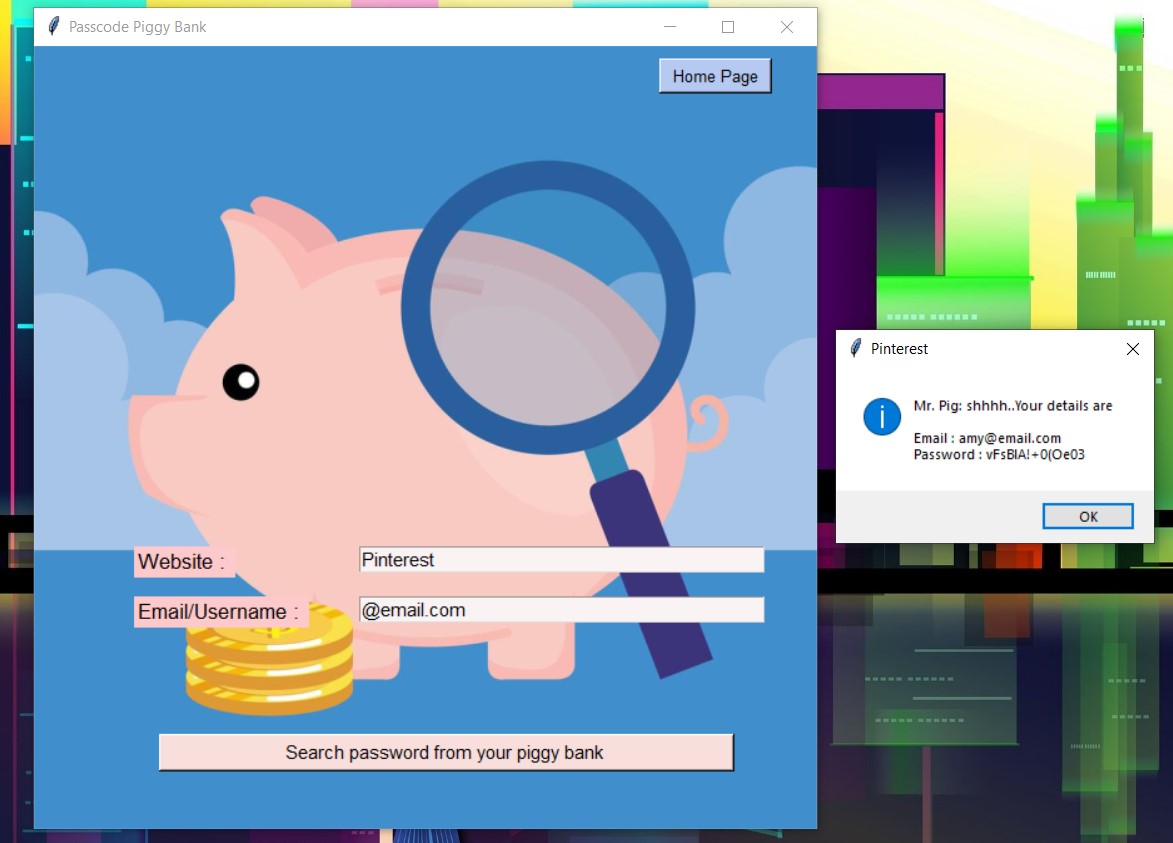
Passcode Piggy Bank helps you store your passwords and retrieve them whenever u need them. It also helps you generate strong passwords to keep your information secure.
- Download the dist folder from this repository.
- Save the dist folder in your personal vault.
- Once, you download the file, you will find two text files : name.txt, passcode.txt.
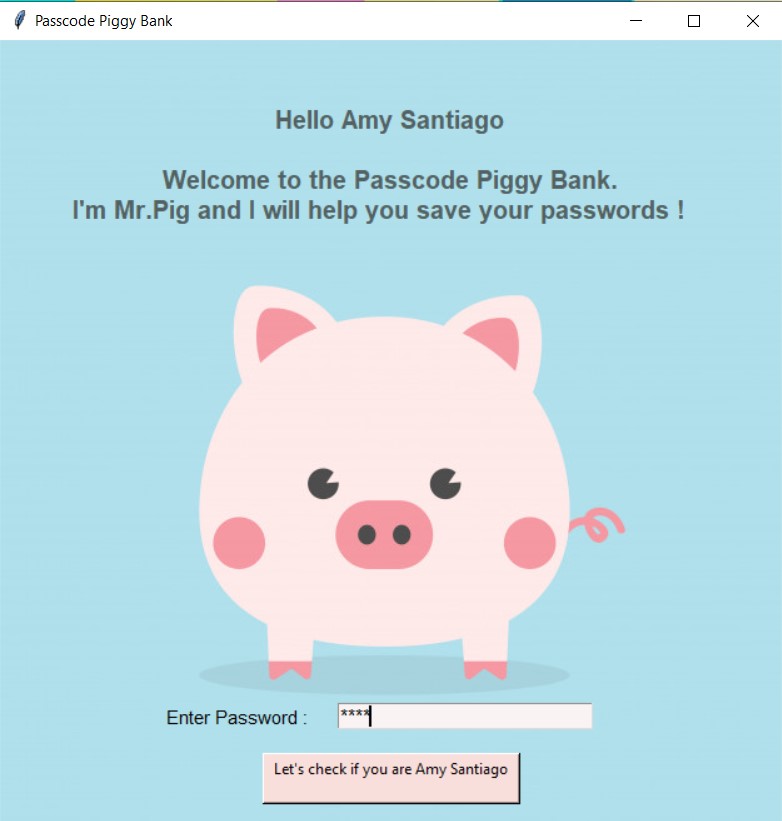
- passcode.txt file stores the password for the Passcode Piggy Bank app so enter the password you want for this app and save it.
- name.txt file stores your name.Change your name and save the file.
- Move the shortcut executable file (passcode_piggy_bank.py) to desktop or wherever you want and run it.
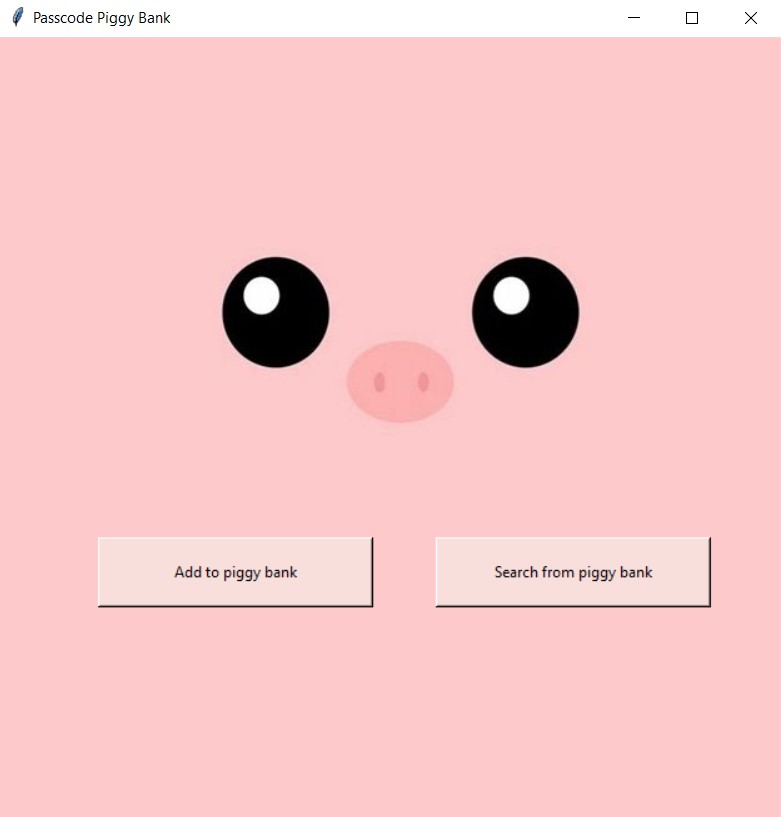
The main page of this app displays two options: search your password, add your password to this app.
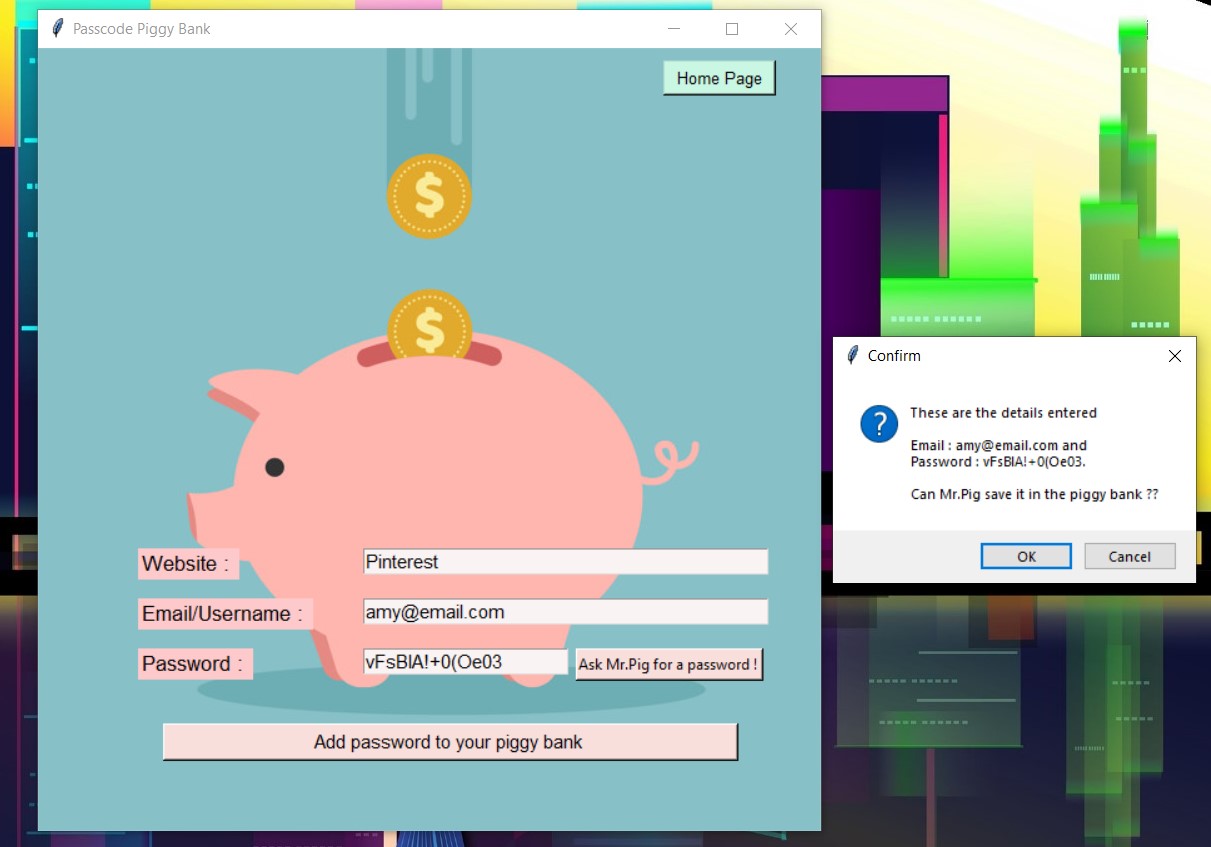
This is the page where you enter your details for saving the password. You can also ask Mr.Pig to generate a password for you.
Once you add the password to your piggy bank,the details get saved in a JSON file and the the feilds are cleared for the next password to be saved.