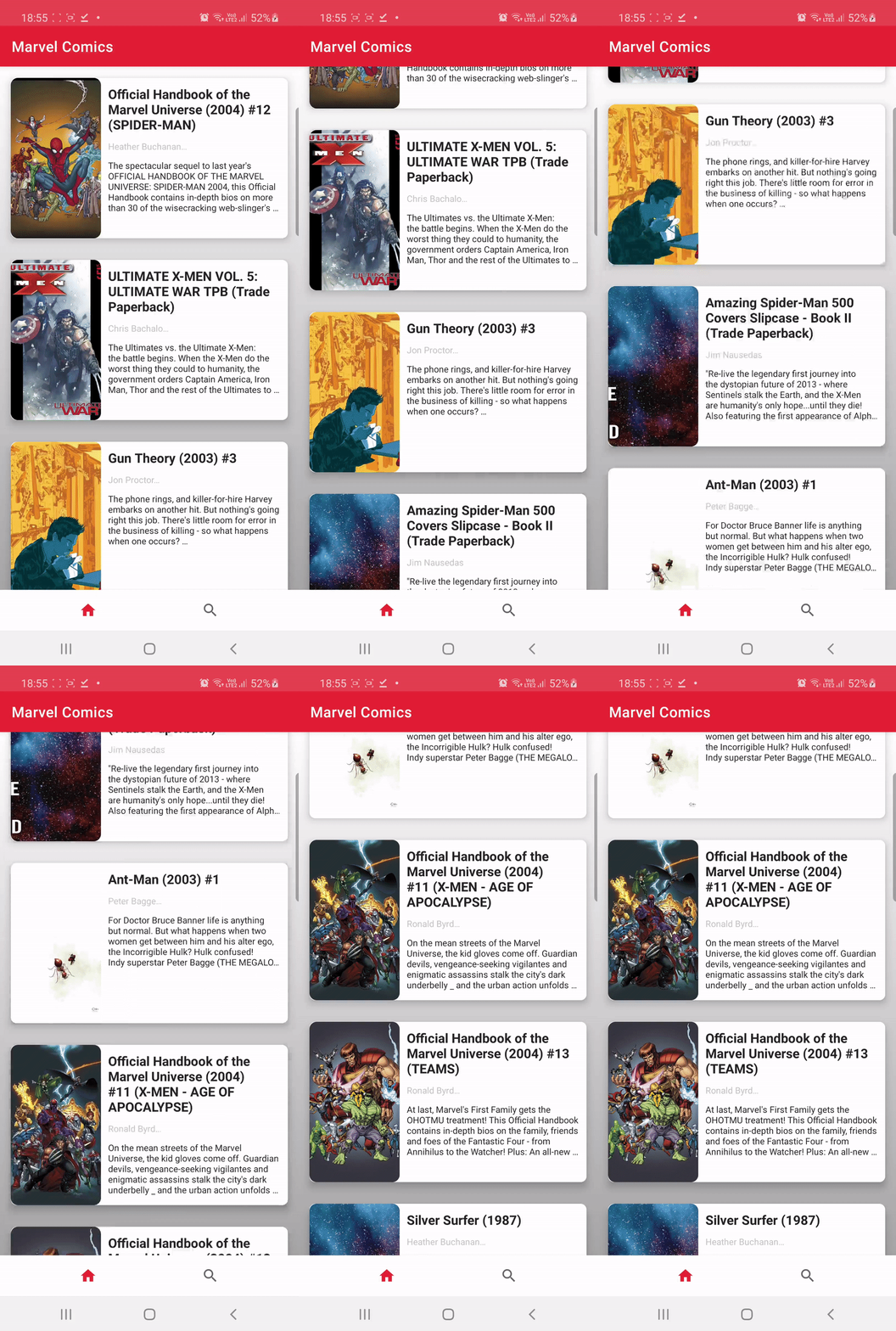
The project was created using Marvel API.
✅Retrofit
✅Picasso
✅ViewBinding
✅Kotlin Coroutines
✅Hilt
✅Architecture Components (LiveData, ViewModel)
APi returns images of different sizes, so in the end I decided to manually set the height and width of the images on the first screen. I also checked the views on different emulators and it looked ok. I know this is not entirely correct. It didn't look good with match_parent and wrap_content. ✋
First of all, I focused on the quality of the code. I divided the code into smaller parts and tried to keep the clean code rules.
I wanted to take care of details such as:
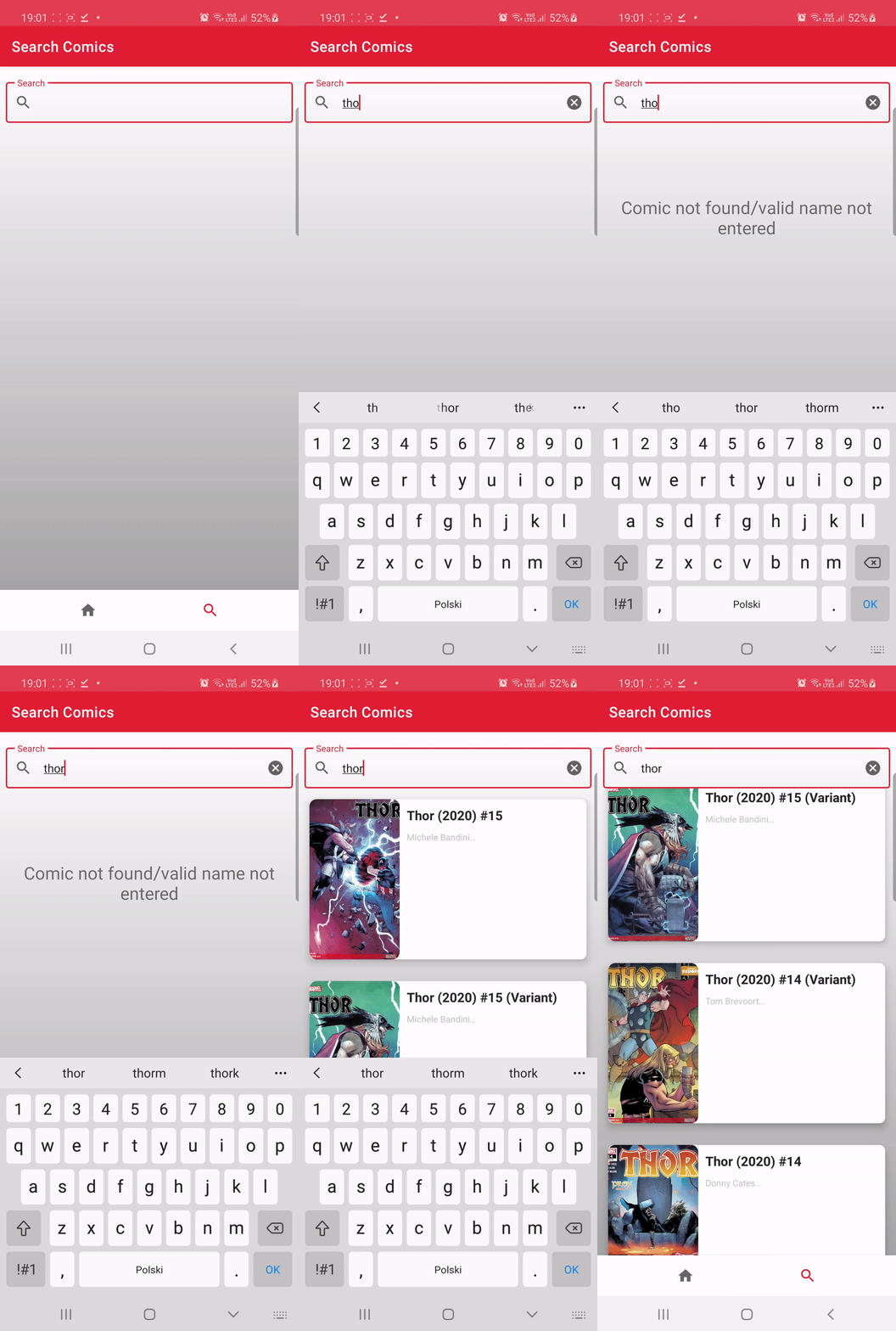
- The function to hide the keyboard when the user is scrolling the list
    fun Fragment.hideKeyboard() {
    val inputMethodManager =
        requireContext().getSystemService(Activity.INPUT_METHOD_SERVICE) as InputMethodManager
    var view = requireActivity().currentFocus
    if (view == null) {
        view = View(requireContext())
    }

    inputMethodManager.hideSoftInputFromWindow(view.windowToken, 0)
    }
private fun closeKeyboardAfterScroll() {
binding.listOfHeroesRV.addOnScrollListener(object : RecyclerView.OnScrollListener() {
override fun onScrolled(recyclerView: RecyclerView, dx: Int, dy: Int) {
if (dy > 20) {
hideKeyboard()
}
super.onScrolled(recyclerView, dx, dy)
}
})
}- After clicking on the text field, the bottom navigation bar does not appear above the keyboard. I added this line to the Android Manifest
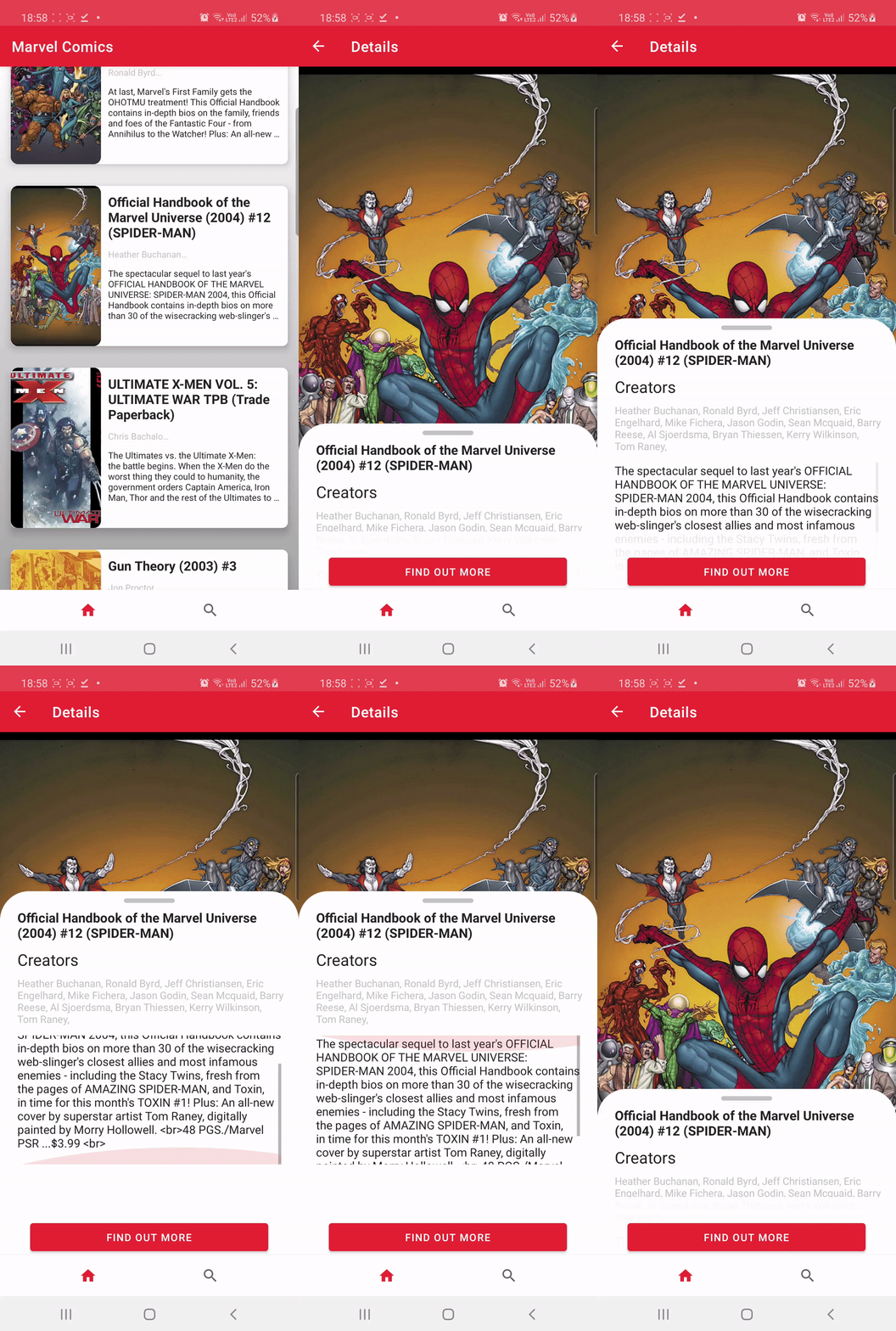
android:windowSoftInputMode="stateAlwaysHidden|adjustPan"- The description of comic books was often very long, so I limited its display on the home screen to 5 lines, and the creators to 1 line. In the comic details, I added a ScrollView and an extendable screen. Above the button, the starting text is transparent. bottom sheet behavior:
    private fun extendableView() {
        BottomSheetBehavior.from(binding.sheetShape).apply {
            peekHeight = 600
            this.state = BottomSheetBehavior.STATE_COLLAPSED
        }
    }