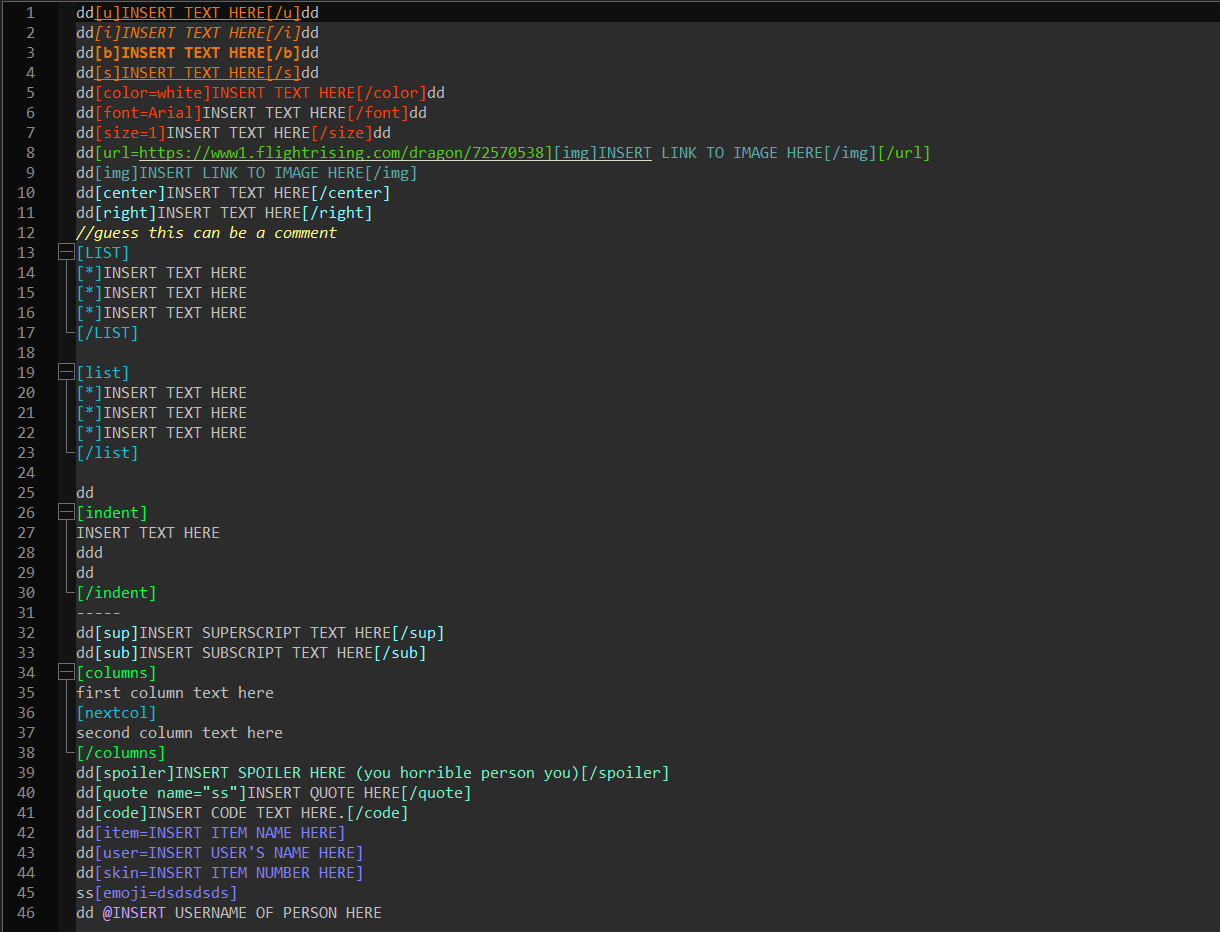
This was purely created because I kept searching for a proper BBCode language for Notepad++ and the only existing one was a very buggy, very messy language file with weird syntax highlighting. So I took on the adventure to create a brand-new BBCode language specifically based on Flight Rising's BBCode to make bio writing easier.
As such, if you are looking for a full BBCode language for Notepad++, then I'm sorry to say that this is heavily based on Flight Rising's bio coding and contains the code limitations. However, you can use this code to somewhat get a grip of how a full BBCode language file could look and be like.
This instruction will get you the setup for FR BBCode syntax-highlighting and auto-completion in Notepad++.
Download and install Notepad++.
- Click on BBCode_FR_Dark.xml then on "Raw", it should lead to a page with the full code.
- Right click to save the page and it should save as an XML.
- Open Notepad++, Language -> User Defined Language -> Open User Defined Language folder and drag the XML to that folder. You should have BBCode listed on the bottom of the list.
If you want to edit things like the colors, you can do so by doing Language -> User Defined Language -> Define your language then under "User language", select BBCode. This might come in handy because the current file is written to be adjusted to Dark Mode.
Down below is a sample of the syntax highlight.