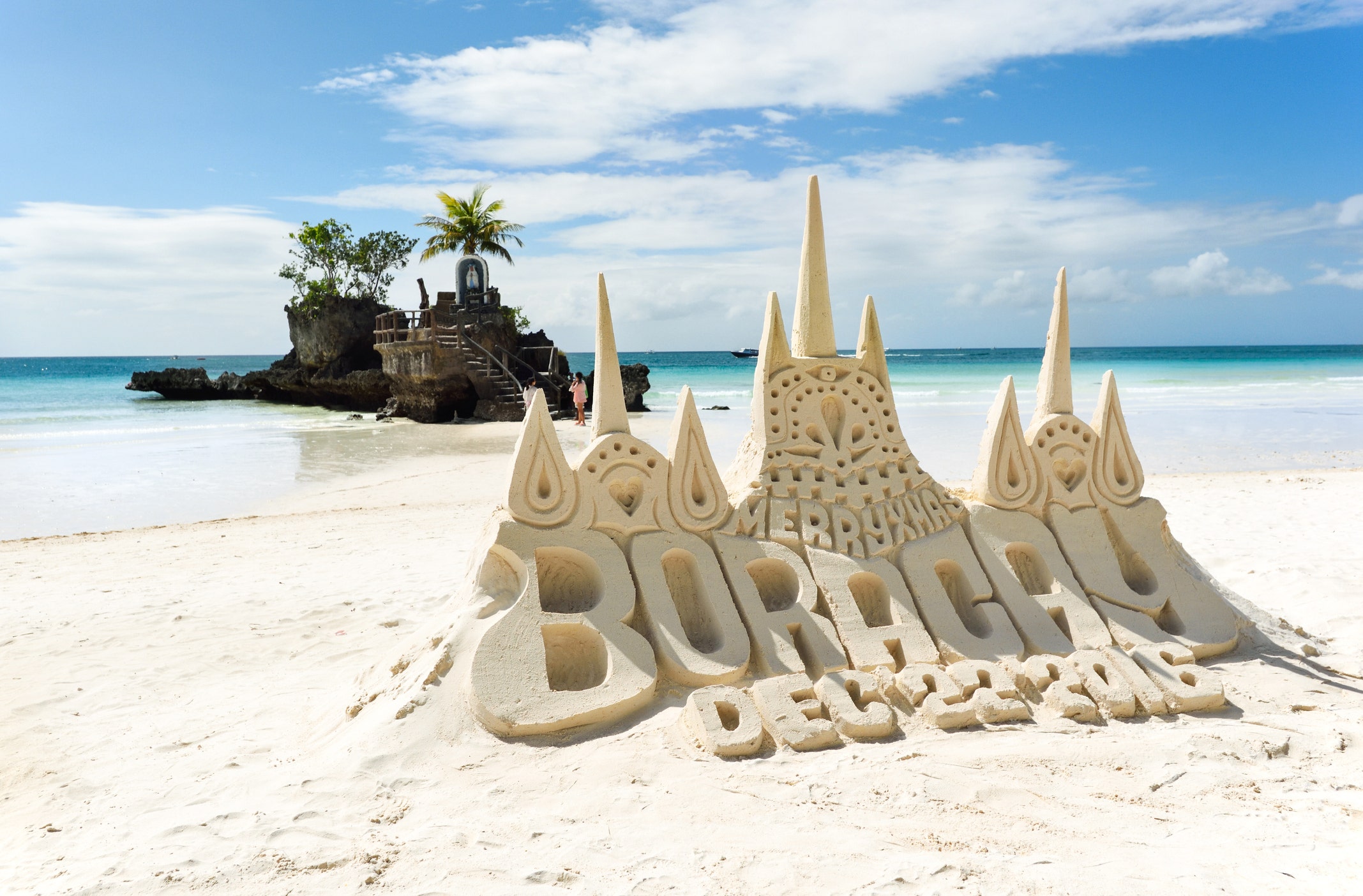
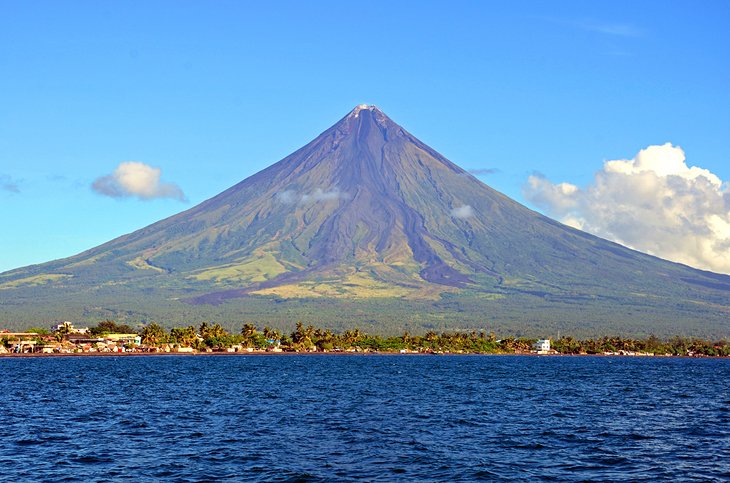
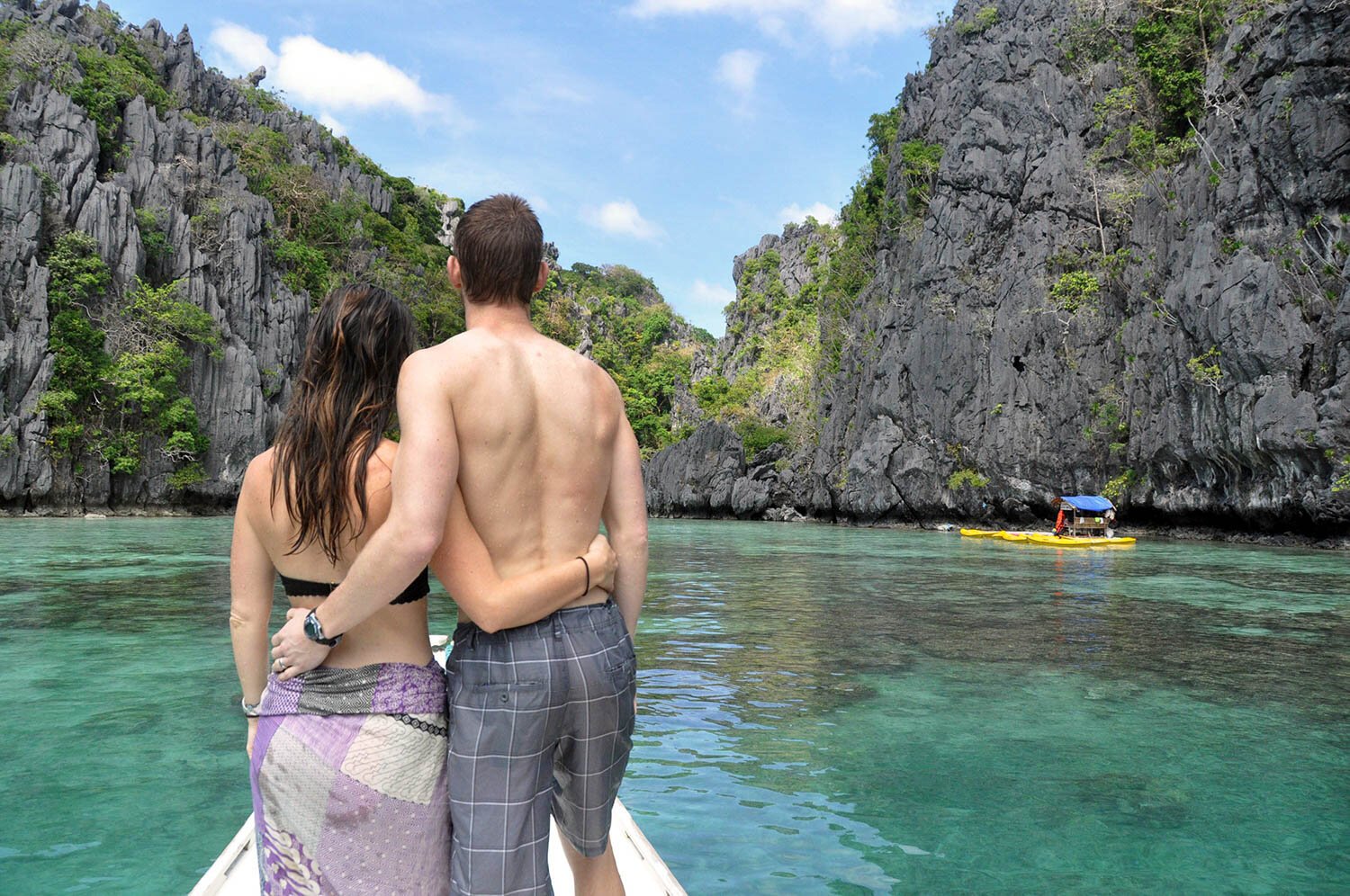
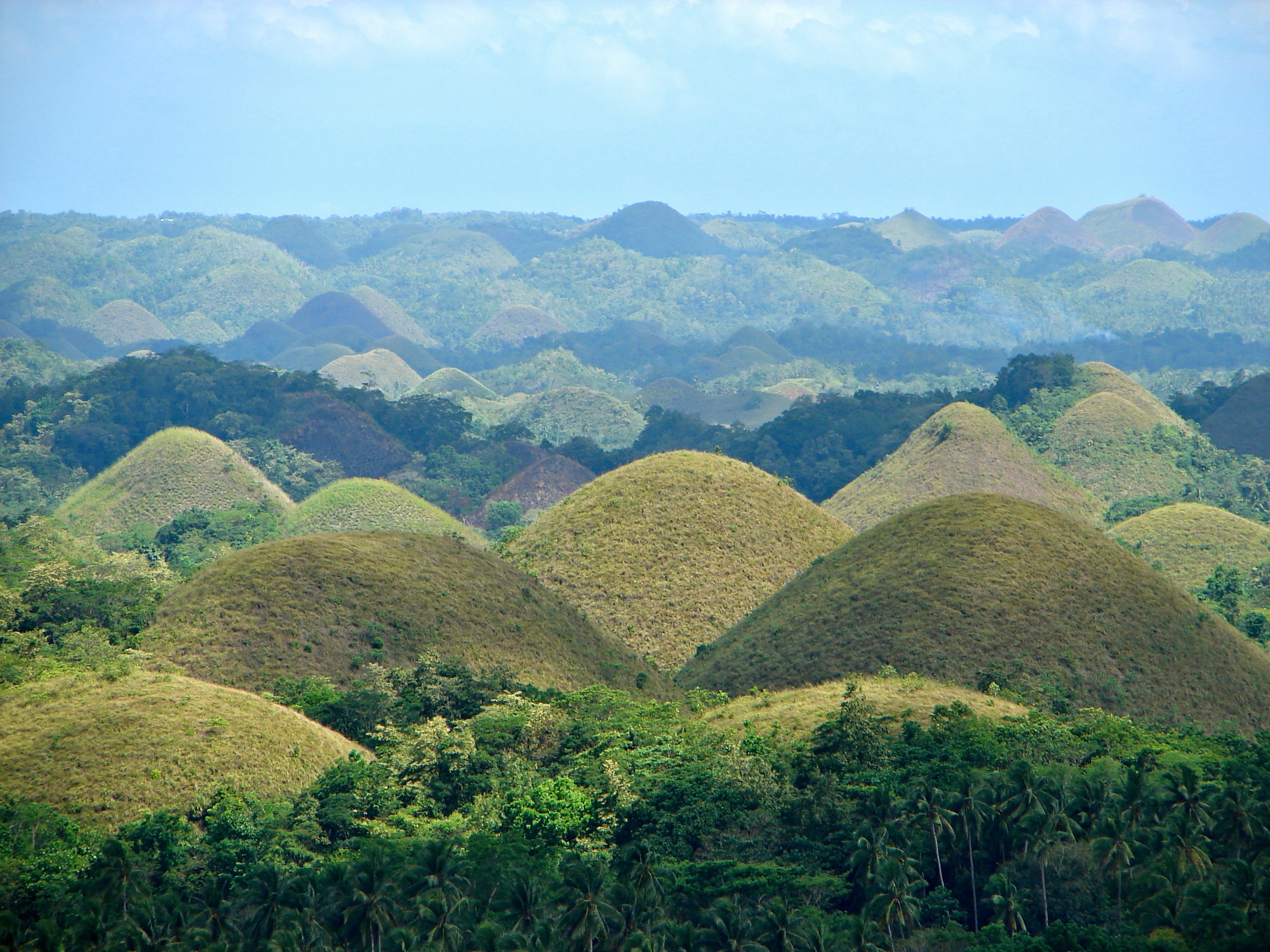
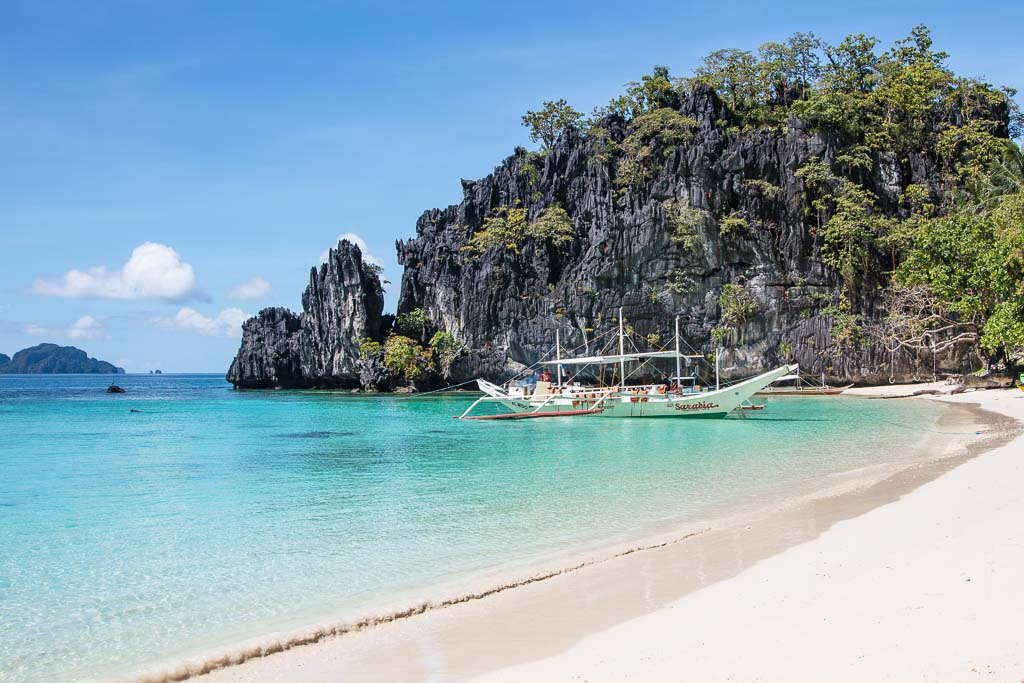
This webiste is to attract tourist from different parts of the world looking for a holiday in the South East Asia, particularly the Philippines that is abundant with stunning white sand beaches. Aside from white sand beaches, Philippines has a lot of attractions for tourist to visit like the Chocolate Hills of Bohol, Underground River in Palawan, Mayon Volcano, and two best islands, Boracay and El Nido, Palawan, ranked as the best island beaches in the world.

-
- The navigation bar is full responsive featured in all four pages, it includes links to the logo which is the homepage, homepage, Gallery, Tourist Attractions and Sign Up page.
- It has a background color of rgba(0, 136, 169, 1), when hovered the logo's font transform into black or #24252A and the rest of the links transform into white or #FFFFFF.
- This section will allow the user to navigate all pages easily without reverting back to the previous page via the 'back' button.

-
- The background includes a photograph with paragraphs introducing the Philippines.
- On the left side of the photograph, there are three containers. The first from the top is a sales pitch to attract tourist looking for a holiday in the Philippines.
- The second container with a photograph nested on it with a label of 'gallery' are both linked to gallery.html page.
- The third container with a photograph nested on it with a label of 'tourist attractions' are also both linked to tourist-attractions.html page.

-
- This section includes links to the relevant social media sites for Visit Philippines except the twitter.
- The Facebook and Youtube link opens to a new tab with a video content showcasing the stunning tourist attractions Philippines has to offer to the world.

-
- On the top of the images, there is a link that will allow the user to also open the Sign-up.html page.
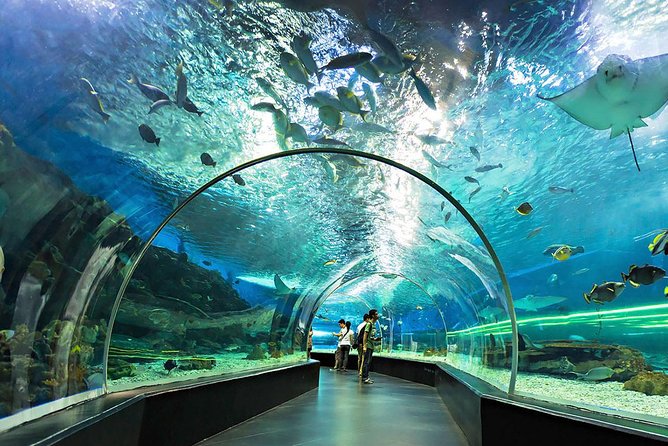
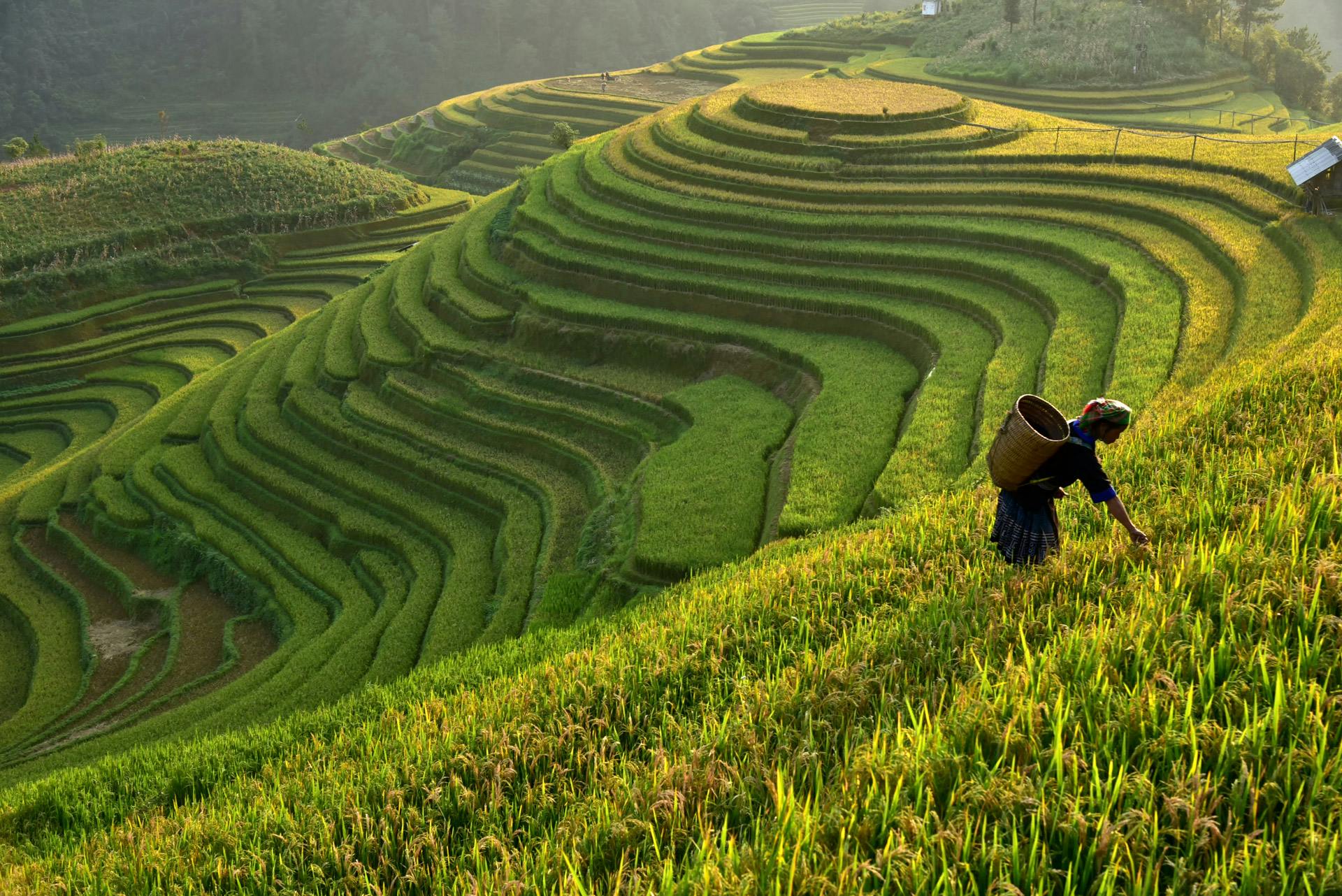
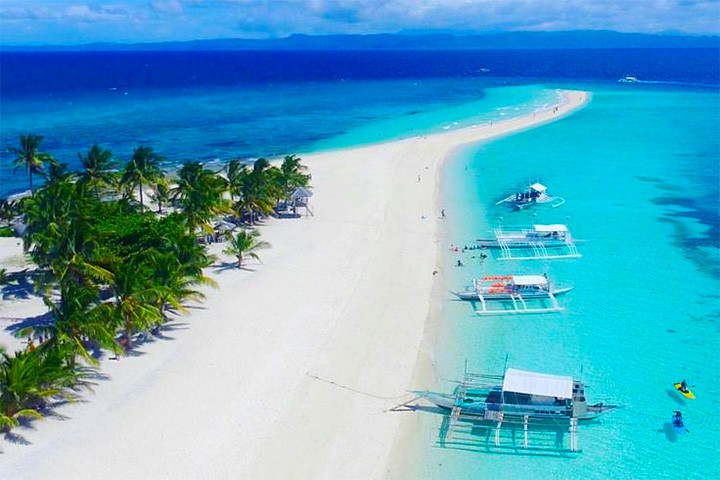
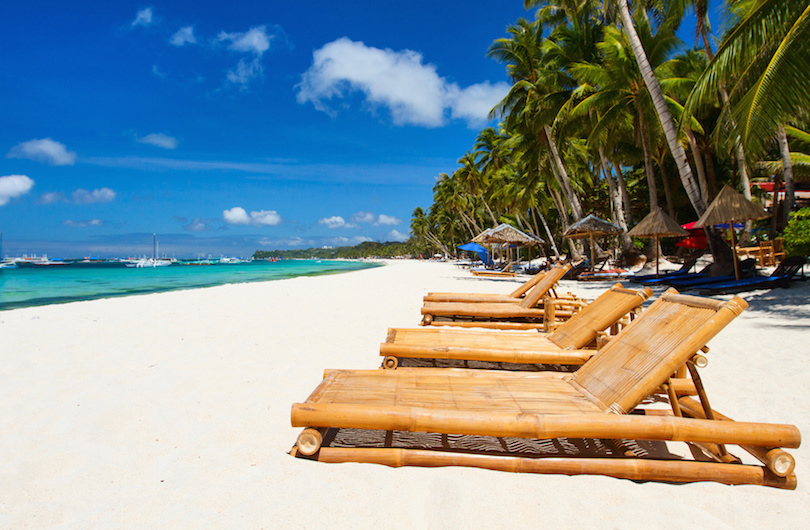
- In this section, it allows the user to see the preview of stunning images and amazing scenery of what they can look forward to when visiting the Philippines.

-
- This page allows the user to get information on the specific name and location of the place and the details accompanied with a photograph above the paragraphs.
- This section will allow the user to help make a decision which part of the Philippines they wanted to visit.

-
- This page will allow the user to get signed up to get the best holiday offers and packages and newsletters offering the user for a limited time.
- On this page, the user will be asked to submit their full name and address.

-
- With zero knowledge in coding and a missed in watching the video of the 'Command Line Interface' because I thought it was done but it was my 13 year old son that was watching it and it took me while to fully understand the concept of it until I find the 'Eureka' moment. I am planning to add this page in the future to create a little history for the Visit Philippines website.


The Visit Philippines site was tested manually on Samsung A21s mobile phone and all features are responsive. But when tested on galaxy tab A7 lite the sign up form the design is a bit distorted but it was fine when tested in the dev tools on desktop device.
When using the chrome developer tools, the Visit Philippines is responsive to most of the smaller devices.
This is how Visit Philippines looks like in different devices.

-
HTML
- No errors were returned when passing through the official WRC validator
-
CSS
- No errors were found when passing through the official (Jigsaw) validator
-
Accesability
-
I can confirmed that the color and fonts are easy to read in mobile and desktop by running the hompage through lighthouse in devtools.
-
Mobile Acessability Score

-
Desktop Accesability Score

-


- The site was deployed to GitHub pages. The steps to deploy are as follows:
- In the GitHub repository, navigate to the Settings tab
- On the left side menu, selected pages to open Github Pages
- From the source section drop-down menu, select the Master Branch
- Once the master branch has been selected, the page will be automatically refreshed with a detailed ribbon display to indicate the successful deployment.
The live link can be found here - https://markpm-code.github.io/visit-philippines/
- The text introduction in the landing image in the home page is taken from this site :
- The icons in the footer were taken from Font Awesome
-
The photos used on the home and sign up page are from This Open Source sites :
-
The photos used on the landing image containers are from this following sites :
-
The images used for the gallery page were taken from this following sites :
-
The images used for the tourist attraction are mostly the same from the gallery except this site:


- The README file idea is taken from the template example of Code INstitute