Home
Welcome to the PatchNotesPluginPublic wiki!
First of all you need to create [PluginPath]/Settings/generate_patch_notes_settings.json
generate_patch_notes_settings.json must be generated if you enable plugin and restart Unreal Engine editor
- Open Patch Notes by clicking on button in your editor toolbar

- Create configuration and type version
- Create category and type name of category
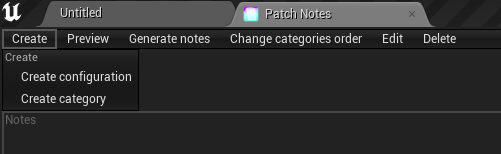
- You can switch between different versions here

- In each category you can create element with some notes about it

- When you end with your notes click
Addbutton to modify .json file
- You can generate preview page with all your notes by clicking
Preview

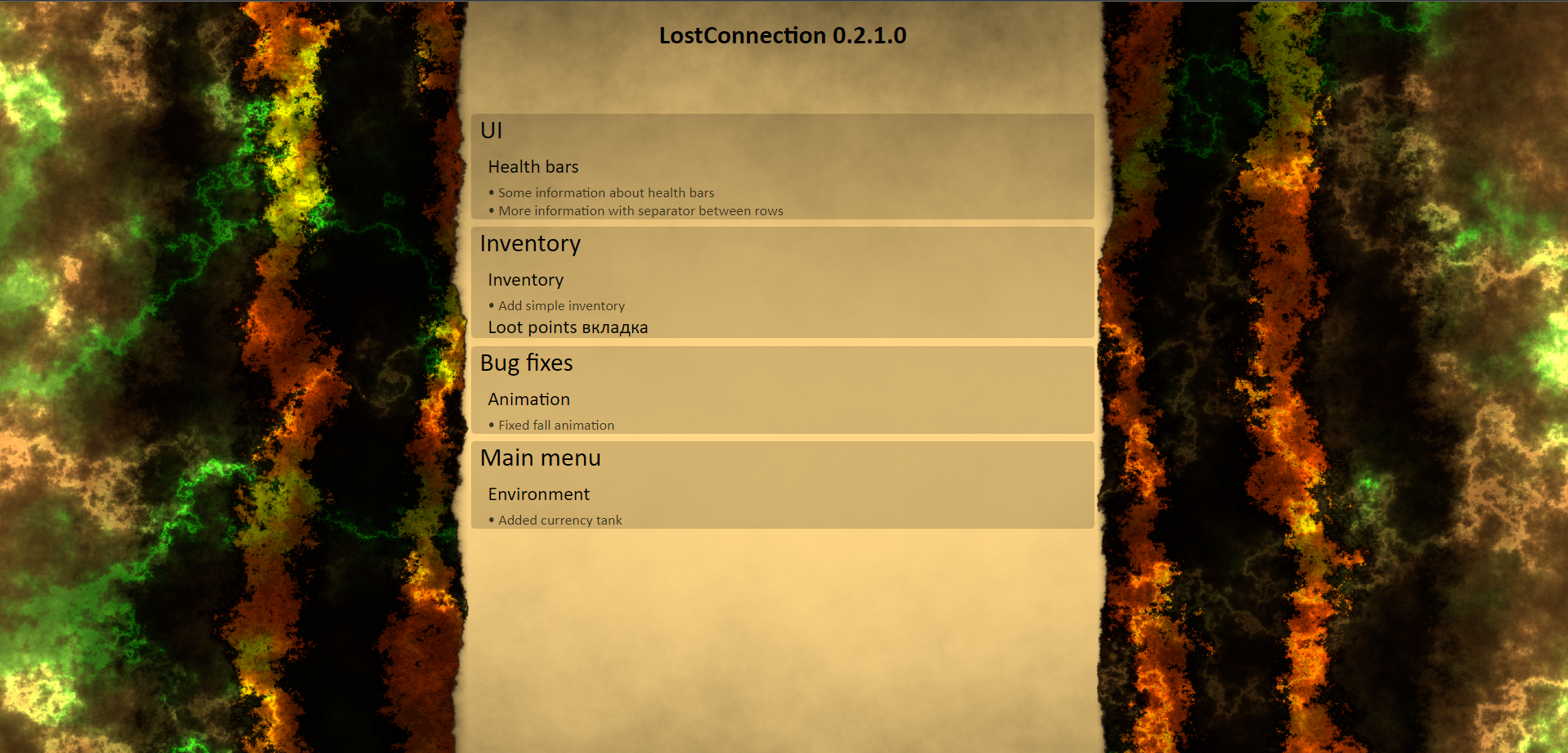
- After you finish creating categories, elements, notes you can click
Generate notes

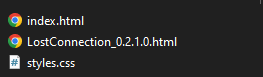
Folder with generated files would look likes
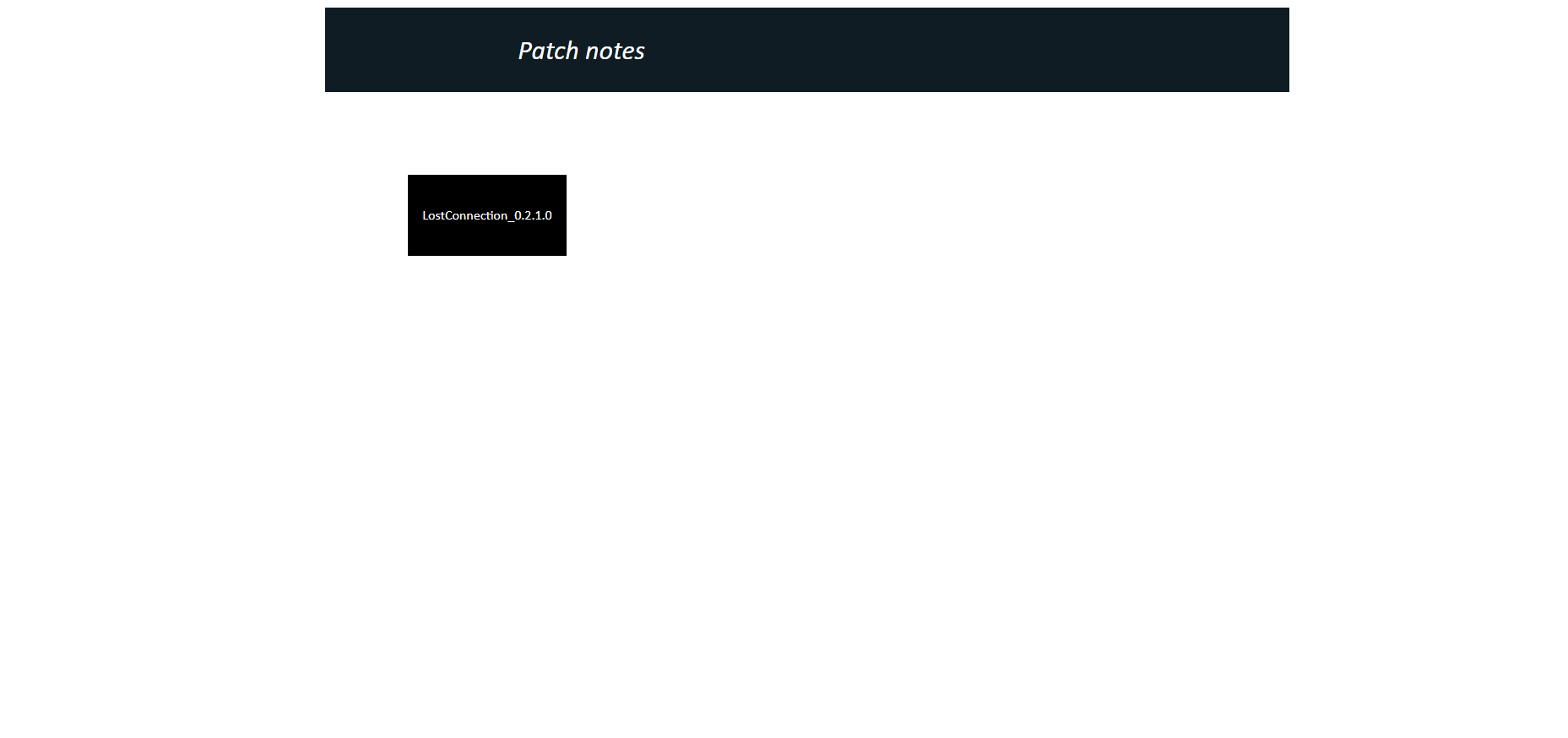
Index.html would look likes
generate_patch_notes_settings.json by default contains this settings:
{
    "generatedFilesPath": "../../../../../../dev/PatchNotesProject/Plugins/PatchNotes/GeneratedFiles",
    "openAfterUpdate": true,
    "projectName": "PatchNotesProject",
    "pathToBackgroundImage": null,
    "pathToProjectLogo": null,
    "pathToTemplate": null,
    "patchNotesBackgroundColor": [ 0, 0, 0, 0.17000000178813934 ],
    "generationProgressBarColor": [ 0, 1, 0, 1 ]
}-
generatedFilesPathinsert path relative to your project location -
projectNametakes your project name as default -
pathToBackgroundImagemust be link to image -
pathToProjectLogomust be link to image -
pathToTemplateyou can set path to your .json file with default settings to all new created configurations