
Open any Markdown file as a rendered document.
GitHub styling, Mermaid diagrams, live preview to the side.


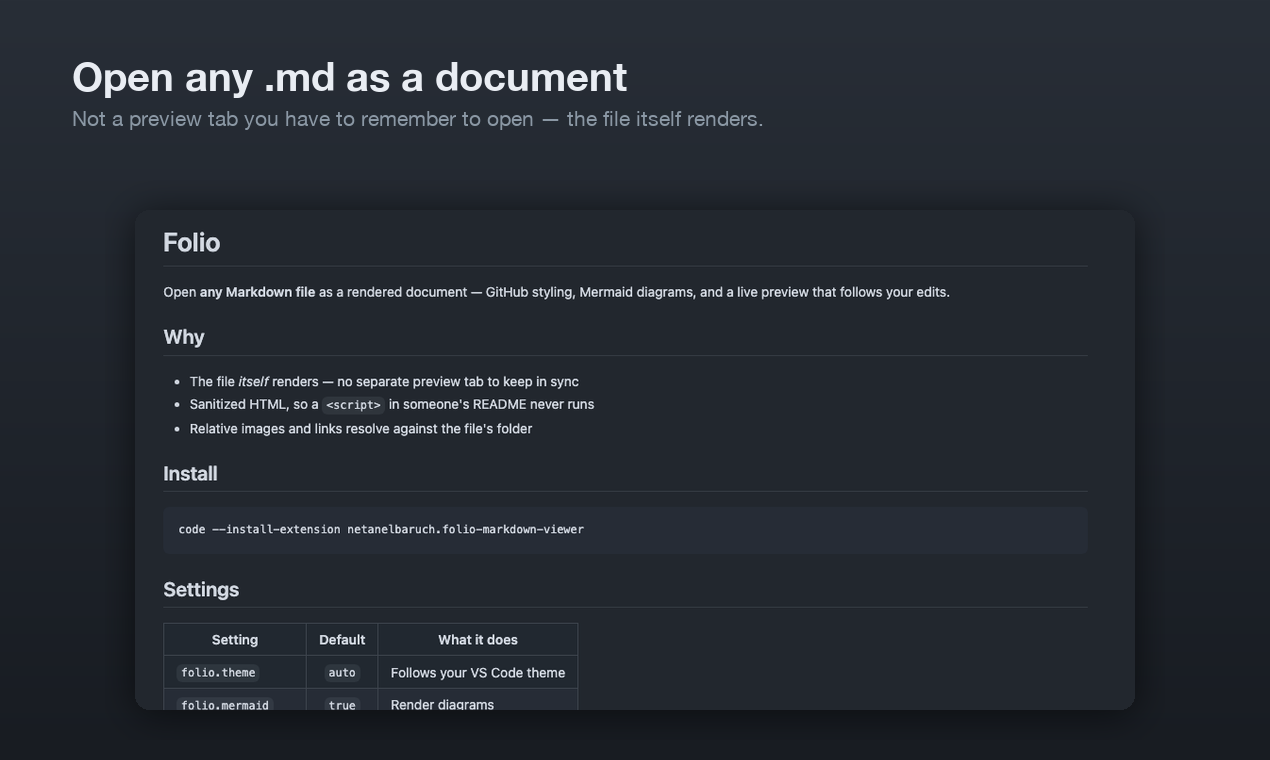
VS Code has a preview pane. Folio has a view mode: the .md file itself opens rendered,
in its own tab, like a PDF or an image would. No second tab to keep in sync, no split you have
to arrange every time.
It is a custom text editor, so the file stays a live document — edits from another split, a
git checkout, or an agent writing to disk all re-render immediately, and Open Source in
the title bar drops you back to the raw Markdown.
| Editor title bar | Click the 📖 button on any open Markdown file |
| Explorer | Right-click a .md file → Open in View Mode |
| Command palette | Folio: Open in View Mode · Folio: Open Preview to the Side |
| Make it the default | Folio: Toggle Folio as the Default Editor for Markdown Files — every .md opens rendered from then on |
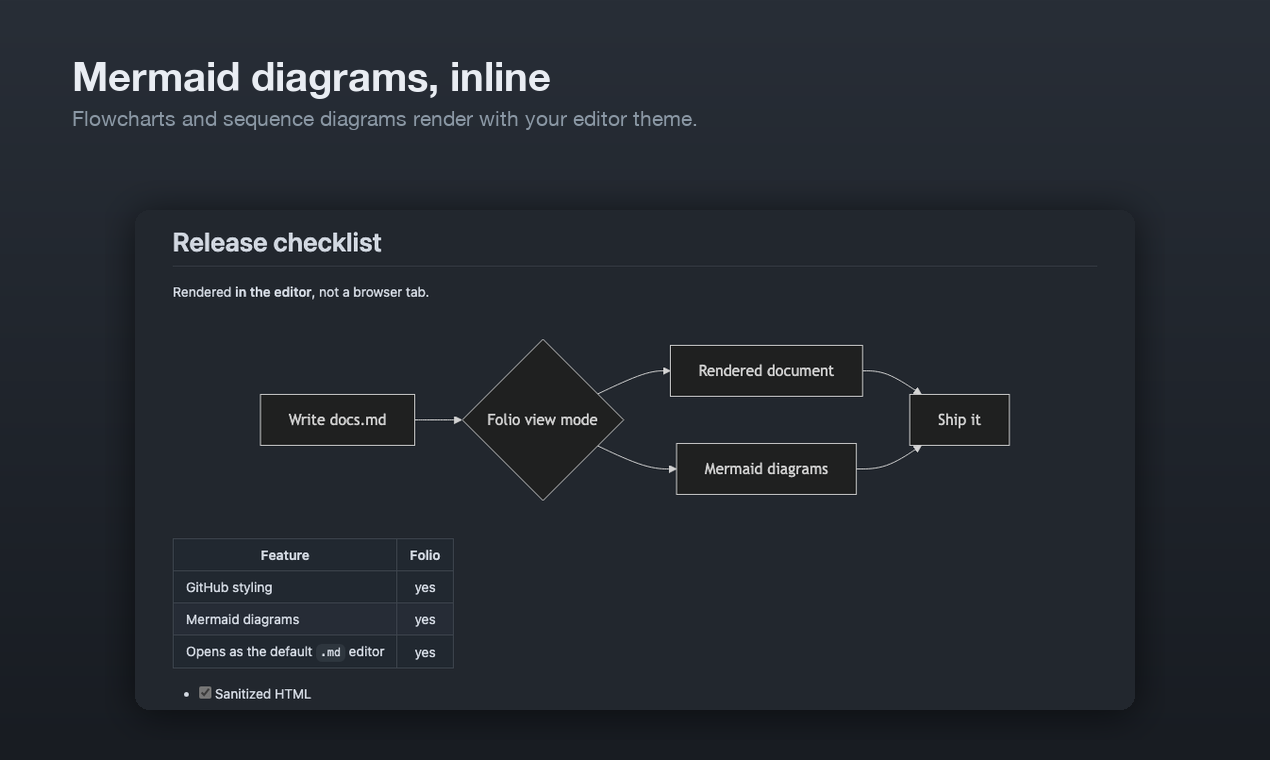
- Mermaid diagrams from
```mermaidblocks, re-themed with your editor - GFM — tables, task lists, autolinks, strikethrough
- Sanitized HTML, so a
<script>in a README you cloned never executes - Relative images resolve against the file's folder; relative links open the target file in VS Code (Markdown targets stay in view mode), external links open in your browser
- Heading anchors, so in-document
#linksjump - Live preview to the side that follows your edits and, optionally, your scroll position
| Setting | Default | What it does |
|---|---|---|
folio.theme |
auto |
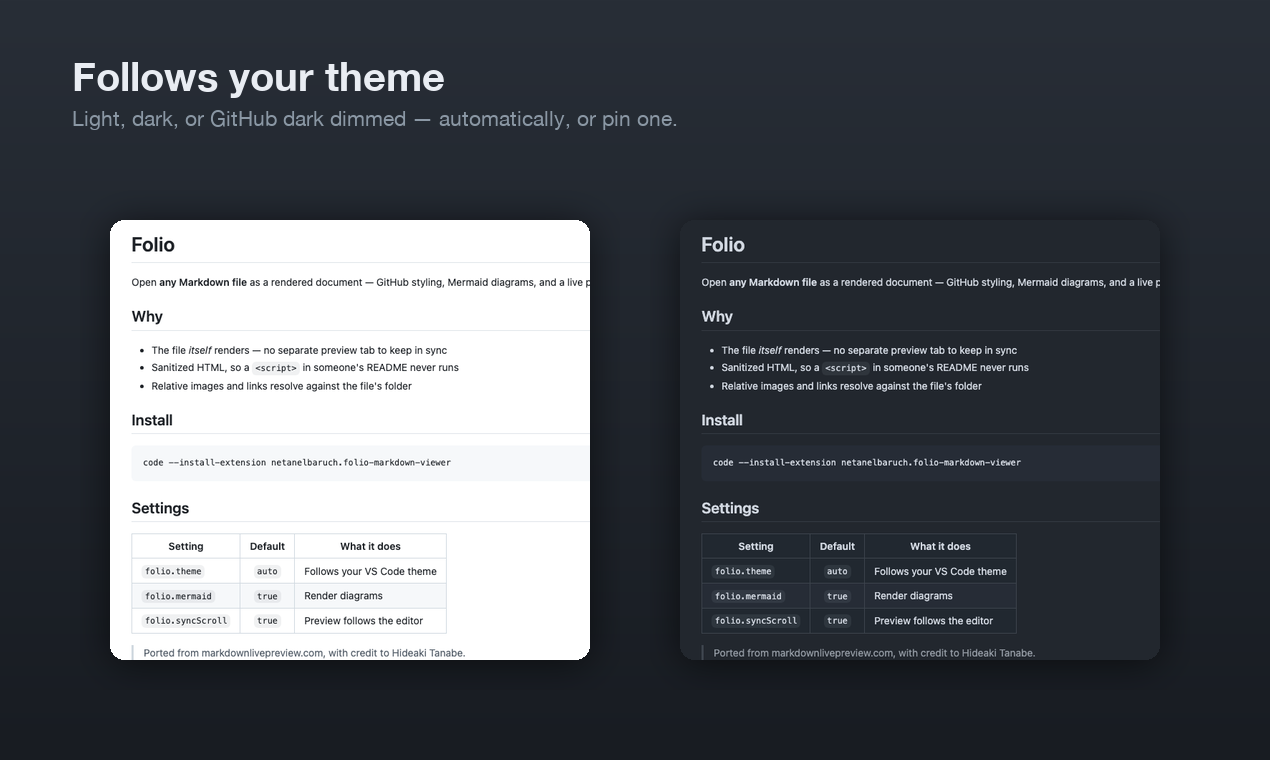
auto follows your VS Code theme; or pin light, dark, dark-dimmed |
folio.syncScroll |
true |
Side preview follows the source editor's scroll |
folio.mermaid |
true |
Render ```mermaid blocks as diagrams |
folio.breaks |
false |
Treat single newlines as line breaks |
folio.fontSize |
14 |
Base font size, in pixels |
folio.maxContentWidth |
980 |
Max document width in pixels; 0 for full width |
From the Marketplace, or:
code --install-extension netanelbaruch.folio-markdown-viewerFolio's rendering pipeline — marked → DOMPurify → Mermaid, with GitHub's Markdown
stylesheets — is a port of Markdown Live Preview by
Hideaki Tanabe (source,
MIT). Folio is an independent project and is not affiliated with it. Full notices in
LICENSE.
npm install
npm run build      # or: npm run watch
npm test           # renders a document through the built webview bundle in jsdom
npm run typecheck
Press F5 for an Extension Development Host with sample.md open.
| File | Role |
|---|---|
src/extension.ts |
Commands, the CustomTextEditorProvider behind view mode, side-preview panels |
src/preview.ts |
One rendered document bound to one webview: HTML + CSP, live updates, scroll sync, link routing |
src/webview/main.ts |
The renderer — marked, DOMPurify, heading slugs, URL rewriting |
src/webview/mermaid.ts |
Mermaid, bundled separately and fetched only when a document has a diagram (3.3 MB vs 70 KB) |
media/ |
GitHub Markdown stylesheets and preview layout CSS |
MIT © Netanel Baruch