


A manga reader for your terminal. Search MangaBuddy from a curses TUI, then read chapters in Chrome through a local proxy with a full-featured reader UI.
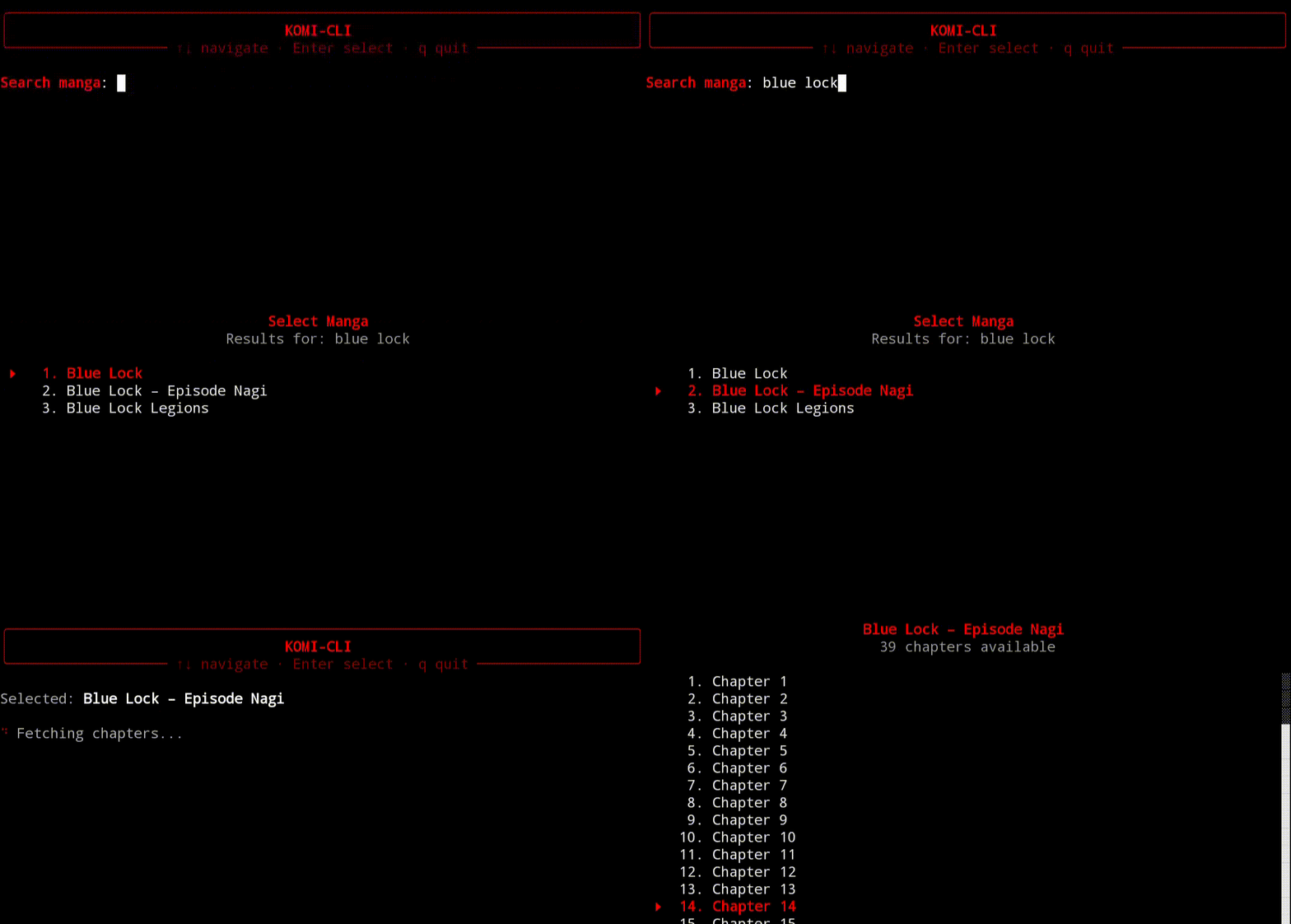
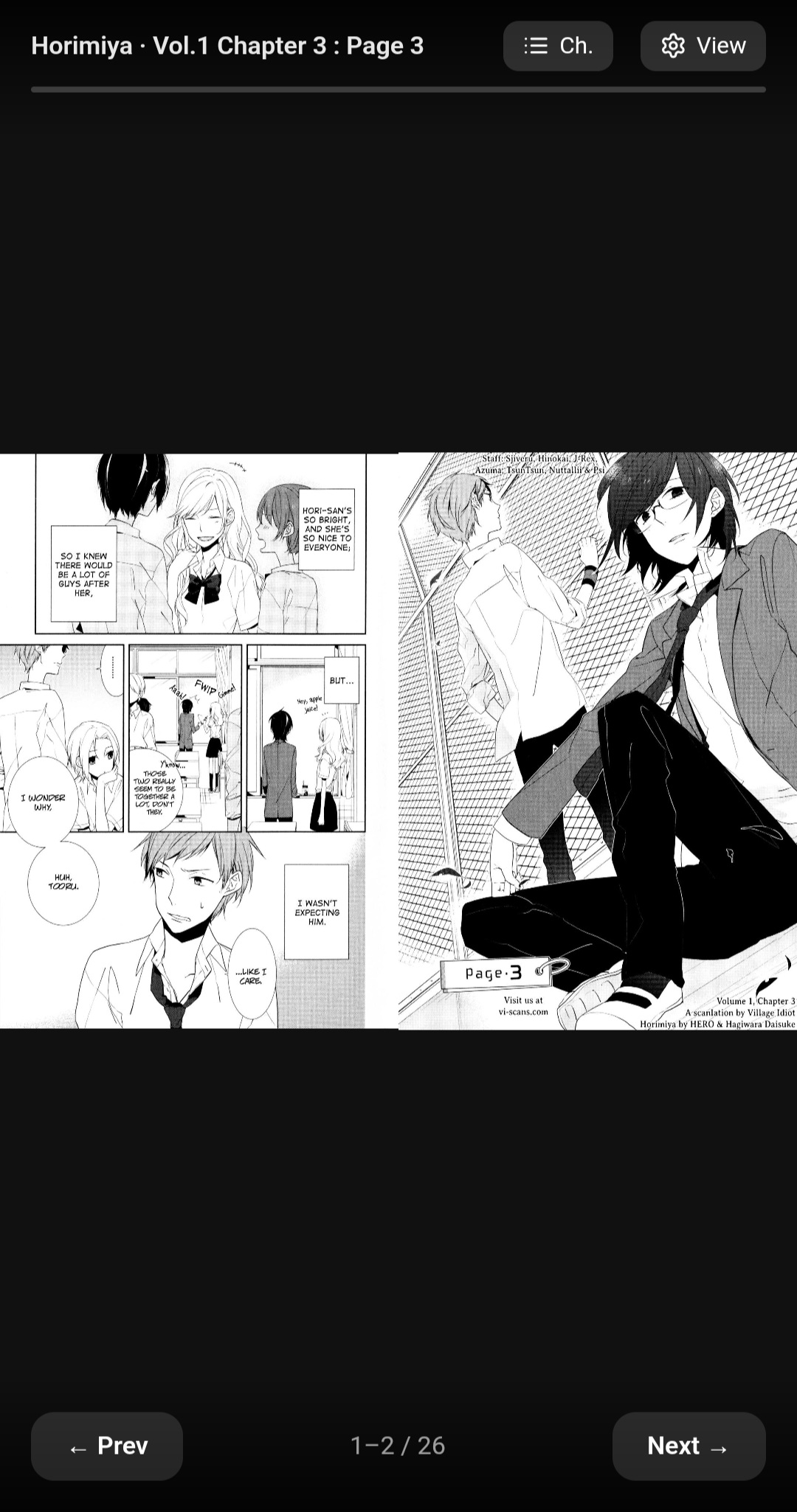
Reader
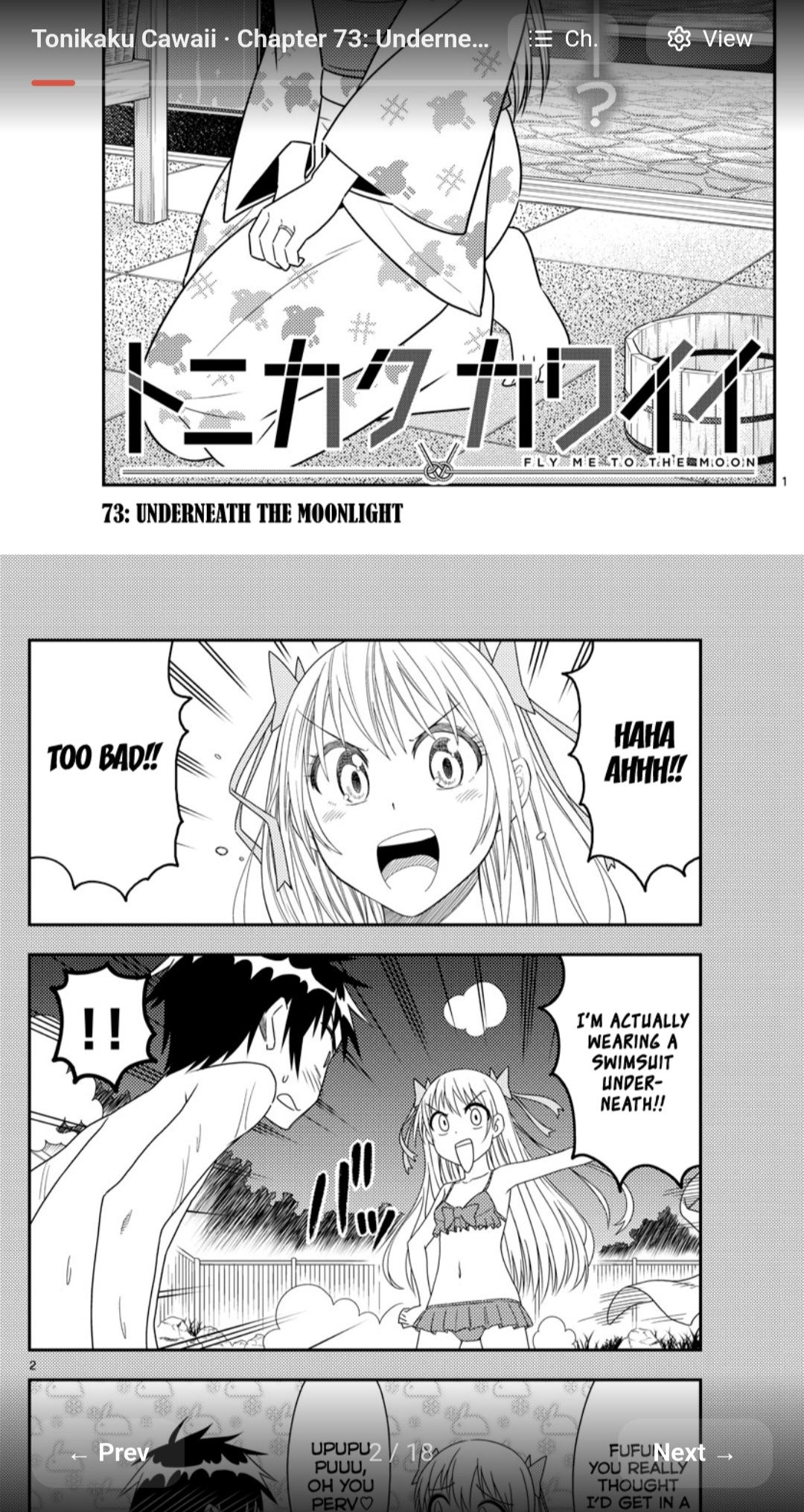
Chapter List
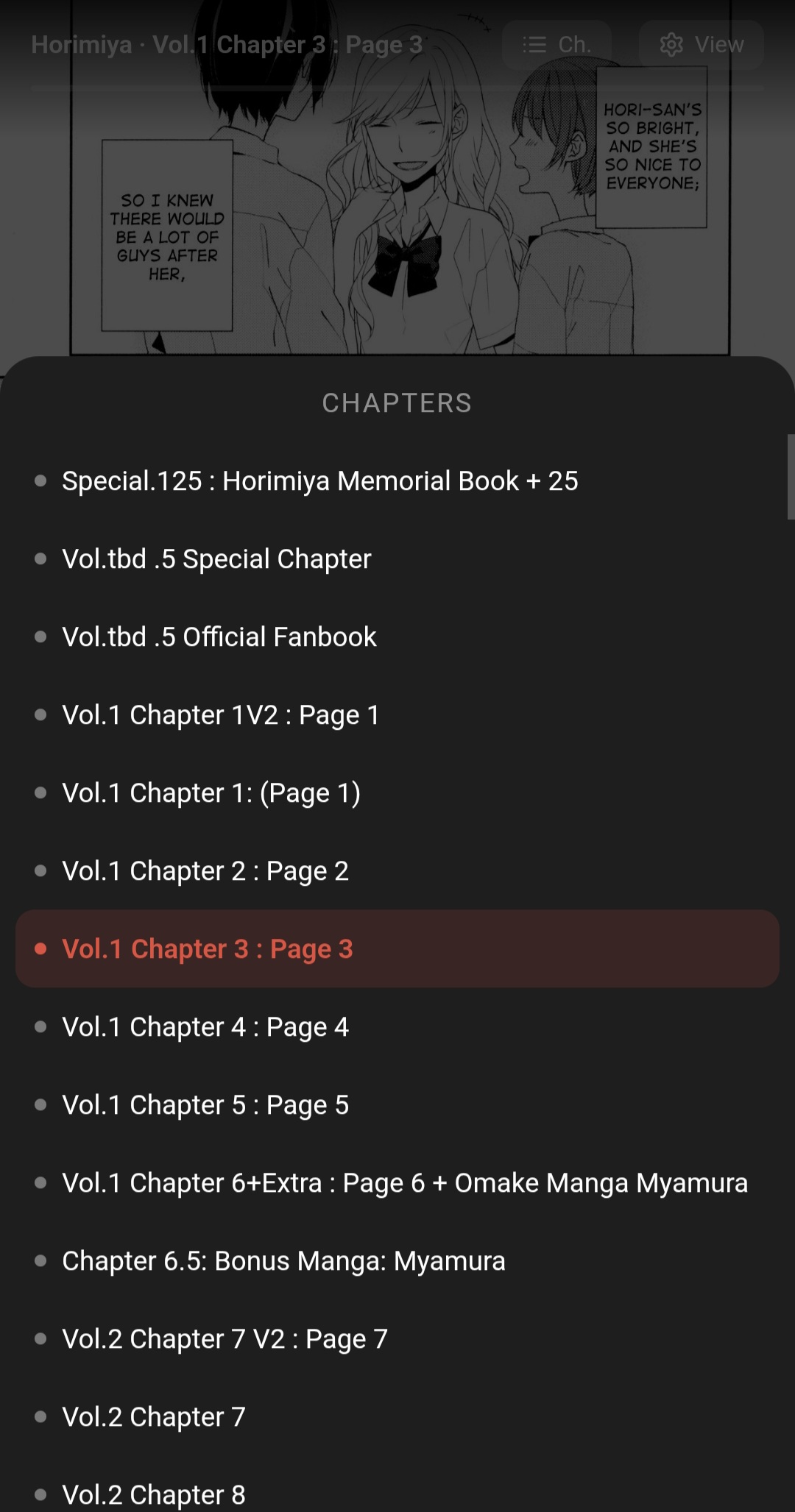
Settings
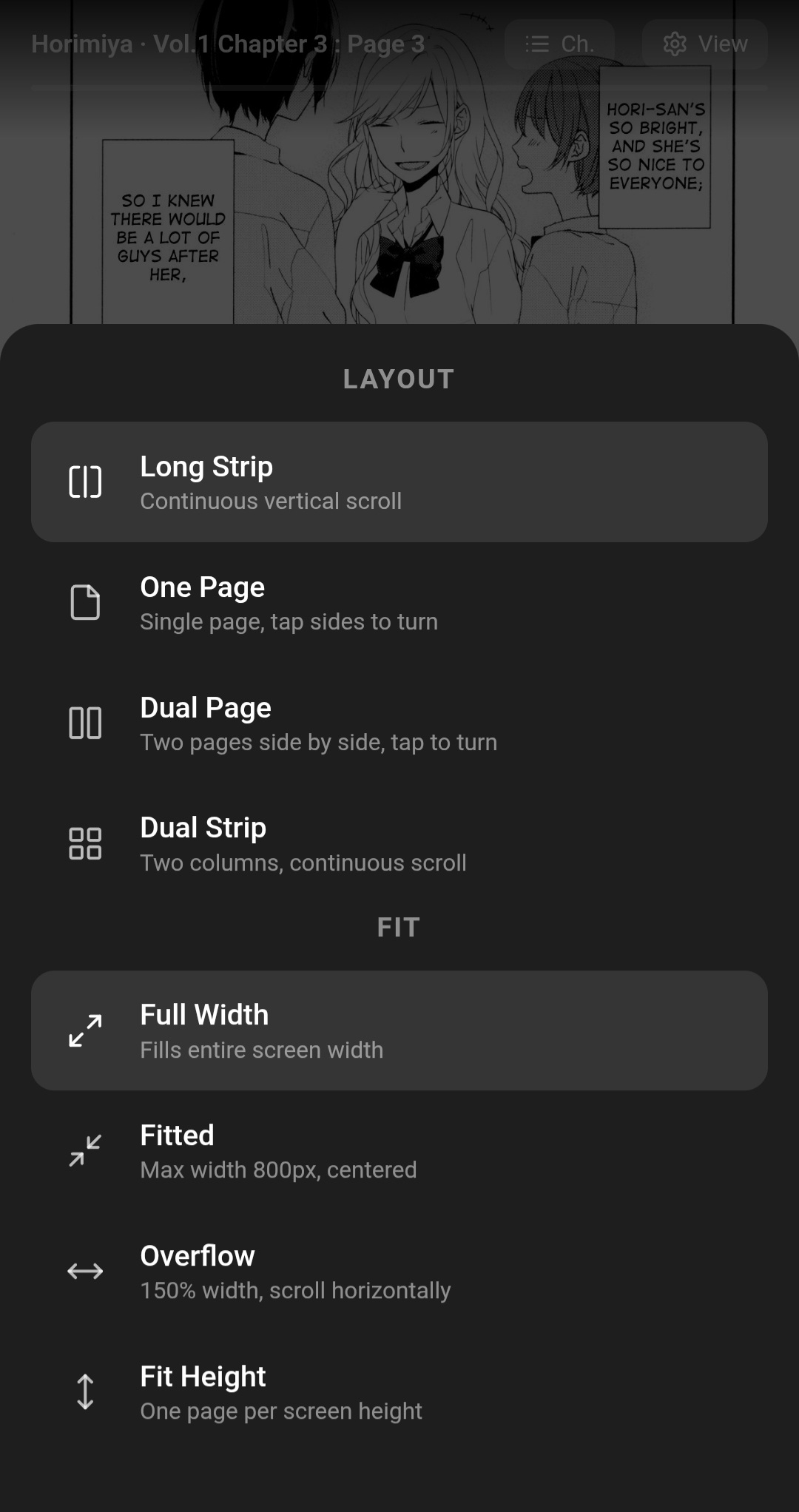
Dual Mode
- Android + Termux
- Python 3
- Chrome (
com.android.chrome) rich
git clone https://github.com/Pal-droid/komi-cli
cd komi-cli
pip install rich
python main.pypython main.py| Key | Action |
|---|---|
↑ ↓ or j k |
Navigate list |
Enter |
Select |
q / ESC |
Go back / cancel |
Page Up / Page Down |
Scroll 10 items at a time |
Once a chapter opens in Chrome, the proxy keeps running in the background. Switch back to Termux and press Enter when done to get the post-reading menu — pick another chapter, search a new manga, or exit.
Tap anywhere while reading to show/hide the bars. The top bar has the chapter title, a progress bar, and two buttons — Ch. to jump to any chapter, View to open settings.
| Section | Options |
|---|---|
| Layout | Long Strip · One Page · Dual Page · Dual Strip |
| Fit (strip only) | Full Width · Fitted · Overflow · Fit Height |
| Tap to turn (paged) | LTR (left = prev) · RTL (left = next) |
| Page order (dual) | Left → Right · Right ← Left |
┌──────────┬──────────┬──────────┐
│            │            │            │
│  ← prev   │  toggle    │  next →    │
│   35%      │  bars      │   35%      │
│            │   30%      │            │
└──────────┴──────────┴──────────┘
Settings persist across chapter navigation.
komi-cli/
├── config.py       API base URL, headers, proxy port
├── scraper.py      search, find_chapters, find_pages
├── reader.py       HTML/CSS/JS reader page generator
├── server.py       local proxy, image cache, prefetch
└── main.py         TUI (rich + curses) and entry point
- The scraper fetches manga/chapter/page data from MangaBuddy via HTML parsing
- A local proxy starts on
127.0.0.1:18923 - The proxy serves the reader at
/read?idx=Nand forwards image requests with the correctRefererheader (required by the image CDN) - All chapter images are downloaded in parallel into memory as soon as you open a chapter
- Adjacent chapters are prefetched in the background so next/prev is instant
All image data is held in memory only — nothing is written to disk.
- If Chrome is not your browser, replace
com.android.chrome/com.google.android.apps.chrome.Maininmain.pywith your browser's package/activity name - The proxy port defaults to
18923— change it inconfig.pyif needed