Entry Management is a software biuld to manage the entries made by visitors to meet the hosts at Innovaccer Office.
- Android Studio (Java and XML)
- Firebase Realtime Database
- Java Mail API
- SMS services
|__Hosts
	|__1
	   |__Email
	   |__Name
	   |__Phone
	|__2
	   |__Email
	   |__Name
	   |__Phone
|_Visitors
	 |__Generated ID
	 		|__checkin
			|__checkin-date
			|__checkout
			|__email
			|__host_object
			|__name
			|__ongoing
			|__phone
			|__token
I have thought of this software as a simple entry management done at the gate entry. The current way to make entry is to write your and the host details in a register while making an entry and siging that entry with your signature. I have tried to bring the same process in an application on which the visitor can easily make an entry.
- When you open the application a splash screen appears
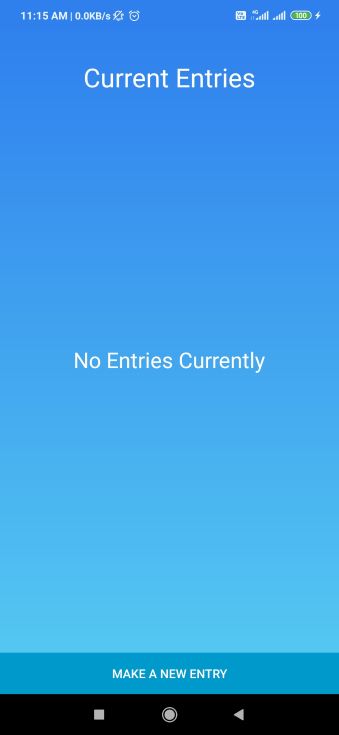
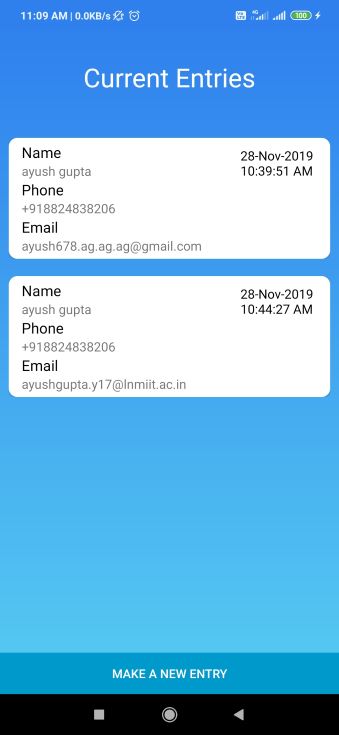
- After a moment the splash finishes and a list of current entries made appears. If no current entries are made a list empty message is displayed.
- Clicking on "make a new entry" button will display a list of hosts available at the department and whom the visitor can meet.
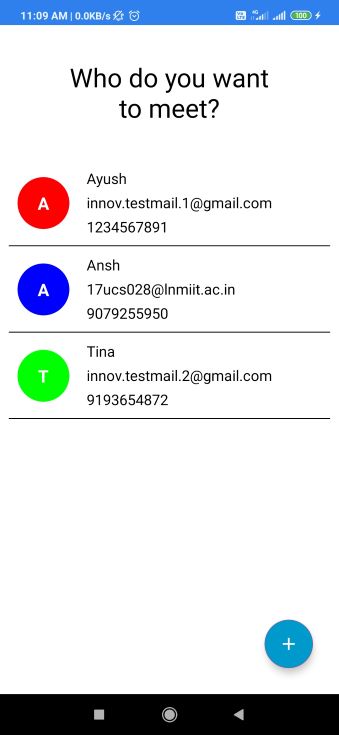
- The visitor can select one of the hosts he/she wants to meets. You can also add a host by clicking the plus button at the bottom right corner of the screen. A form appears asking the details of the host to be added.
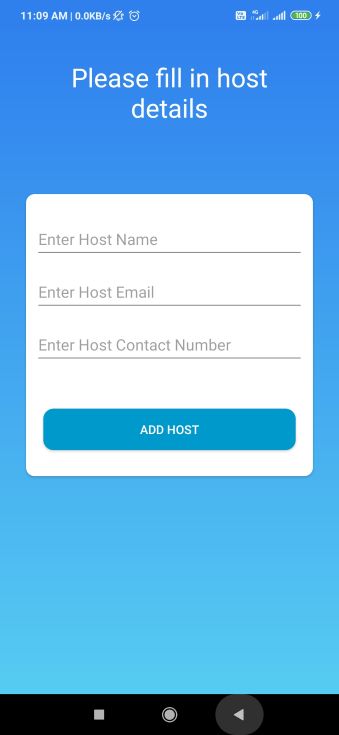
- Click on add host button after filling the form. The page closes and the updated list of hosts is again displayed.
- When the visitor selects a host of his/her choice then he/she is asked to fill a form.
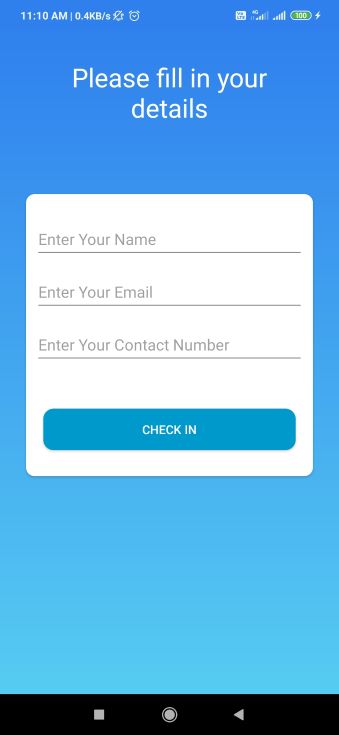
- After filling in his/her details the visitor presses the "Check-in" button. Doing this the user check-in entry is completed and a token is mailed to the visitor as well.
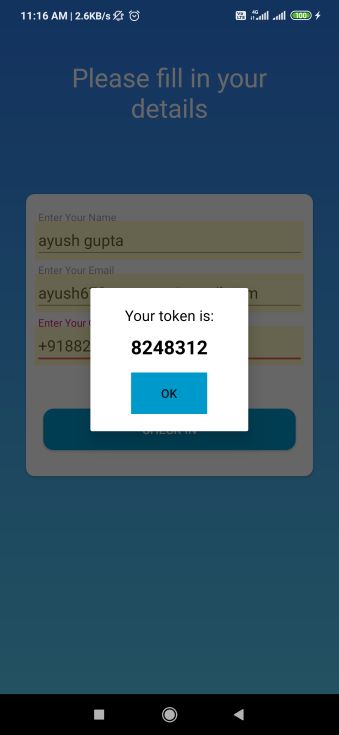
- After clicking "ok" button, the entry list page again opens with the details of the checked-in user.
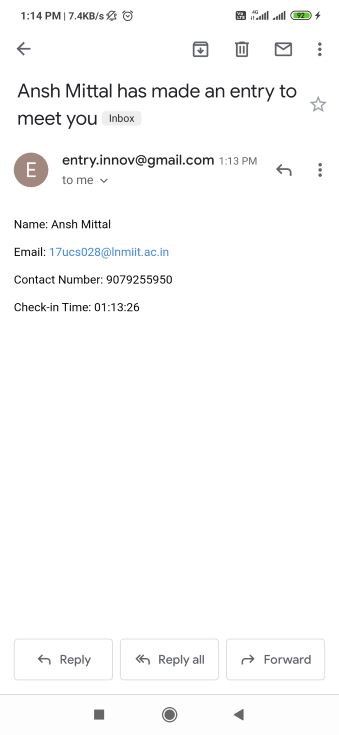
- The host receives an email as well as the message describing the details of the visitor. Image of the mail is attached.
- After the visit is done the visitor selects his/her details from the list. When the item on the entry lis is clicked a page appears showing the visit details as well as an option to checkout.
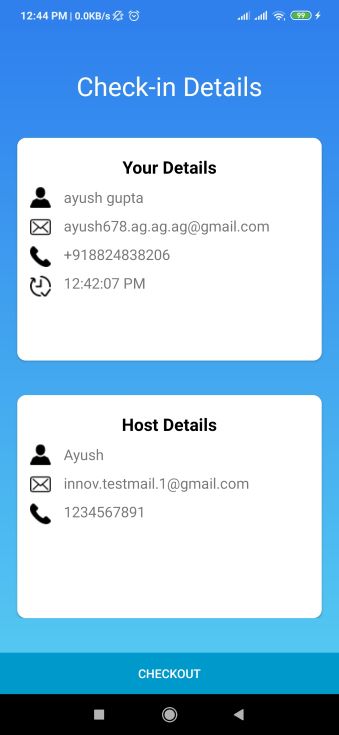
- When the "checkout" button is pressed the visitor is asked to confirm the checkout after entering the provided token.
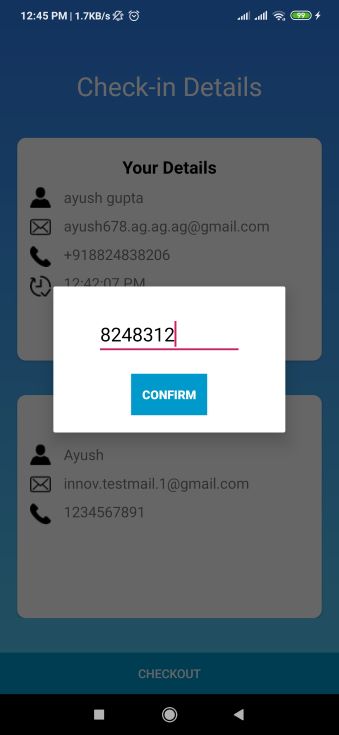
- If the visitor enters right token then he/she is successfully checked-out. Also the details of that visitor is removed from that list. The updated list is shown herewith.
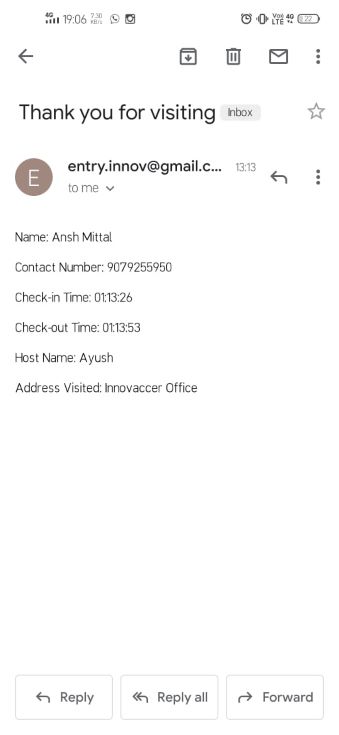
- The visitor then gets an email describing the details of the visit.
- Since the data of the visitor is to be preserved, therefore that data is stored in Firebase Realtime Database.
- The admin ID used is : entry.innov@gmail.com, Password: innoventry
- Host IDs used are: 1) innov.testmail.1@gmail.com, Password: innovtest1 and 2) innov.testmail.2@gmail.com, Password: innovtest2
- Visitor ID used is: visitor.testmail@gmail.com, Password: visitortest
- Firebase Database Link: https://console.firebase.google.com/u/2/project/entry-management-38cc2/database/entry-management-38cc2/data Password for this is same as admin ID.