


Magivant-DAC is a modern, open-source alternative to the stock Leteciel controller for Leteciel Magivant USB DAC devices. Designed as a lightweight, high-performance replacement for the official app, it brings advanced hardware settings to a clean Material Design 3 Expressive (MD3E) interface with full Monet (Material You) support.
Unlike standard audio players that simply send PCM audio data to the Android OS, Magivant-DAC communicates directly with the DAC's microcontroller to manipulate hardware-level settings.
Here is the breakdown of the application flow:
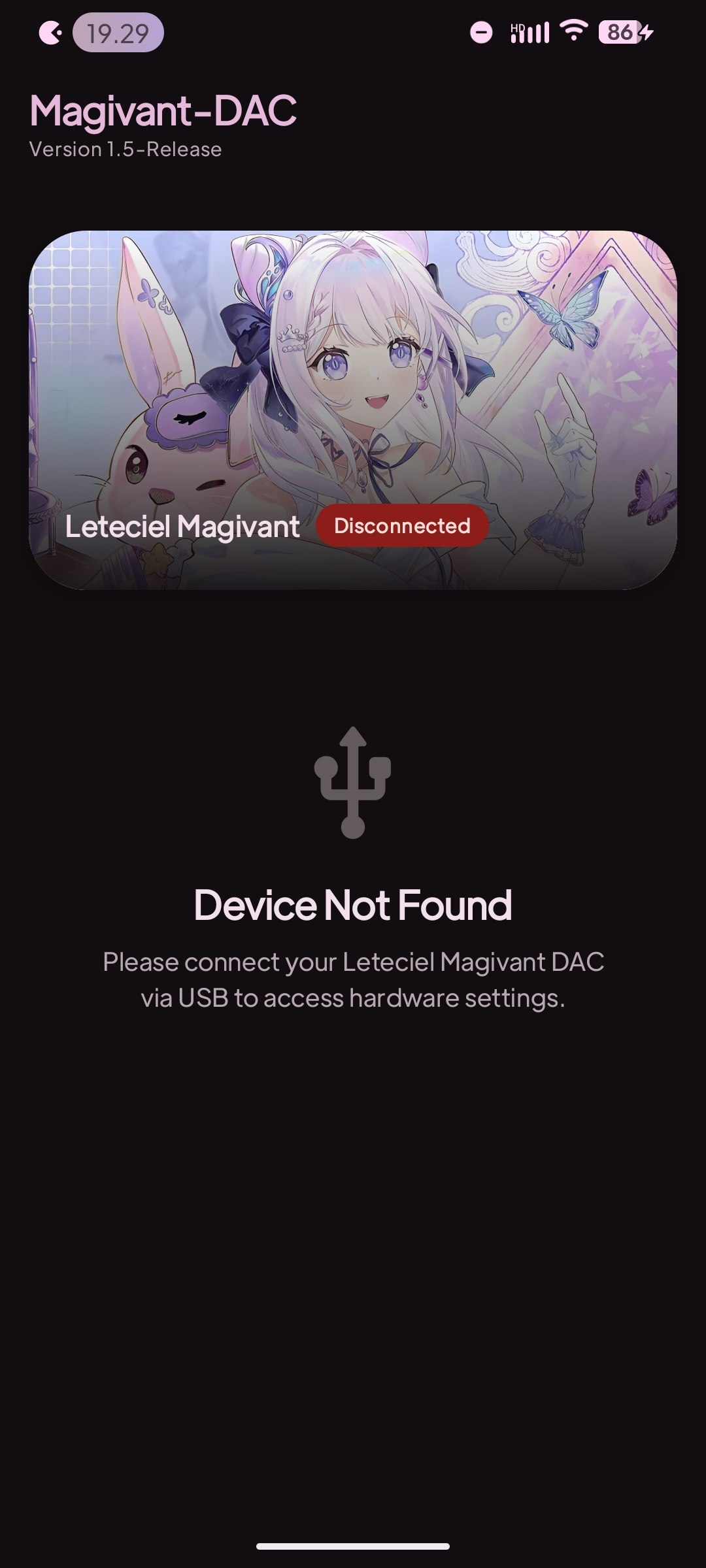
- Device Detection & Permission: The app uses Android's
UsbManagerto listen for specific Vendor IDs (VID) and Product IDs (PID) associated with Leteciel Magivant devices (e.g.,VID 0x2FC6). Once attached, it requests explicit USB Host permission from the user. - USB HID Communication: Once permission is granted, the app establishes a
UsbDeviceConnectionand claims the appropriate USB Interface. It does not use standard audio APIs (like AudioTrack) for control; instead, it uses the USB Human Interface Device (HID) protocol. - Control Transfers: When you change a setting in the UI (e.g., switching to High Gain), the
ViewModeltranslates this action into a specific array of Hexadecimal bytes. TheUsbDacManagerthen sends this payload directly to the DAC usingconnection.controlTransfer(). These specific byte payloads were discovered through protocol analysis (reverse-engineering the stock application). - Reactive UI State: The hardware state is wrapped in Kotlin
StateFlow. Whenever a successful USB command is dispatched, the UI (built with Jetpack Compose) instantly and reactively updates to reflect the new hardware state.
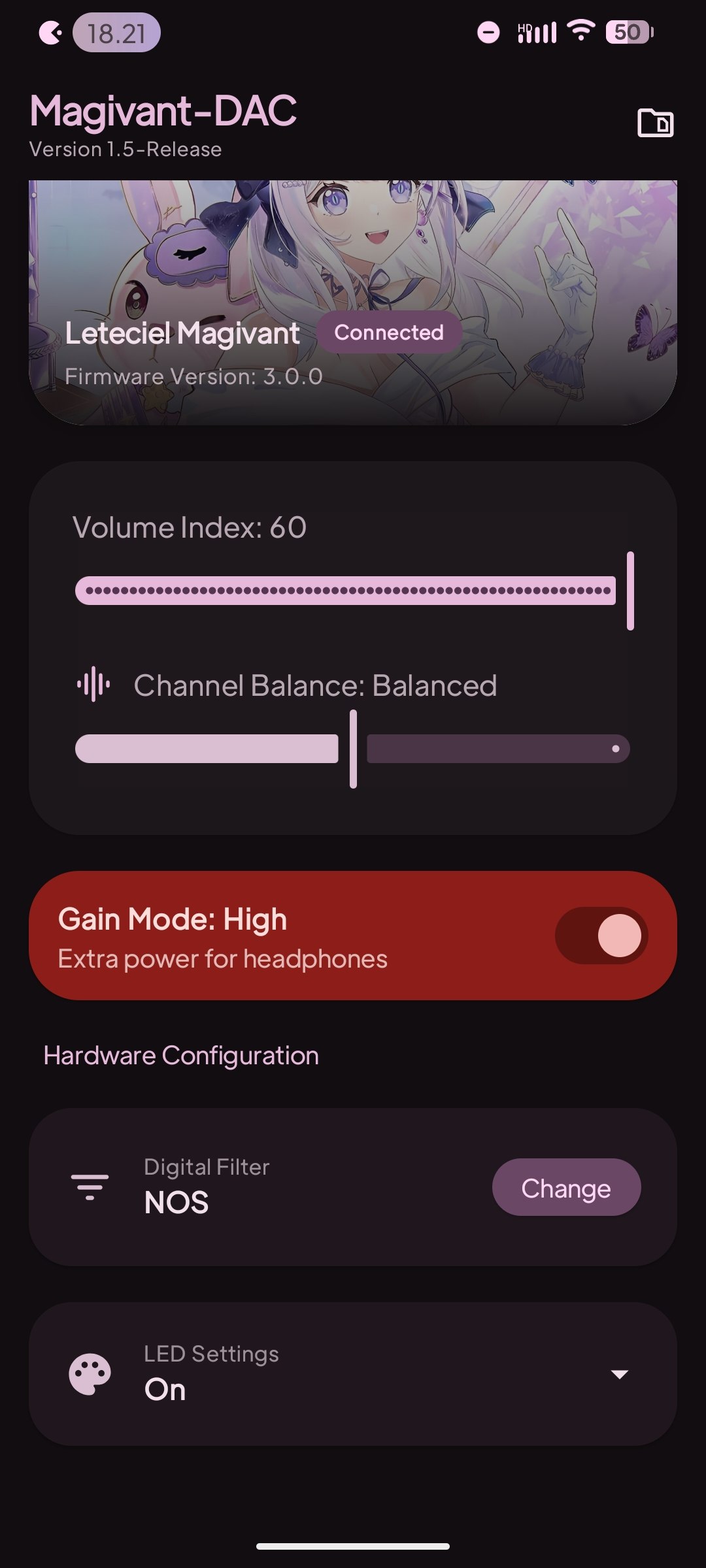
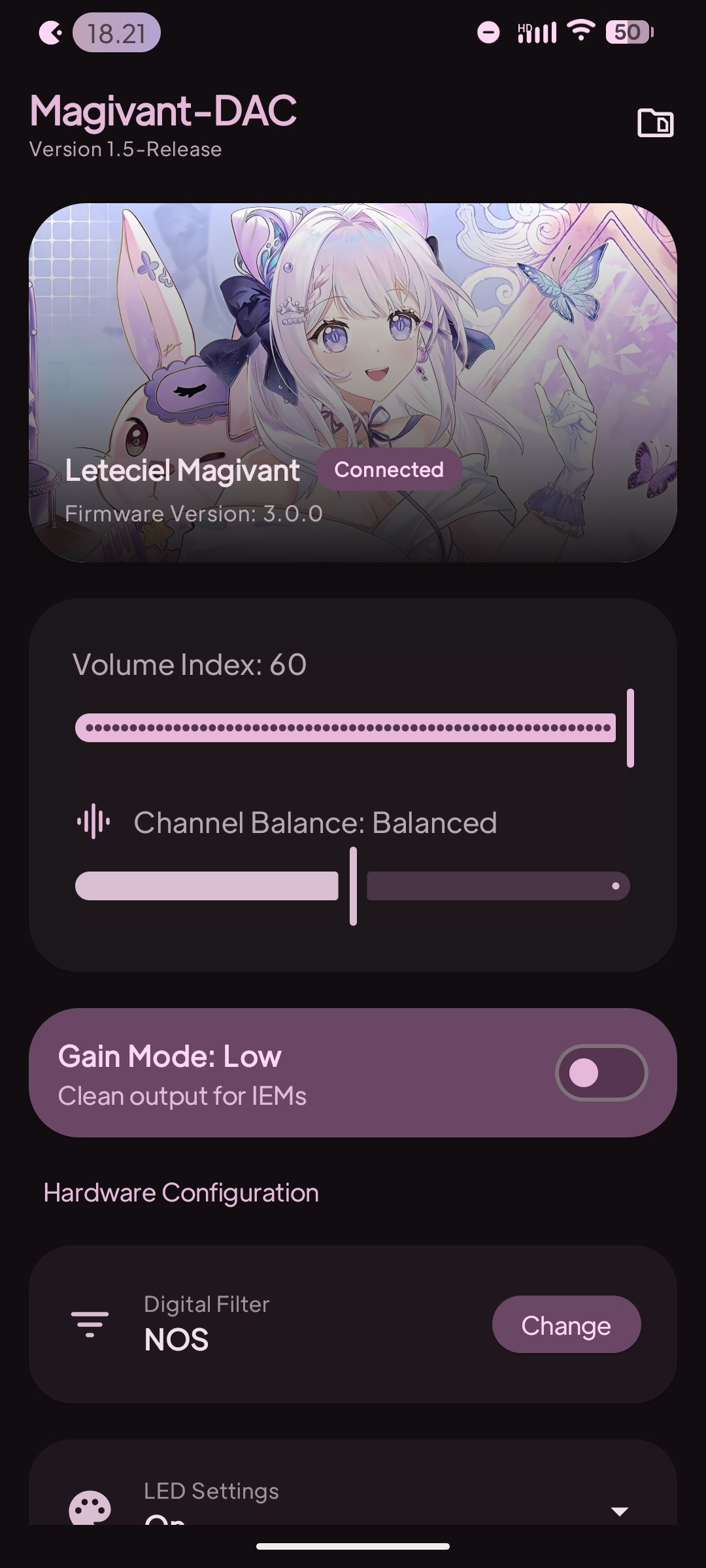
- Precise Volume Control: Adjust the Volume Index (0-60) synchronized directly with the DAC hardware.
- Channel Balance: Fine-tune the Left and Right audio output balance with high precision.
- Gain Control: Toggle between High Gain (for power-hungry headphones) and Low Gain (for sensitive IEMs).
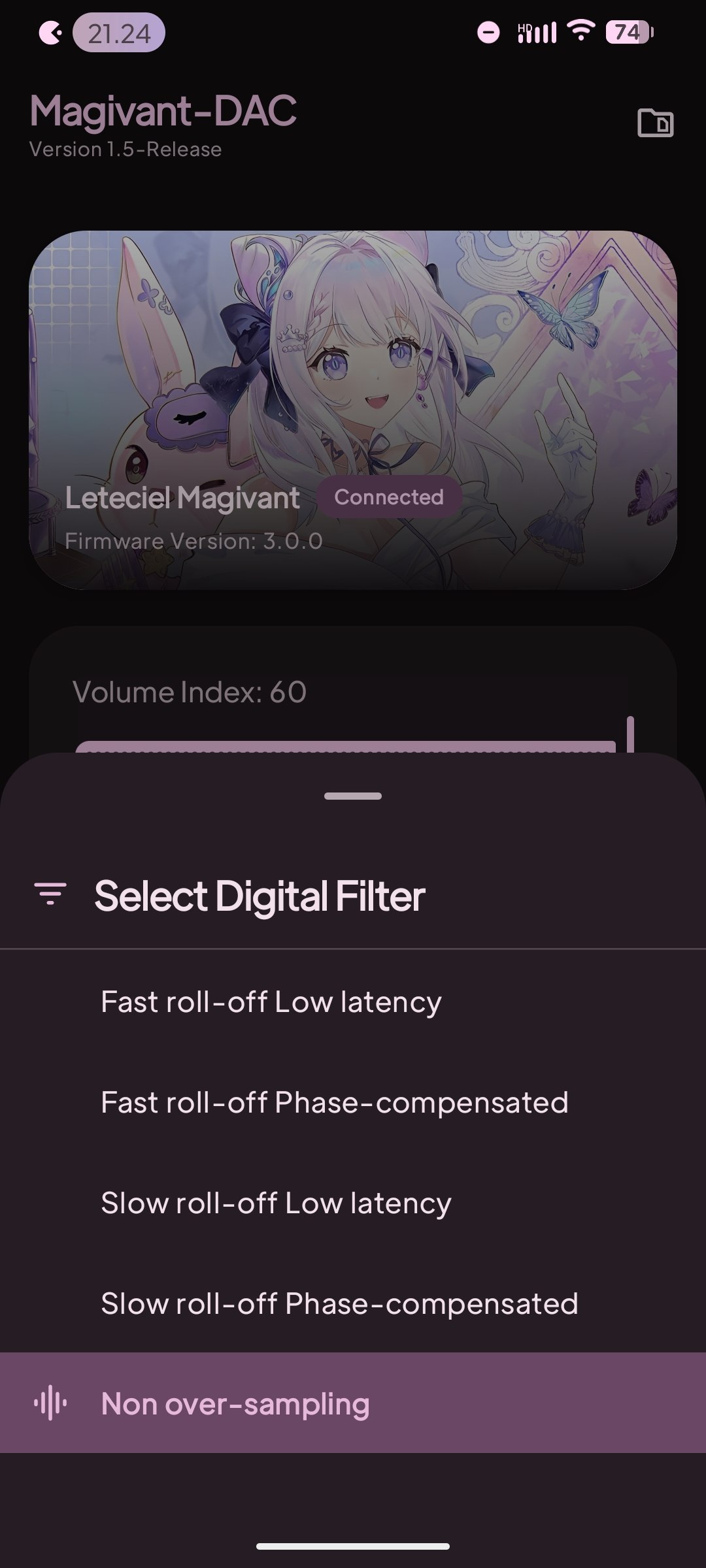
- Digital Filter Selection: Alter your sound signature with the device's built-in hardware filters:
- Fast roll-off Low latency (Fast LL)
- Fast roll-off Phase-compensated (Fast PC)
- Slow roll-off Low latency (Slow LL)
- Slow roll-off Phase-compensated (Slow PC)
- Non over-sampling (NOS)
- LED Configuration: Customize the DAC's indicator light behavior (On, Off, Off & Save).
- Dynamic Theming (Monet): The app interface and Adaptive Icon automatically adapt their colors to match your Android system wallpaper.
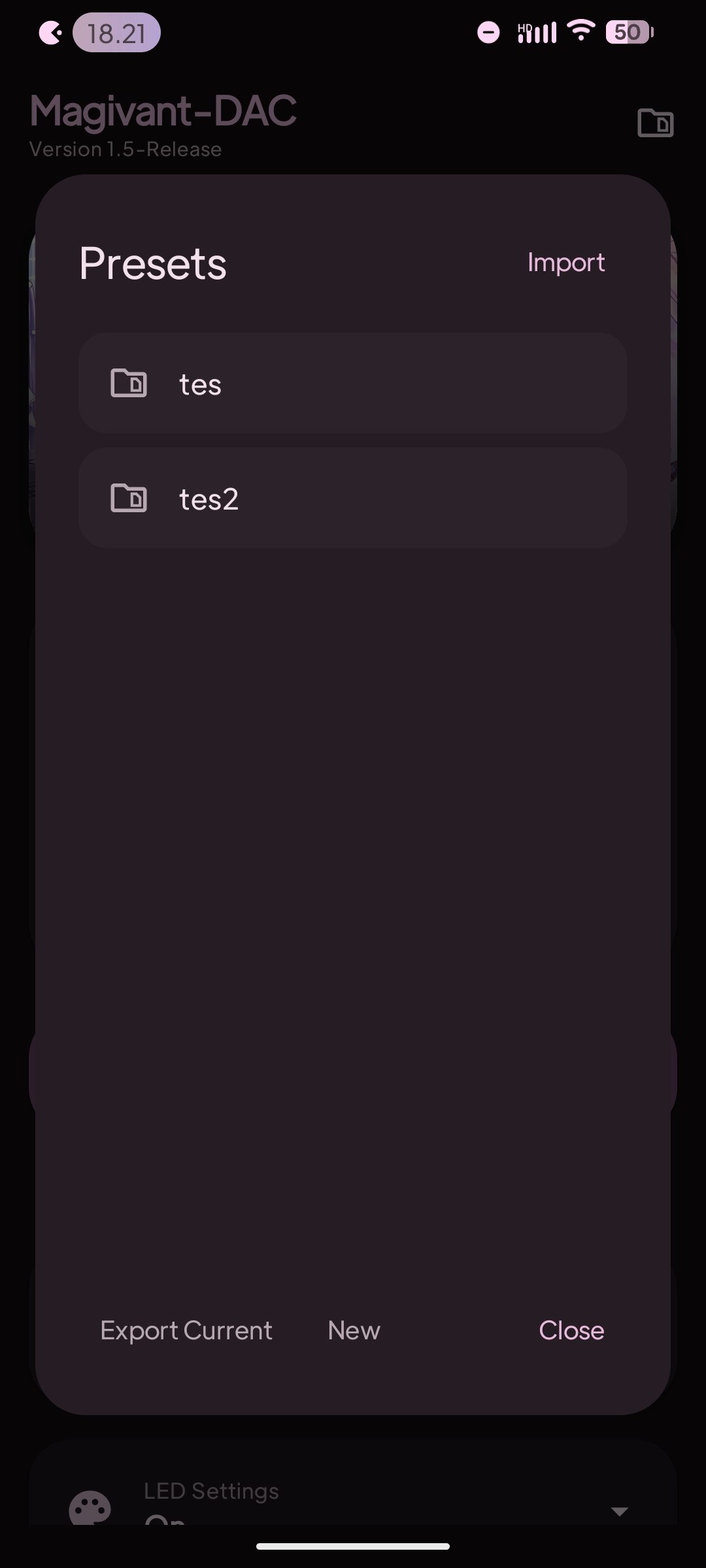
The Magivant preset system utilizes a structured JSON schema to synchronize software-defined parameters with the Leteciel Magivant DAC hardware registers. This document defines the data types, constraints, and functional implications of each field.
| Field Name | Data Type | Range / Constraints | Functional Description |
|---|---|---|---|
name |
String |
Alphanumeric | Preset Identifier: A descriptive label used to identify the configuration profile within the application environment. |
volumeIndex |
Integer |
0 to 60 |
Gain Magnitude: Represents the discrete step of the hardware volume attenuator. 0 denotes full attenuation (Mute), while 60 represents 0dBFS (Maximum). |
balanceBaseValue |
Integer |
-50 to 50 |
Channel Offset: Adjusts the relative amplitude between the Left and Right channels. Negative values shift the stereo image to the Left; positive values shift to the Right. |
isHighGain |
Boolean |
true, false |
Amplification Topology: Toggles the hardware voltage swing. When true, the DAC engages a high-voltage rail to drive high-impedance loads. |
digitalFilterPos |
Integer |
0 to 4 |
Interpolation Filter: Selects the digital reconstruction filter algorithm used during the Digital-to-Analog conversion process. |
ledPos |
Integer |
0 to 2 |
Visual Indicator Logic: Manages the operational state and persistence of the physical LED status indicator on the hardware. |
This parameter dictates the impulse response and frequency roll-off characteristics:
0: Fast Roll-off, Low Latency – Minimal group delay with sharp attenuation.1: Fast Roll-off, Phase-compensated – Linear phase response at the cost of slight pre-ringing.2: Slow Roll-off, Low Latency – Minimal pre-echo with a gentler frequency roll-off.3: Slow Roll-off, Phase-compensated – Natural transient response with linear phase.4: Non-Oversampling (NOS) – Disables the internal digital interpolation filter for a raw, "analog" output profile.
Defines the behavior of the device's status light:
0: Active – LED remains illuminated during operation.1: Disabled (Volatile) – LED is turned off; state is not retained after a power cycle.2: Disabled (Persistent) – LED is turned off and the configuration is written to non-volatile memory (Saved to Hardware).
{
  "balanceBaseValue": 0,
  "digitalFilterPos": 4,
  "isHighGain": false,
  "ledPos": 0,
  "name": "TEST",
  "volumeIndex": 60
}
Note for Contributors: (Replace the image links below with actual screenshots of the app later)
Follow these steps to set up the development environment and build Magivant-DAC on your local machine.
Before you begin, ensure you have the following installed:
- Android Studio Ladybug (2024.2.1) or newer.
- Android SDK Platform 36.
- JDK 17 (comes bundled with modern Android Studio).
- A physical Leteciel Magivant USB DAC device (Emulators do not support USB Host hardware communication effectively).
Open your terminal and run:
git clone https://github.com/RapliVx/Magivant-Dac-App.git Magivant
cd Magivant