This repository contains the source code for a simple chat application built with React Native (frontend) and Firebase (backend).


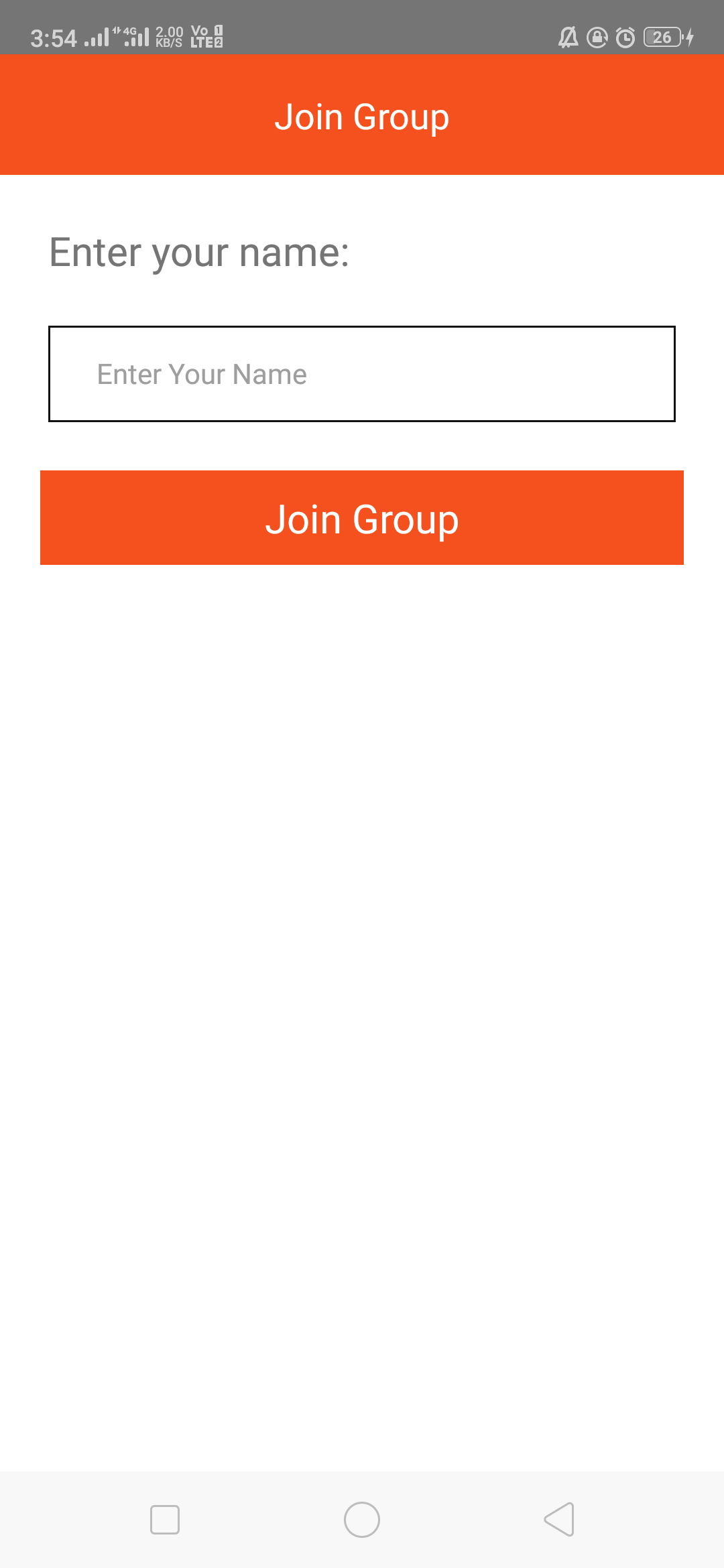

- Clone this project
git clone < project-url.git >
-
Install NodeJS on your computer.
-
Install yarn on your computer
Yarn is a dependency manager built by facebook and google. It is a more efficient and reliable (thanks to yarn.lock) alternative of npm.
- Launch
yarncommand in a terminal opened in the project folder.
This command will look into the package.json file and install all the dependencies listed here.
- Install react-native-cli globally on your computer
yarn global add react-native-cli
- Launch a virtual android device (through Android Studio for instance)
If you have never installed any android virtual device, follow those instructions
- Then, run the project in executing on your project folder:
react-native run-android
-
Download Xcode on your Mac.
-
Open Project on Mac by double click on <yourproject/ios/.xcodeproj> file -Project can directly run from xCode or run following command.
-
Run project on ios
react-native run-ios
yarn start
Copy the config from your Firebase account and paste it to ./src/config/frirebaseSDK
    apiKey: “<API_KEY>“,
    authDomain: “<PROJECT_ID>.firebaseapp.com”,
    databaseURL: “https://<DATABASE_NAME>.firebaseio.com”,
    projectId: “<PROJECT_ID>“,
    storageBucket: “<BUCKET>.appspot.com”,
    messagingSenderId: “<SENDER_ID>“,
 });```