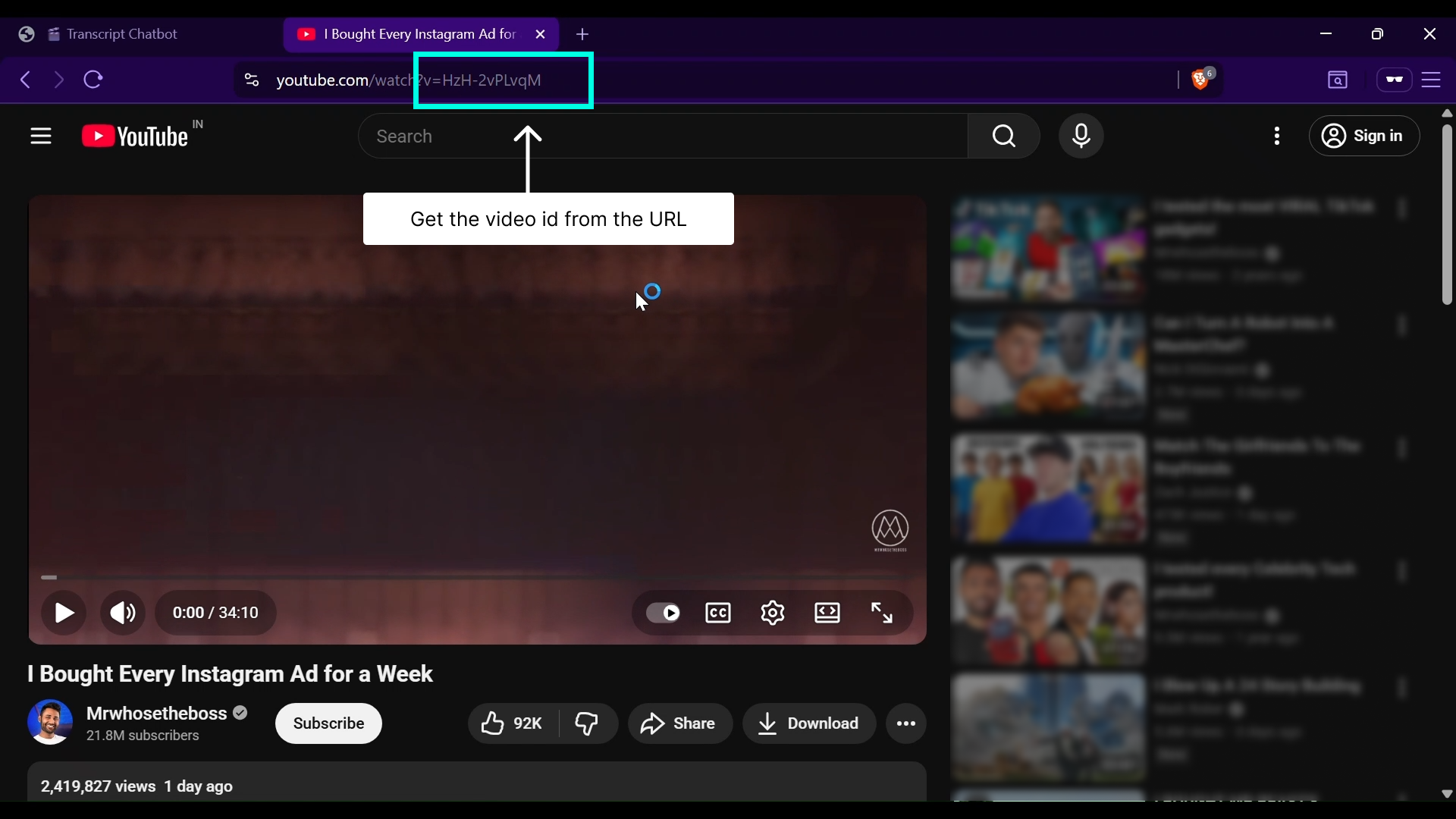
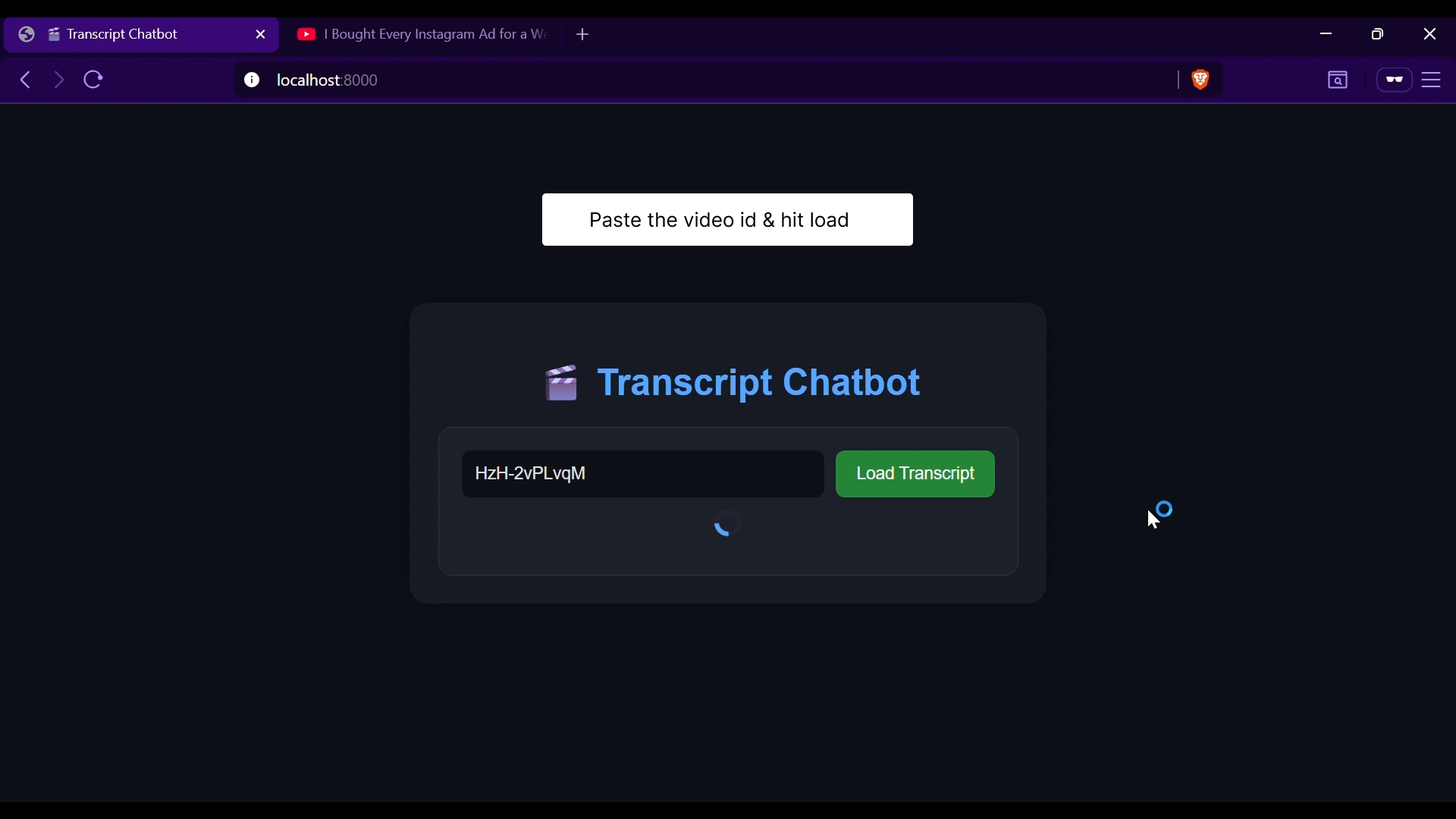
Transcript Chatbot is a lightweight Retrieval-Augmented Generation (RAG) web application that enables users to interact conversationally with YouTube video transcripts.
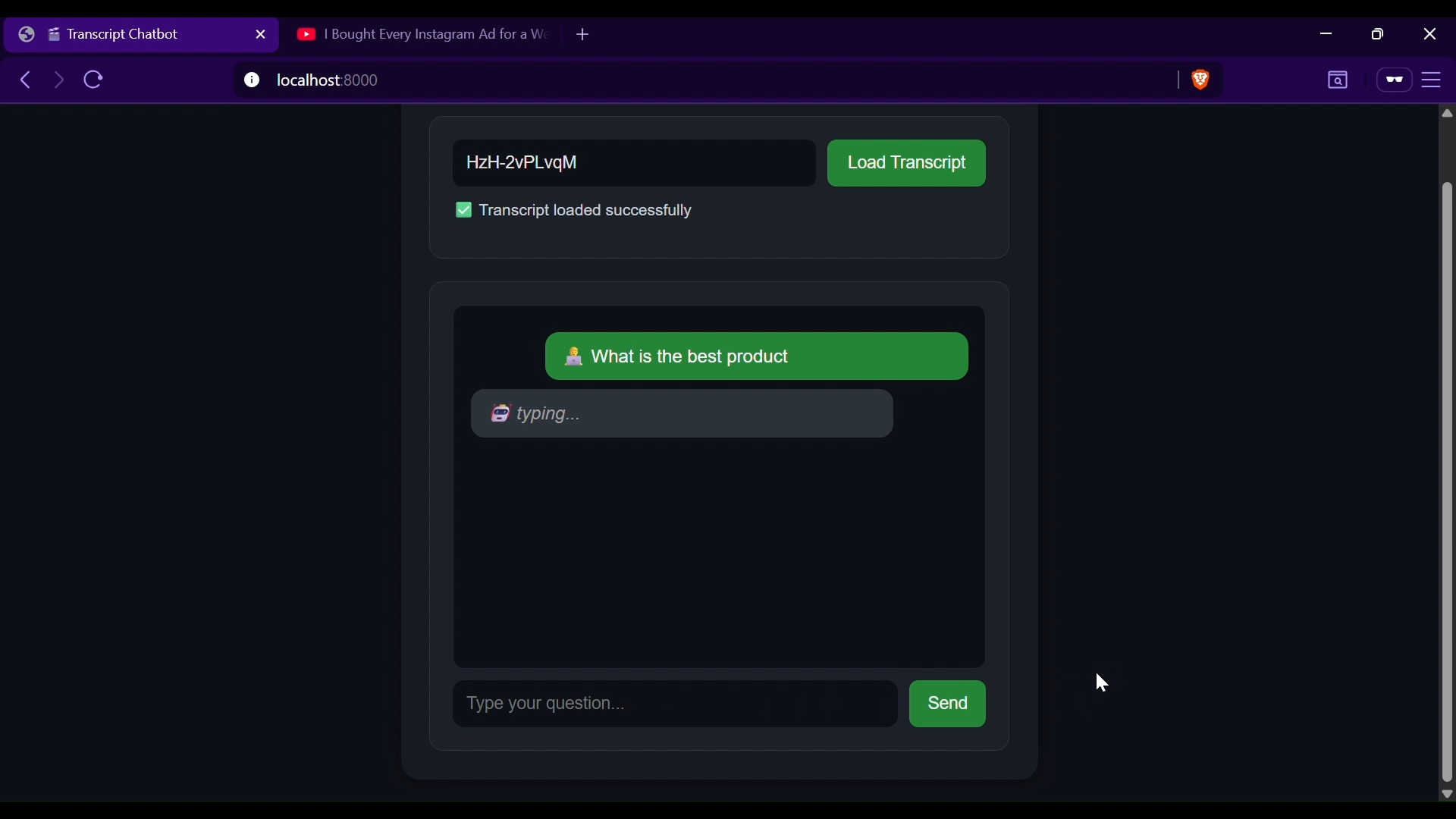
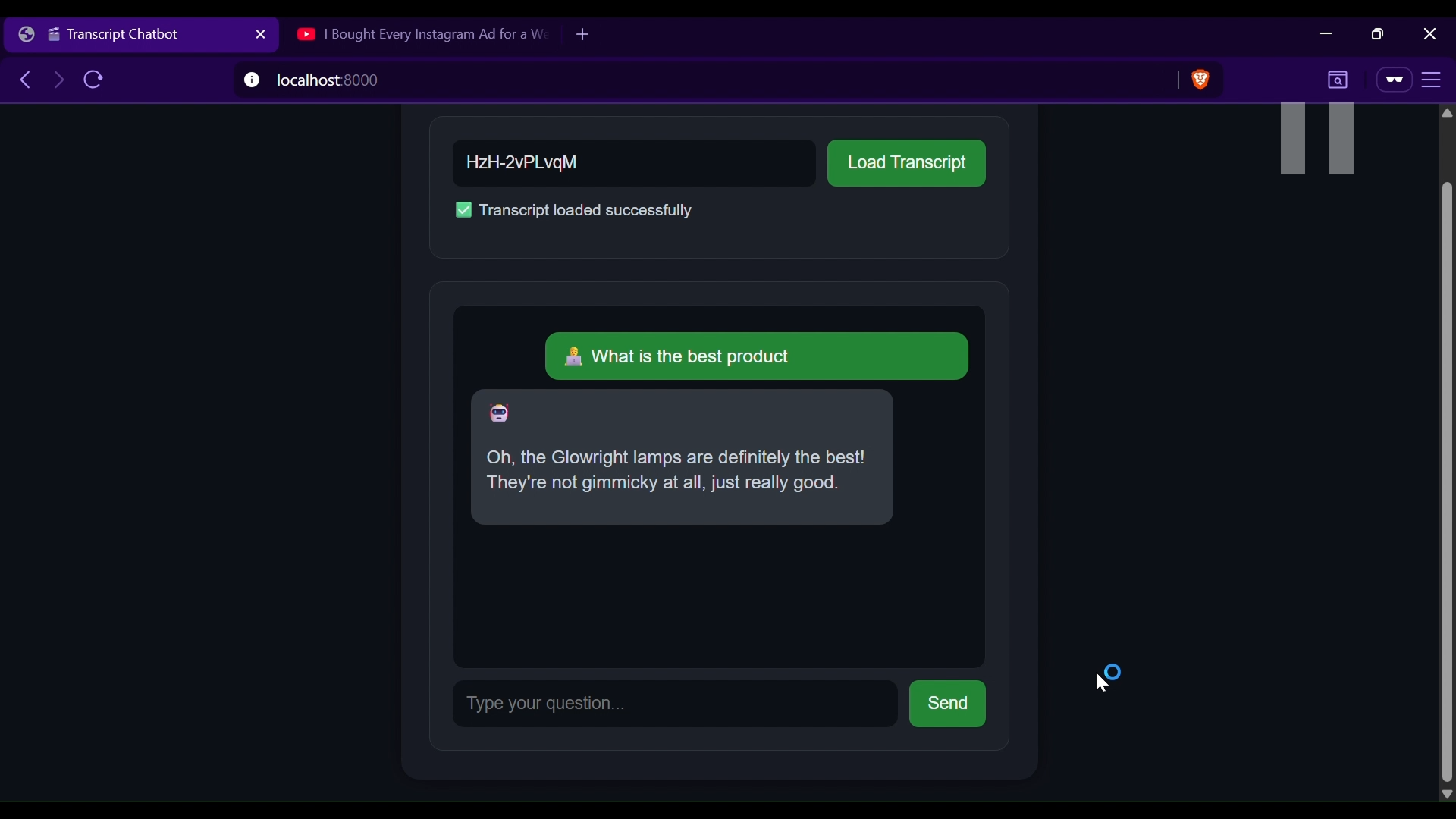
By fetching, embedding, and retrieving transcript data from a Chroma Vector Store, the system allows users to ask natural questions and receive contextually relevant, human-like responses.
- 🎥 Transcript Integration: Load and process YouTube video transcripts seamlessly.
- 💬 Conversational AI: Generates natural, context-aware answers without rigid phrasing.
- 🧠 RAG Architecture: Combines retrieval and generation for accurate, grounded responses.
- 💾 Chroma Vector Store: Efficiently stores and retrieves transcript embeddings for fast similarity search.
- 🌙 Modern UI: Clean, responsive, dark-themed interface with typing indicators.
- ⚡ Real-Time Interaction: Smooth and fast chat experience powered by FastAPI and Uvicorn.
| Layer | Technology |
|---|---|
| Frontend | HTML, CSS, JavaScript |
| Backend | Python (FastAPI) |
| AI Layer | Gemini / LangChain with text embeddings |
| Vector Database | ChromaDB |
| Storage | In-memory session management |
| Deployment | Uvicorn web server |
- Session Initialization: Creates a temporary session to manage chat state.
- Transcript Loading: Retrieves and processes YouTube transcripts, splitting them into chunks.
- Embedding & Storage: Generates embeddings and stores them in Chroma Vector Store.
- Question Answering (RAG): On each query, relevant transcript chunks are retrieved from Chroma and passed to the model for answer generation.
- Session Termination: Sessions and embeddings are automatically cleared upon exit.
git clone https://github.com/your-username/transcript-chatbot.git
cd transcript-chatbotpip install -r requirements.txtuvicorn app:app --reloadOpen your browser and navigate to:
http://localhost:8000
Create a .env file with the following configuration:
GOOGLE_API_KEY=your_gemini_api_key