A personal cloud platform built to run on a Raspberry Pi.
This project provides both a progressive web application (PWA) frontend and a Node.js/Express backend, enabling remote file management and Raspberry Pi control through any device (desktop, web, mobile).
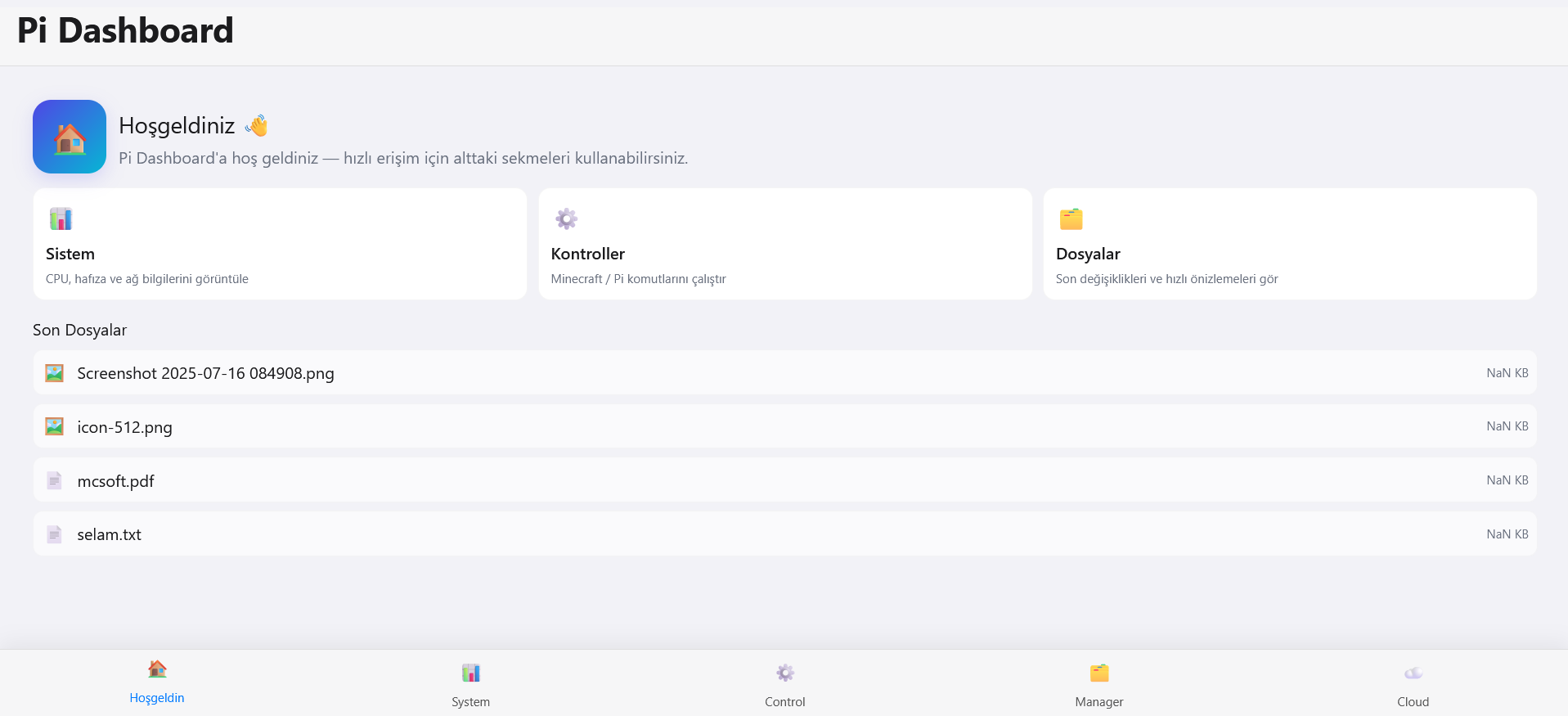
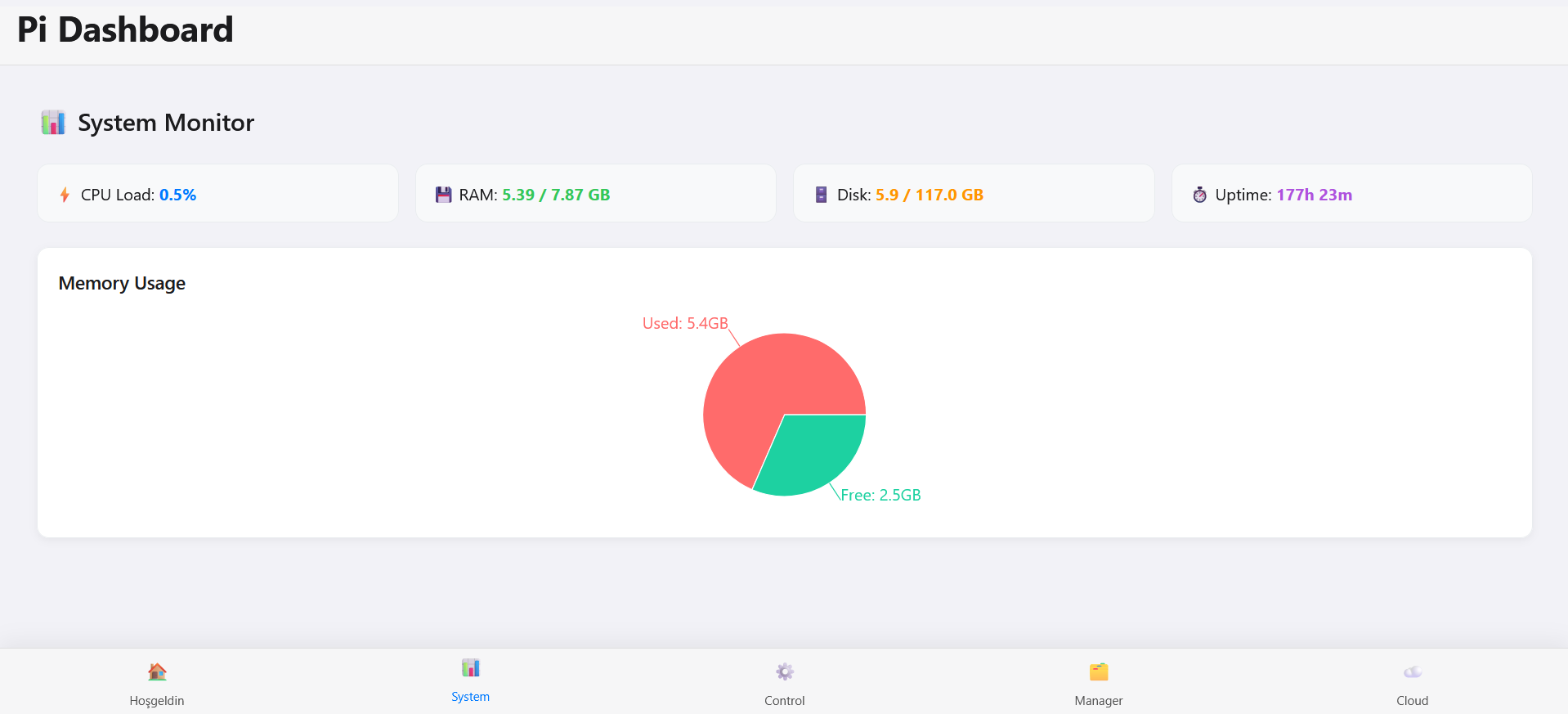
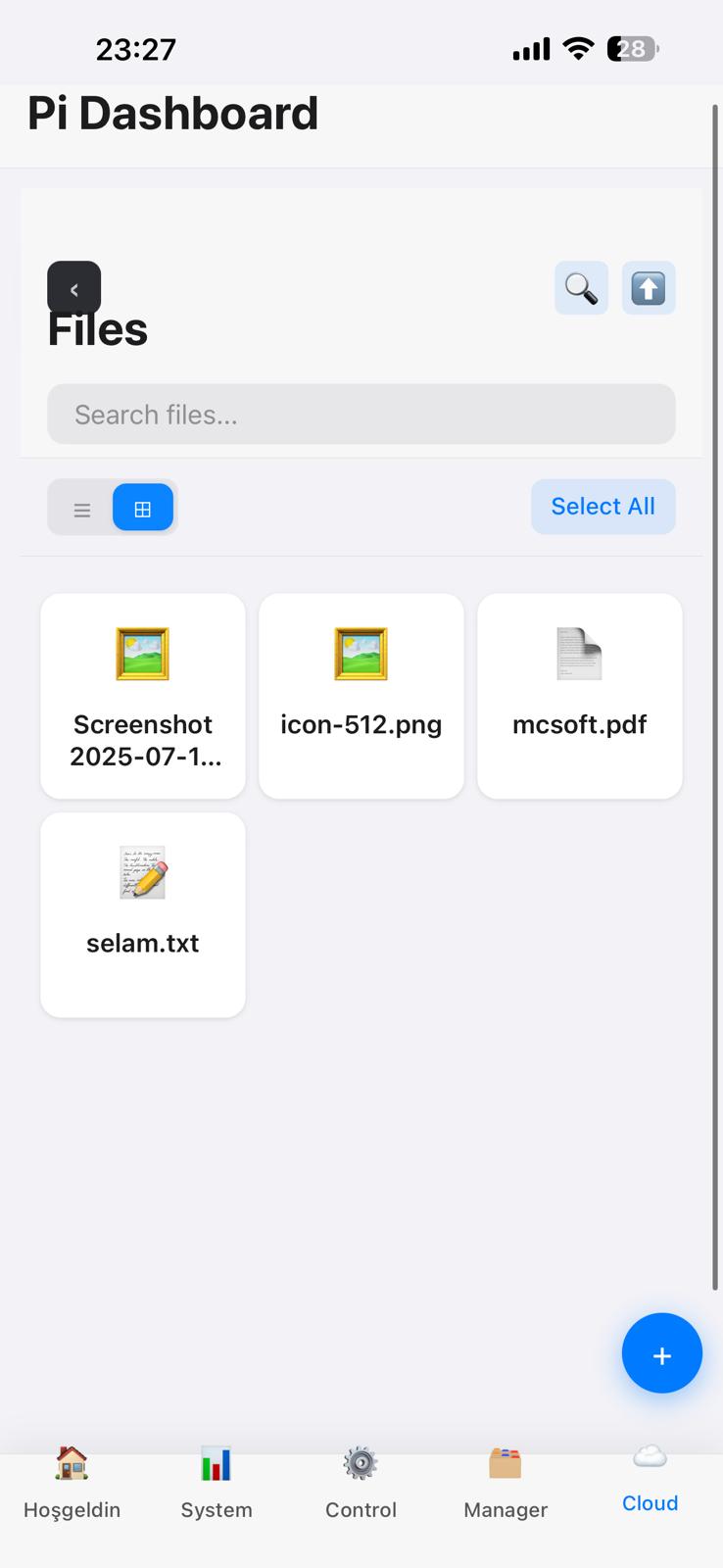
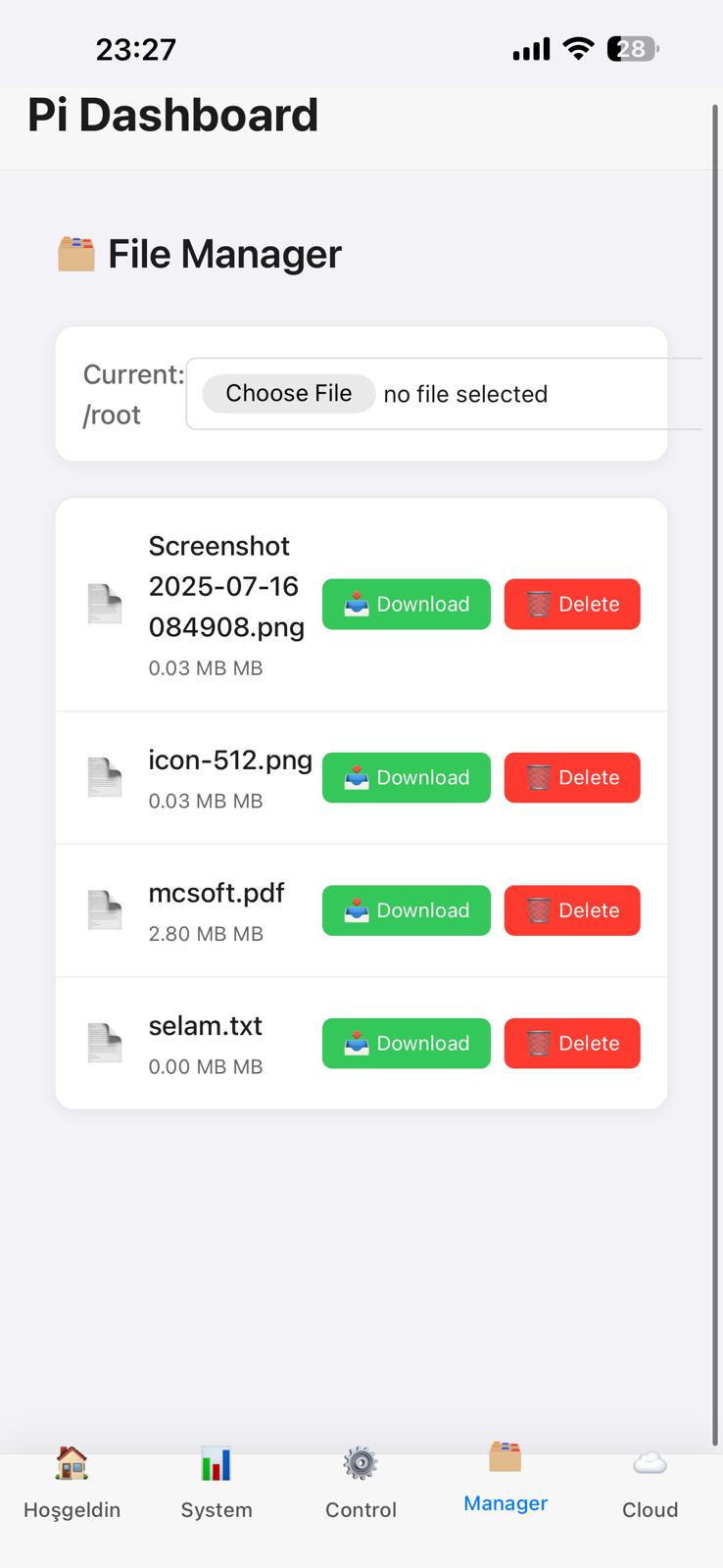
- 📂 Browse files and directories
- 📥 Download files (single or multiple as
.zip) - ✏️ Rename / Move (single or batch)
- 🗑️ Delete files and folders
- ➕ Create new folders
- 📤 Upload files with drag & drop and progress bar
- 🖼️ Media previews (images, videos, audio, PDF, text files)
- 🔖 Context menu (right-click) and keyboard shortcuts (Del, Enter, F2)
- 📌 Breadcrumb navigation and selection counter
- 📊 System Monitor: CPU usage, RAM, disk, uptime
- ⚡ Control Panel:
- Start / Stop / Restart Minecraft server
- Reboot or shutdown Raspberry Pi
- 🎮 Remote server management from web or mobile
- 📱 Installable as a Progressive Web App (mobile app-like experience)
- 🌗 Dark/Light theme toggle
- 📌 Offline indicator & caching
- 🔔 Haptic feedback for mobile interactions
|------------------------|-------|-----------------------|
|    React + Vite PWA    | <---> | Node.js / Express API |
| (Frontend, Mobile/Web) |       | (Backend, runs on Pi) |
|------------------------|-------|-----------------------|- Frontend: React + Vite + Tailwind CSS (PWA-enabled)
- Backend: Node.js (Express) with REST endpoints
- Host: Raspberry Pi (Debian-based), served via Nginx or Caddy
- Auth/Security: Configurable (Tailscale ACL, HTTP Basic, or JWT)
| Method | Endpoint | Description |
|---|---|---|
| GET | /api/files?dir=path |
List files in directory |
| POST | /api/mkdir |
Create folder |
| POST | /api/upload |
Upload file |
| DELETE | /api/file |
Delete file |
| DELETE | /api/dir |
Delete folder |
| POST | /api/rename |
Rename or move file/folder |
| POST | /api/zip |
Download multiple as ZIP |
| GET | /api/download?path= |
Download file |
| GET | /api/raw?path= |
Raw file stream (for previews) |
| GET | /api/stream?path= |
Video/Audio streaming |
| Method | Endpoint | Description |
|---|---|---|
| POST | /api/command |
Execute system command (e.g. reboot, shutdown, mc_start, mc_stop, mc_restart) |
| GET | /api/system |
Get system info (CPU, RAM, disk, uptime) |
- Raspberry Pi (tested on Pi 4/5, Raspberry Pi OS / Debian)
- Node.js ≥ 18
- npm or yarn
- Git
- (Optional) Nginx or Caddy for reverse proxy with HTTPS
- (Optional) Tailscale for remote access
git clone https://github.com/TahsinEfe/Personal-raspberrypi-cloud.git
cd Personal-raspberrypi-cloud- Frontend:
npm install- Backend (inside /server)::
cd server
npm install- Frontend (Vite dev server):
npm run dev-Backend (Express server):
cd server
node index.jsnpm run buildOutput will be in /dist.
- 1.Copy project files to Pi (via git clone or scp)
- 2.Install dependencies (npm install)
- 3.Run backend with PM2 or systemd:
pm2 start server/index.js --name pwa-api- 4.Serve frontend via Nginx/Caddy
- 5.Access the dashboard from your browser or mobile