


Thanks to games like Narrow One being written as a HTML5 games, using "CSS Override" addons (my pick: Stylebot and Tampermonkey on Chrome Store - featured and top rated), you can customize the looks of it, with all the power CSS has in hand.
Xeltalliv; Slipper King; Pratik; Systummm; Lolopano; Blazyst; Ansy; Riptide; Razgriz; PING 18
Works on this addon started around 2nd of November 2024, when PING 18 asked how to save CSS changes while playing with DevTools inspector. He wasn't first to "inspect element" of the page for the funnies, but I happened so to be in the chat that day, and wanted to actually answer his question. My CSS experience at that time was ending on downloading Dark Reader and changing website fonts to my system's default, but I researched StyleBot addon, and I was having fun animating loadout icons. I started taking first steps into Tampermonkey as well, thus making FanTranslation addon.
The project eventually snowballed from a meme edit into something more: Lolopano took the FanTranslation template and made an actual game translation, more people began getting involved, and I figured more players might enjoy this setup - so I moved my memes to separate scripts and started working on Violent Glass (something that could be aesthetically pleasing: unified on a theme of glass and shades of violet). Stylesheets applied through Tampermonkey were less forgiving, which Pratik, Systummm and Slipper King helped me troubleshoot. Eventually it was diagnosed that Stylebot automatically adds "!important" tags on styles, which Tampermonkey doesn't, and it can be fixed.
Without Xeltalliv, this theme might as well remain existing as stylesheet for StyleBot - he contributes the most interesting part of this package: HealthBarPercentage.js, on top of that providing Quality of Life scripts. And without you - it'll get boring, so if you want to make your own CSS, please upload it to this GitHub repository for everyone to appreciate. I list current issues in To-Do.md file, if you want to contribute fixes feel free to make a Pull Request!
In-Game looks (minimalist design for tunnel vision)
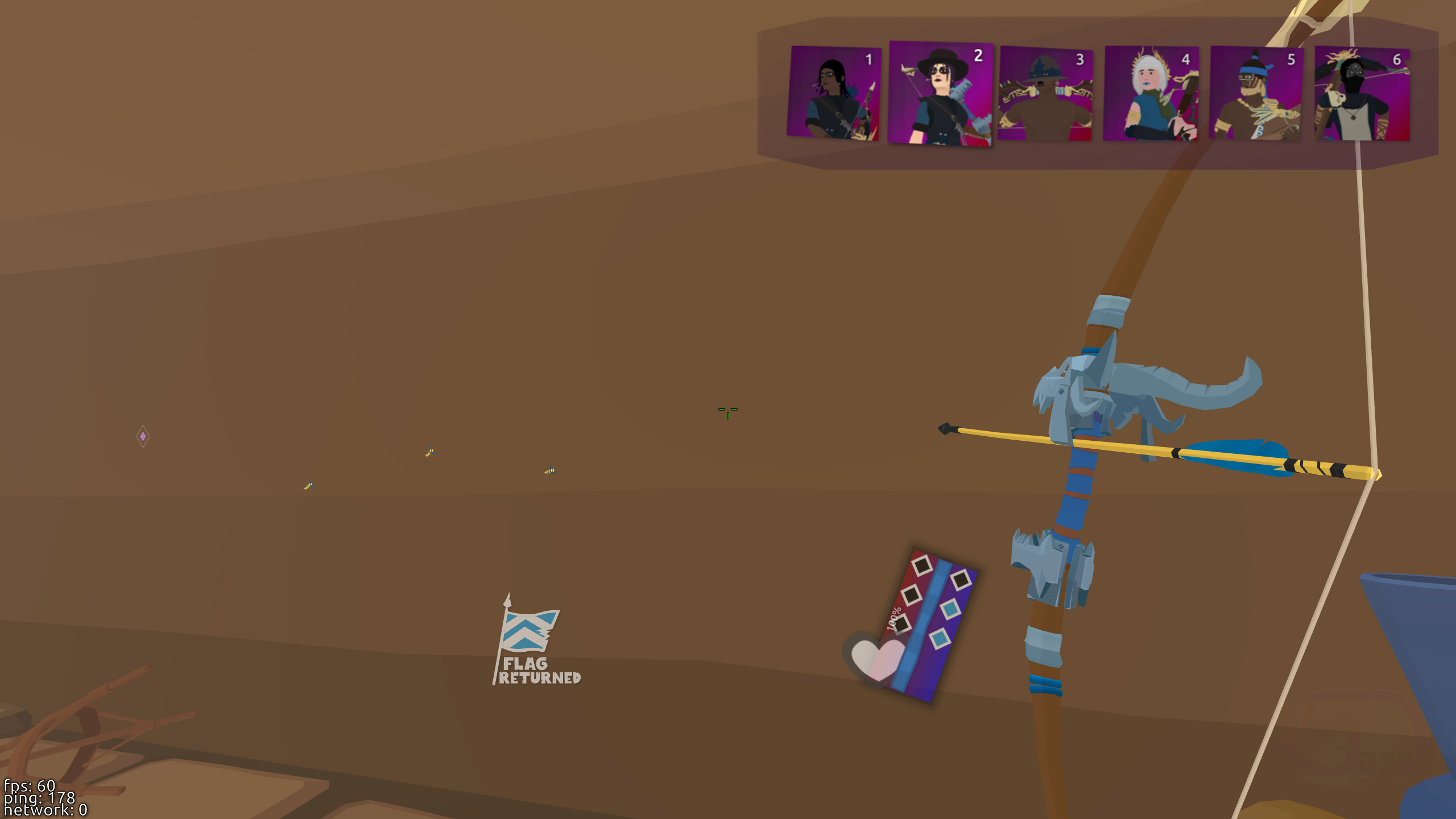
Semi-transparent windows and UI, no screen dimming, neat stained glass-like shaping
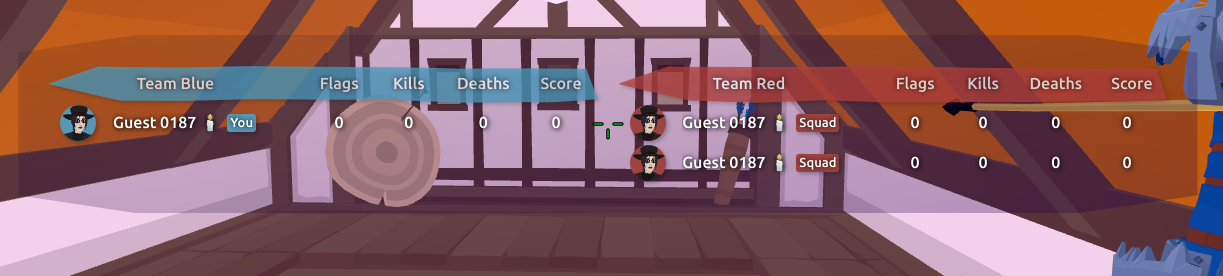
Custom Crosshair optimized for size - the smaller and less distracting it is, the better is your accuracy (please go to your settings and disable Accuracy Offset).
Transparent in-game chat, inspired by Twitch live chat with unnecessary prompt boxes hidden
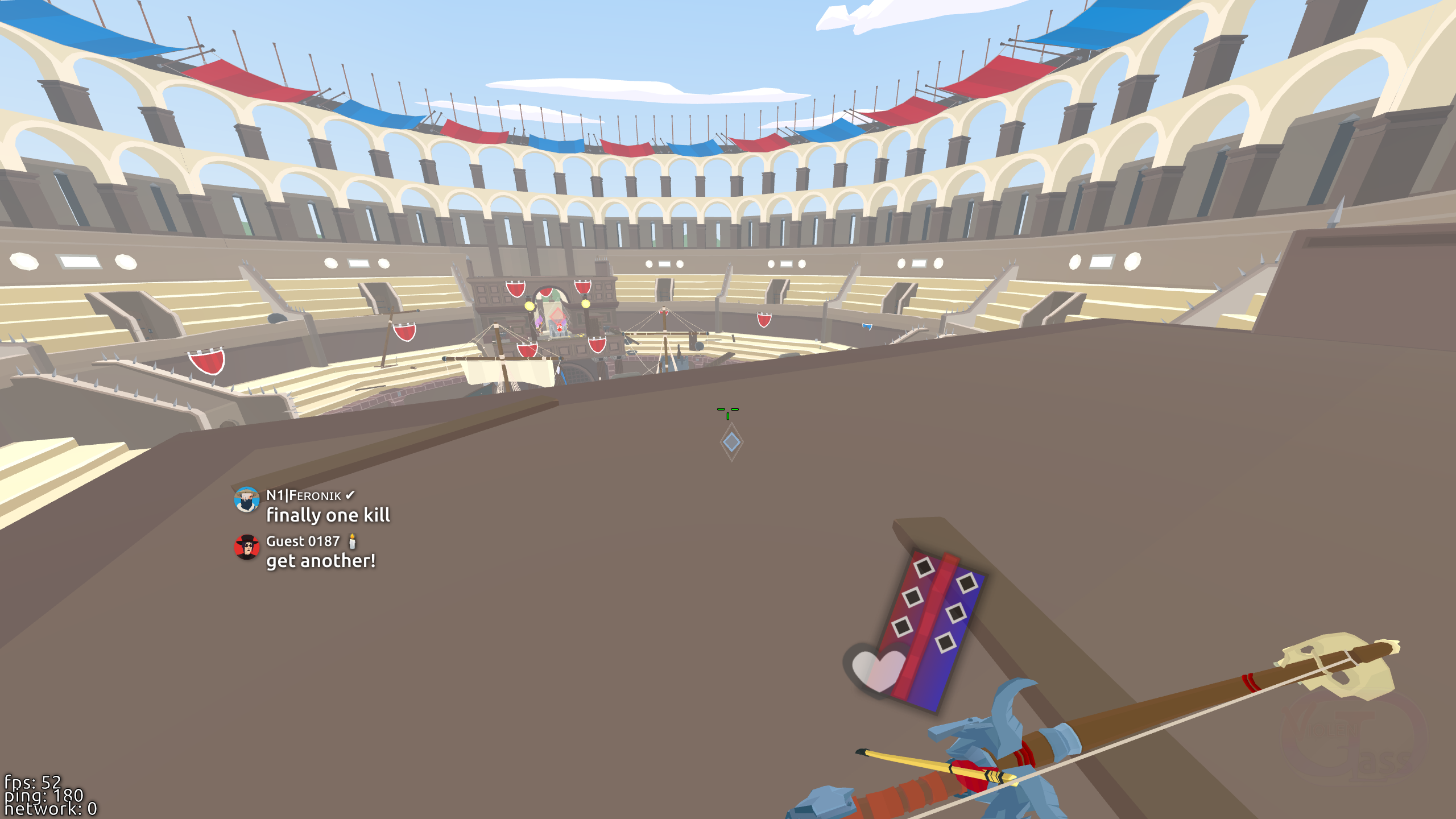
...also resized to fit more text
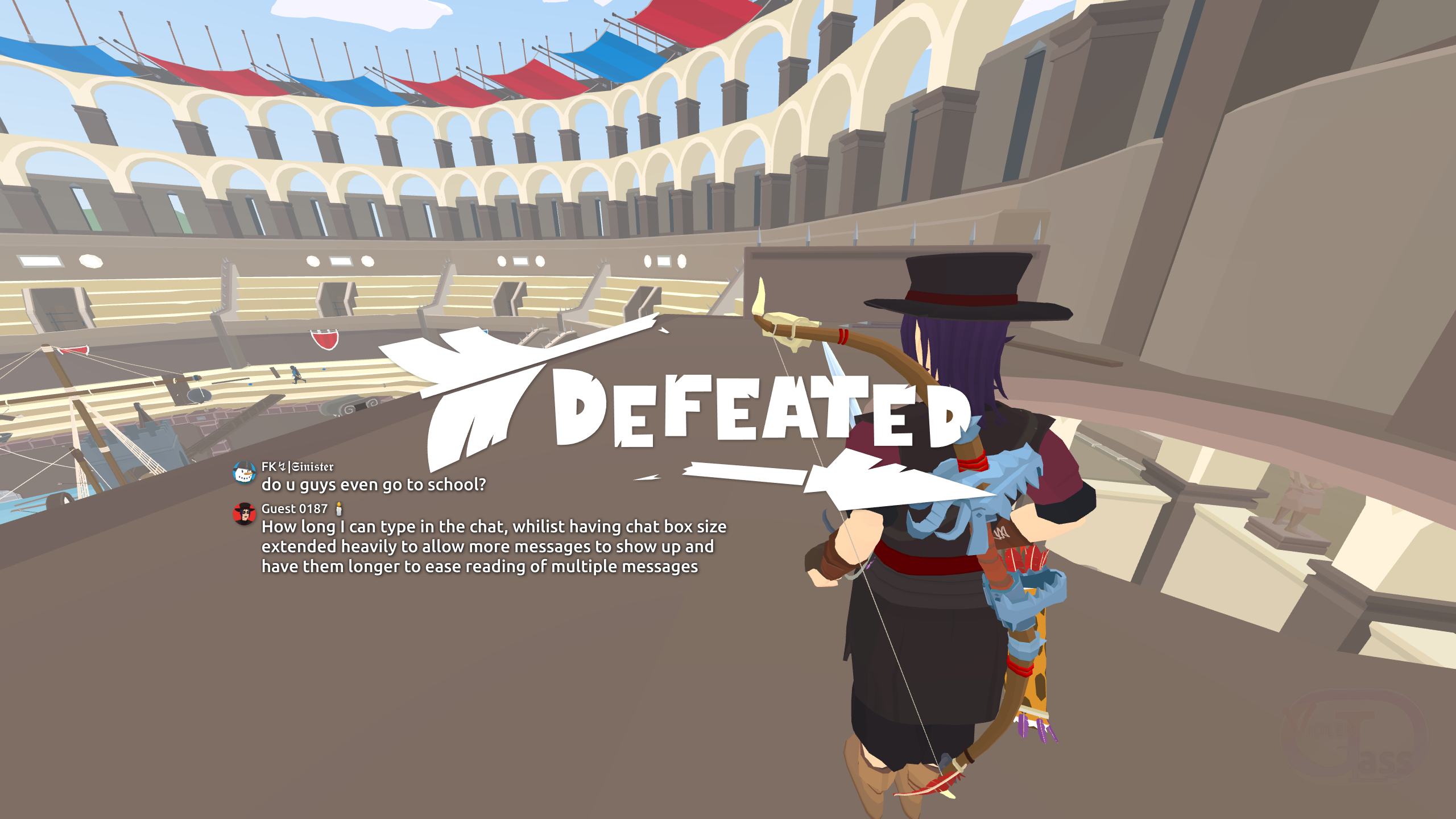
UI elements scaled down and moved around by "%", to better support various resolutions
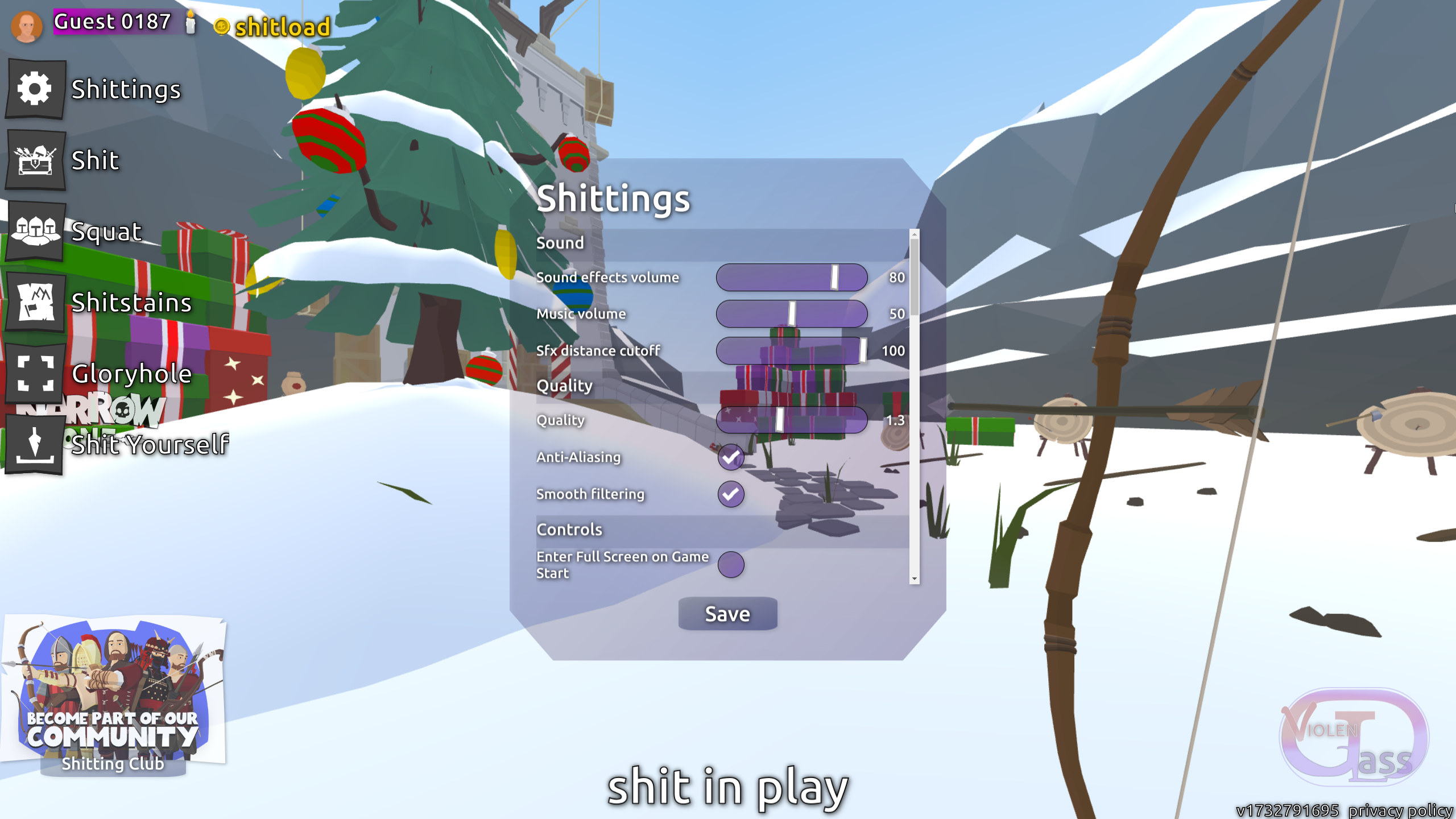
All major customization features (including optional FanTranslation "Shitongue" present in this picture) are split into separate scripts, so players can add as many as they want, then toggle them effortlessly from Tampermonkey dashboard. For example: one could download Violent Glass, then cascade on top of it another stylesheet (e.g. something to change loadout backgrounds to animated .gif, more animations, etc.)
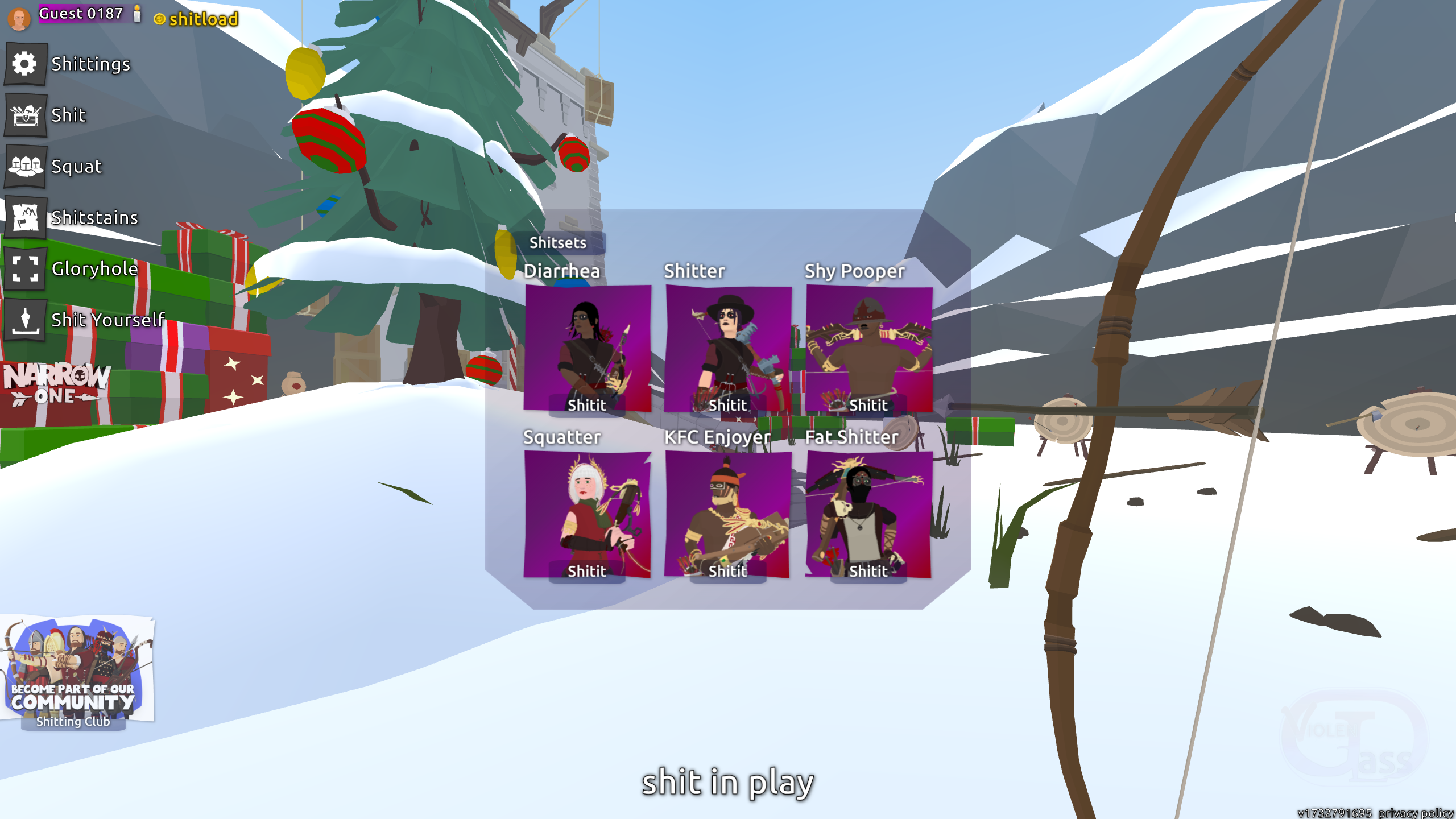
The process has been simplified for a common user that won't need adjustments:
- Install Tampermonkey into your webbrowser (available in your webbrowser's Addon store), or one of its open-source alternatives.
- For Chromium-based webbrowsers, follow this guide to get your scripts working.
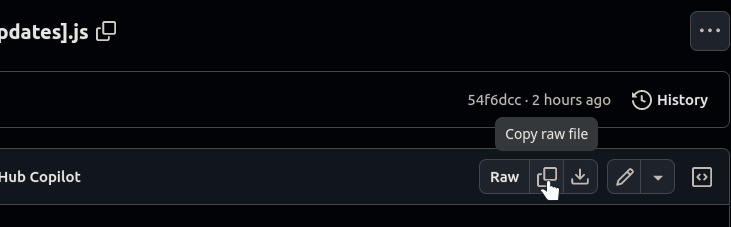
- Open /Scripts folder, and click on the scripts that you wanna install. Find a button to copy them as RAW file. All screenshots in this README.md section refer to "Theme(ViolentGlass).js" if that's what you want to install, other scripts are parts of it that you might need to modify before use or at least read their descriptions at their top section.
- In Tampermonkey, create "New Script", empty it's contents to blank page (Ctrl+A -> Delete), then paste the copied script (repeat this step for every new script you're trying to import).

- Restart webbrowser (same applies when updating scripts).
This is all you need to know to upgrade your Narrow One experience, but I hope it'll raise your curiosity to go around and try to edit this on your own.
CSS Tutorial: https://www.w3schools.com/css/default.asp
What you do is you hover mouse over page elements while "inspect element" tool is enabled - that's how you find their names, to later reference in your external CSS stylesheet and list all effects you wanna add.
If you're an audio learner, here are some videos:
Speed course: https://www.youtube.com/watch?v=OEV8gMkCHXQ
Speed course (in practice): https://youtu.be/1PnVor36_40?t=536
Live examples (for copy-pasting): https://uiverse.io/elements?t=css&orderBy=favorites | https://getcssscan.com/css-box-shadow-examples | https://codepen.io/topics/ui-patterns
Discussion thread (held on Pelican Party Discord https://discord.com/invite/j8jnjWx9Uc ): https://discord.com/channels/519477170964267008/1302074751510118510/1302074751510118510