Rename the root folder of this repository to Jira.
- Asset and Shot Syncing
- Tasks
- Task Syncing
- Task Statuses
- Assigned Tasks
- Shot Creation from EDL/CSV
- Products
- Product Publishing
- Product Statuses
- Media
- Media Publishing
- Media Statuses
- Projects Syncing
- Code Cleanup
This repository houses the source for the Jira integration to the Prism Pipeline system developed by Richard Frangenberg. https://prism-pipeline.com/
It is being developed by and used in production at ZAMination. https://www.youtube.com/@ZAMinationProductions
Prism expects all Jira issues for the entire studio (all shows) to be contained within a single Jira project. This single Jira project is expected to have components, assigned to issues, that Prism then uses to filter out what show an issue is contributing to.
This is obviously a little unintuitive, and may change over time depending on production needs at ZAMination.
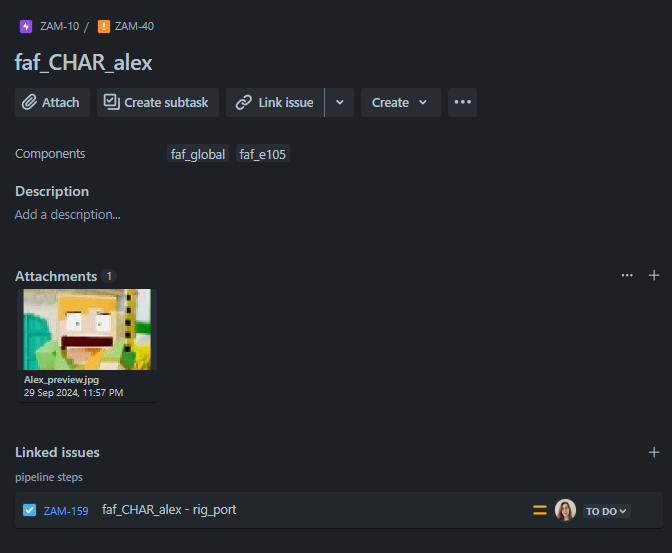
Prism also expects there to be two epics present to be the parent of the assets and shots for a given production. We also recommend creating a new issue-type for shots and assets. Internally, we have one issue-type called "Entity"


These shot and assets issues are expected to be assigned to their respective components. For episodic content, we recommend creating a component for each episode, as well as the show as a whole. This will allow you to remove old episodes from the Prism project easily. [i.e. fazbearAndFriends_global, and fazbearAndFriends_e101 fazbearAndFriends_e102, etc]
- Each artist must generate an API token from the Jira cloud. They will use this token to log into Jira through the Prism interface. https://support.atlassian.com/atlassian-account/docs/manage-api-tokens-for-your-atlassian-account/