


what feature ?
- Looking schedule what you are.
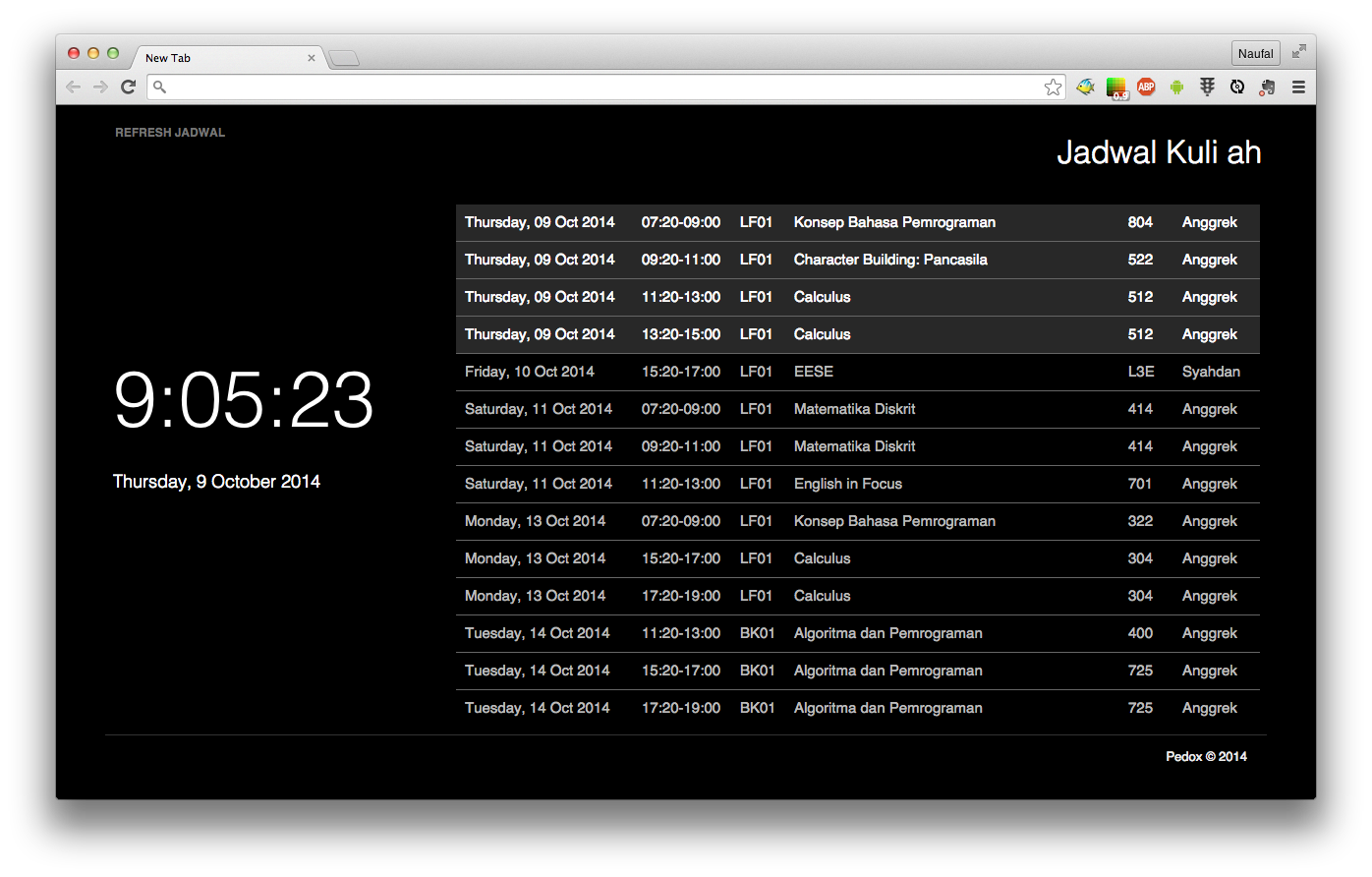
-
Open google chrome
-
Open Extensions manager
-
Check Developer mode
-
Click Load Unpacked Extensions...
-
Locate the folder of this extensions
-
The Script ready to use ...
-
Click "Refresh Jadwal" to refresh last schedule.
This extension under development, contribute may help us ...
Maybe, that next will be planed to moved BINUSMAYA 3, meaning the extension only works on old binusmaya.
we not store your password, or userid for any purpose, keep slowly...
To modify this script, you can use gulp task just putt your hand on
$ npm install
$ gulp