An app for college students to find on campus clubs
- Clone this repository on your local machine
- In the terminal change your directory to client with
cd client - Call
npm iin order to download all necessary packages (this may take a couple minutes the first time) - Call
ionic serveto host the frontend - In a seperate terminal change your directory to server with
cd server - Call
npm iagain in this directory - Call
node serverto host the backend - If you visit localhost:8100 in your browser, you should see a fully functional version of ClubHub!
Here are some helpful commands for testing and linting:
- Use
npx eslint filenameto lint your file - Use
npm run testto run unit tests - Use
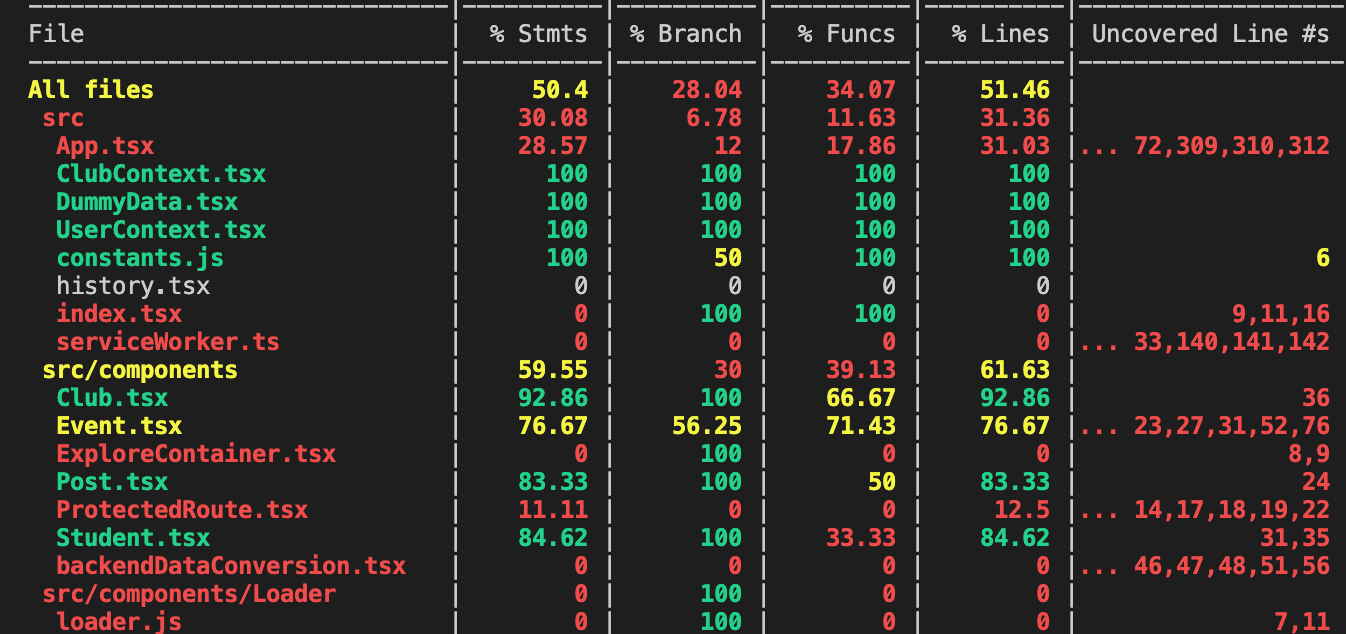
npm run test -- --coverage --watchAll=falseto run unit tests with a coverage report - Use
npx run cypressto run acceptance tests (you must be in the client directory)
The static code analysis and test coverage can be viewed at SonarCloud.com
By most of the SonarCloud's metrics we are doing very well with our static code analysis. The bugs that still remain are left in because SonarCloud doesn’t recognize ionic components. It believes they shouldn’t be referenced in our css files, but this is not actually an issue. We have also reviewed the remaining code smells and have decided that none of them are large enough issues to warrant spending time on fixing. Most of our duplicated code is in our unit testing file, which is fine because some tests have similar structure but should be self-contained. Currently, we are passing SonarCloud's quality gate, so we are happy with the state of our code quality.
Our Acceptance testing specs are viewable here
The implementation of these tests is viewable at client/cypress/integration. Use npx cypress open while in the client directory to run the integration tests.
Continuous Integration/Continuous Deployment is viewable at Travis-ci.com

- Use esm modules
- Use React framework
- Use Typescript
- Use Javascript for config
- Use spaces for indents
- Use double quotes for strings
- Use unix line endings
- Use semicolons