
 Catppuccin for The Lounge



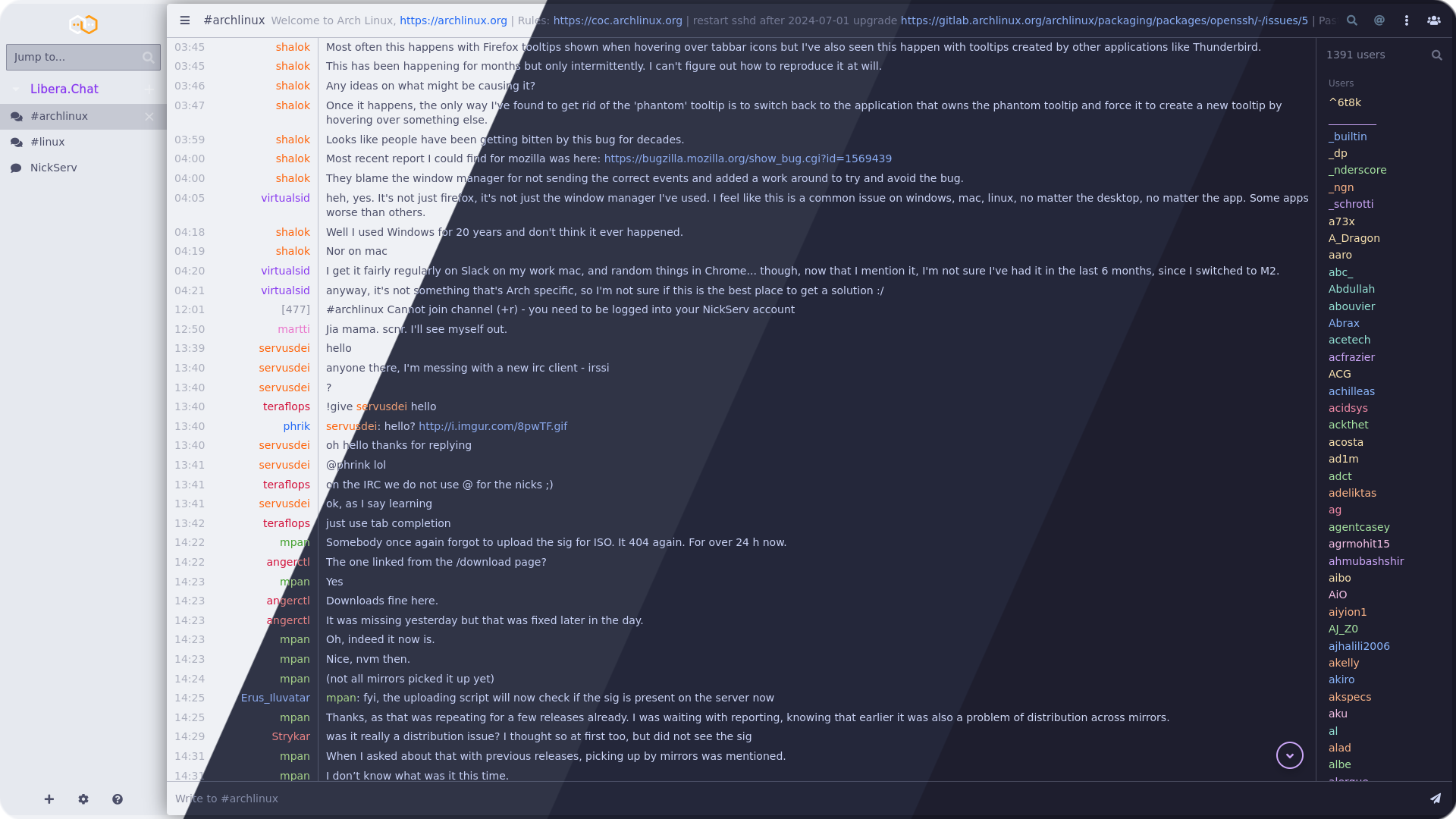
🌻 Latte

🪴 Frappé

🌺 Macchiato
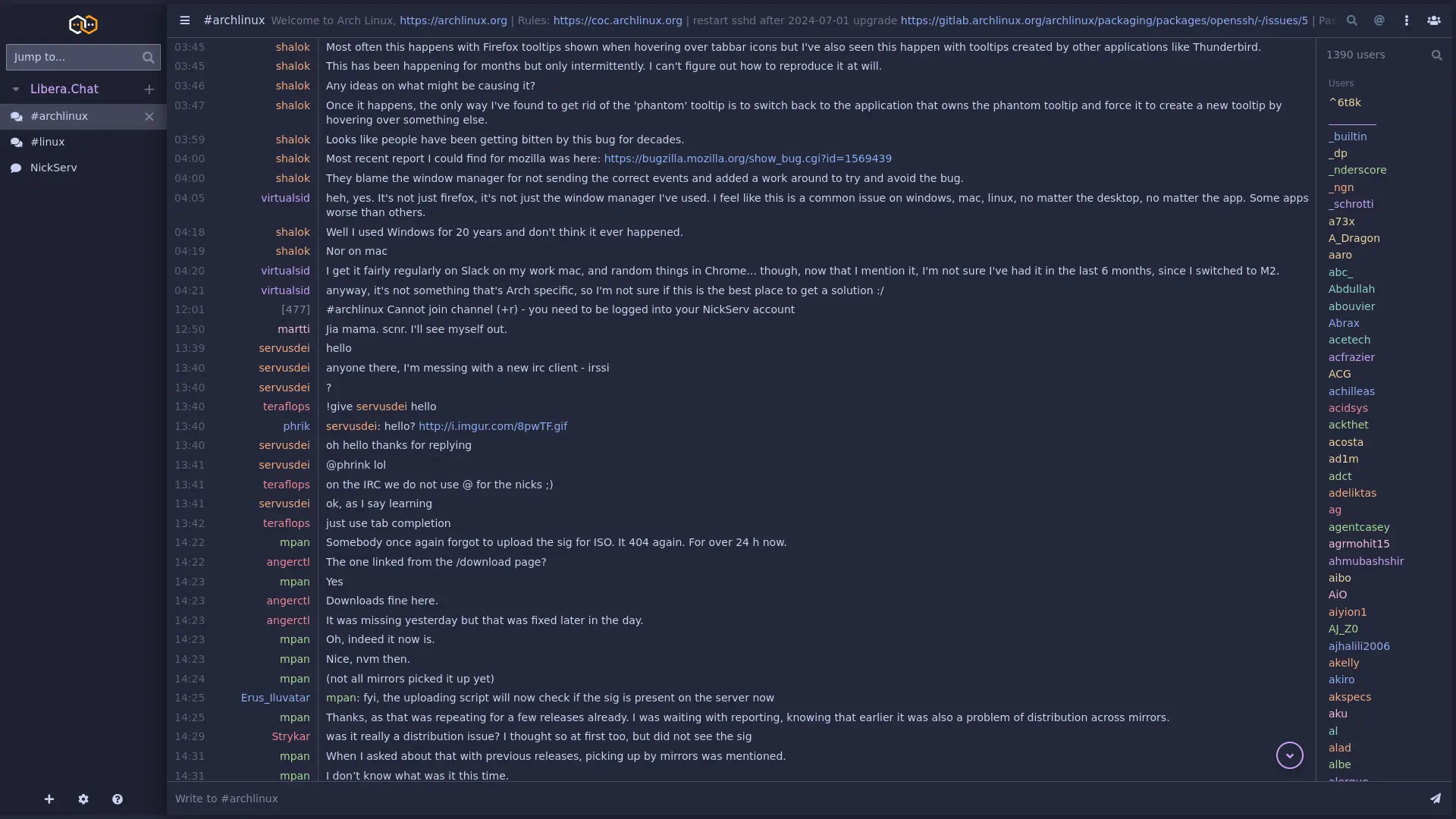
🌿 Mocha
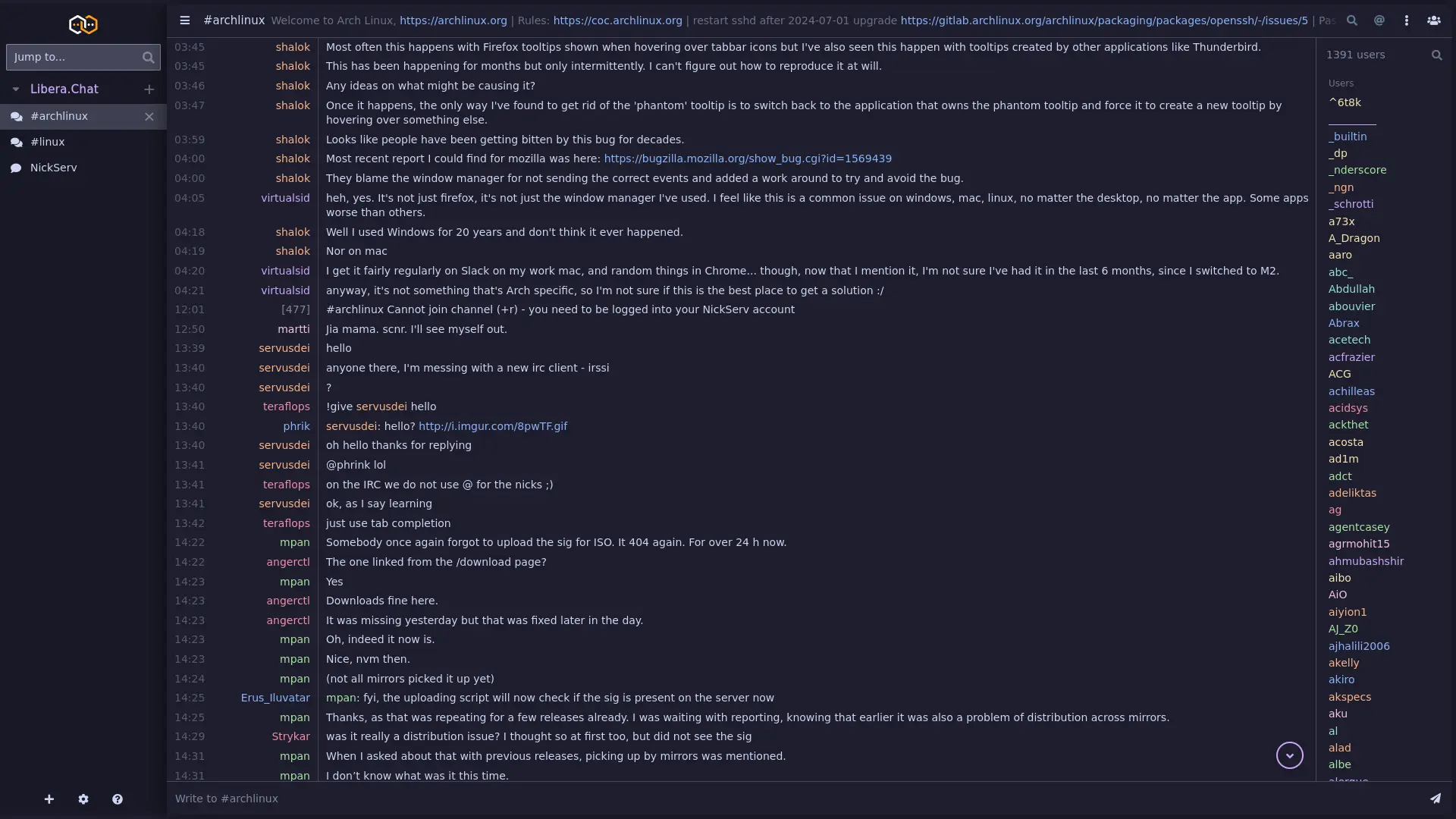
If you are using The Lounge 4.5.0 or newer, you can install the npm package of your desired Catppuccin flavor with The Lounge's command line.
- 🌻 Latte
thelounge install @catppuccin/thelounge-latte - 🪴 Frappé
thelounge install @catppuccin/thelounge-frappe - 🌺 Macchiato
thelounge install @catppuccin/thelounge-macchiato - 🌿 Mocha
thelounge install @catppuccin/thelounge-mocha
After installing the npm package, visit your instance of The Lounge, go to Settings -> Appearance -> Theme, and select your desired Catppuccin flavor from the drop-down menu.
- Copy the contents of
theme.cssfrom your desired flavor inthemes/catppuccin-{flavor}/ - Paste it into your instance of
The Loungein Settings -> Appearance -> Custom Stylesheet

Copyright © 2021-present Catppuccin Org
