This project is from the course Responsive website tutorials and examples
- All instrument sounds are in the
public/folder - Open
playground.js - Create a new
new Maxim()object - Load the instrument file with the newly created
Maxim()object - Add the
stopOrPlay<Instrument-name>function - Add the instrument player to the
playAll,stopAll, andsetSpeedfunctions. - Add the template helper for the instrument
- Add the row for that instrument in
playground.html - Add the template event function for that instrument
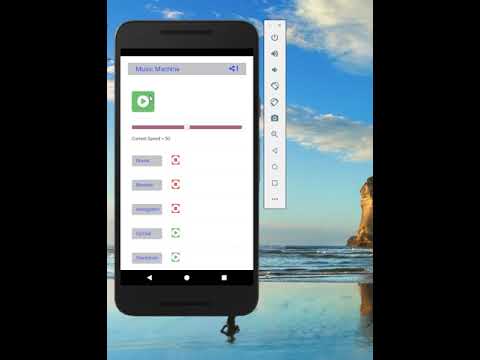
Below is a screenshot of music-machine running

Below is the link to a video of music machine running in android emulator on Windows 10