Chimes is a generative music synthesizer based on the Otomata app. Sounds are generated by blocks that move back and forth across a 9 by 9 grid. When a block hits a wall, it plays a note based on the position hit, and reverses direction. When two blocks collide (move to the same grid square at the same time), they both rotate 90 degrees and keep moving. When two blocks are in adjacent squares, they do not collide but pass through each other.
- Click on a grid square to add a block
- Click on a block to change it's direction
- Click the play button to start
- Add blocks while the program is running
This project is built using React.js, HTML5 canvas, and React Konva, a JavaScript library that integrates the HTML5 canvas with React. It also makes use of HTML audio elements.
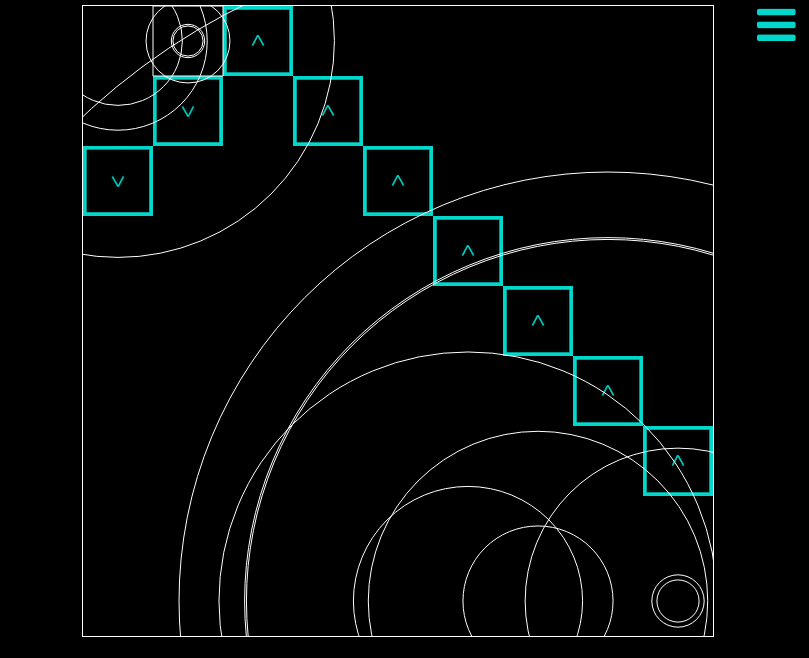
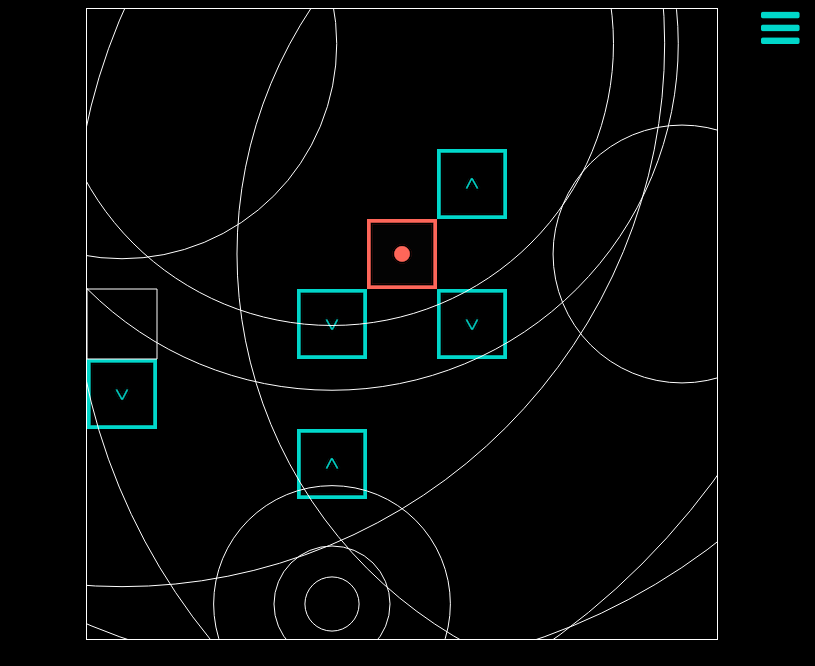
The Grid component renders a konva Stage, handling all click and hover events. Nested under the stage is a Layer element, containing all the other konva elements - cells, blocks, hover, collisions, and ripples. The global state keeps track of the positions of all cells, blocks, hover, collisions, and ripples.
The Sidebar component (where the play button is located) manages the logic for moving, rotating, and reversing blocks. Clicking play installs an intervalHandler which calls the oneStep function. This function checks if blocks are about to collide, have collided, or are hitting a wall, and dispatches the appropriate action:
blockKeys.forEach(key => {
  let block = blocks[key];

  if (this.isCollided(blocks, blockKeys, block)) {
    this.props.rotateBlock(block.id);
  }
  else if (this.isHittingWall(block)) {
    this.playSound(block.pos);
    this.props.addRipple(block.pos);
    this.props.reverseBlock(block.id);
  }
  this.props.moveBlock(block.id);
});
The rotateBlock, reverseBlock, and moveBlock actions all hit the BlockReducer, which updates the global state. Blocks are stored in the state with an id, position, direction, and the reducer uses the constant objects rotated, reversed, and offsets to convert current direction or position to the new direction or position.
const rotated = {
  "up": "right",
  "right": "down",
  "down": "left",
  "left": "up"
};
The playSound function creates a new HTML Audio element each time it is called. SOUNDS is an object containing 9 different file paths for audio files I created using GarageBand, and playSound decides which file to use for the let note = new Audio(file) by checking the position it is passed. playSound finally calls note.play().
The ripple effect when a block plays a note is created by a Ripple component that renders three konva Circle elements. The position of a Ripple is added to the state by the Sidebar component (which checks when a block is hitting the wall). Ripple components then delete themselves from the state after a setTimeout.
I used Konva.Easings to animate the ripples. In componentDidMount(), each circle starts expanding to a larger size over a set duration. The largest circle has a set final size, and the smaller circles grow to a random size less than the largest circle. The code looks something like this:
componentDidMount() {
  const maxSize = 700;

  this.refs.ripple.to({
    width: maxSize,
    height: maxSize,
    easing: Konva.Easings.EaseInOut,
    duration: 1.2
  });
  window.setTimeout(() => this.props.deleteRipple(this.props.pos), 1200);
}

render() {
  const size = 70;

  return(
    <Circle
      ref="ripple"
      x={ this.props.pos[0] * size + size / 2 }
      y={ this.props.pos[1] * size + size / 2 }
      radius={ 5 }
      stroke="white"
      strokeWidth={ 1 }>
    </Circle>
  );
};- Ability to record compositions
- Controls for adjusting tempo
- Alternative color schemes
- Alternative scales/instruments