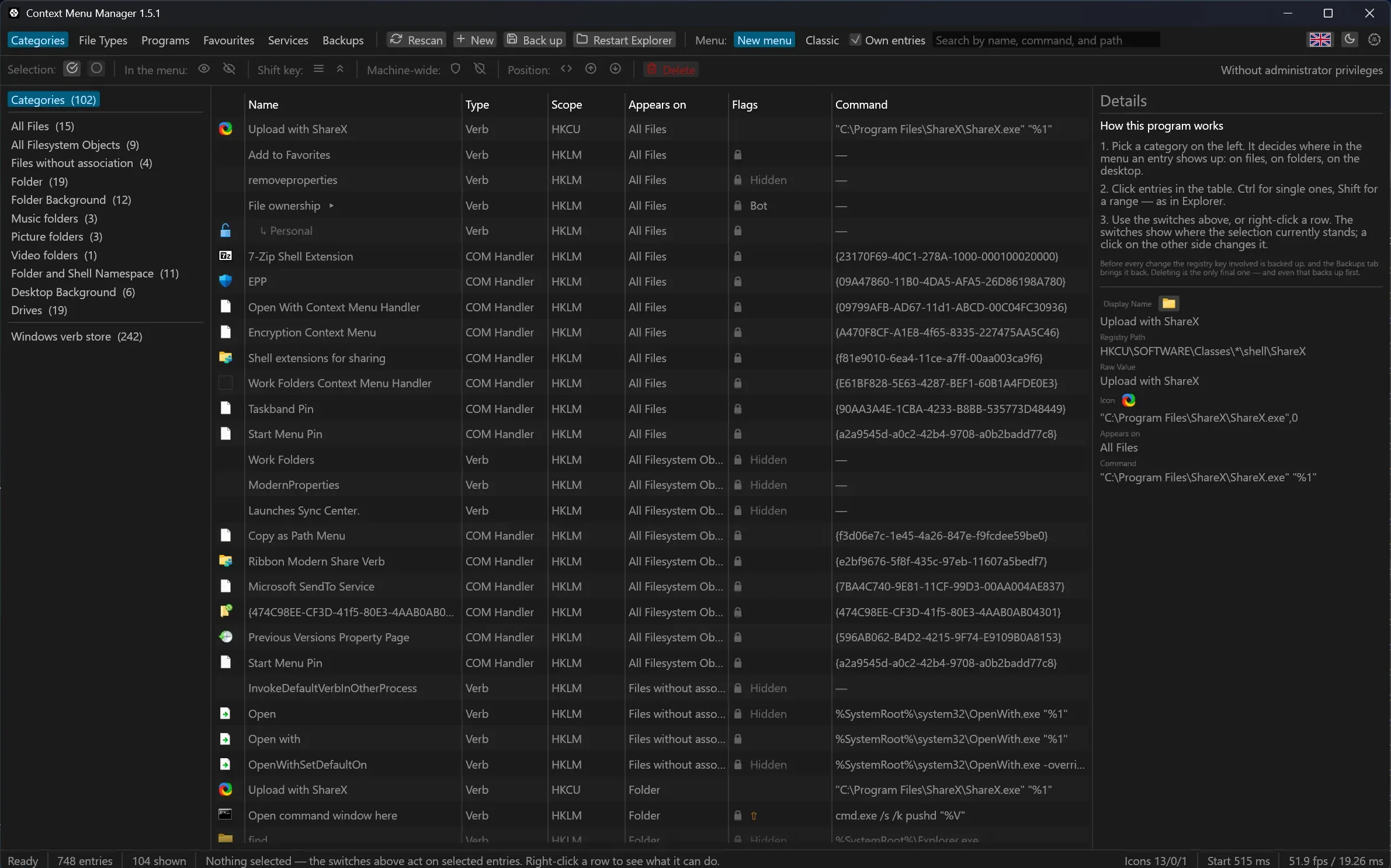
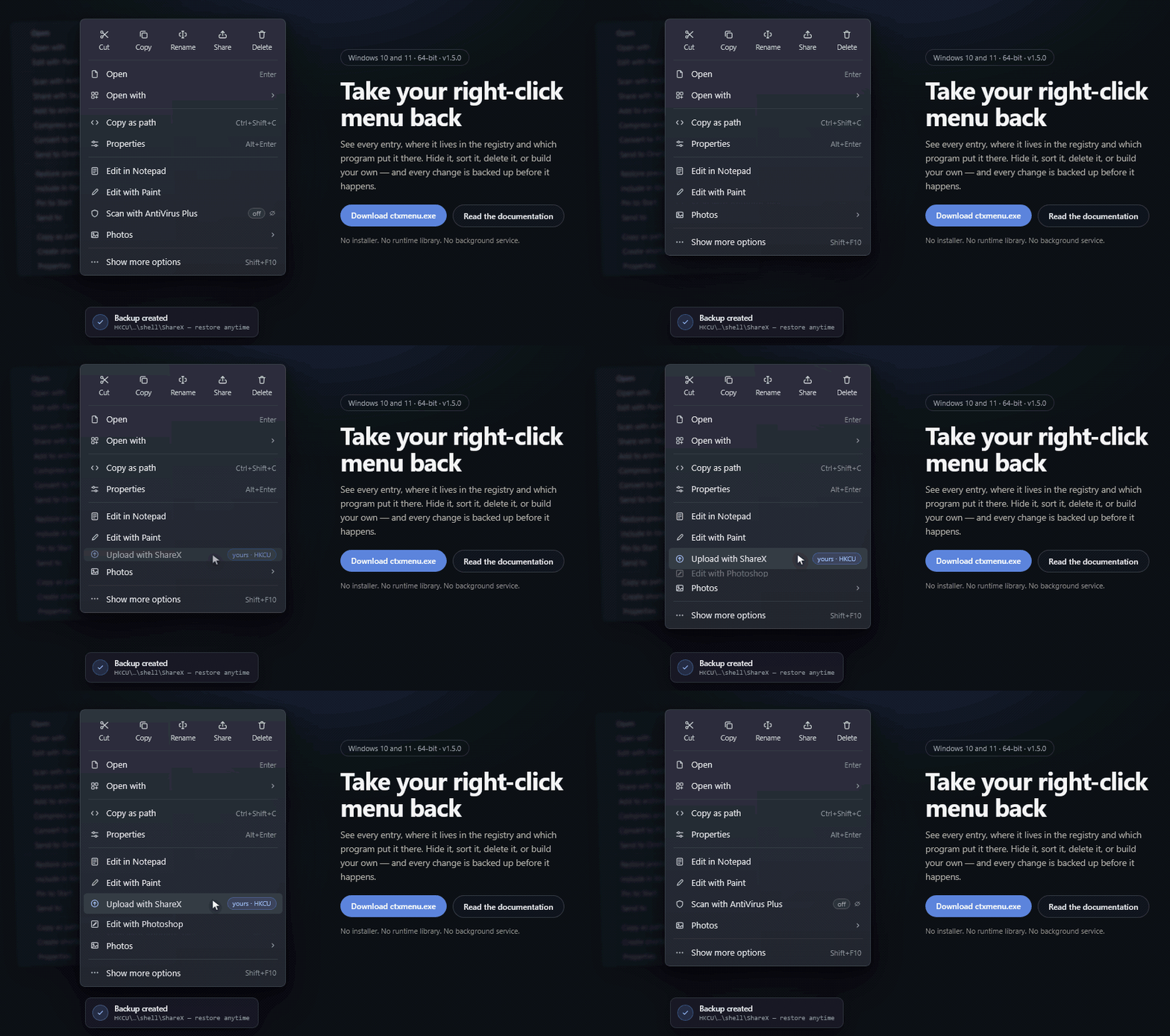
Take your right-click menu back.
See every entry, where it lives in the registry and which program put it there.
Hide it, sort it, delete it, or build your own — and every change is backed up before it happens.
⬇ Download ctxmenu.exe · Documentation
Windows 10 and 11 · 64-bit · No installer. No runtime library. No background service.
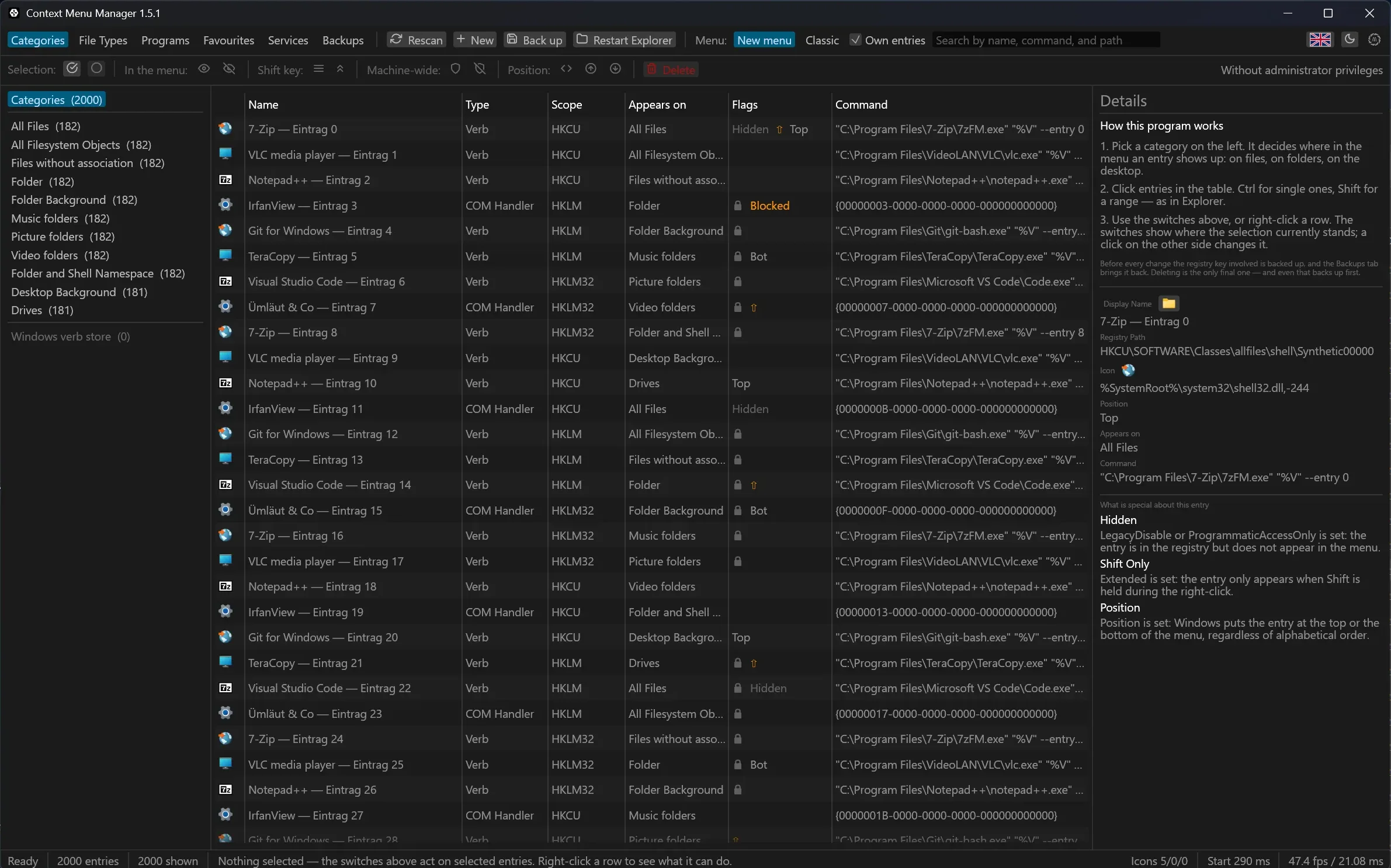
| ✅ Free and open source | ✅ Dark and light mode |
| ✅ MIT licence | ✅ German and English, switched at runtime |
| ✅ Windows 11 ready¹ | ✅ Add entries by drag and drop |
| ✅ Works without administrator rights² | ✅ Search across names, paths, commands and CLSIDs |
| ✅ Four switches instead of a row of verbs | ✅ Finds entries whose program is gone |
| ✅ Automatic backups before every change | ✅ Built-in services from any OpenAPI address |
| ✅ Updates itself, signature checked first | ✅ Built-in help, with working command lines |
| ✅ A favourites list you place from | ✅ Built in Rust: one file, no runtime library |
1 The entries of the Windows 11 menu are listed, hidden and created. Their order up there belongs to Explorer, and the commands it builds in itself carry no registration to reach.
2 Your own entries always go to HKCU. Changing an entry that lives under HKLM needs elevation, and it is asked for that one step only.
Pick one in the favourites tab and every field is filled in but the key. The list is a plain JSON file — adding a service is a pull request on a text file, not on Rust.
| Share images |  Imgur Imgur |
Uploads an image and hands back its address |
 ImgBB ImgBB |
Uploads an image and hands back its address | |
 Freeimage.host Freeimage.host |
Uploads an image and hands back its address | |
| Share files |  Catbox Catbox |
Puts any file up for good, up to 200 MB |
 Gofile Gofile |
Puts any file up, no account needed | |
| Edit images |  remove.bg remove.bg |
Takes the background out of a photo |
 PhotoRoom PhotoRoom |
Takes the background out of a photo | |
 Stability AI Stability AI |
Enlarges an image four times over | |
 TinyPNG TinyPNG |
Makes a PNG or JPEG smaller | |
| Documents |  Stirling-PDF Stirling-PDF |
Shrinks a PDF, on a server of your own |
 Gotenberg Gotenberg |
Turns an Office document into a PDF | |
 Nutrient DWS Nutrient DWS |
Turns a file into a PDF | |
| Share text |  paste.rs paste.rs |
Shares a text file and hands back its address |
 bpa.st bpa.st |
Shares a text file; the address is in the report | |
| Development |  Gitea Gitea |
Attaches the file to an issue |
 Forgejo Forgejo |
Attaches the file to an issue | |
 Zipline Zipline |
Puts the file on a host of your own | |
| Storage of your own |  Nextcloud Nextcloud |
Puts the file into your own Nextcloud |
 Bunny Storage Bunny Storage |
Puts the file into a storage zone | |
 MinIO MinIO |
Puts the file into an open bucket | |
| Check a file |  VirusTotal VirusTotal |
Has the file checked; the report opens |
Anything not on this list is a form to fill in once, and the formats page says which shapes of API it can speak to. A service that describes itself through OpenAPI needs no form at all: paste the address and tick the tools.